How to Build an Omnichannel AI Support Engine Across Voice, WhatsApp, Email, and Chat
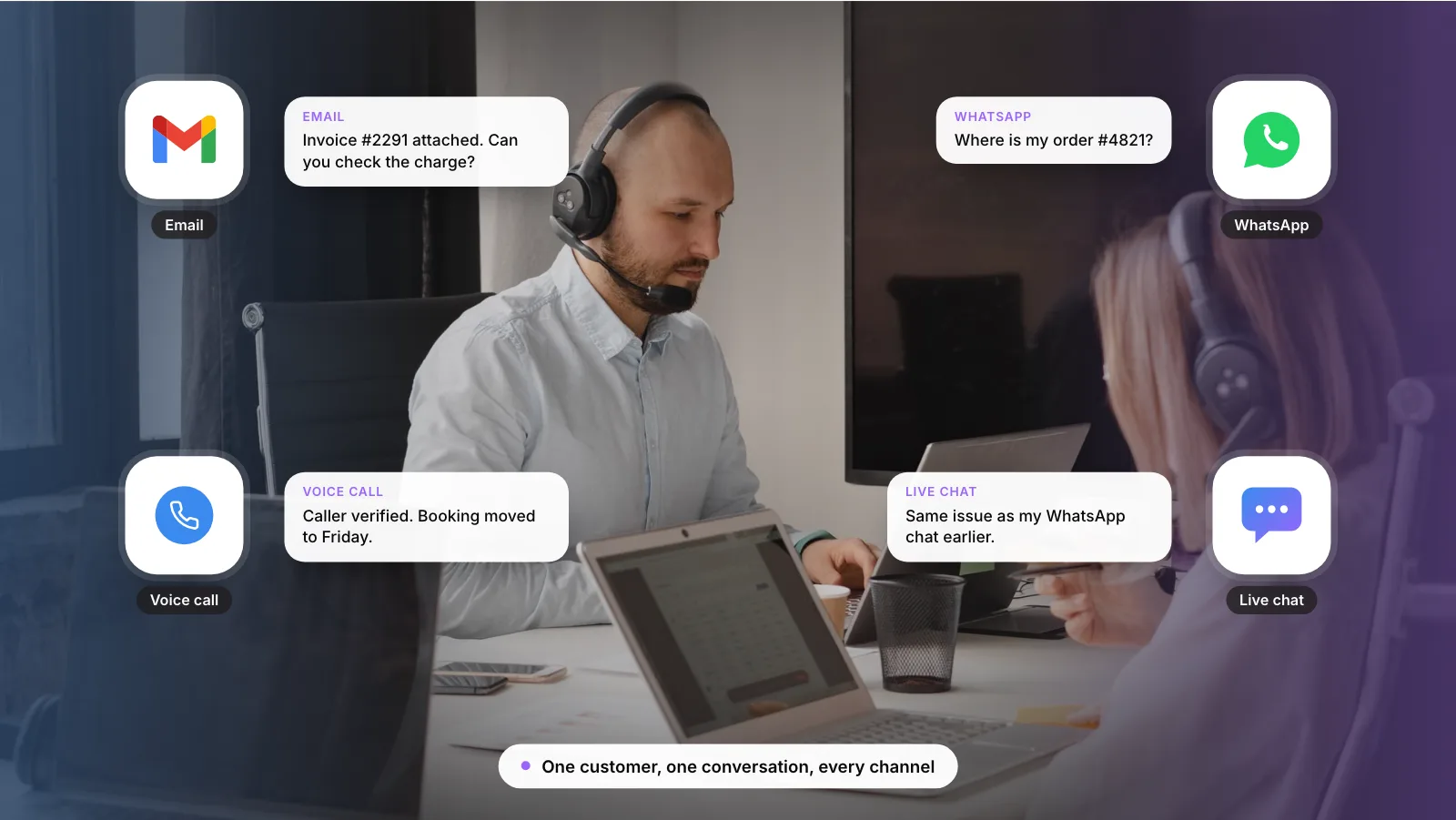
An omnichannel AI support engine is one AI agent with four front doors. Voice, WhatsApp, email and chat each get a thin adapter, and all of them share the same knowledge, tools, customer memory and handoff rules.
This guide covers how each channel differs, the architecture we recommend, an 8-step build plan and what each channel costs to run.
1. The Short Answer
Build one AI agent and connect it to each channel through an adapter, instead of buying a separate bot for every channel. The agent answers from one knowledge base, acts through one set of tools, and writes every conversation to one customer record.
Customers already move between channels. A Gartner survey of 5,801 customers in early 2025 found that only ~22% start, stay and resolve their service issue entirely in a company’s own channels. Your engine has to pick up wherever they arrive.
Key takeaways
- Build one AI core and add each channel as a thin adapter, so answers and policies stay identical everywhere.
- Only ~22% of customers resolve issues entirely in company channels; most start elsewhere (Gartner, 2025).
- Keep voice in scope: only ~35% of customers who last used the phone were willing to adopt a GenAI assistant (Gartner, 2025).
- WhatsApp moved to per-message pricing on July 1, 2025, so model message costs per channel and check Meta’s current pricing (Meta).
- Launch on your highest-volume channel first, then add one channel at a time.
2. What Is an Omnichannel AI Support Engine?
“Multichannel” means you answer on several channels. “Omnichannel” means the channels share state. A customer who starts on WhatsApp and then calls should not have to repeat the order number, and the voice agent should know what the WhatsApp agent already promised.
The engine is the shared part: a large language model (LLM) that reasons over the request, a retrieval layer that pulls answers from your help content, and tool connections that let it act in your order, billing or booking systems. Channels become input and output formats.
Note: Retrieval-augmented generation (RAG) means the model looks up relevant documents before it answers, so replies come from your content rather than the model’s general training.
How a message moves through the engine
- Receive. The adapter turns each channel into one message format.
- Understand. The core agent reads the intent and the customer’s history.
- Act. The agent answers from your content or calls your systems.
- Hand off. Hard cases go to a person with the full context.
3. Why Build One Engine Instead of Four Bots?
Four separate bots mean four knowledge bases to keep current, four sets of integrations and four versions of your refund policy. They drift apart over time. The research also shows customers will not stay in one channel for you.
- ~51% of customer service journeys start on third-party platforms such as Google, YouTube or ChatGPT (Gartner, 2025).
- ~22% of customers start, stay and resolve their issue entirely in a company’s own channels (Gartner, 2025).
- ~35% of customers who last used the phone were willing to adopt a GenAI assistant (Gartner, 2025).
The phone figure matters most for planning. In the same Gartner research on self-service, only ~35% of customers who last called were willing to use a GenAI assistant. Pushing callers to chat may not work for many of them, so we plan for voice from the start.
One engine also keeps maintenance in one place: you fix an answer once and it is fixed on every channel. If you are comparing the pieces of a support setup, our guide to the AI customer support stack explains the layers.
4. How Do Voice, WhatsApp, Email and Chat Differ?
The core logic is shared, but each channel has its own timing, format and rules. The adapter for each channel handles these differences so the core does not have to.
Voice
- Format: speech in, speech out.
- Reply speed: aim for about a second per turn, or callers may talk over the agent.
- Identity: caller ID, then verify with a one-time passcode or account details.
- Channel rules: recording and consent rules vary by country.
- Best AI tasks: status checks, bookings, routing and out-of-hours calls.
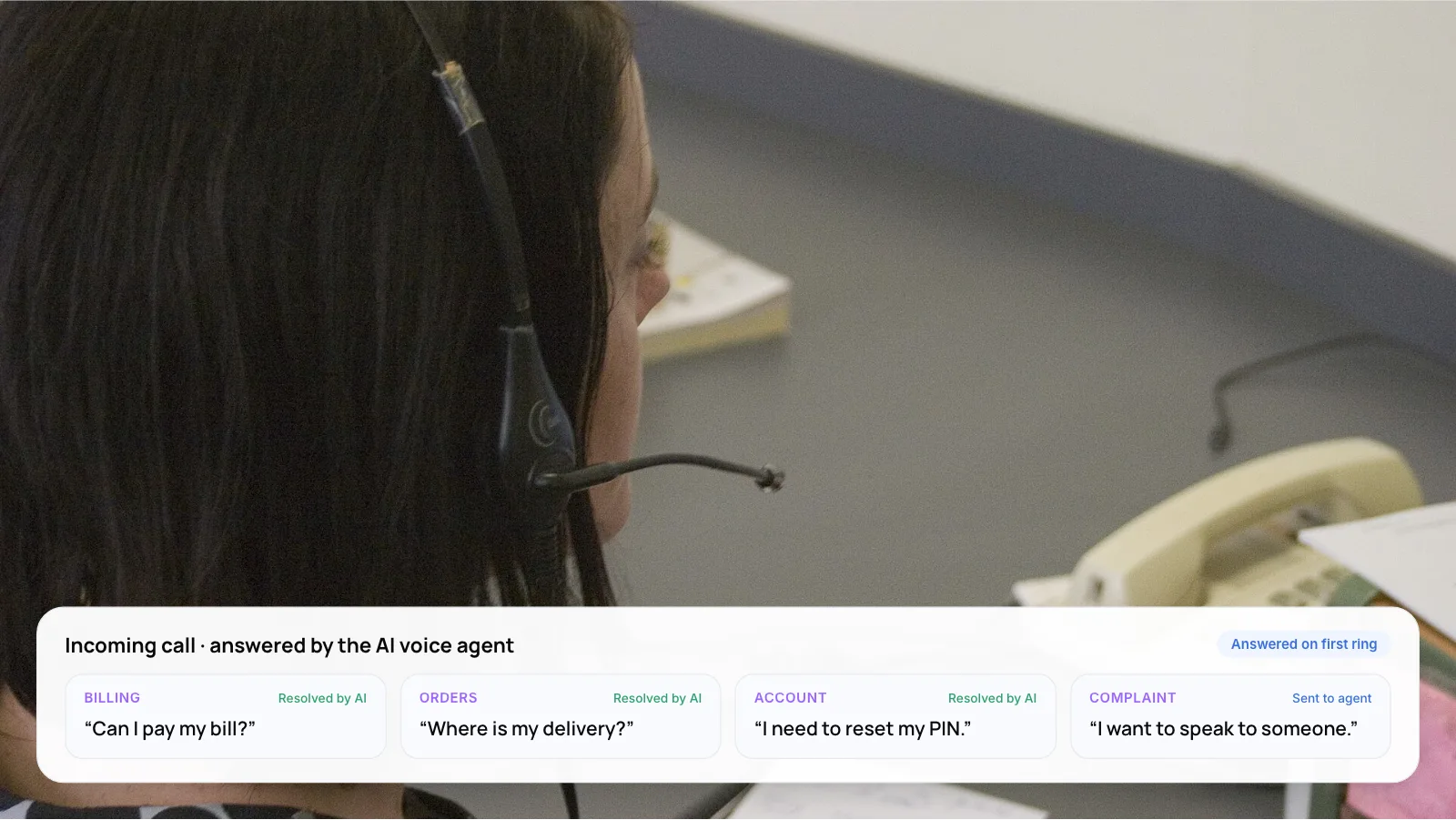
- Hand to a person when: the caller asks, repeats twice or sounds upset.
- Format: short text, buttons, lists and media.
- Reply speed: seconds to a few minutes.
- Identity: the phone number is known.
- Channel rules: free-form replies only inside the 24-hour window; pre-approved templates after it.
- Best AI tasks: order updates, returns, payments and reminders.
- Hand to a person when: a complaint, a payment dispute or low confidence.
- Format: long text, threads and attachments.
- Reply speed: minutes to hours.
- Identity: the sender address, which is easy to spoof.
- Channel rules: spam and sender-authentication rules (SPF, DKIM).
- Best AI tasks: triage, drafting and document requests.
- Hand to a person when: legal, contract or escalation language appears.
Web chat
- Format: short text, rich widgets and links.
- Reply speed: a few seconds.
- Identity: a logged-in session, or none.
- Channel rules: mostly your own rules.
- Best AI tasks: FAQs, account changes and product help.
- Hand to a person when: confidence is low or the customer asks.
Response-time targets are working guidance, not a published standard. WhatsApp rules are from Meta’s platform documentation.
Tip: On WhatsApp, you can send free-form replies only inside the 24-hour window after the customer’s last message. After that, you can send only a pre-approved template. Design follow-ups such as “your refund is processed” as templates from the start.
If voice is your first channel, our comparison of AI voice agent platforms covers the options. For WhatsApp and language handling, see our guide to WhatsApp AI support in Arabic and English. For the email channel, see AI email response for customer support.
5. What Does the Architecture Look Like?
We recommend six components. The first is per channel; the other five are shared. The tool names below are examples of what teams use in each layer, not a list of our integrations.
- Channel adapters. One per channel. Each converts incoming calls, WhatsApp messages, emails and chats into a common message format, and formats the reply back for its channel: speech, short text with buttons, or a full email. Example tools: Twilio, Vapi or Retell for voice; the WhatsApp Cloud API; SendGrid or the Gmail API; your web widget.
- Conversation core. The AI agent that reads the message, decides what to do and writes the reply. It runs the same prompts, policies and guardrails whatever the channel. Example tools: GPT or Claude models, orchestrated with LangGraph or similar.
- Knowledge and retrieval. Your help articles, policies and product data, split into chunks and indexed so the agent can look up the right passage before it answers. Example tools: Pinecone, pgvector, Weaviate.
- Tools and actions. Scoped API connections to order, billing, booking and CRM systems. Give read access widely and write access only for actions you have tested. Example tools: your order API, Stripe, Salesforce, HubSpot.
- Customer memory. One profile per customer that links phone number, email and logins, plus a short summary of recent conversations on any channel. Example tools: a CRM record plus a conversation store.
- Handoff and analytics. Rules that route hard cases to a person in the helpdesk with a summary, and reporting on resolution, handoff and customer satisfaction (CSAT) per channel. Example tools: Zendesk, Freshdesk, Intercom; Looker Studio or Power BI.
The retrieval layer is where most quality problems start. Our guide to agentic RAG for customer service automation covers how to set it up.
6. How to Build an Omnichannel AI Support Engine in 8 Steps
- Count volume by channel. Pull 90 days of contacts from your phone system, WhatsApp, inbox and chat. Note volume, top reasons and current handling time for each.
- Pick five shared intents. Choose reasons that appear on several channels and follow clear rules, such as order status, rescheduling or refund status.
- Build the knowledge base once. Write or update one article per intent. Every channel will answer from it.
- Connect the tools. Give the core read access to the CRM and scoped write access to the systems those five intents need. Log every action.
- Unify customer identity. Match phone numbers, emails and account IDs to one profile so context carries across channels.
- Launch the first adapter. Start with the channel that carries the most volume for simple, rule-based requests. Your own data from step 1 tells you which one it is.
- Write handoff rules per channel. Use the triggers listed in section 4, and pass a written summary so the customer never repeats themselves.
- Add the next channel. When the first channel holds its resolution rate over a period you set in advance, add the next adapter. The core, knowledge and tools stay the same.
Warning: We recommend against launching all four channels at once. Each channel surfaces different failure cases, and you need clean data from one before you can judge the next.
7. What Does Each Channel Cost to Run?
Each channel bills differently, so model them separately. Every channel also pays for LLM usage, which is charged per token (a unit of roughly a few characters of text).
- Voice: billed per minute. Telephony, speech-to-text, text-to-speech and LLM usage are each billed by the minute or by usage. Check the current rates of the providers you choose.
- WhatsApp: billed per message. Meta bills template messages per delivered message, by category and the recipient’s country. Your provider may add its own fee on top.
- Email: mostly LLM tokens. Sending cost is small. Long threads and attachments raise token use, so summarize them before passing them to the model.
- Web chat: mostly LLM tokens. Short turns keep costs low. Watch for long sessions where the full history is resent every turn.
The WhatsApp change is the one most teams miss. On July 1, 2025, Meta replaced conversation-based pricing with per-message pricing on the WhatsApp Business Platform. Meta’s pricing documentation also lists later updates for service and utility messages, so check its current pricing page before you build a cost model.
If you want to work through a per-channel cost model for your own volume, book a 30-minute call and we can walk through it.
8. What Results Have Companies Reported?
Klarna ran one AI assistant for its customer service chats across its markets and languages. The figures come from Klarna’s own announcement in February 2024, so treat them as one company’s result from that time.
- 2.3 million conversations in the first month.
- Two-thirds of its customer service chats.
- Under 2 minutes to resolve an errand, down from 11 minutes.
- ~25% fewer repeat inquiries.
The announcement describes customer service chats. It does not describe a voice, WhatsApp or email rollout, so it shows what one well-connected assistant can carry before you add more channels. Klarna later said it wants customers to always have the option to speak with a human, which is why we plan for people at the end of every path.
That matches what service leaders report. A late-2025 Gartner survey of 321 service leaders found that only ~20% had cut agent headcount because of AI, while ~55% kept staffing stable and handled more volume.
Neura Dynamics project: Paymate. We built Paymate’s omnichannel AI customer support system for a multi-product software environment. It covers voice, email and web chat in English, Spanish and French, answers from the company’s product documentation, checks its confidence and tries up to three times, then hands the case to human support with context. Vapi powers the voice channel. For high-confidence email queries, first response time went from hours to under one minute.
9. What Mistakes Should You Avoid?
- One bot per channel. Separate bots drift apart. Customers get different answers on WhatsApp and the phone, and you fix every policy change four times.
- Copying chat replies into voice. Text written for screens sounds wrong when spoken. Keep voice replies short, avoid lists and confirm key details back to the caller.
- Ignoring the WhatsApp window. If your follow-ups are not approved templates, you cannot send them once the 24-hour window closes.
- No shared identity. Without one customer profile, the engine treats a caller and the same person on WhatsApp as strangers.
New to automation? Start with what customer support automation is and how it works.
10. Frequently Asked Questions
What is the difference between omnichannel and multichannel support?
Multichannel support means you answer on several channels. Omnichannel support means those channels share context: the same customer record, conversation history and answers. A customer can start on WhatsApp, call later and continue without repeating details. An omnichannel AI engine adds a shared AI agent behind every channel.
Which channel should I automate first?
Start with the channel that carries the most volume for simple, rule-based requests. Check your own 90-day data to find it. The first channel proves the core, and later channels reuse it.
Do I need the WhatsApp Business API for an AI agent?
Yes, an AI agent connects through the WhatsApp Business Platform, using Meta’s Cloud API directly or through a provider. The WhatsApp Business app on its own does not let software send and receive messages for you. Meta also lets some businesses use the app and the API on one number, so see Meta’s platform overview for the current options. Since July 1, 2025, Meta bills template messages per delivered message.
Can one AI agent handle both voice and text?
Yes, if the voice adapter converts speech to text and back, and the core keeps replies short for voice. Latency is the main constraint on voice, because long pauses feel unnatural to callers. One option is a faster model for voice turns, with the same knowledge and tools behind both.
How do I measure an omnichannel AI support engine?
Track resolution rate, handoff rate, CSAT, repeat contacts within seven days and cost per resolved case, each split by channel. Also track cross-channel repeats: customers who contact you on a second channel about the same issue. That number shows whether context is really shared.
11. Conclusion
An omnichannel AI support engine works when the hard parts are shared: one knowledge base, one set of tools, one customer memory and one set of handoff rules. Pick the channel with your highest volume, launch the core there, and add each new channel as an adapter once the first one holds its resolution rate.
To see this approach in production, read how we built Paymate’s omnichannel support system across voice, email and chat. To build the engine with us, see our AI customer support automation services, or book a 30-minute call and we will walk through it with you.
Author