The 24/7 Support Playbook: How to Eliminate After-Hours Ticket Backlogs with AI
To get 24/7 customer support without a night shift, let an AI agent fully resolve the after-hours tickets that have known answers. Then make sure everything else reaches your team in the morning already sorted, summarized and prioritized.
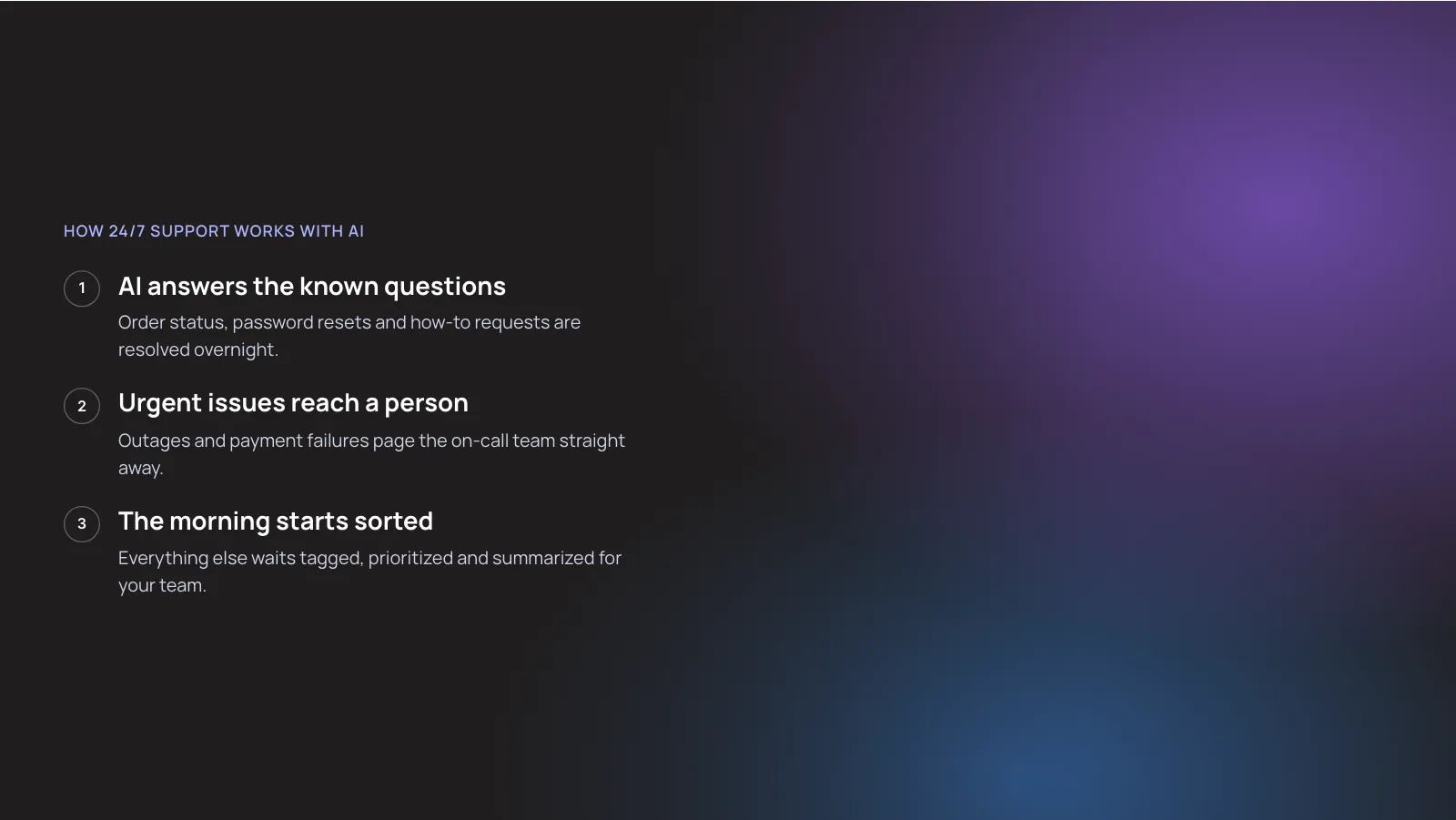
In three steps, this is how 24/7 support works with AI:
- AI answers the known questions. Order status, password resets and how-to requests are resolved overnight.
- Urgent issues reach a person. Outages and payment failures page the on-call team straight away.
- The morning starts sorted. Everything else waits tagged, prioritized and summarized for your team.
1. The Short Answer
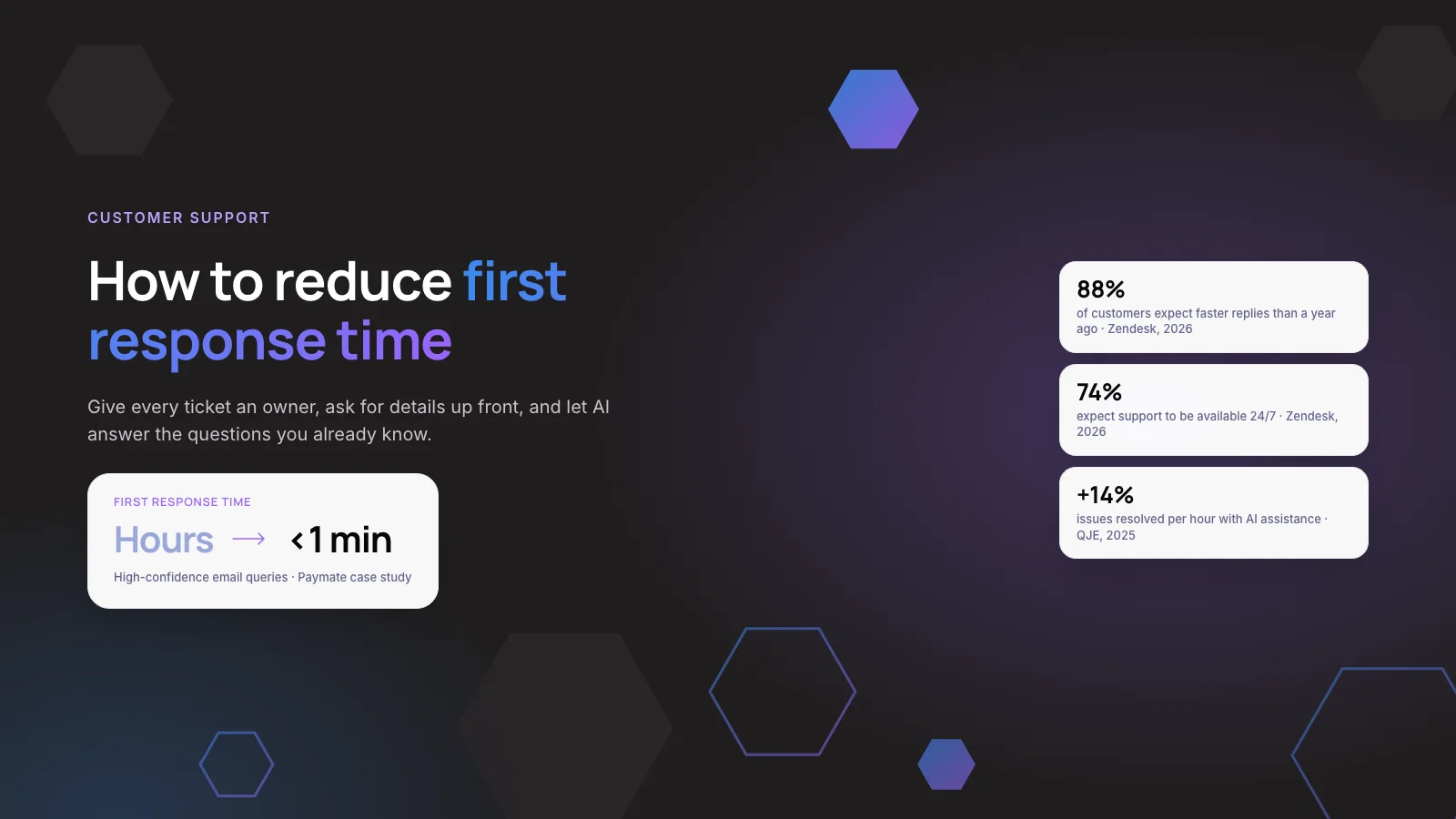
Zendesk’s CX Trends 2026 report found 74% of consumers say that, because of AI, they now expect customer service to be available 24/7. The backlog your team faces at 9 am is a design problem more than a staffing problem.
This playbook shows which coverage model fits your volume, what to automate first, what should wait for a person and how to measure it honestly. It builds on the customer support automation work behind Neura Dynamics’ AI customer support automation services.
Key takeaways
- Start with an audit: export 90 days of tickets created outside business hours and group them by reason. That list decides everything else.
- Let AI resolve overnight tickets with documented answers, such as order status, password resets and how-to questions. Send refunds, safety and fraud to people.
- Everything the AI cannot resolve should arrive tagged, prioritized and summarized, so the morning starts with work, not triage.
- Report after-hours resolution rate and CSAT separately from daytime. An instant “we got your message” is not a 24/7 service.
2. What Causes an After-Hours Ticket Backlog?
An after-hours backlog is the pile of tickets created while nobody is working that are still open when your team logs in. It forms because customers keep writing on their own schedule while your help desk stops answering.
Three things make it worse:
- No owner overnight. Tickets sit unassigned until someone sorts them in the morning.
- Missing details. The first human reply is a question, which adds another full day.
- Oldest-first queues. Urgent tickets wait behind routine ones at 9 am.
The time zone gap is wider for many teams. A team in Pune serving US customers, or a Dubai team serving Europe and the GCC, has a “night” that falls in the customer’s working day.
Note: Your reports may hide the problem. In Zendesk, SLA targets can be measured in business hours or calendar hours. If you choose business hours, the target is measured only inside your schedule, so a Friday-night ticket can show a short reply time on Monday even though the customer waited all weekend.
3. How Much of Your Backlog Can AI Customer Support Clear?
It depends on what your overnight tickets are about, so measure that before you buy anything. Vendors quote resolution rates from their best customers. Your number comes from your own ticket mix.
Two published forecasts show the direction:
- 30% now, 50% by 2027. Service teams estimate AI handles 30% of cases today and expect 50% by 2027 (Salesforce State of Service, 2025, a survey of 6,500 service professionals).
- 80% by 2029. Gartner predicts agentic AI will resolve 80% of common customer service issues without human intervention (Gartner, March 2025).
Treat both as forecasts and self-estimates, not audited results. Our view: if only a small share of your after-hours tickets have a documented answer, start with triage and summaries rather than a customer-facing AI agent. The agent will hand over most conversations, and customers will feel the extra step without the benefit.
4. Which 24/7 Customer Support Model Fits Your Team?
There are five common ways to cover nights and weekends. Many teams end up with a hybrid, but it helps to see the options separately.
- Auto-reply only. At 2 am the customer gets an acknowledgement and waits. Cost driver: low. Best for: very low after-hours volume. Main risk: backlog and churn, because the reply solves nothing.
- Outsourced night shift. At 2 am a BPO agent answers. Cost driver: per agent hour. Best for: a high volume of complex, human-only tickets. Main risk: quality gaps and limited system access.
- Follow-the-sun team. At 2 am your own staff in another time zone answer. Cost driver: salaries in two or more locations. Best for: large teams with offices across regions. Main risk: handover quality between shifts.
- AI agent plus on-call. At 2 am the AI resolves known answers and urgent cases page a person. Cost driver: per resolution or build cost, plus on-call. Best for: mid-size teams with repeatable questions. Main risk: wrong answers without grounding.
- Hybrid: AI plus a morning queue. At 2 am the AI resolves what it can and the rest is triaged for the morning team. Cost driver: build or license cost. Best for: many B2B and ecommerce teams. Main risk: non-urgent issues still wait until morning.
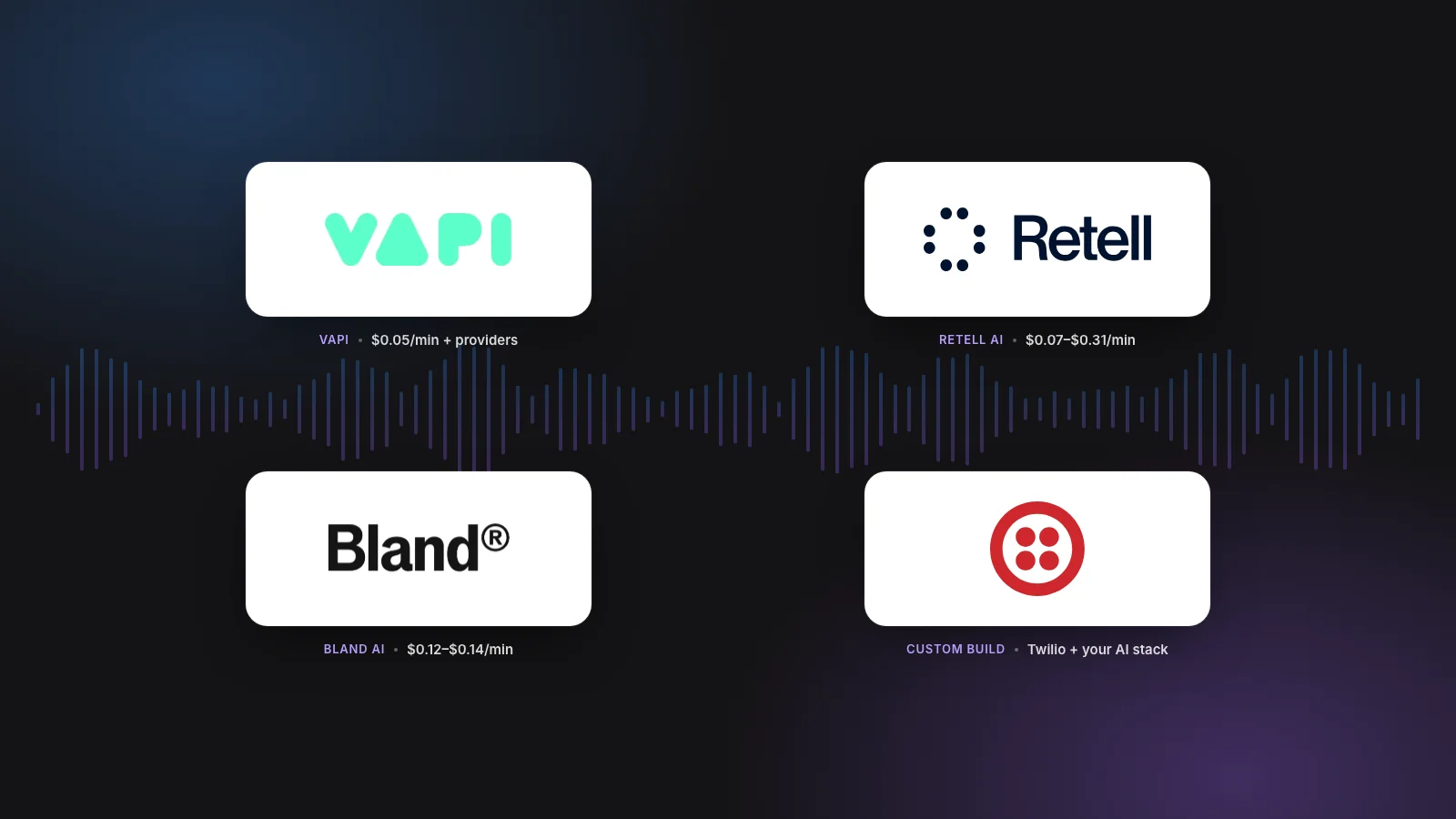
For phone support, the same logic applies to an AI answering service. It picks up the call, resolves simple requests and books a callback for the rest. If you are weighing an off-the-shelf tool against a custom build, our AI customer support agent cost guide compares both. For a lighter, three-lane version of overnight cover, see our guide on handling after-hours support without a night shift.
5. The Playbook: 7 Steps to Clear the Overnight Queue
- Audit 90 days of after-hours tickets. Filter by creation time outside your schedule, including weekends and holidays. Group by reason and note which reasons have a written answer.
- Write down your hours and SLA rules. Set the priorities you promise around the clock to calendar hours. Zendesk lets you choose business or calendar hours for each priority.
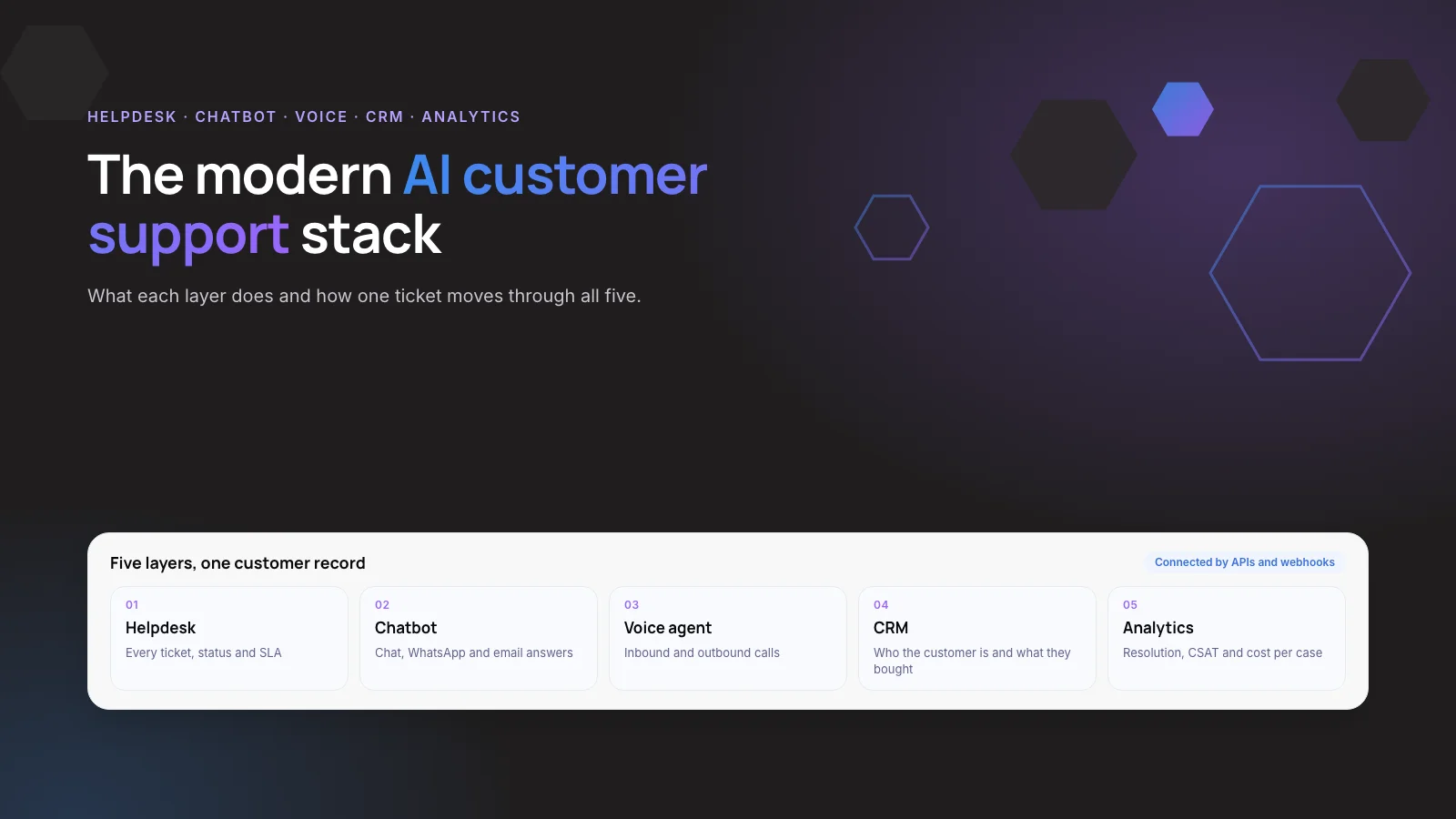
- Triage every ticket on arrival. Use helpdesk automation or AI ticketing to tag intent, language and priority the moment a ticket lands.
- Let an AI agent resolve known-answer tickets. Connect it to your help center and read-only order data. It should answer only from approved sources and say “I don’t know”.
- Page a person for the urgent few. Define overnight urgency, such as outages, payment failures or safety issues, and send those to an on-call phone.
- Hand over the rest with context. The AI collects missing details, writes a short summary and tells the customer honestly when a person will reply.
- Review a sample every week. Read 20 to 30 overnight transcripts and add the questions the AI could not answer to your help center.
Tip: Launch the AI on one channel first, usually chat or email, and read two weeks of overnight transcripts before adding WhatsApp or voice. Our guide on stopping a support chatbot from giving wrong answers covers the grounding behind step 4.
Not sure how much of your overnight queue is AI-ready? We can review a sample with you. Book a free AI consultation.
6. What Should AI Handle After Hours, and What Should Wait?
The benefits of customer service automation are largest on tickets that are frequent, low-risk and answerable from data you already hold. Here is where each ticket type sits.
AI resolves overnight
- Order status, delivery, tracking: AI resolves overnight. The answer comes from order data.
- Password reset, login help: AI resolves overnight. It is a standard, documented flow.
- How-to and product questions: AI resolves overnight. The answer comes from help content.
- Returns within policy: AI starts the return. The rules are written and checkable.
AI and a person share the work
- Refunds above a set amount: AI collects details, a person approves. It is a financial decision.
- Outage or payment failure: AI acknowledges and pages on-call. Many customers are affected at once.
A person only
- Billing disputes, complaints: a person, the next morning. They need judgment and tone.
- Safety, fraud, account closure: a person only. The legal and trust risk is high.
Lyft draws a similar line. Yahoo Finance reported in February 2025 that, according to a Lyft executive vice president, AI will handle quick fixes while bigger issues such as safety, deactivations and fraud still go to human agents.
7. Real Examples: Lyft and Paymate
In Anthropic’s February 2025 announcement, Lyft’s customer care AI assistant, powered by Claude via Amazon Bedrock, had reduced customer service resolution time by 87%. It handles thousands of daily customer inquiries and transitions complex cases to human specialists.
Paymate runs several software products and supports customers by voice, email and chat. Neura Dynamics built one AI support system that works out which product the customer uses, retrieves the answer from the knowledge base and checks it before sending. If it is not confident after three attempts, it passes the conversation to a person with the context attached.
- Under 1 minute: first response for high-confidence email queries, down from hours.
- 3 channels: voice, email and chat on one system.
- 3 languages: English, Spanish and French.
- 3 attempts: the number of answer attempts before a person takes over.
For ecommerce teams, a similar pattern drafts replies from Shopify order data. We built it for Zenva, where AI drafts Shopify support replies for agents to approve.
8. How Do You Measure 24/7 Support?
Measure overnight performance separately, or the daytime numbers will hide it. We recommend five metrics, each split into business hours and after hours.
- After-hours resolution rate: tickets fully resolved without a person, confirmed by no reopen within seven days.
- First response time in calendar hours: what the customer actually waited, including nights.
- Morning backlog at 9 am: open tickets when the first shift starts, tracked daily.
- Handover quality: the share of handed-over tickets a person could act on without asking the customer again.
- CSAT, AI-handled vs human-handled: if overnight CSAT trails daytime CSAT, the AI is closing conversations it should not.
Customers notice when a fast reply does not fix anything. On the CX Trends 2026 site, Zendesk reports that 85% of CX leaders say customers will drop brands over unresolved issues, even on the first contact.
9. When Is AI the Wrong Answer?
Some customers distrust AI. A Gartner survey published in July 2024 found 64% of customers would prefer companies did not use AI for customer service. That survey is more than two years old, but the concern still applies when the AI blocks access to a person.
Warning: Skip or delay a customer-facing agent if most of your overnight tickets need judgment, if your help content is thin or contradictory, or if you cannot connect the AI to order and account data.
Staffing does not disappear either. Gartner predicted in June 2025 that by 2027, half of organizations planning big cuts to support staff because of AI will drop those plans. In our view, AI changes what your team spends the morning on rather than whether you need the team.
Security is the other common blocker. Salesforce’s 2025 report found 51% of service leaders said security concerns had delayed or limited their AI initiatives. Give the AI read-only access by default and log every action.
10. Frequently Asked Questions
What is automated customer service?
Automated customer service uses software to handle parts of support without a person, from tagging and routing tickets to AI agents that answer customers directly. Salesforce’s 2025 State of Service survey of 6,500 service professionals found teams estimate AI already handles 30% of cases. Most teams combine automation with human agents for complex or sensitive requests.
How do you automate customer support after hours?
Start by auditing tickets created outside business hours and grouping them by reason. Connect an AI agent to your help center and order data, and let it resolve only documented questions. Route urgent issues to an on-call person. Everything else should be tagged, summarized and queued for the morning team, with an honest reply-time promise.
Do you need a night shift for 24/7 customer support?
Usually not for the full volume. Many mid-size teams use an AI agent for routine questions and a small on-call rota for urgent issues such as outages or payment failures. A full night shift makes sense when most overnight tickets need human judgment, or when contracts promise round-the-clock human response on every priority.
What are the pros and cons of automated customer service?
The pros are instant replies at any hour, a smaller morning backlog and consistent answers. The cons are wrong answers when the AI is not grounded in approved content, frustration when there is no route to a person and setup work on your knowledge base. Gartner’s 2024 survey found 64% of customers would prefer companies avoided AI in service.
Can an AI answering service handle after-hours phone calls?
Yes, for well-defined requests. A voice AI can answer the call, check an order or booking, take a message and schedule a callback. It should transfer or page a person for emergencies. Keep the call flow short, tell callers they are speaking with an AI and send a written summary of each call to your helpdesk.
Does a WhatsApp chatbot help with after-hours support?
It can, especially in India and the UAE, where many customers prefer WhatsApp. Plan for Meta’s rule: after a customer messages you, a 24-hour customer service window opens, and outside it you can send only pre-approved templates. If your team replies the next afternoon, the window may have closed. An AI that replies overnight keeps it open.
Related reading: Arabic and English WhatsApp AI support · automating WISMO and returns on Shopify.
11. Next Step
24/7 customer support works when an AI agent resolves the overnight tickets with known answers and the rest reach your team sorted and summarized. Start this week by exporting 90 days of after-hours tickets and grouping them by reason. That audit tells you whether to begin with triage, an AI agent or both.
Book a free AI consultation and we will review your after-hours ticket sample with you.
Author