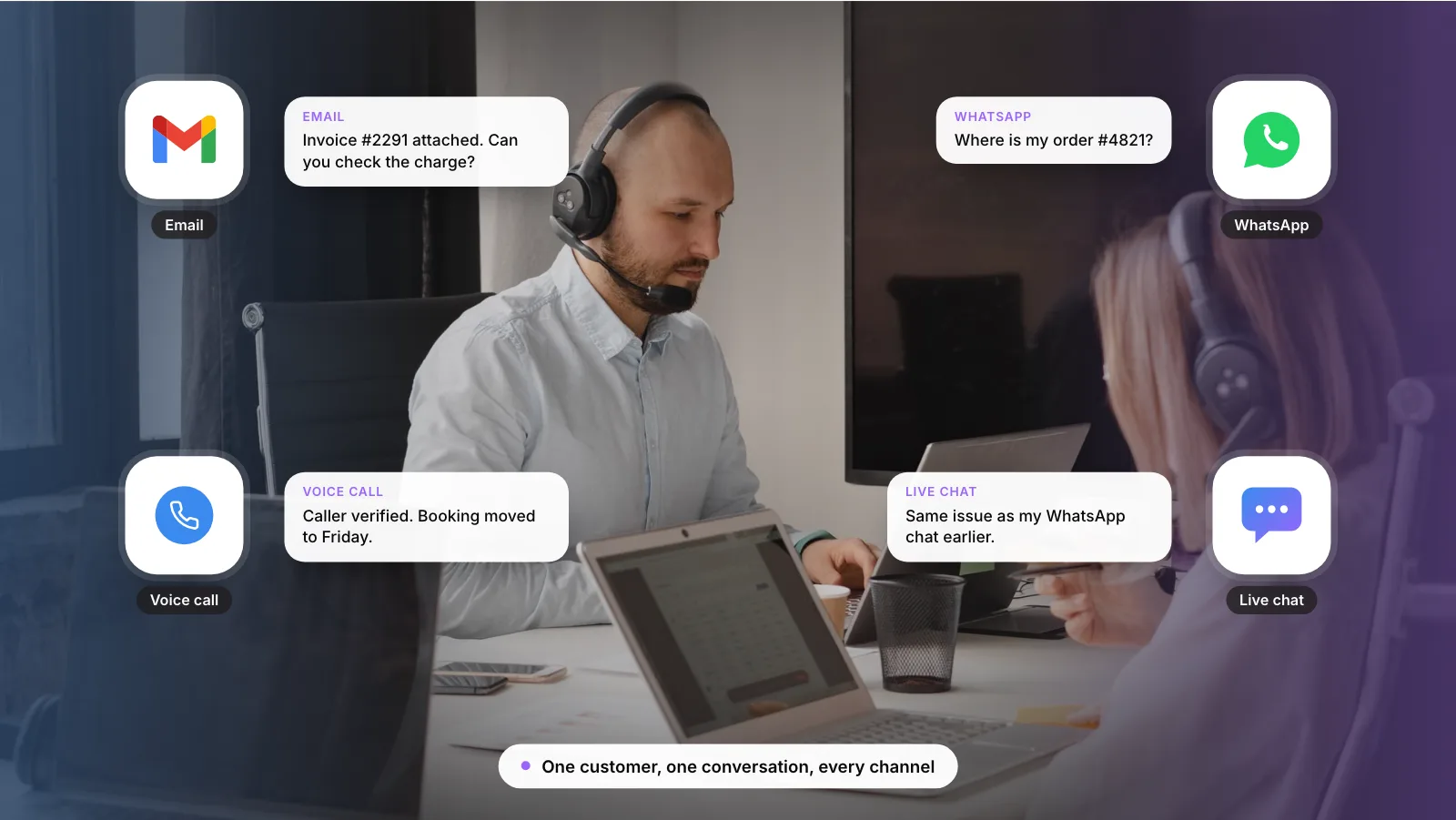
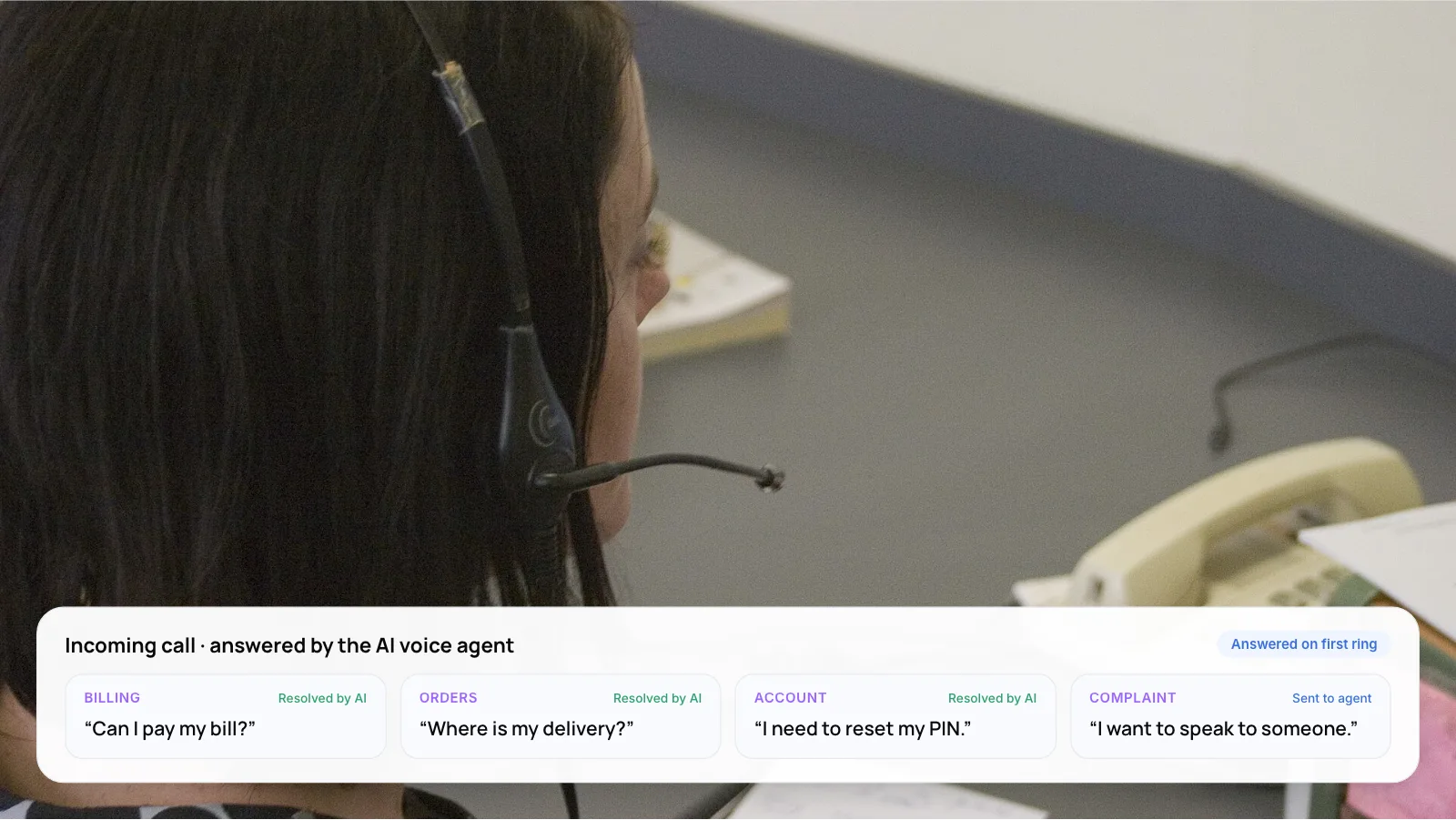
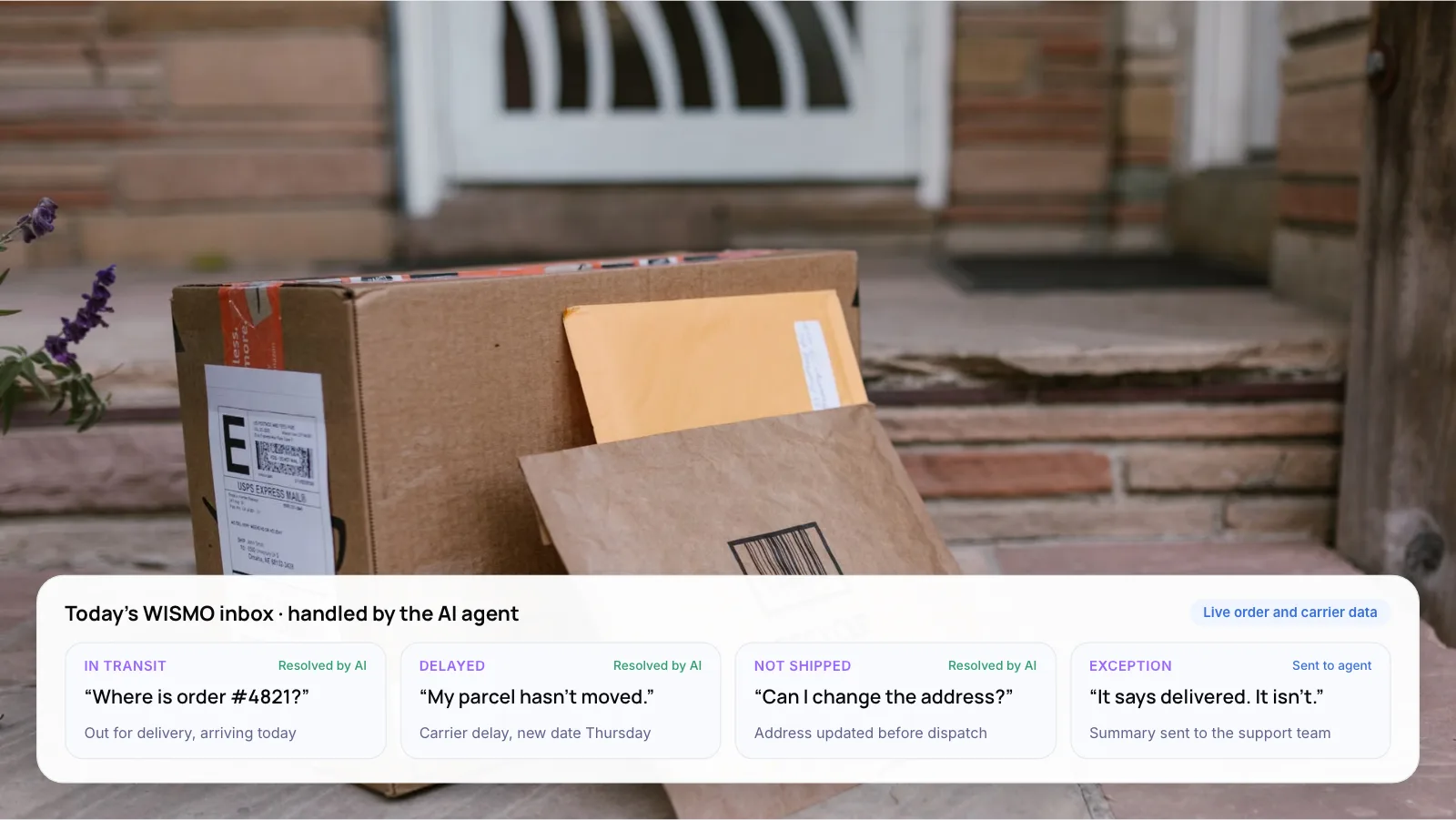
Affordable AI Customer Support Tools for Small Businesses: How to Choose in 2026
Affordable AI customer service software is the one whose AI meter matches your volume. The seat price is rarely the surprise. The AI usage fee on top of it is, because it grows with every customer question the AI handles.
Small businesses are already buying. The U.S. Chamber of Commerce’s 2025 Empowering Small Business report found 58% of small businesses say they use generative AI, up from 40% in 2024. This guide explains how six AI customer support tools bill for AI, so you can price them with your own numbers. We do not quote prices, because they change often. Check each vendor’s page before you buy.

1. The Short Answer
Add up two bills, not one: seats for your people and usage for the AI. Most of the tools below bill the AI separately from the seats, while others bundle a monthly AI allowance into a flat plan. Which one costs least depends on how many conversations the AI handles.
What you actually pay for:
- Your team and the AI are billed separately. Many tools charge a monthly fee for each team member, plus a separate fee for the AI.
- The AI fee grows as you use it. Many tools charge for each customer question the AI handles, so the bill rises with volume.
- Clear help articles save money. The AI answers from your help articles. Clear articles mean more questions solved and fewer wasted charges.
Key takeaways
- Budget for the AI meter first, then the seats. It decides what the tool really costs you.
- Per-resolution, per-session and credit billing behave differently as volume grows. Pick the one that matches how your team works.
- The tool matters less than your help content. A thin knowledge base costs you on every billing model.
- Set a spending cap before you go live, and read the vendor’s definition of what counts as billable.
Note: Vendors change plans and prices often, and this post gives none. Everything about how each tool bills comes from the vendor’s own pricing page as we read it on November 5, 2026. Please check the page again before you buy.
2. How Is AI Billed in Customer Support Software?
Most AI customer service software now has two bills: one for human seats and one for AI usage. The AI bill comes in three forms, and each behaves differently as your volume grows.
- Per resolution. You pay for each conversation the AI closes without a person. Help Scout and Intercom both bill this way, and Intercom calls it an outcome. Cost rises as the AI resolves more, so it tracks results. The vendor decides what counts as resolved, so read that definition.
- Per session or conversation pack. You pay for each interaction the AI joins, or buy a pack of AI conversations. Freshdesk bills by session and Tidio sells Lyro AI conversations as an add-on. Each interaction has a known price, and the count includes interactions the AI does not finish.
- Credits or tokens. You pay for model usage inside a plan allowance. Crisp includes monthly AI credits in its paid plans, and Zoho Desk lists a monthly token allowance for its AI agents. The bill is flat until you pass the allowance, and it is harder to turn into a cost per conversation.
None of the three is better for everyone. Per-resolution billing suits teams that want cost tied to outcomes. Per-session billing suits teams with a strong help center, because a high resolution rate keeps unfinished sessions low. Credits suit teams that value a steady bill.
3. How Do You Estimate Your Own AI Bill?
Vendor examples use the vendor’s numbers, so build your own from last month’s data. You need four figures, and a spreadsheet is enough.
- Seats. How many people will answer customers? Multiply by the seat price on the vendor page.
- AI conversations. How many contacts a month have a written answer the AI could use? Order status and how-to questions usually do. Refunds and complaints usually do not.
- The AI unit price. Per resolution, per session or per conversation pack, depending on the tool. Multiply by the AI conversations.
- The worst case. Assume every AI conversation is billed, then repeat the sum at three times your volume. Leave out taxes, extra channels and phone add-ons until you know you need them.
Where a tool offers both annual and monthly billing, the annual option is usually the lower rate. If you are still testing, a monthly plan costs more per seat but keeps you flexible while you learn your real AI volume.
4. The Six Tools, One by One
This is a billing view. For a feature-by-feature look at the same tools, read our guide to customer support automation tools for small businesses. The order below is not a ranking.
Zoho Desk: AI tiers priced per user
Zoho Desk lists plans from free to enterprise, priced per user per month in your local currency. Its AI agents run on a monthly token allowance, a Standard-tier Answer bot replies from your knowledge base, and the Professional tier adds Zia AI.
Best for: teams that already run on other Zoho products. Trade-off: token allowances are harder to turn into a cost per conversation than a per-resolution fee, so run a trial and read the usage.
Crisp: a workspace plan, chat-first
Crisp charges per workspace, not per seat, and its paid plans include a monthly amount of AI credits. Crisp describes this as one flat price however many conversations you have. The free plan includes no AI credits.
Best for: chat-heavy teams that want one predictable bill. Trade-off: the page does not say how many conversations a credit allowance covers, and the ticketing system sits on a higher tier than the shared inbox, so email-heavy teams should check the feature list.
Freshdesk: a full help desk with session-based AI
Freshdesk is a help desk with AI Agent sessions on top. Each paid plan includes a starting allowance of Freddy AI Agent sessions, then you pay for more in packs. Freshworks defines a session as a unique interaction with the AI Agent, and an email session is a 72-hour window.
Best for: email-first teams that want ticketing, a shared inbox, a customer portal and AI in one tool. Trade-off: the starting allowance is a one-time allowance, and sessions are counted by interaction, not by whether the AI resolved the question.
Tidio: live chat plus the Lyro AI agent
Tidio’s plans bundle live chat with a limit on billable conversations, and the Lyro AI agent is an add-on billed by AI conversations. The first batch of Lyro conversations is free, once, not every month.
Best for: small websites and online stores that want live chat and an AI chatbot in one place. Trade-off: two meters, human conversations and Lyro conversations, so check both when you forecast the bill.
Help Scout: a shared inbox with pay-per-resolution AI
Help Scout charges per user and lists a free plan for small teams. Its AI add-on is listed as Envoy on the pricing page (the FAQ still calls it AI Answers) and is billed per resolution. New accounts get a free trial of resolutions, and you can set a monthly spending cap. A conversation is not billed if the customer asks for more help.
Best for: small teams that answer mostly by email and want a clean shared inbox. Trade-off: per-resolution billing means the AI line grows with every question it solves, so price it at your volume.
Intercom: per-outcome AI on top of a help desk
Intercom’s Fin AI agent is billed per outcome, at most once per conversation, and nothing is charged if Fin cannot answer or the customer asks for a person. You can set spending limits and alerts. Intercom also sells Fin for use with another help desk, through its sales team.
Best for: teams with well-written help content that expect AI volume to grow and are happy to pay for outcomes. Trade-off: seats and outcomes are two meters, so a busy month can move the bill more than you planned.
5. Help Desk or Chat-First Tool?
The first decision is not the brand. It is whether you need help desk software or a chat-first tool, because that sets which tools to price.
Consider a help desk (Freshdesk, Zoho Desk, Help Scout) if most contacts arrive by email, you want ticket history and response targets, or several people share one queue. Consider a chat-first tool (Crisp, Tidio, Intercom) if most contacts start on your website or in a messaging app and expect an instant answer. If you already work in Zoho, start with Zoho Desk.
If you want to see how help desk rules and AI work together once you have chosen, our guide to helpdesk automation and the comparison of AI support agents in Zendesk and Freshdesk go deeper.
6. How to Choose in Five Steps
- Count last month’s contacts by channel. Email, chat, WhatsApp and phone. This points to a help desk or a chat-first tool.
- Estimate how many have a written answer. Order status and how-to questions usually do. Refunds and complaints usually do not.
- Price each shortlisted tool at your volume. Use your real numbers, not the vendor’s example.
- Run a 14-day trial with real conversations. Turn the AI on for one channel and read every transcript.
- Set a spending cap before you go live. Help Scout and Intercom both list spending controls for AI fees.
Tip: Write or fix your top 20 help articles before the trial. These tools answer from your help content, so the trial tests your articles as much as the software. Our guide to stopping a support chatbot from giving wrong answers covers how to check that.
7. When Should You Build Instead of Buy?
Off-the-shelf tools are a sensible start for most small businesses. They can stop fitting when the AI needs live data from your own systems, when you support several products from one inbox, or when per-resolution fees grow with your volume. A custom build is a project with its own cost, so it is worth comparing both at your numbers.
- Paymate: we built an omnichannel AI support system for a multi-product software environment, covering voice, email and web chat in English, Spanish and French. It answers from the company’s product documentation, checks its confidence, retries up to three times, then hands the case to human support with context. For high-confidence email queries, first response time went from hours to under one minute.
- Zenva: we built an AI customer support platform for Shopify and e-commerce merchants. It brings customer emails, Shopify order data and store policy documents into one workflow, and the AI drafts replies that support agents review and approve.
Our AI customer support agent cost guide explains what drives the cost of the two routes, and our AI customer support automation service page explains how we work.
8. Frequently Asked Questions
What is automated customer service?
Automated customer service uses software to handle parts of support without a person, from routing tickets to AI agents that answer customers directly. Salesforce’s 2025 State of Service survey of 6,500 service professionals found teams estimate 30% of cases are currently handled by AI. Small teams usually start with an AI chatbot answering from their help articles.
What is the best AI chatbot for customer service on a small budget?
It depends on your channel and volume. For website chat, compare Crisp, Tidio and Intercom. For email, compare Help Scout, Freshdesk and Zoho Desk. Estimate each bill at your real monthly volume before you choose, because AI usage fees can change the order.
Is there a free AI customer service tool?
Not one that stays free with AI at real volume. Several vendors give a free allowance or a free trial of AI conversations, but treat these as trials and read what happens when the allowance ends. Some tools also list a free plan for small teams, so check what AI each one includes.
What are the pros and cons of automated customer service?
The pros are instant replies at any hour, a lower cost per routine ticket and consistent answers. The cons are wrong answers when the AI is not grounded in approved content, frustration when there is no route to a person and the work of keeping help articles current. Clear handover rules and a spending cap reduce most of the risk.
How much should a small business spend on AI customer support?
There is no standard figure, because it depends on your seats and your AI volume. Work it out as seats multiplied by the seat price, plus AI conversations multiplied by the per-unit price. Then compare the result with what a ticket handled by a person costs you today, and review it monthly.
Do these tools work with WhatsApp?
Some do. The Help Scout and Zoho Desk pricing pages both list WhatsApp on some plans. Check the plan level for the others before you buy. Meta also charges per message for messages from businesses to users, so look at its pricing for your country. For a bilingual example, read how we build Arabic and English WhatsApp AI support.
9. Conclusion
The most affordable AI customer service software is the one whose AI meter matches your volume. Count last month’s contacts by channel, estimate how many have a written answer, then price your top two tools with those numbers and the worst case at three times your volume.
If you are weighing buy against build for your team, book a free AI consultation and we will walk through it with you.
Author