Multilingual Customer Support: How to Support Customers in Multiple Languages
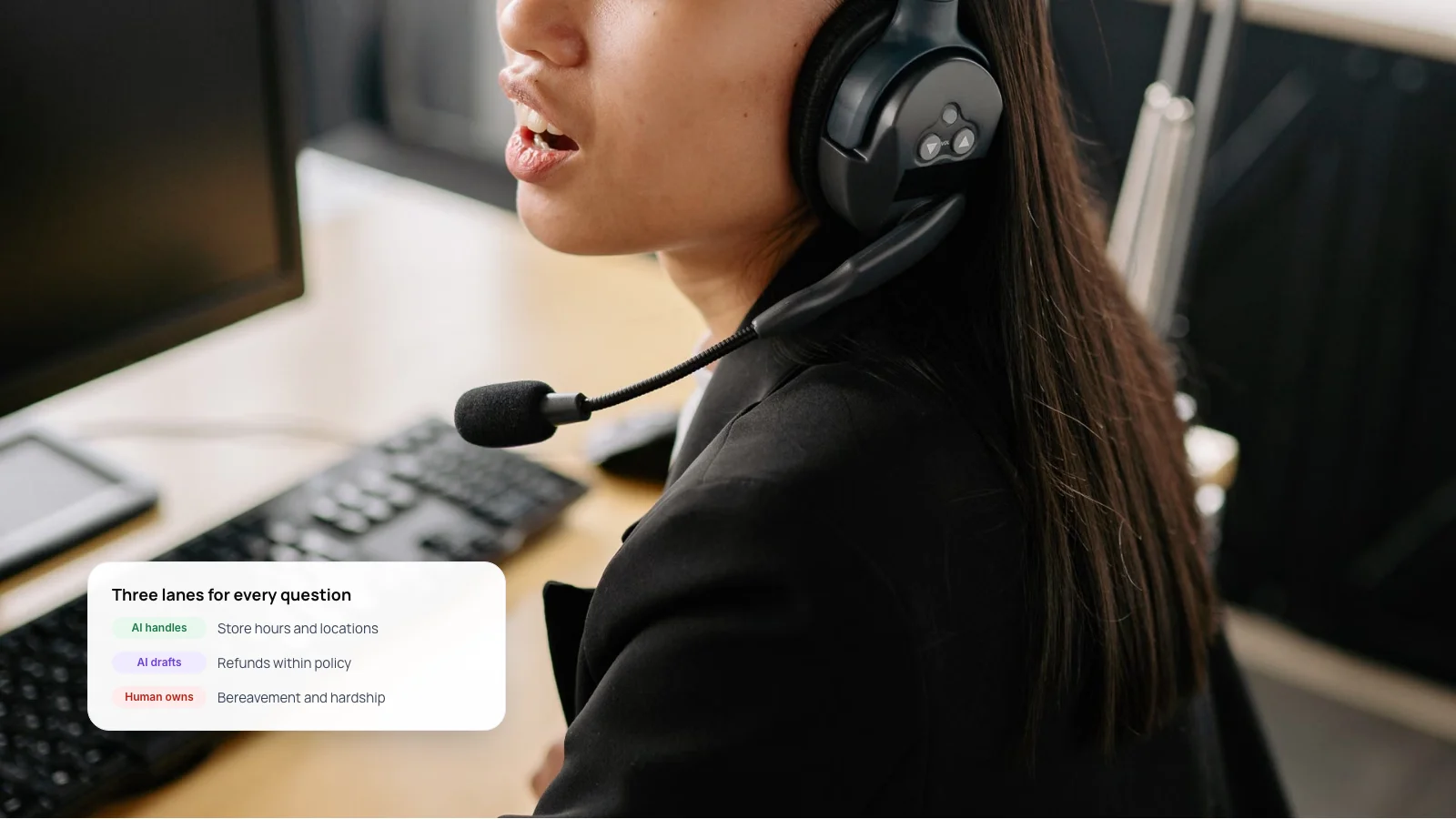
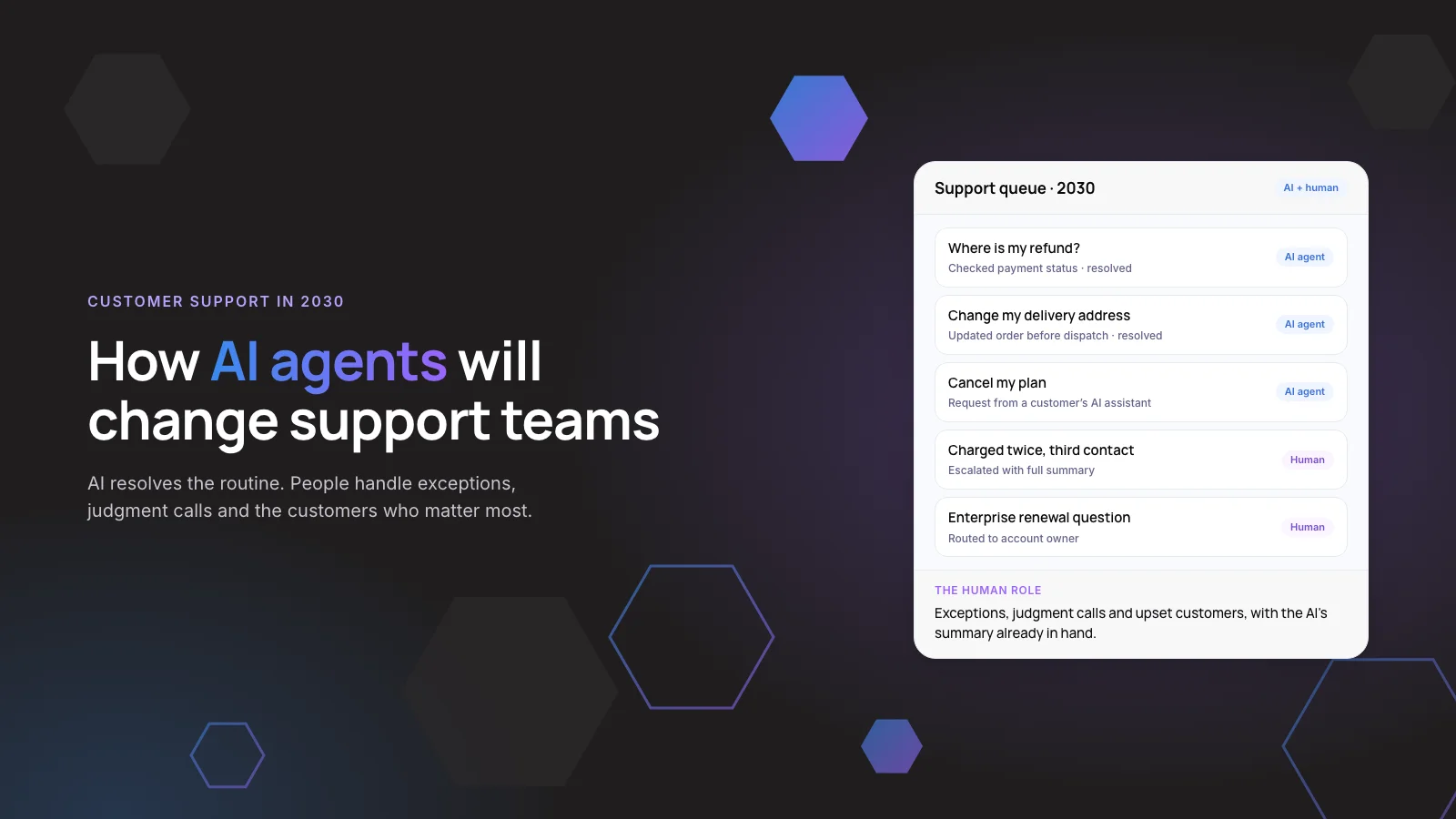
Most teams combine an AI agent that answers routine questions in the customer’s language with a small group of human agents for the cases that need judgment.
This guide compares the four ways to staff multilingual support, explains how AI handles language, and gives you a seven-step setup plan.
1. The Short Answer
To support customers in multiple languages, pick your top languages from real ticket data, let AI customer support handle routine questions in those languages, and route complex cases to people who speak them or work with live translation.
Language affects revenue. In CSA Research’s 2020 survey of 8,709 consumers in 29 countries, 76% preferred buying products with information in their own language, and 40% said they never buy from sites in other languages.
Key takeaways
- 76% of online shoppers prefer product information in their own language (CSA Research, 2020).
- There are four models: native agents, outsourced teams, live translation and AI agents. Most teams combine them.
- AI answers are only as good as the content behind them in each language.
- Keep refund, legal and medical wording human-approved in every language.
- Measure resolution and CSAT per language, not as one blended number.
2. Why Does Multilingual Customer Support Matter?
Your customers are more multilingual than your help center. In the US alone, about 74.1 million people, or 23% of those aged 5 and over, spoke a language other than English at home in 2024, according to Census Bureau survey data. India’s Constitution recognizes 22 scheduled languages. In the UAE and Saudi Arabia, many customers move between Arabic and English in the same conversation.
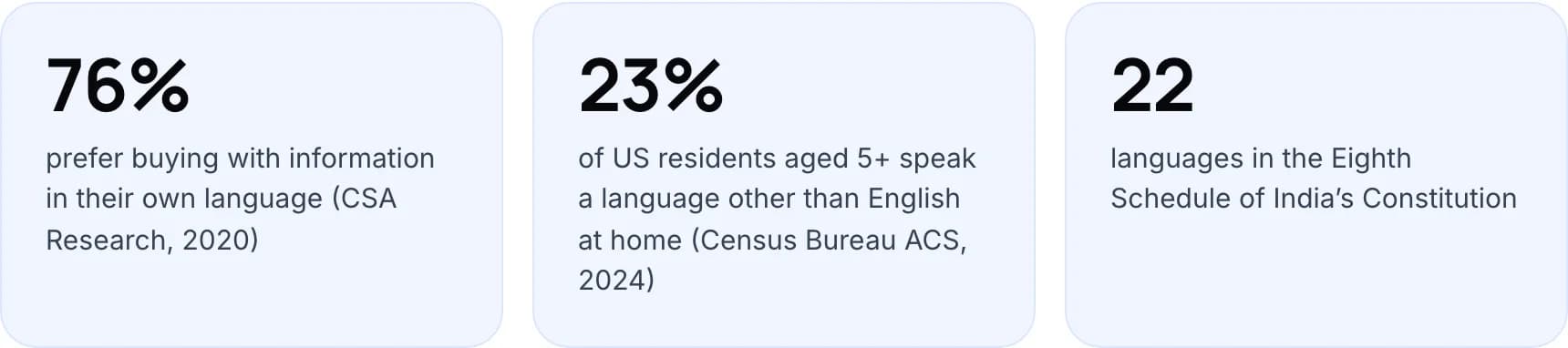
- 76% prefer buying with information in their own language (CSA Research, 2020).
- 23% of US residents aged 5+ speak a language other than English at home (Census Bureau ACS, 2024).
- 22 languages are in the Eighth Schedule of India’s Constitution.
People also search for help in their own language. Our keyword research for this post (SE Ranking, October 2026) found 4,400 monthly searches in Germany for “ki chatbot”, and French and Spanish queries such as “ia service client” and “ia atención al cliente” with their own volume.
One bad support experience is expensive in any language. Zendesk’s CX Trends 2025 report, based on surveys of nearly 5,100 consumers and 5,400 service leaders and agents in 22 countries, found 63% of consumers willing to switch to a competitor after a single bad experience.
Note: The CSA figures come from 2020 and cover online shopping, not support specifically. They remain the largest published survey on language preference, but test the effect with your own ticket and conversion data.
3. What Are the Four Ways to Offer Multilingual Support?
Every multilingual setup is a mix of four models. They differ in cost, quality and how fast you can add a new language.
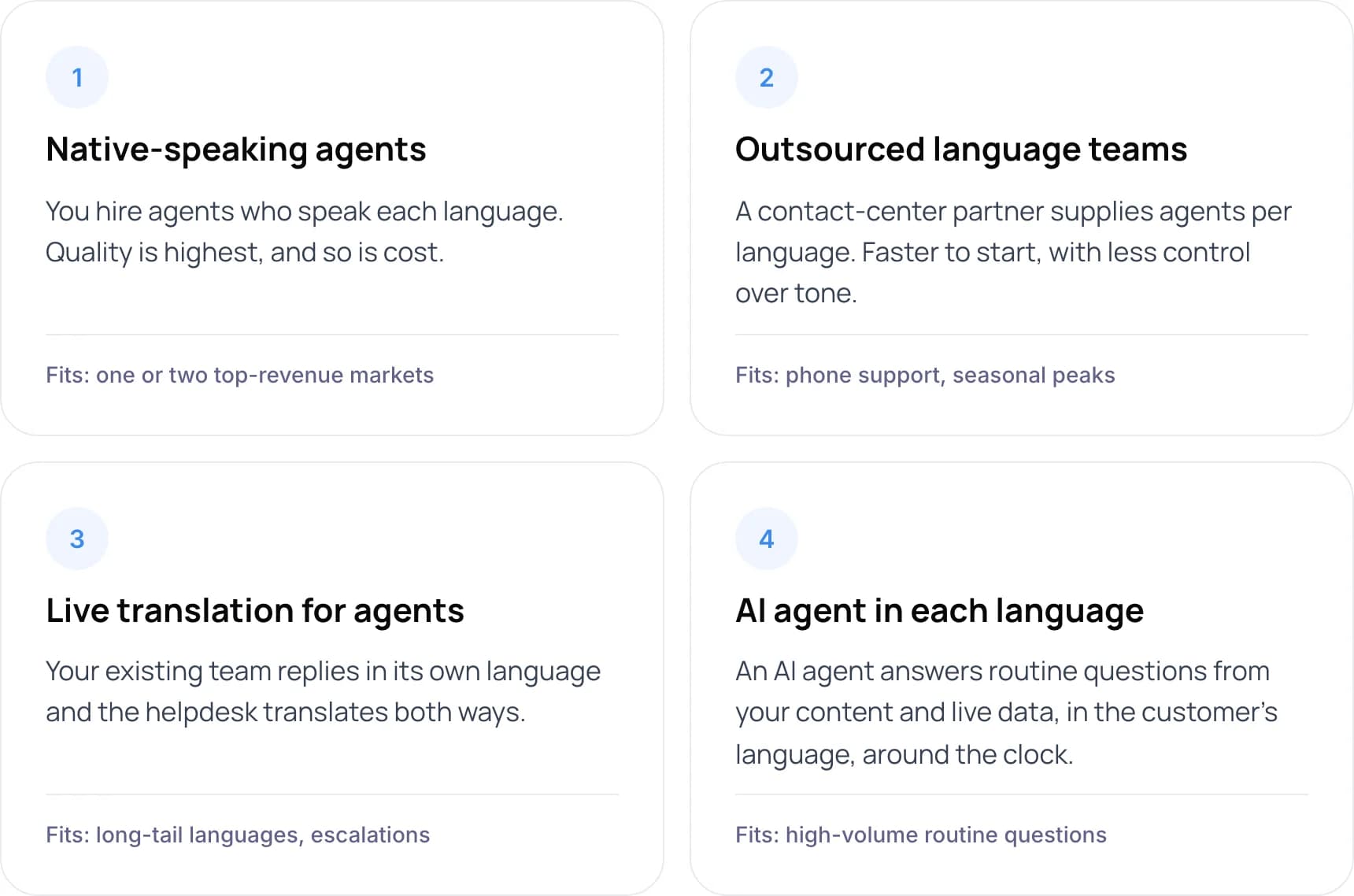
- Native-speaking agents. You hire agents who speak each language. Quality is highest, and so is cost. Fits: one or two top-revenue markets.
- Outsourced language teams. A contact-center partner supplies agents per language. Faster to start, with less control over tone. Fits: phone support, seasonal peaks.
- Live translation for agents. Your existing team replies in its own language and the helpdesk translates both ways. Fits: long-tail languages, escalations.
- AI agent in each language. An AI agent answers routine questions from your content and live data, in the customer’s language, around the clock. Fits: high-volume routine questions.
Native agents
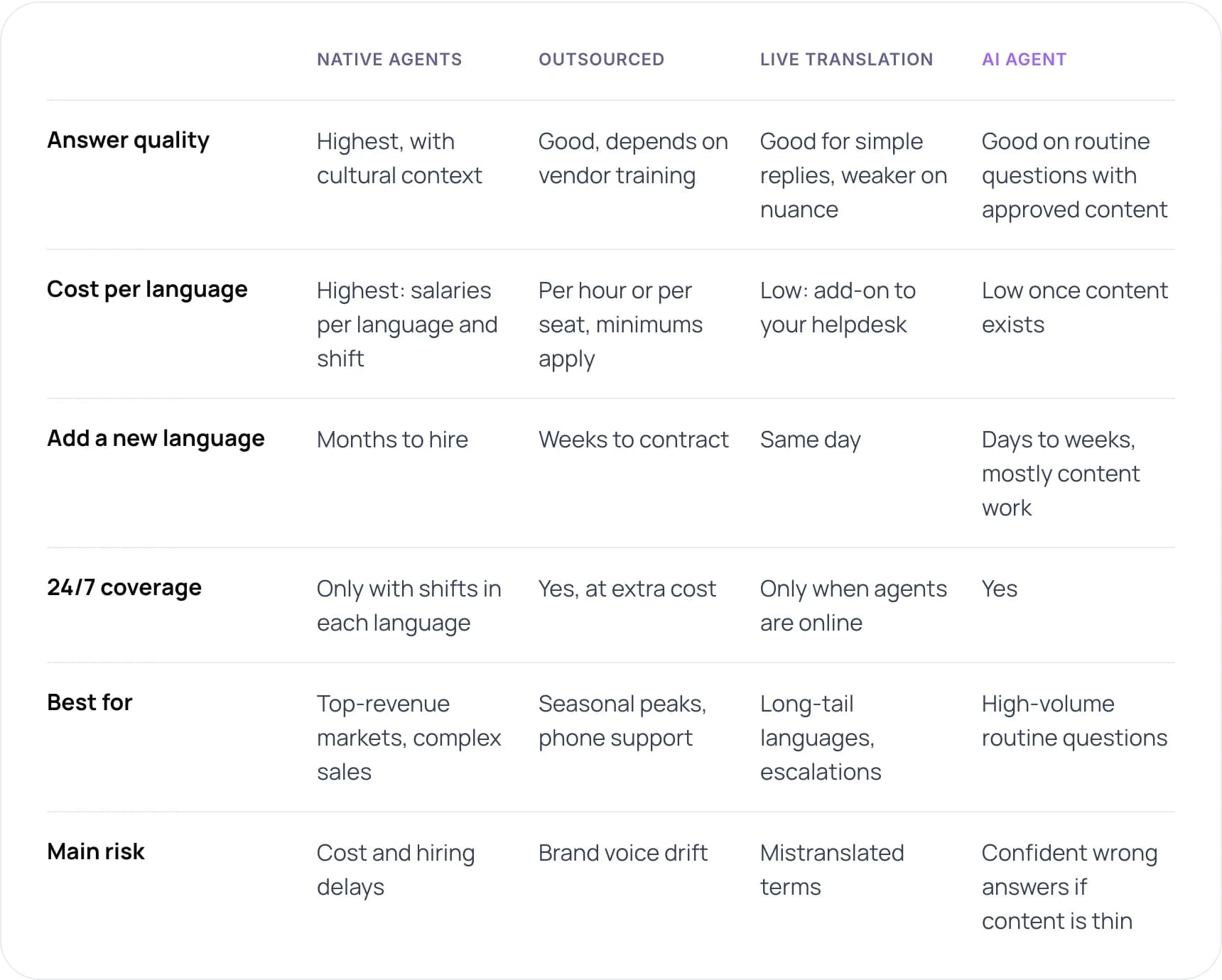
Answer quality: highest, with cultural context. Cost per language: highest, with salaries per language and shift. Add a new language: months to hire. 24/7 coverage: only with shifts in each language. Best for: top-revenue markets and complex sales. Main risk: cost and hiring delays.
Outsourced teams
Answer quality: good, depending on vendor training. Cost per language: per hour or per seat, with minimums. Add a new language: weeks to contract. 24/7 coverage: yes, at extra cost. Best for: seasonal peaks and phone support. Main risk: brand voice drift.
Live translation
Answer quality: good for simple replies, weaker on nuance. Cost per language: low, as an add-on to your helpdesk. Add a new language: same day. 24/7 coverage: only when agents are online. Best for: long-tail languages and escalations. Main risk: mistranslated terms.
AI agent
Answer quality: good on routine questions with approved content. Cost per language: low once content exists. Add a new language: days to weeks, mostly content work. 24/7 coverage: yes. Best for: high-volume routine questions. Main risk: confident wrong answers if content is thin.
Our assessment of typical setups, not a survey.
Our recommendation for most mid-size teams: an AI agent as the first line in your top languages, live translation for human agents, and native speakers only for your one or two highest-revenue markets.
4. How Does AI Customer Support Handle Multiple Languages?
A modern AI agent uses a large language model, which can read and write many languages. The model is only half the system. The other half is the content it answers from and the rules for what happens when it is unsure.
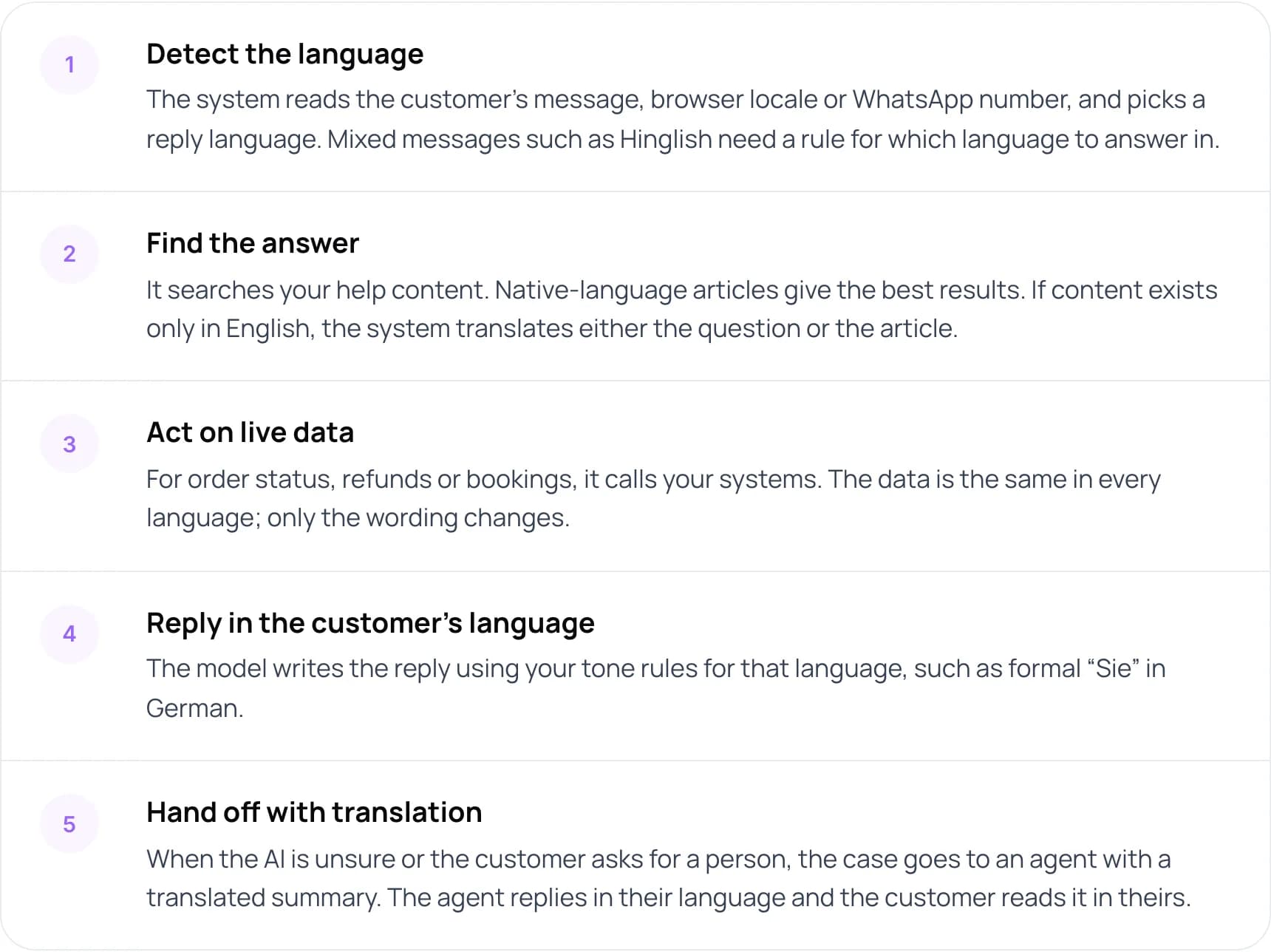
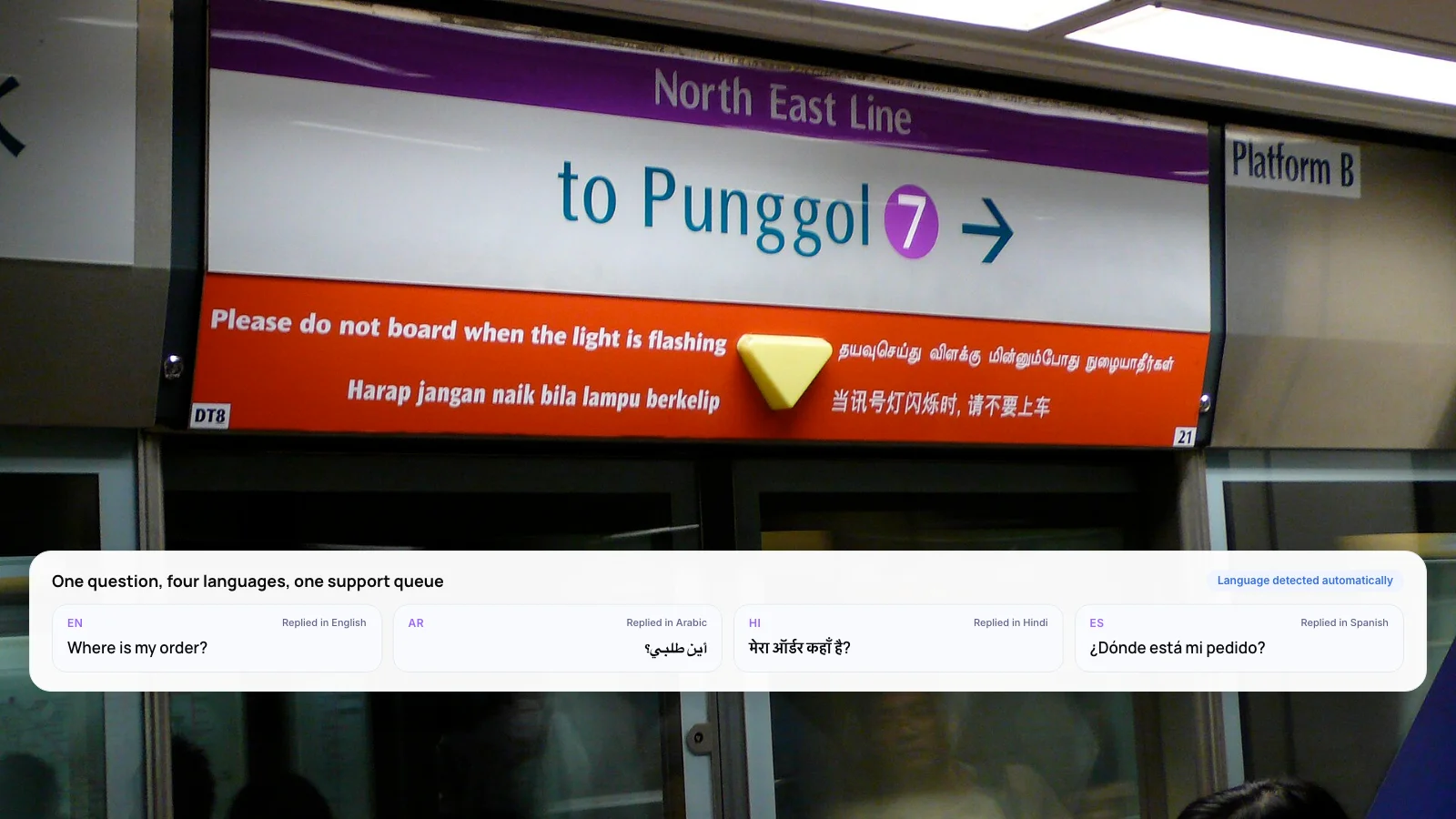
- Detect the language. The system reads the customer’s message, browser locale or WhatsApp number, and picks a reply language. Mixed messages such as Hinglish need a rule for which language to answer in.
- Find the answer. It searches your help content. Native-language articles give the best results. If content exists only in English, the system translates either the question or the article.
- Act on live data. For order status, refunds or bookings, it calls your systems. The data is the same in every language; only the wording changes.
- Reply in the customer’s language. The model writes the reply using your tone rules for that language, such as formal “Sie” in German.
- Hand off with translation. When the AI is unsure or the customer asks for a person, the case goes to an agent with a translated summary. The agent replies in their language and the customer reads it in theirs.
The product documentation shows where the limits sit. Intercom’s Fin, for example, lists more than 40 supported languages and describes AI-generated answers in other languages as unpredictable. If a customer writes in Portuguese and your content is only in English, Fin cannot answer unless real-time translation is switched on.
Tip: When a vendor says “100+ languages”, ask which of them work for AI-written answers, knowledge search and voice. Language detection usually covers far more languages than answer generation does.
5. What Results Have Companies Reported?
Two published examples show AI agents working across languages at scale. Both are vendor case studies, so read them as achievable results, not averages.
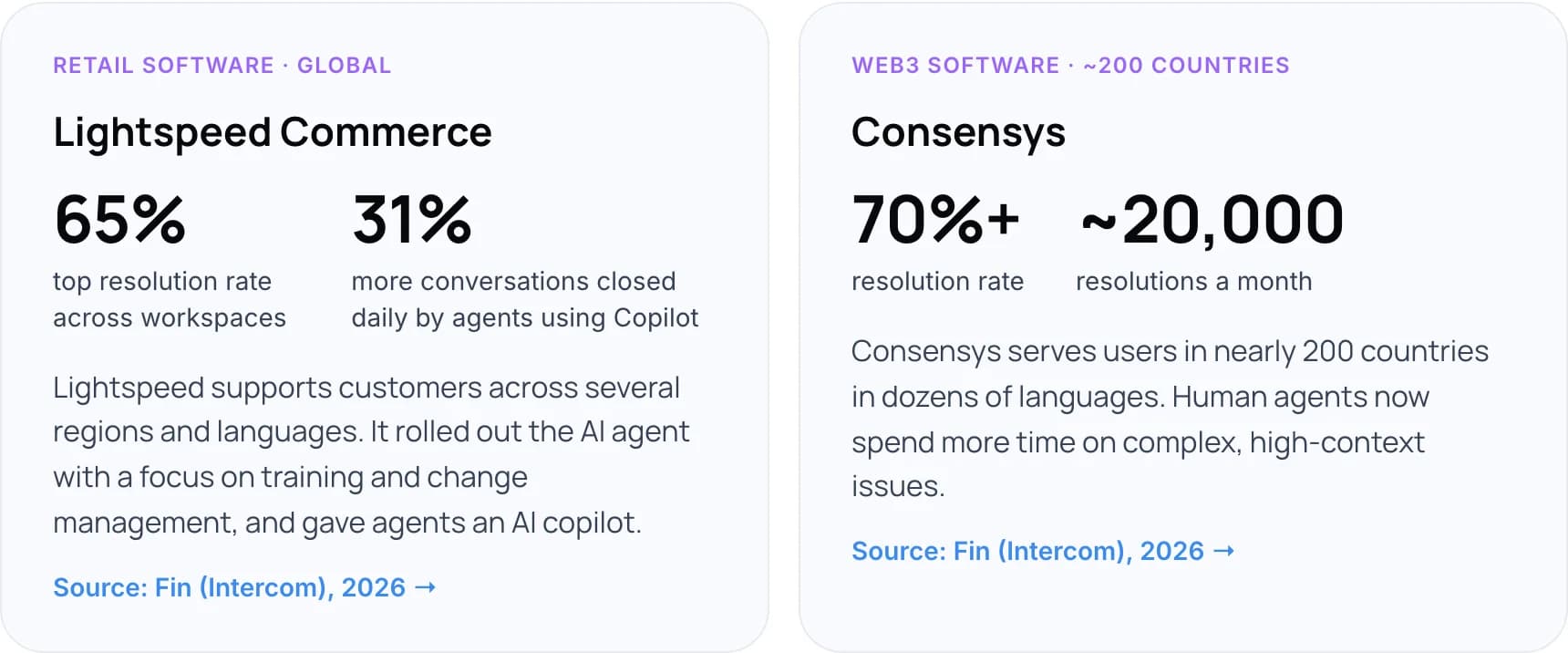
Lightspeed Commerce (retail software, global)
Lightspeed supports customers across several regions and languages. It rolled out the AI agent with a focus on training and change management, and gave agents an AI copilot. The AI agent reaches up to a 65% resolution rate across workspaces, and agents using the copilot close 31% more conversations a day (Fin (Intercom), 2026).
Consensys (Web3 software, about 200 countries)
Consensys serves users in nearly 200 countries in dozens of languages. The AI agent handles about 20,000 resolutions a month at a resolution rate above 70%, and human agents now spend more time on complex, high-context issues (Fin (Intercom), 2026).
Not sure which languages to automate first? We can review your ticket mix with you. Book a free AI consultation.
6. How to Set Up Multilingual Customer Support in 7 Steps
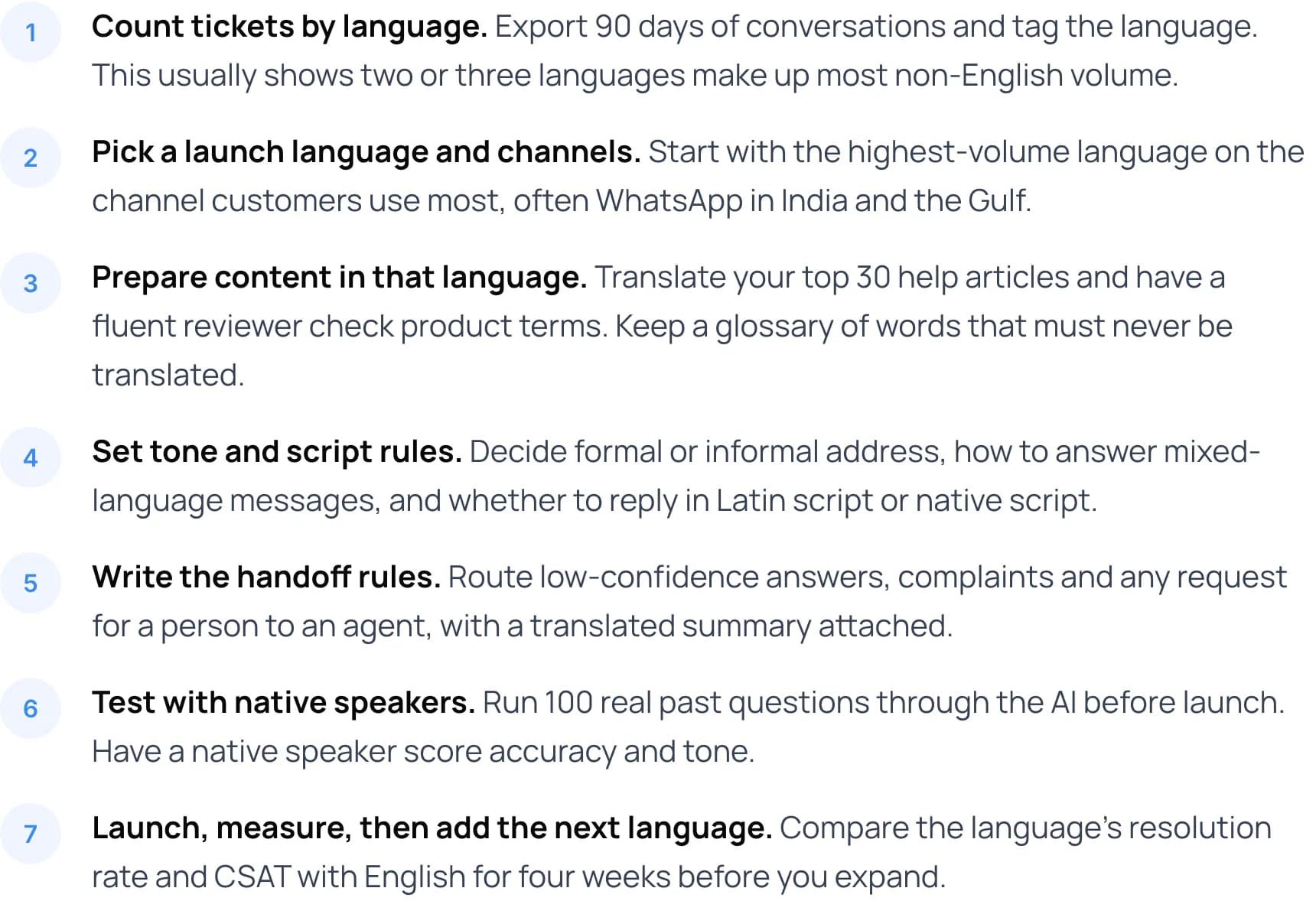
- Count tickets by language. Export 90 days of conversations and tag the language. This usually shows two or three languages make up most non-English volume.
- Pick a launch language and channels. Start with the highest-volume language on the channel customers use most, often WhatsApp in India and the Gulf.
- Prepare content in that language. Translate your top 30 help articles and have a fluent reviewer check product terms. Keep a glossary of words that must never be translated.
- Set tone and script rules. Decide formal or informal address, how to answer mixed-language messages, and whether to reply in Latin script or native script.
- Write the handoff rules. Route low-confidence answers, complaints and any request for a person to an agent, with a translated summary attached.
- Test with native speakers. Run 100 real past questions through the AI before launch. Have a native speaker score accuracy and tone.
- Launch, measure, then add the next language. Compare the language’s resolution rate and CSAT with English for four weeks before you expand.
Step 3 decides answer quality. Our guide to agentic RAG for customer service automation explains how to ground an AI agent in your own documents.
7. What Mistakes Should You Avoid?
Translating the widget, not the content
A chat window in Arabic that answers from English-only articles gives weak replies. Content comes first.
Ignoring mixed-language messages
Customers in India and the Gulf often write Hinglish or Arabic in Latin letters. Test these before launch.
Forgetting right-to-left layouts
Arabic and Urdu need right-to-left rendering in chat, email templates and attachments.
One CSAT survey in English
Customers who struggle with English skip English surveys, so your score looks better than reality. Send surveys in the reply language.
Warning: Do not let AI translate refund terms, medical instructions or legal notices without review. Write those once per language, have a fluent person approve them, and make the AI quote them word for word.
8. How Do You Measure Quality in Each Language?
A blended resolution rate hides problems. If English resolves at 70% and Arabic at 40%, the average still looks fine. Split every metric by language.
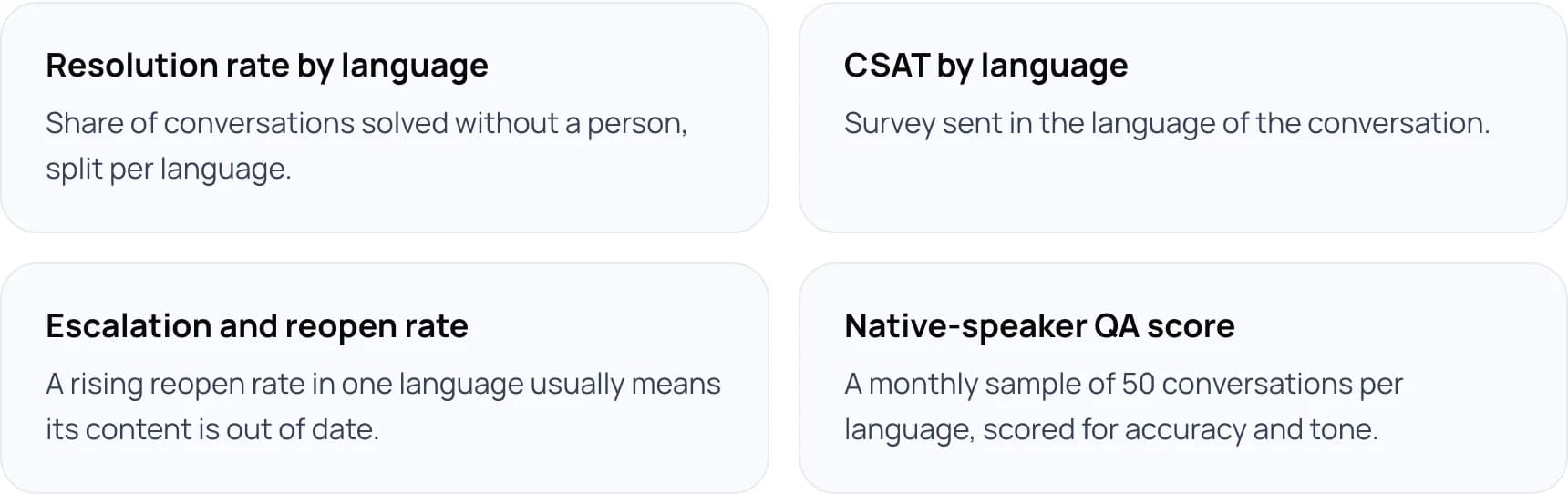
- Resolution rate by language: share of conversations solved without a person, split per language.
- CSAT by language: survey sent in the language of the conversation.
- Escalation and reopen rate: a rising reopen rate in one language usually means its content is out of date.
- Native-speaker QA score: a monthly sample of 50 conversations per language, scored for accuracy and tone.
New to automation? Start with what customer support automation is and how it works.
9. Frequently Asked Questions
What is multilingual customer support?
Multilingual customer support means helping customers in the language they prefer, across chat, email, phone and messaging. Teams do it with native-speaking agents, outsourced language teams, live translation tools, AI agents, or a mix. The goal is that a customer gets the same answer quality whatever language they write in.
How many languages should we support?
Start with the languages that account for most of your non-English tickets, usually two or three. Add more when each live language matches English on resolution rate and CSAT for a month. Use your own ticket and traffic data rather than population figures to decide.
Can AI customer support replace multilingual agents?
Not fully. AI handles routine questions well when it has good content in each language. Complaints, legal or medical topics and high-value accounts still need a person. Many teams keep native speakers for their top market and use live translation for other languages.
Is machine translation good enough for customer support?
For simple, factual replies it often is. CSA Research found in 2020 that 65% of consumers prefer content in their language even if the quality is poor. Policy wording, refunds and regulated topics should still be written and approved by a fluent person.
How do you support Arabic and English customers on WhatsApp?
Detect the language of each message, reply in the same script, and set a rule for mixed messages. Use right-to-left templates for Arabic. Keep approved Arabic versions of key policies, and route to a bilingual agent when the AI is unsure. Our guide to Arabic and English AI support on WhatsApp covers the details.
10. Conclusion
Multilingual customer support works best when AI customer support covers routine questions in each language and people handle the rest. This week, export 90 days of tickets, count them by language, and choose the one non-English language with the most volume for a four-week pilot.
Tip: Put your ticket volume and cost per ticket into our free AI ROI Calculator before you set targets.
To build it with us, see our AI customer support automation services. Or book a free AI consultation.
Author