Best Free AI Customer Support Tools in 2026: What You Actually Get Before You Have to Pay
Six free plans compared on the details pricing pages put in small print: seats, time limits, and how many conversations the AI can answer before you pay.
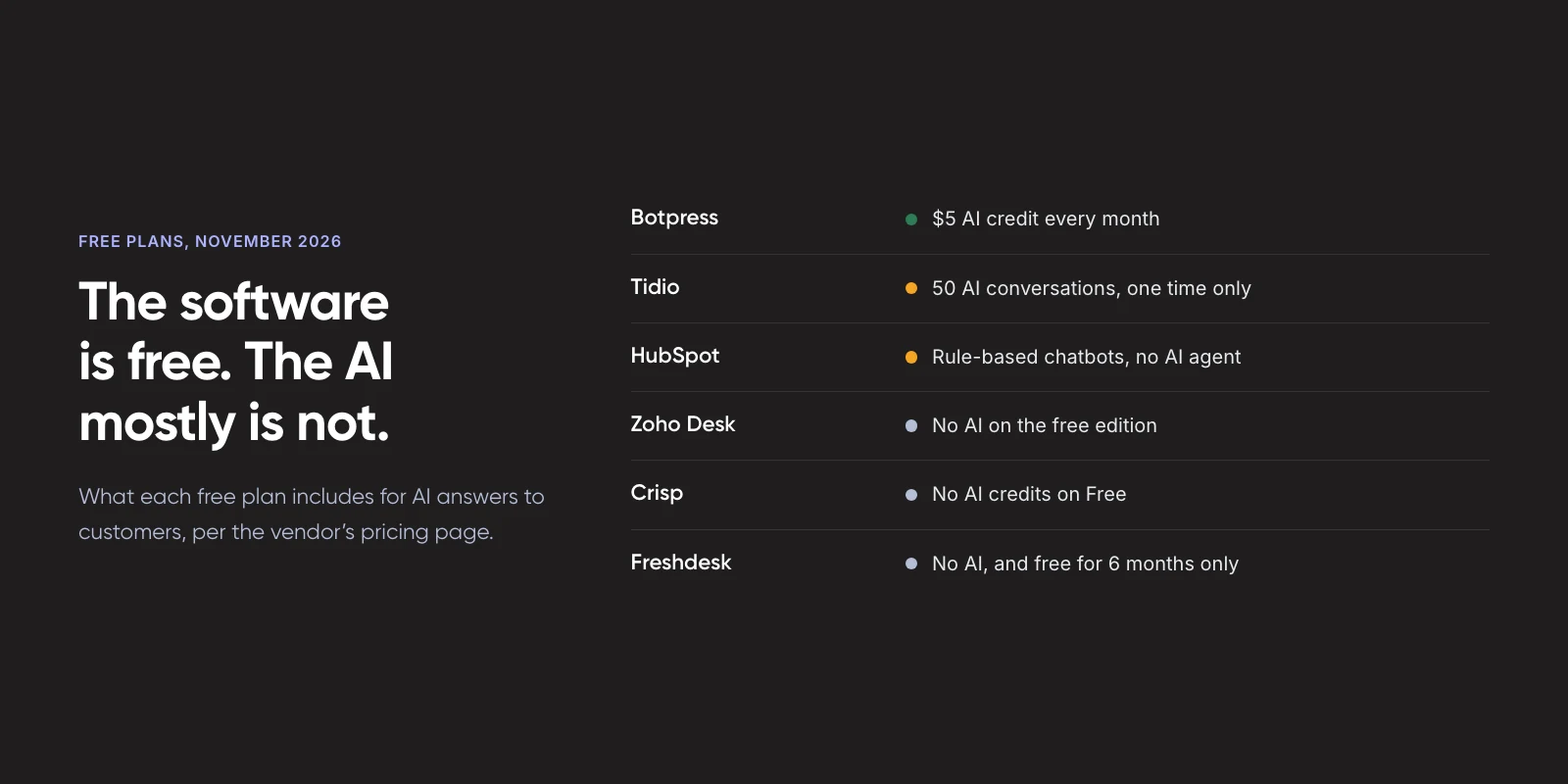
Free plans, November 2026: The software is free. The AI mostly is not.
What each free plan includes for AI answers to customers, per the vendor’s pricing page.
- Botpress: $5 AI credit every month
- Tidio: 50 AI conversations, one time only
- HubSpot: Rule-based chatbots, no AI agent
- Zoho Desk: No AI on the free edition
- Crisp: No AI credits on Free
- Freshdesk: No AI, and free for 6 months only

1. The Short Answer
Several AI customer support tools have a real free plan, but almost none include an AI agent you can run every day at $0. Free plans usually cover the help desk: ticketing, a shared inbox or a chat widget. The AI that answers customers is a one-time allowance, a small monthly credit, or a paid add-on.
For example, Tidio’s pricing page gives every account 50 free AI conversations, and that quota does not renew. Zoho Desk and Crisp include no AI on their free plans. Botpress gives a $5 AI credit each month, which suits testing, not a live website.
Key takeaways
- Free plans mostly cover the help desk. The AI agent is usually a trial allowance, a small credit or a paid add-on.
- Tidio’s 50 free AI conversations are one-time. Botpress gives a $5 AI credit every month. Zoho Desk, Crisp and Freshdesk include no AI agent at $0.
- Freshdesk’s free option now lasts six months. Zoho Desk, HubSpot, Crisp and Tidio have free plans with no end date.
- Paid AI is often priced per conversation or per resolution. Fin charges $0.99 per outcome, so cost rises with volume.
- Choose the help desk by channel and team size first. Then test the AI on your most common questions.
2. What Counts as a Free AI Customer Support Tool?
“Free” means three different things on vendor pricing pages. Before you compare tools, check which one you are looking at.
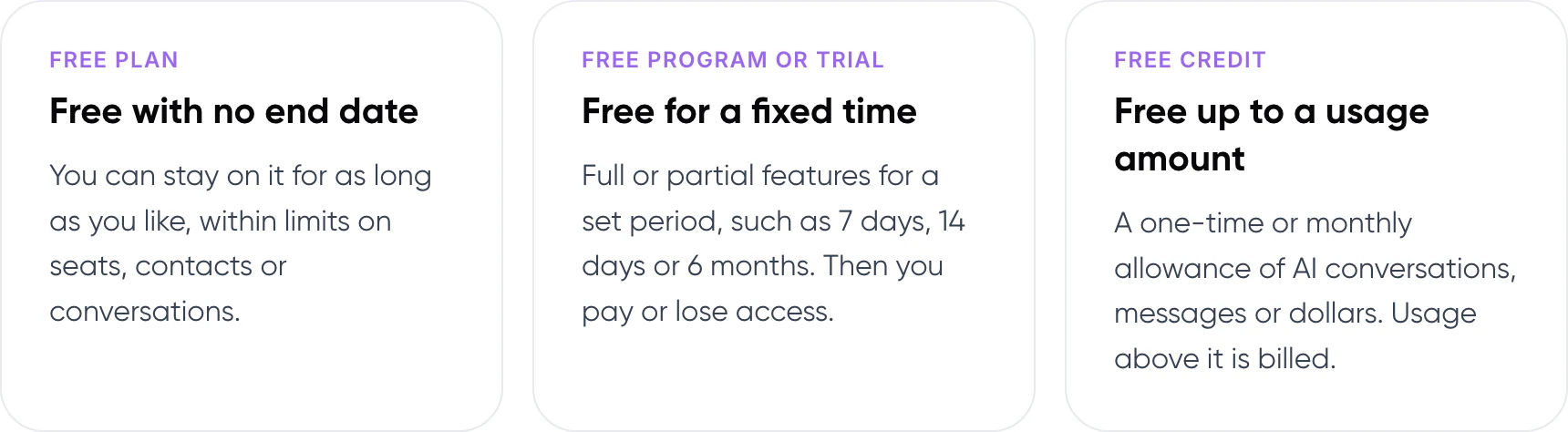
- Free plan: Free with no end date. You can stay on it for as long as you like, within limits on seats, contacts or conversations.
- Free program or trial: Free for a fixed time. Full or partial features for a set period, such as 7 days, 14 days or 6 months. Then you pay or lose access.
- Free credit: Free up to a usage amount. A one-time or monthly allowance of AI conversations, messages or dollars. Usage above it is billed.
The second distinction is the type of bot. A rule-based chatbot follows a decision tree you build: buttons, fixed questions, fixed answers. An AI agent uses a large language model (LLM), the kind of model behind ChatGPT, to read a customer’s question in their own words and answer from your help content. Several free plans include the first kind. Very few include the second.
Note: AI agents are usually billed per conversation or per resolution, not per seat. Each AI answer has a model cost behind it, which in our view is why free plans give away seats more easily than AI.
3. Best Free AI Customer Support Tools Compared
The table lists what each free plan includes and the first thing you pay for. Prices are in US dollars, from each vendor’s pricing page in November 2026. Vendors change these often, so check the linked page before you decide.
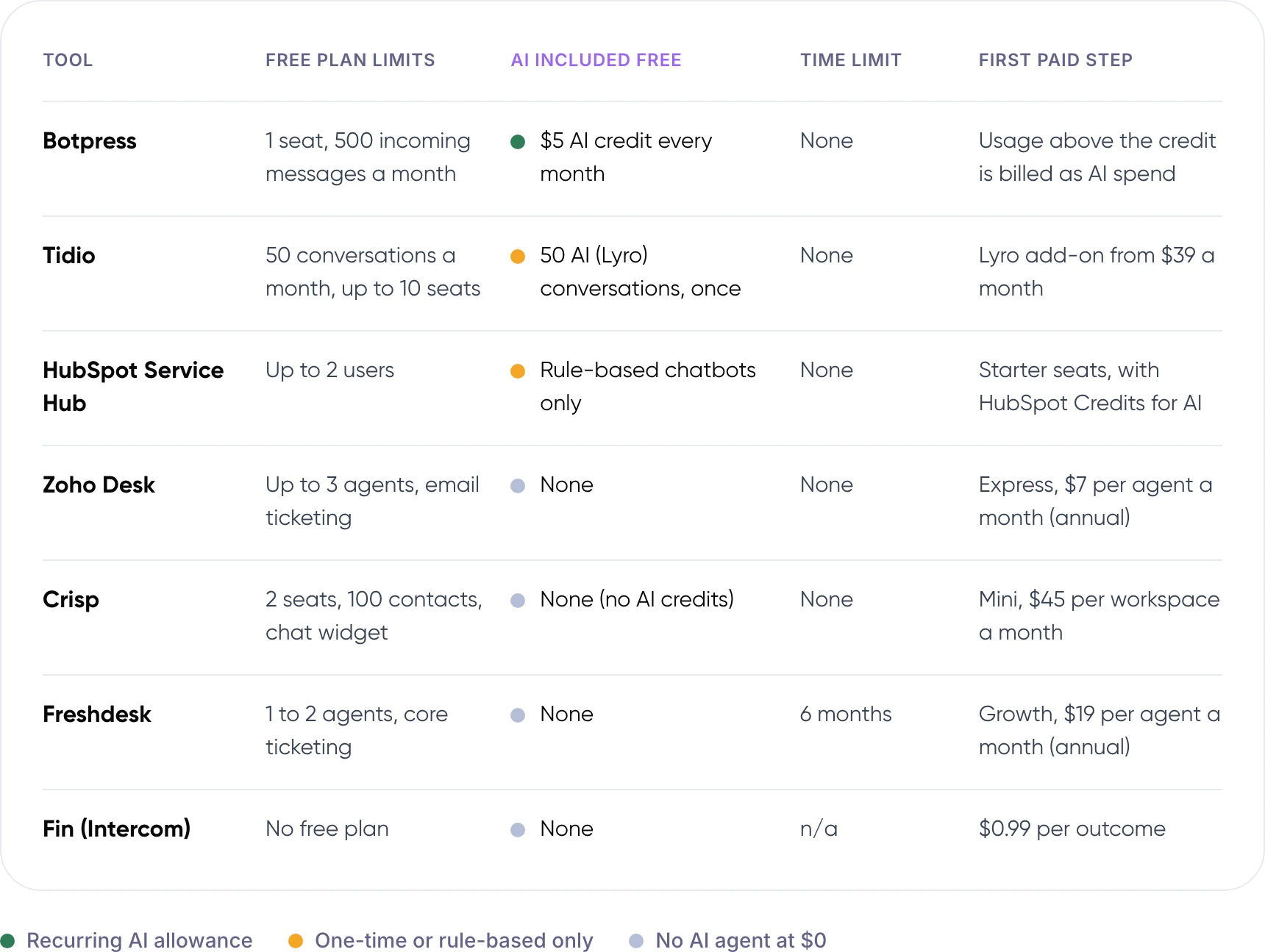
- Botpress — Free plan limits: 1 seat, 500 incoming messages a month. AI included free: $5 AI credit every month. Time limit: None. First paid step: Usage above the credit is billed as AI spend.
- Tidio — Free plan limits: 50 conversations a month, up to 10 seats. AI included free: 50 AI (Lyro) conversations, once. Time limit: None. First paid step: Lyro add-on from $39 a month.
- HubSpot Service Hub — Free plan limits: Up to 2 users. AI included free: Rule-based chatbots only. Time limit: None. First paid step: Starter seats, with HubSpot Credits for AI.
- Zoho Desk — Free plan limits: Up to 3 agents, email ticketing. AI included free: None. Time limit: None. First paid step: Express, $7 per agent a month (annual).
- Crisp — Free plan limits: 2 seats, 100 contacts, chat widget. AI included free: None (no AI credits). Time limit: None. First paid step: Mini, $45 per workspace a month.
- Freshdesk — Free plan limits: 1 to 2 agents, core ticketing. AI included free: None. Time limit: 6 months. First paid step: Growth, $19 per agent a month (annual).
- Fin (Intercom) — Free plan limits: No free plan. AI included free: None. Time limit: n/a. First paid step: $0.99 per outcome.
Recurring AI allowance: Botpress. One-time or rule-based only: Tidio, HubSpot Service Hub. No AI agent at $0: Zoho Desk, Crisp, Freshdesk, Fin (Intercom).
4. What Does Each Free Plan Actually Include?
Each card shows what the free plan gives you, where it stops, and who it suits. Intercom’s Fin is included as a reference point, because it has no free plan but sets the price many buyers compare against.
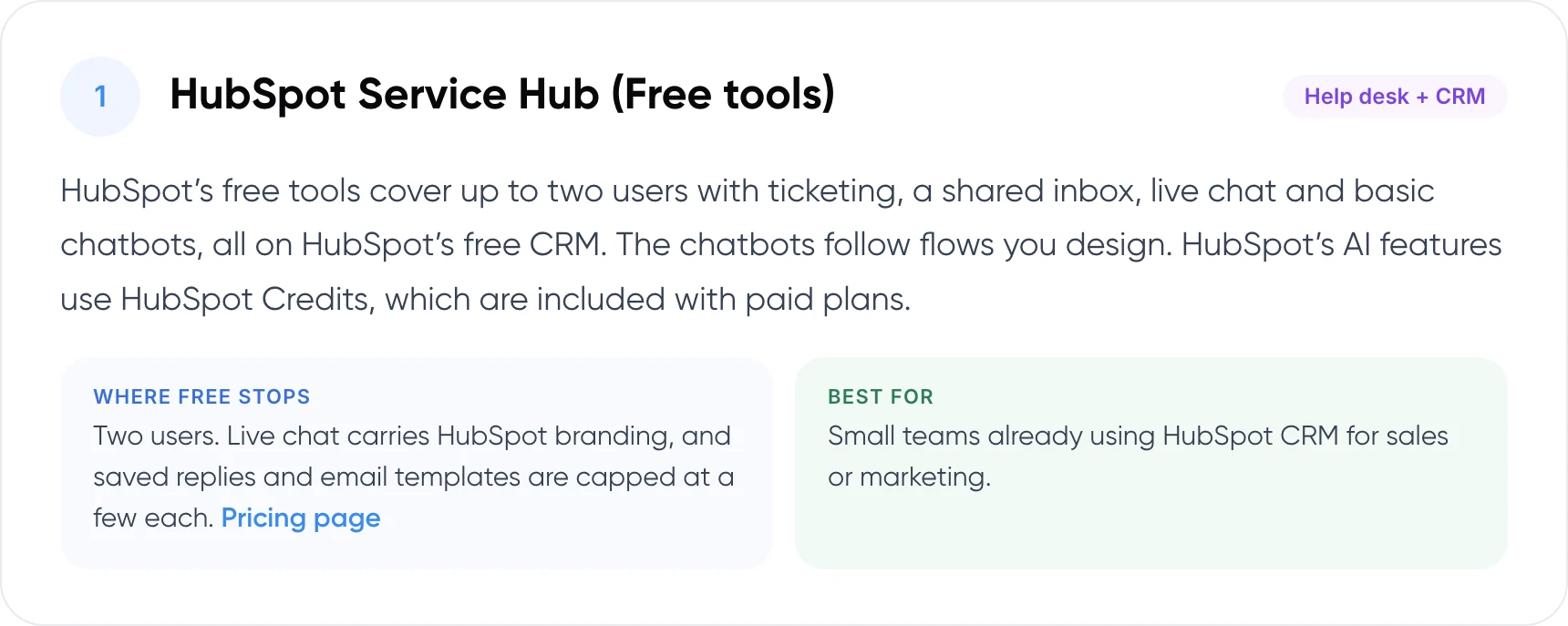
1. HubSpot Service Hub (Free tools)
Help desk + CRM
HubSpot’s free tools cover up to two users with ticketing, a shared inbox, live chat and basic chatbots, all on HubSpot’s free CRM. The chatbots follow flows you design. HubSpot’s AI features use HubSpot Credits, which are included with paid plans.
Where free stops: Two users. Live chat carries HubSpot branding, and saved replies and email templates are capped at a few each. Pricing page
Best for: Small teams already using HubSpot CRM for sales or marketing.
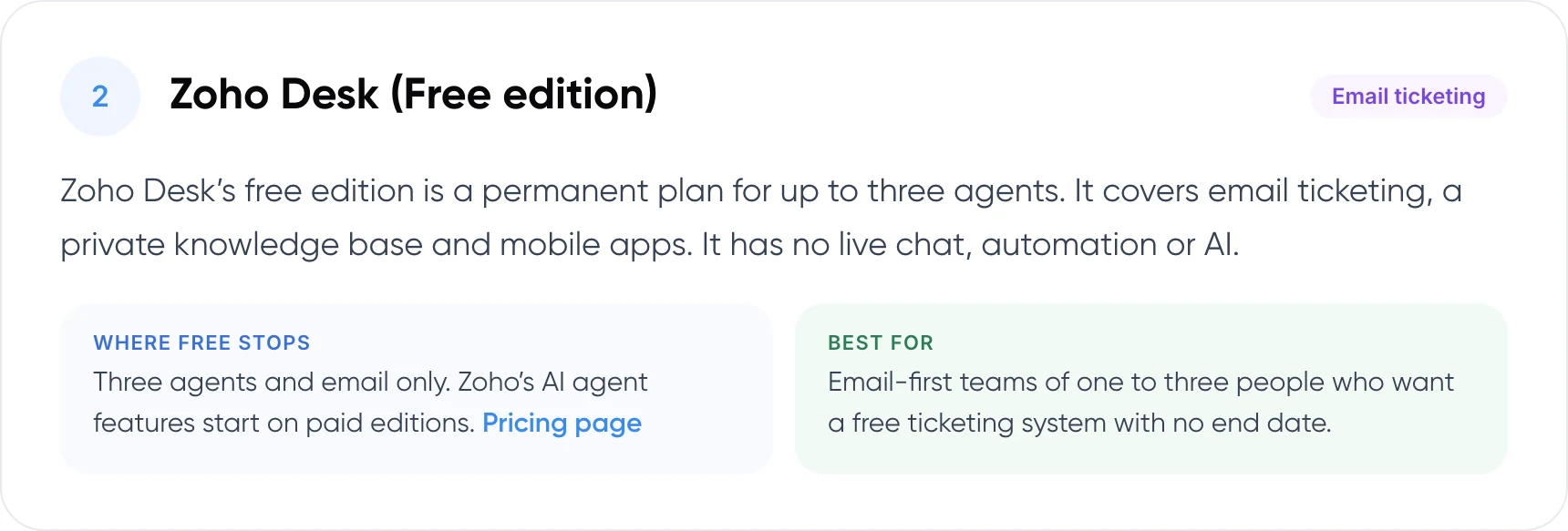
2. Zoho Desk (Free edition)
Email ticketing
Zoho Desk’s free edition is a permanent plan for up to three agents. It covers email ticketing, a private knowledge base and mobile apps. It has no live chat, automation or AI.
Where free stops: Three agents and email only. Zoho’s AI agent features start on paid editions. Pricing page
Best for: Email-first teams of one to three people who want a free ticketing system with no end date.
3. Tidio (Free)
Chat + AI trial
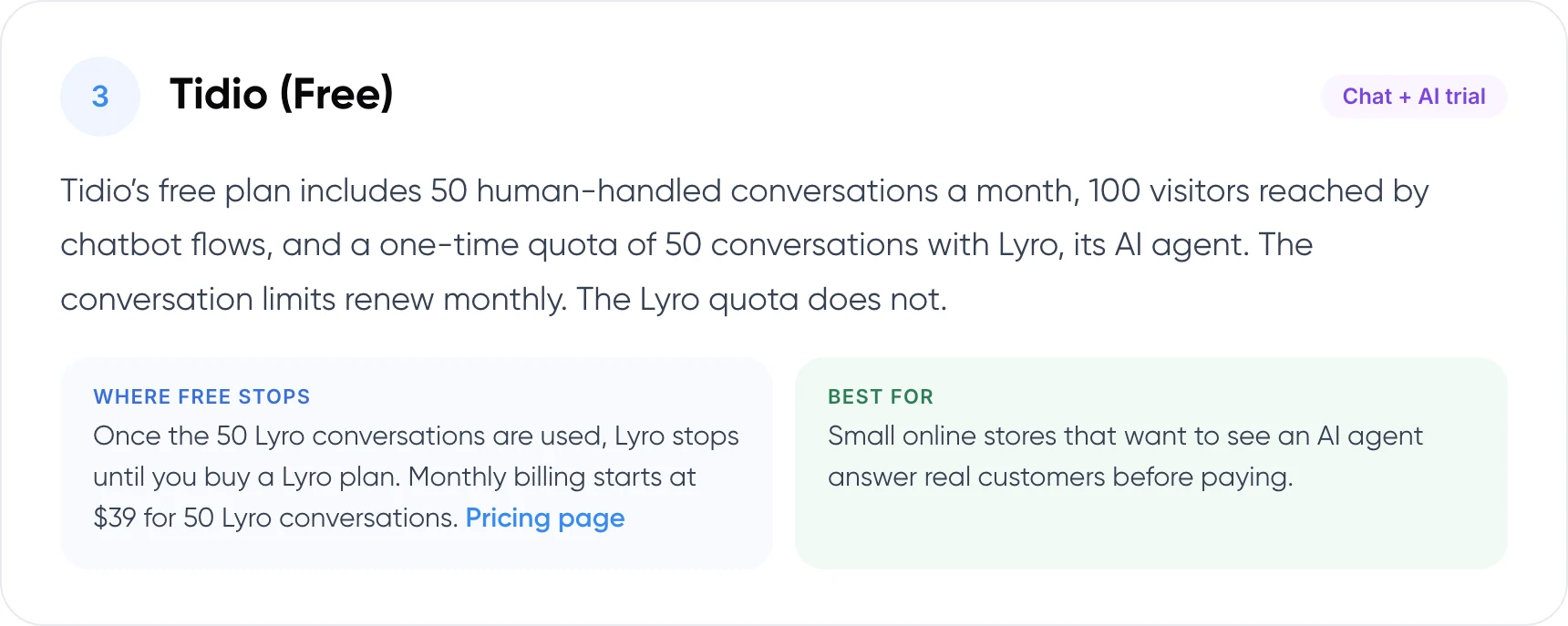
Tidio’s free plan includes 50 human-handled conversations a month, 100 visitors reached by chatbot flows, and a one-time quota of 50 conversations with Lyro, its AI agent. The conversation limits renew monthly. The Lyro quota does not.
Where free stops: Once the 50 Lyro conversations are used, Lyro stops until you buy a Lyro plan. Monthly billing starts at $39 for 50 Lyro conversations. Pricing page
Best for: Small online stores that want to see an AI agent answer real customers before paying.
4. Crisp (Free)
Live chat
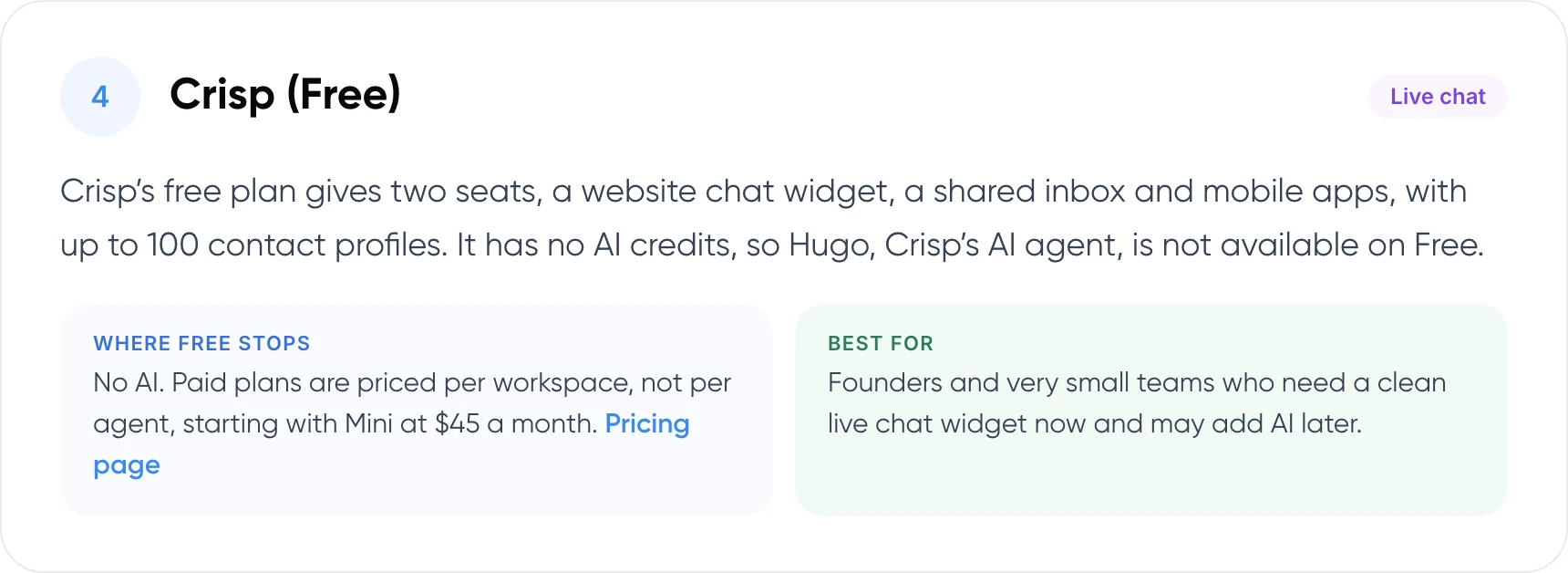
Crisp’s free plan gives two seats, a website chat widget, a shared inbox and mobile apps, with up to 100 contact profiles. It has no AI credits, so Hugo, Crisp’s AI agent, is not available on Free.
Where free stops: No AI. Paid plans are priced per workspace, not per agent, starting with Mini at $45 a month. Pricing page
Best for: Founders and very small teams who need a clean live chat widget now and may add AI later.
5. Freshdesk (Free Program)
Time-limited
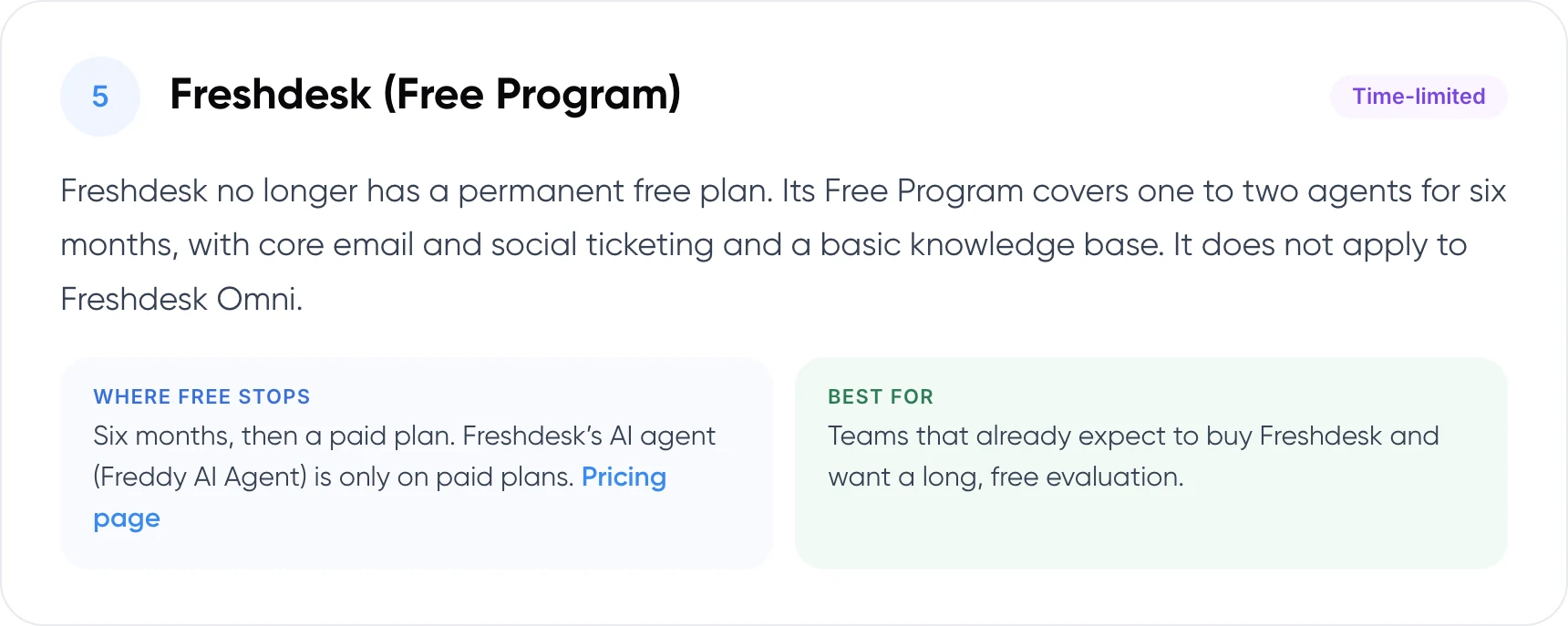
Freshdesk no longer has a permanent free plan. Its Free Program covers one to two agents for six months, with core email and social ticketing and a basic knowledge base. It does not apply to Freshdesk Omni.
Where free stops: Six months, then a paid plan. Freshdesk’s AI agent (Freddy AI Agent) is only on paid plans. Pricing page
Best for: Teams that already expect to buy Freshdesk and want a long, free evaluation.
6. Botpress (Pay-as-you-go)
Build your own
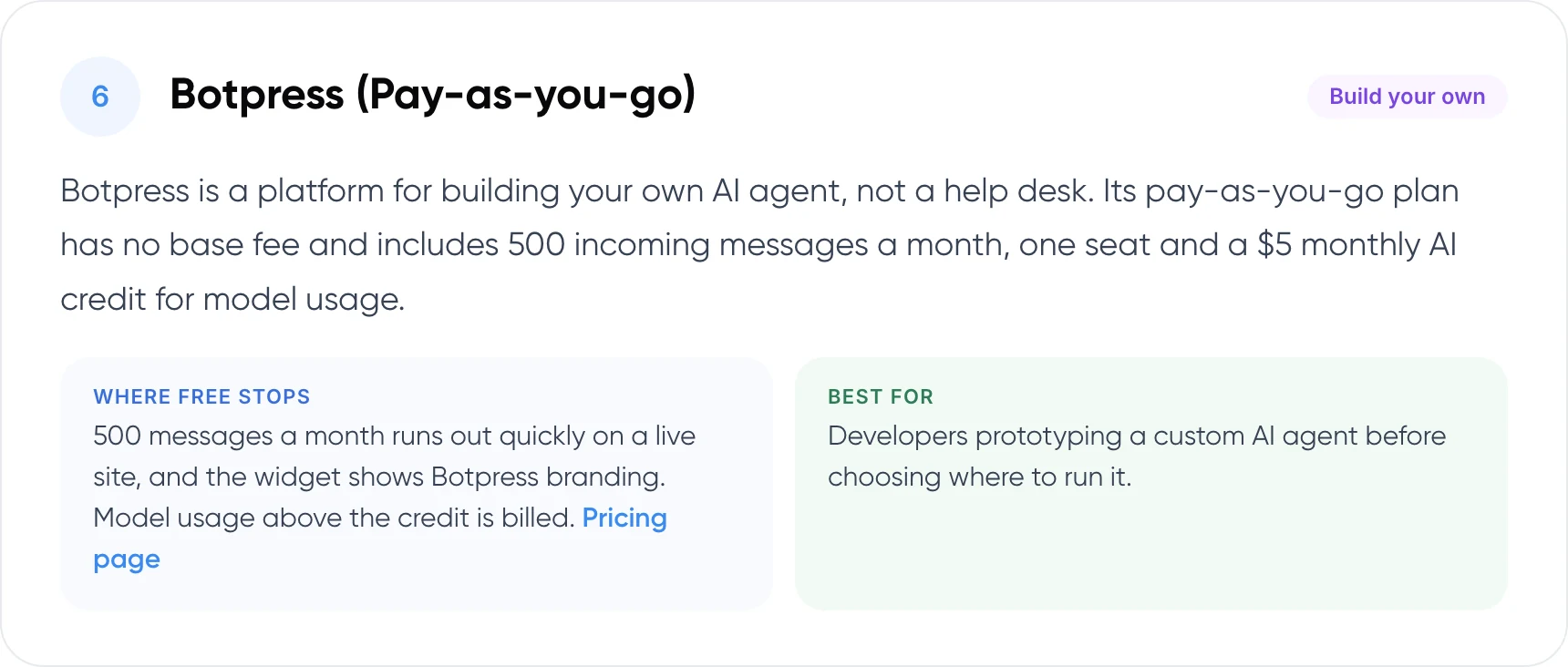
Botpress is a platform for building your own AI agent, not a help desk. Its pay-as-you-go plan has no base fee and includes 500 incoming messages a month, one seat and a $5 monthly AI credit for model usage.
Where free stops: 500 messages a month runs out quickly on a live site, and the widget shows Botpress branding. Model usage above the credit is billed. Pricing page
Best for: Developers prototyping a custom AI agent before choosing where to run it.
7. Fin by Intercom (reference)
No free plan
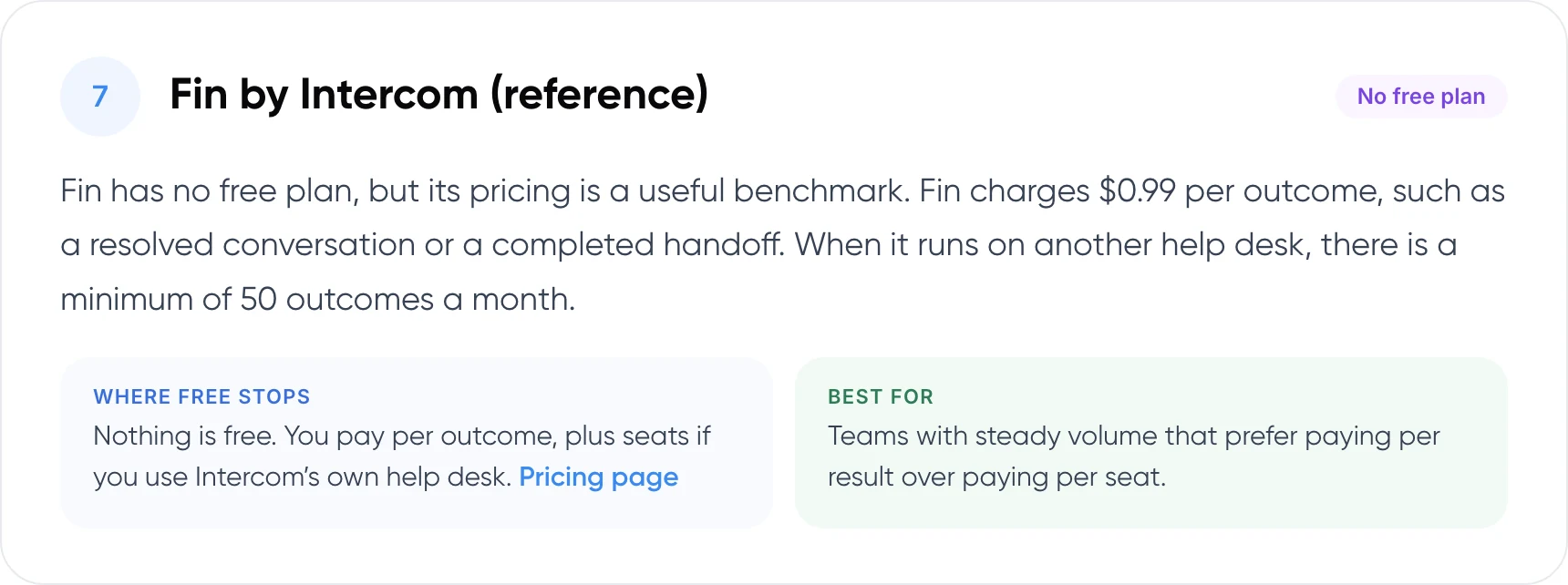
Fin has no free plan, but its pricing is a useful benchmark. Fin charges $0.99 per outcome, such as a resolved conversation or a completed handoff. When it runs on another help desk, there is a minimum of 50 outcomes a month.
Where free stops: Nothing is free. You pay per outcome, plus seats if you use Intercom’s own help desk. Pricing page
Best for: Teams with steady volume that prefer paying per result over paying per seat.
5. How Much Does AI Customer Support Cost Once You Pay?
Most AI agents are priced on usage. Fin, for example, charges $0.99 per outcome, such as a resolved conversation or a completed handoff, according to Fin’s pricing page. So your bill depends on two numbers you only learn after launch: how many conversations the AI handles, and how many it resolves.
Here is a simple example using Fin’s published rate. The volume and resolution rates are our assumptions, not vendor data.
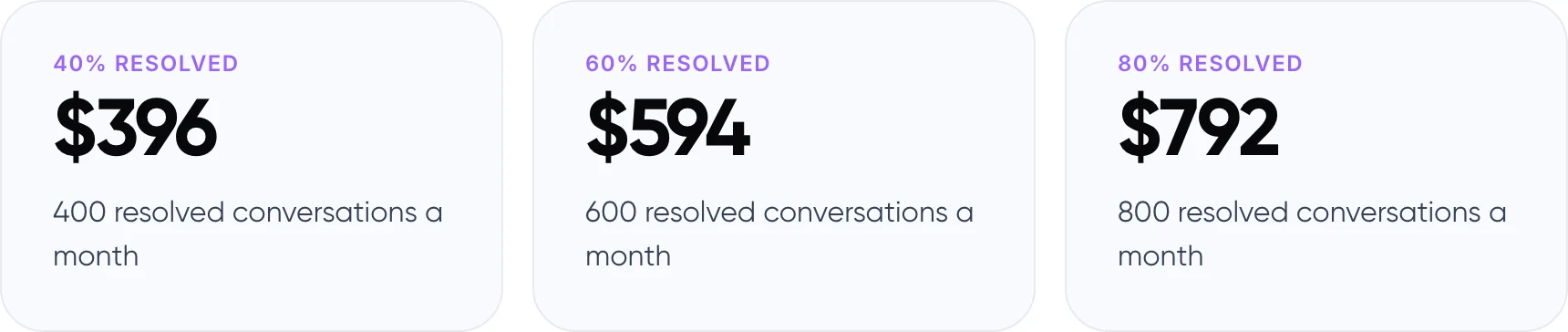
- $396 — 40% resolved: 400 resolved conversations a month
- $594 — 60% resolved: 600 resolved conversations a month
- $792 — 80% resolved: 800 resolved conversations a month
Assumes 1,000 AI conversations a month at $0.99 per outcome, with one outcome per resolved conversation. Seat fees are extra if you use Intercom’s own help desk.
The cost rises as the AI gets better, because you pay for each success. That is fair, but it makes budgets harder to predict. In our view, you should estimate your monthly conversation volume from real data before you compare per-seat, per-conversation and per-resolution prices.
Want a cost estimate based on your own ticket volume? We can work it out with you on a short call.
6. Which Free Tool Fits Your Team?
Start with your main channel and your team size, not the AI features. If you use AI at volume, you will likely pay for it on any of these tools. The help desk underneath is what your team will use every day.
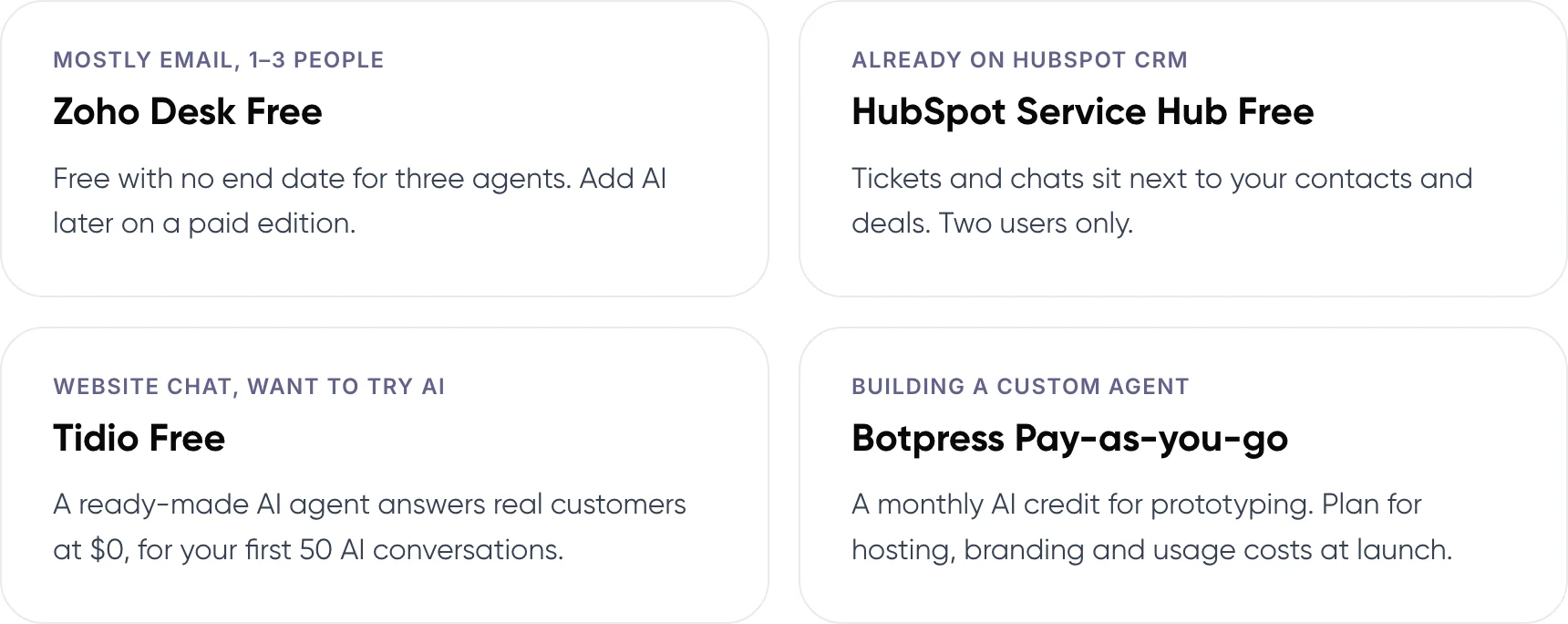
- Mostly email, 1–3 people: Zoho Desk Free. Free with no end date for three agents. Add AI later on a paid edition.
- Already on HubSpot CRM: HubSpot Service Hub Free. Tickets and chats sit next to your contacts and deals. Two users only.
- Website chat, want to try AI: Tidio Free. A ready-made AI agent answers real customers at $0, for your first 50 AI conversations.
- Building a custom agent: Botpress Pay-as-you-go. A monthly AI credit for prototyping. Plan for hosting, branding and usage costs at launch.
7. How to Test a Free AI Support Tool in 6 Steps
A one-time allowance of 50 AI conversations goes quickly on a live website. Plan the test so every conversation teaches you something.
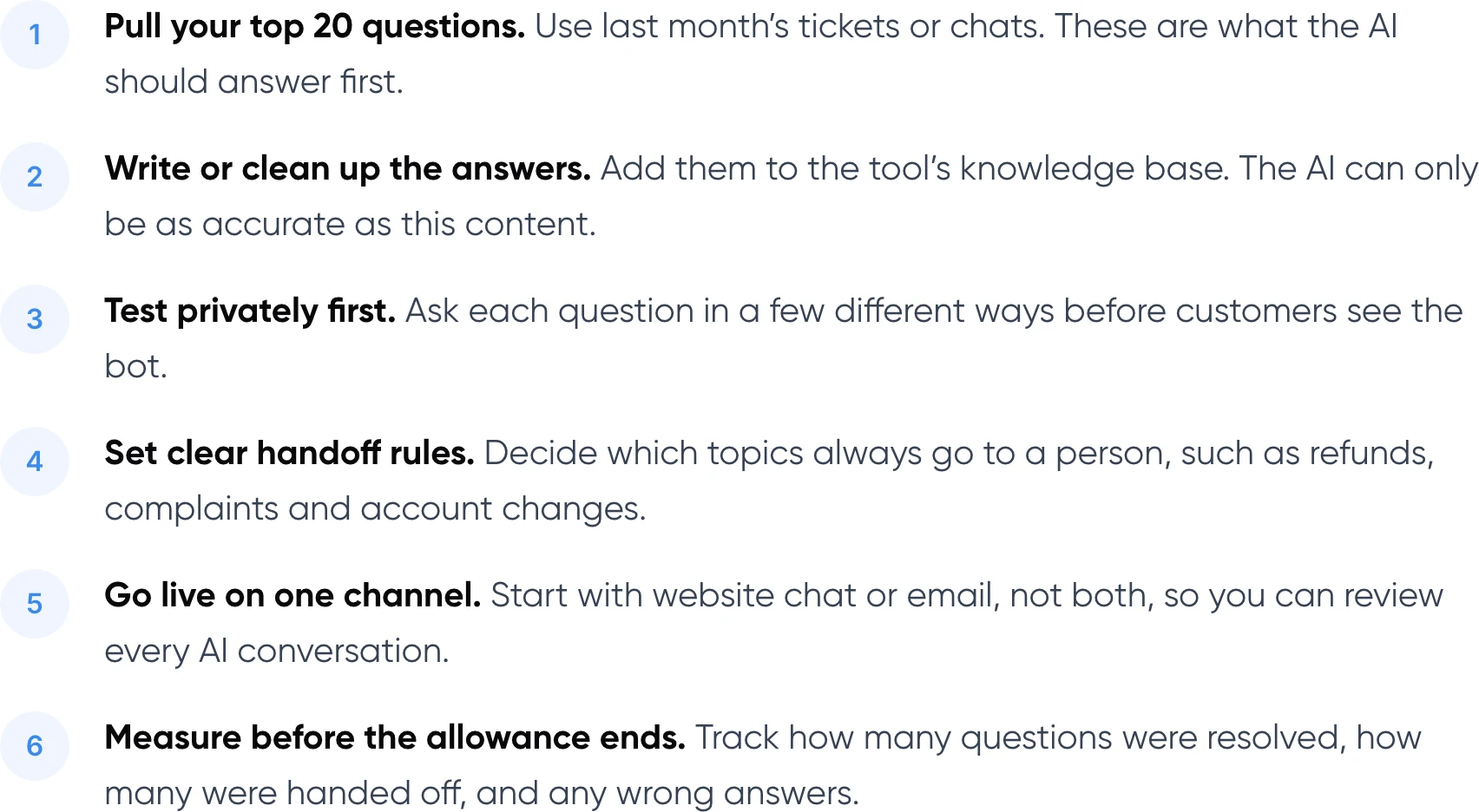
- Pull your top 20 questions. Use last month’s tickets or chats. These are what the AI should answer first.
- Write or clean up the answers. Add them to the tool’s knowledge base. The AI can only be as accurate as this content.
- Test privately first. Ask each question in a few different ways before customers see the bot.
- Set clear handoff rules. Decide which topics always go to a person, such as refunds, complaints and account changes.
- Go live on one channel. Start with website chat or email, not both, so you can review every AI conversation.
- Measure before the allowance ends. Track how many questions were resolved, how many were handed off, and any wrong answers.
Tip: Test the handoff as carefully as the answers. When the AI passes a customer to a person, the agent should see the full conversation. Our guide to chatbot handoff and context transfer explains what to check.
8. When Is a Free Plan No Longer Enough?
Free plans are built for small teams and for testing. You will usually outgrow one for one of these reasons.
- You hit the seat limit. Free plans in this list allow between one and three agents, apart from Tidio’s 10 seats.
- The AI allowance is used up. One-time quotas and small monthly credits do not cover daily traffic.
- You need more channels. Several free plans cover only email or only website chat, not WhatsApp, social or voice.
- The AI needs your data. Answering “where is my order?” requires a connection to your order or booking system, which free plans rarely include.
Warning: A free tool does not reduce your responsibility for what it says. In 2024, a British Columbia tribunal held Air Canada liable after its website chatbot gave a passenger wrong information about a bereavement fare discount (American Bar Association summary). Check every AI answer about prices, refunds or policies before you go live.
Some teams also need things no off-the-shelf free plan offers: an AI agent that reads order data from your own systems, answers in WhatsApp and on your website, or follows company-specific rules. That usually means a paid plan with integrations, or a custom build. Our guide to agentic RAG for customer service explains how such an agent finds the right information before it answers.
9. Frequently Asked Questions
Is there a completely free AI customer support tool?
Not for daily use at volume. Some tools have free plans with AI allowances, such as Tidio’s one-time 50 AI conversations or Botpress’s $5 monthly AI credit. These cover testing. Running an AI agent on a busy website usually needs a paid plan or usage fees.
What is the best free AI customer support software for a small business?
It depends on your main channel. For email ticketing with up to three agents, Zoho Desk Free has no end date. For website chat with a short AI trial, Tidio Free fits. If you already use HubSpot CRM, its free Service Hub tools cover two users.
Does Freshdesk still have a free plan?
Not a permanent one. Freshdesk now offers a Free Program for one to two agents that lasts six months, with core ticketing and a basic knowledge base. After six months you need a paid plan. The program does not apply to Freshdesk Omni.
How are AI customer support agents priced?
Usually by usage. Some vendors charge per AI conversation, such as Tidio’s Lyro plans. Others charge per outcome, such as Fin at $0.99 per resolution or handoff. Some platforms, like Botpress, bill for the underlying model usage. Per-seat prices usually cover the help desk, not the AI.
What is the difference between a chatbot and an AI agent?
A rule-based chatbot follows a script you build, with buttons and fixed answers. An AI agent uses a large language model to understand questions in the customer’s own words and answer from your help content. Many free plans include chatbots, but few include an AI agent.
10. Conclusion
Free AI customer support tools are useful for setting up a help desk and trying AI on a small scale. For daily AI answers at volume, expect to pay per conversation or per resolution. Before you sign up, count how many support conversations you had last month and what share were simple questions. Those two numbers tell you which pricing model will cost less.
From Neura Dynamics
When a free plan no longer covers what you need, Neura Dynamics can help. Our AI customer support automation service builds AI agents that connect to your help desk, order data and channels, with handoff rules your team controls.
Author