What to Automate in Customer Support (and What Not To)
Customer support automation works best on requests that repeat, have one right answer stored in your systems and are cheap to get wrong. Keep people on anything that involves judgement, money or legal risk, or an upset customer.
This guide gives you a four-question test for sorting tickets, a list of what to automate and what to keep human, and a six-step rollout plan.

1. The Short Answer
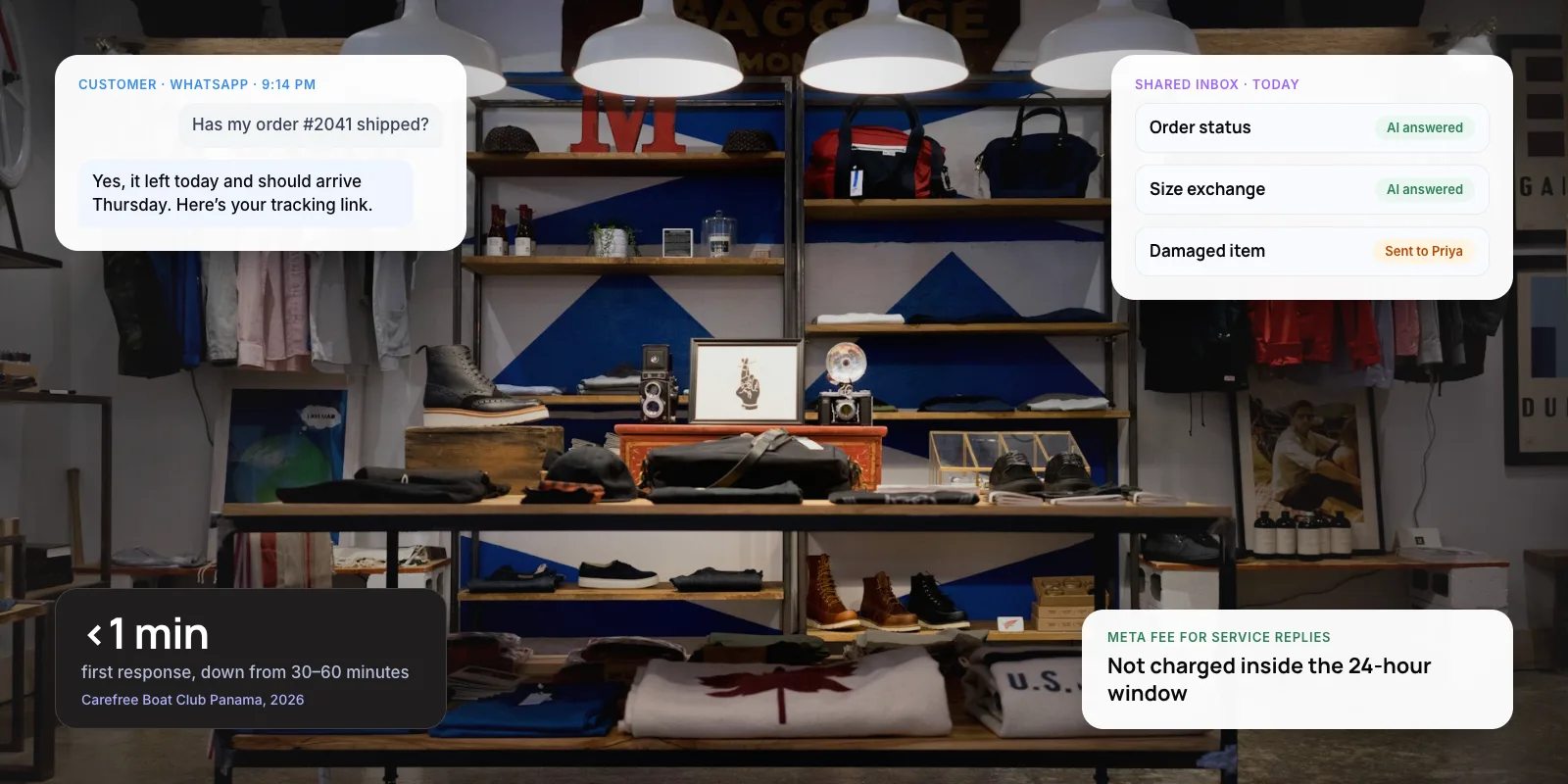
Good customer support automation handles requests that repeat, have one correct answer in a system and cost little if the answer is wrong. Order status, password resets, booking changes and policy questions fit that description. Refund exceptions, complaints, fraud and conversations with vulnerable customers do not.
Customers expect a way out. Gartner’s 2026 survey found ~87% of customers say access to a human agent is essential when a company uses generative AI for service. So the aim is not the highest automation rate. It is automating the right tickets well and making the route to a person easy to find.
Key takeaways
- Automate requests that repeat, have one right answer in your systems and are cheap to get wrong.
- Keep people on refund exceptions, billing disputes, complaints, fraud, legal questions and vulnerable customers.
- Gartner found only ~14% of service issues were fully resolved in self-service, so measure problems solved, not just chats that avoided an agent.
- On complex tickets, let AI assist agents: one study of 5,172 agents found ~15% more issues resolved per hour.
- Your company is responsible for what its chatbot says, as Air Canada learned in 2024.
2. Why Not Automate Everything?
Customers are wary of support they can’t get out of. In Gartner’s 2024 survey of 5,728 customers, ~64% said they would prefer companies didn’t use AI for customer service. Their top concern was that AI would make it harder to reach a person.
Self-service also resolves less than most teams assume. The same Gartner survey found only ~14% of issues were fully resolved in self-service. For issues customers called “very simple”, the figure was still only ~36%.
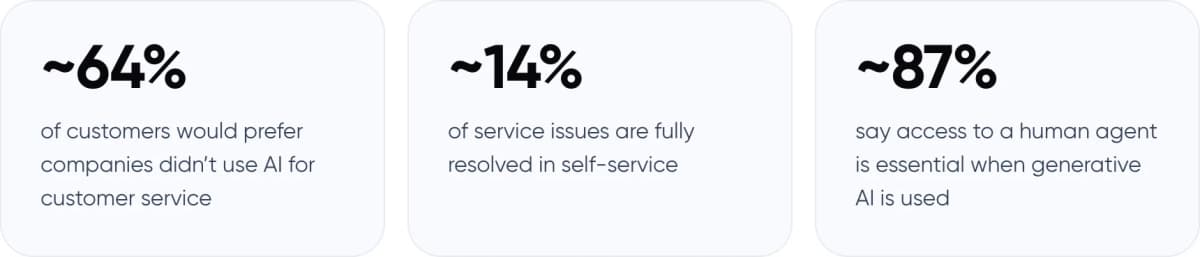
- ~64% of customers would prefer companies didn’t use AI for customer service
- ~14% of service issues are fully resolved in self-service
- ~87% say access to a human agent is essential when generative AI is used
Sources: Gartner customer survey of 5,728 respondents, fielded December 2023 (~64%, ~14%); Gartner customer survey of 3,566 respondents, 2026 (~87%).
Real example · Klarna
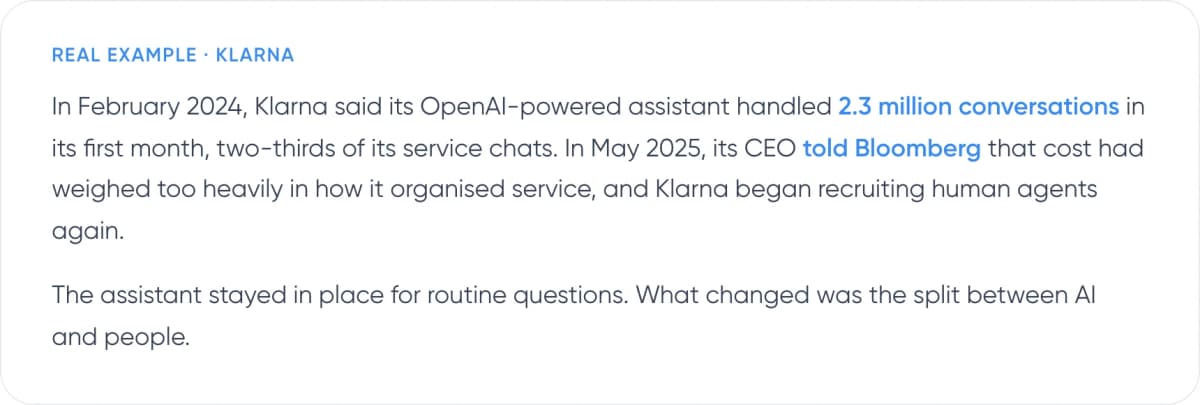
In February 2024, Klarna said its OpenAI-powered assistant handled 2.3 million conversations in its first month, two-thirds of its service chats. In May 2025, its CEO told Bloomberg that cost had weighed too heavily in how it organised service, and Klarna began recruiting human agents again.
The assistant stayed in place for routine questions. What changed was the split between AI and people.
Klarna is not alone. Gartner predicts that by 2027, ~50% of organisations that expected to cut their service workforce significantly will abandon those plans. In our view, the lesson is about scope. Handling volume is easy to measure. Resolving problems takes more careful design.
3. How Do You Decide What to Automate?
Run each ticket type through four questions. If all four answers are yes, automate it fully. If one is no, let AI draft and a person approve. If two or more are no, keep it human. One exception: if the customer is distressed, hand over to a person whatever the other answers are.
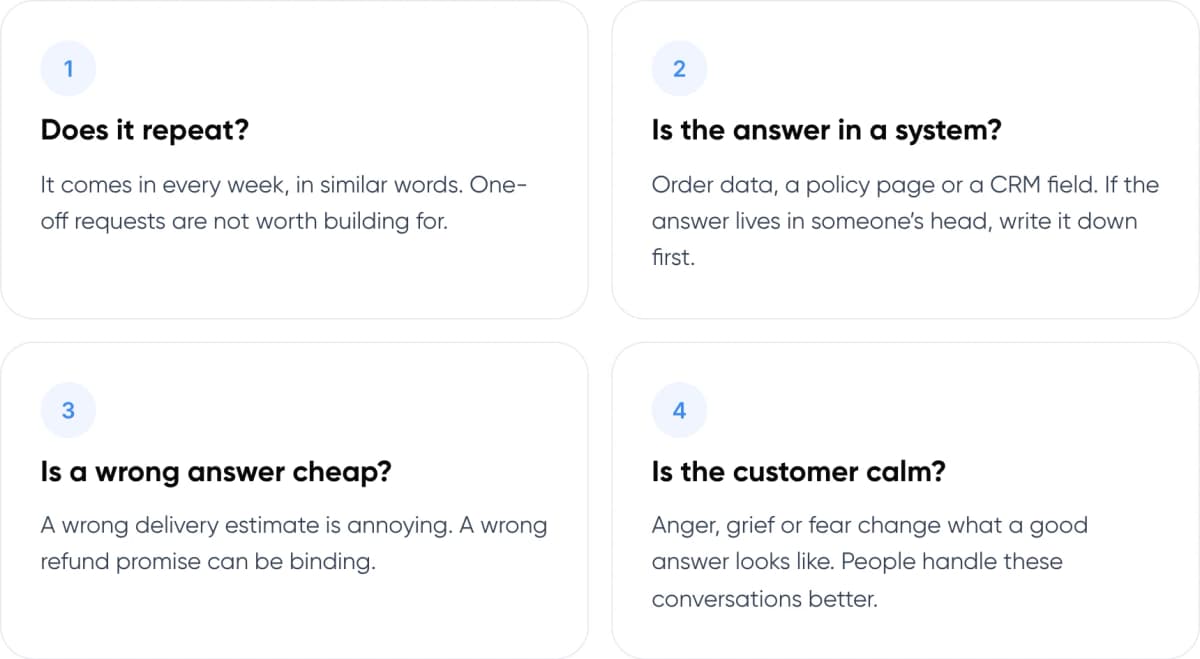
- Does it repeat? It comes in every week, in similar words. One-off requests are not worth building for.
- Is the answer in a system? Order data, a policy page or a CRM field. If the answer lives in someone’s head, write it down first.
- Is a wrong answer cheap? A wrong delivery estimate is annoying. A wrong refund promise can be binding.
- Is the customer calm? Anger, grief or fear change what a good answer looks like. People handle these conversations better.
Here is how common ticket types score.
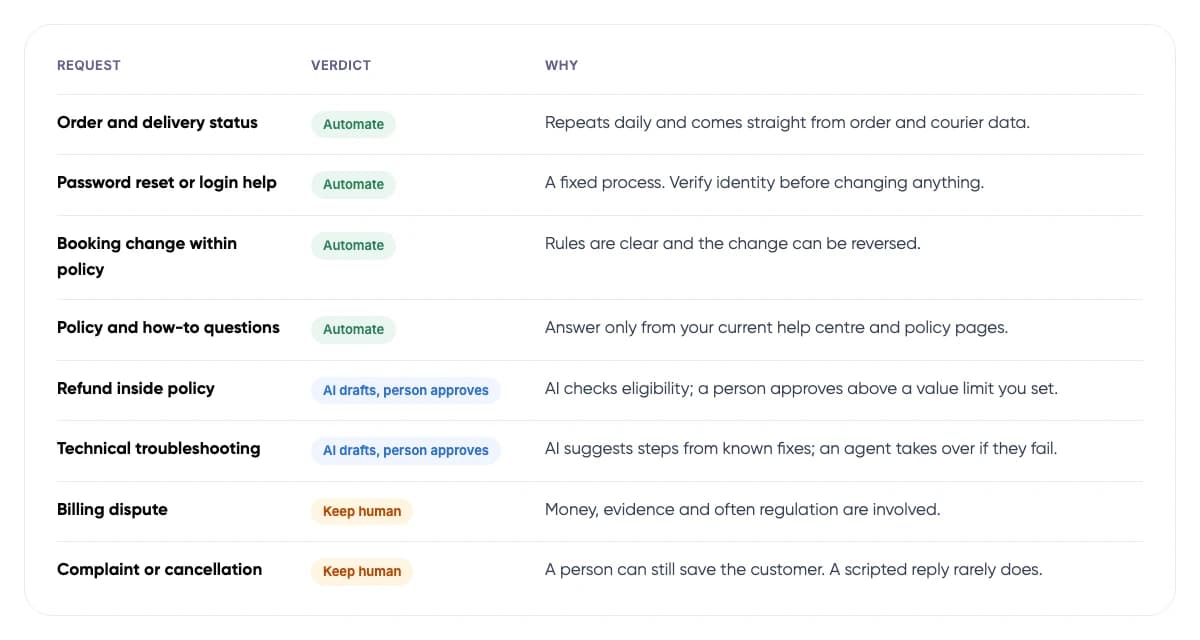
- Order and delivery status (Automate): Repeats daily and comes straight from order and courier data.
- Password reset or login help (Automate): A fixed process. Verify identity before changing anything.
- Booking change within policy (Automate): Rules are clear and the change can be reversed.
- Policy and how-to questions (Automate): Answer only from your current help centre and policy pages.
- Refund inside policy (AI drafts, person approves): AI checks eligibility; a person approves above a value limit you set.
- Technical troubleshooting (AI drafts, person approves): AI suggests steps from known fixes; an agent takes over if they fail.
- Billing dispute (Keep human): Money, evidence and often regulation are involved.
- Complaint or cancellation (Keep human): A person can still save the customer. A scripted reply rarely does.
4. What Should You Automate in Customer Support?
There are two kinds of work to automate: what the customer sees, and what happens behind the scenes. The second kind is often the safer place to start, because an agent catches a mistake before the customer does.
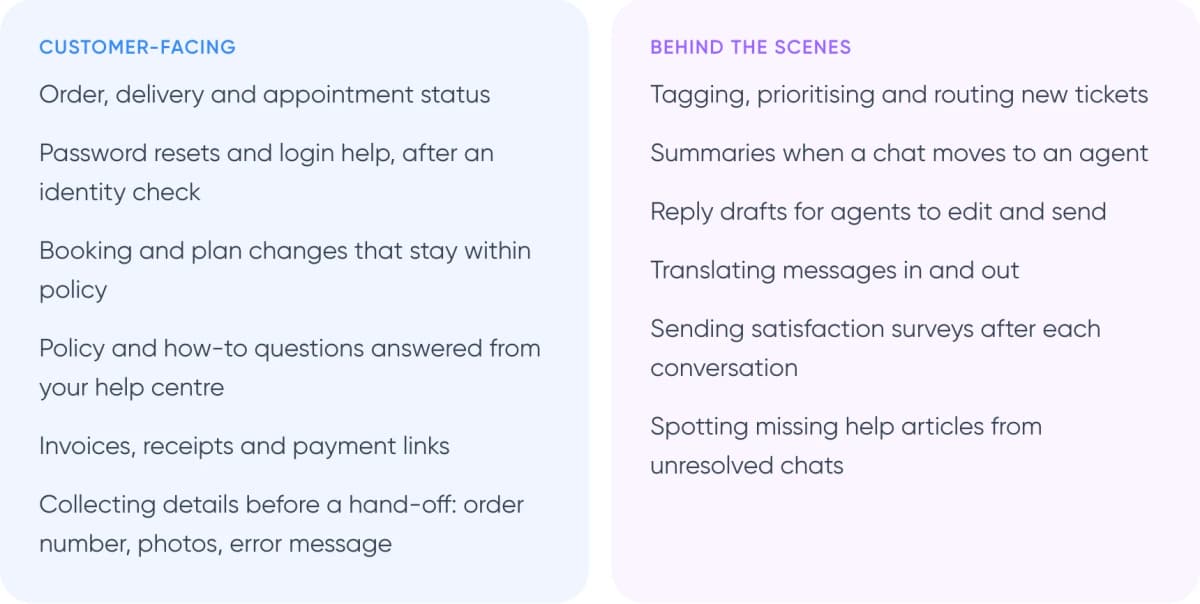
Customer-facing
- Order, delivery and appointment status
- Password resets and login help, after an identity check
- Booking and plan changes that stay within policy
- Policy and how-to questions answered from your help centre
- Invoices, receipts and payment links
- Collecting details before a hand-off: order number, photos, error message
Behind the scenes
- Tagging, prioritising and routing new tickets
- Summaries when a chat moves to an agent
- Reply drafts for agents to edit and send
- Translating messages in and out
- Sending satisfaction surveys after each conversation
- Spotting missing help articles from unresolved chats
Behind-the-scenes help desk automation often needs no customer-facing bot at all. Most help desk tools already offer rules for tagging and routing, and AI add-ons for summaries and reply drafts. Customer-facing automation needs more care: it must look up live data, verify who it is talking to and know when to stop.
Tip: Start with a summary on every hand-off. Agents stop asking customers to repeat themselves, and a weak summary costs little. Our guide to chatbot handoff and context transfer covers what to pass across.
5. What Should You Not Automate?
Keep people on requests where a wrong answer costs money, creates legal risk or loses a customer. AI can still collect the details and suggest a reply. A person decides.
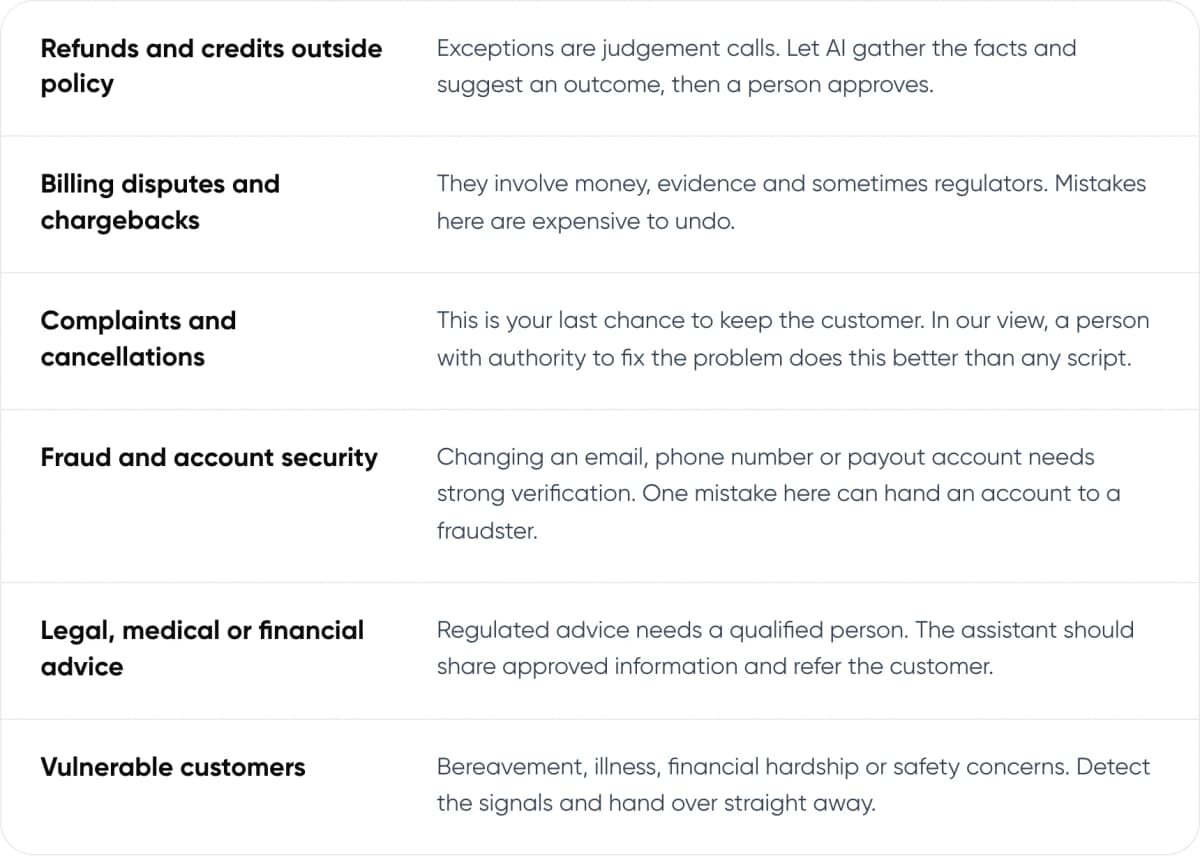
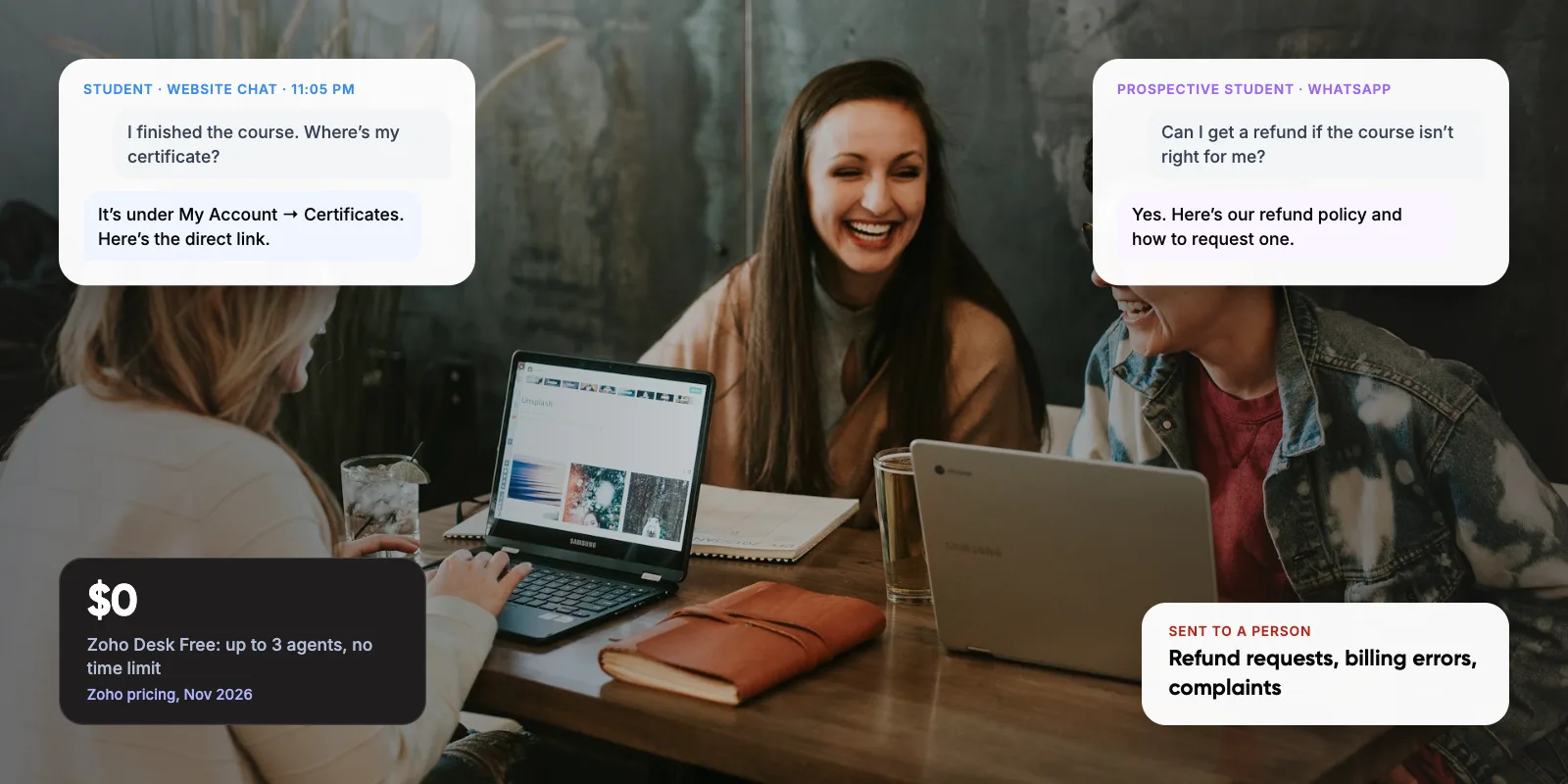
- Refunds and credits outside policy. Exceptions are judgement calls. Let AI gather the facts and suggest an outcome, then a person approves.
- Billing disputes and chargebacks. They involve money, evidence and sometimes regulators. Mistakes here are expensive to undo.
- Complaints and cancellations. This is your last chance to keep the customer. In our view, a person with authority to fix the problem does this better than any script.
- Fraud and account security. Changing an email, phone number or payout account needs strong verification. One mistake here can hand an account to a fraudster.
- Legal, medical or financial advice. Regulated advice needs a qualified person. The assistant should share approved information and refer the customer.
- Vulnerable customers. Bereavement, illness, financial hardship or safety concerns. Detect the signals and hand over straight away.
The Air Canada case shows what is at stake. In February 2024, British Columbia’s Civil Resolution Tribunal held the airline liable after its website chatbot wrongly told a customer he could buy a full-price ticket and claim the bereavement discount back later. The airline’s actual policy did not allow claims after purchase. The tribunal rejected the argument that the chatbot was responsible for its own actions. Air Canada was ordered to pay about CA$812 in damages, interest and fees.
Warning: Anything your assistant says about prices, refunds or eligibility can be treated as your company’s word. Ground those answers in your current policy documents, and log every answer so you can check it later.
6. What About the Middle Ground?
For complex tickets, use AI to help the agent. A study of 5,172 support agents, published in The Quarterly Journal of Economics in 2025, found AI suggestions raised issues resolved per hour by ~15% on average. Less experienced agents gained the most. The most experienced saw small gains in speed and small drops in quality.
In practice, the AI reads the ticket, pulls the order and the relevant policy, drafts a reply and suggests an action. The agent checks it and sends. For refunds, set a value limit. Below it, the AI can approve requests that meet your policy. Above it, a person signs off.
Not sure which of your tickets to automate first? We can sort them with you.
7. How Do You Automate Customer Support Safely? 6 Steps
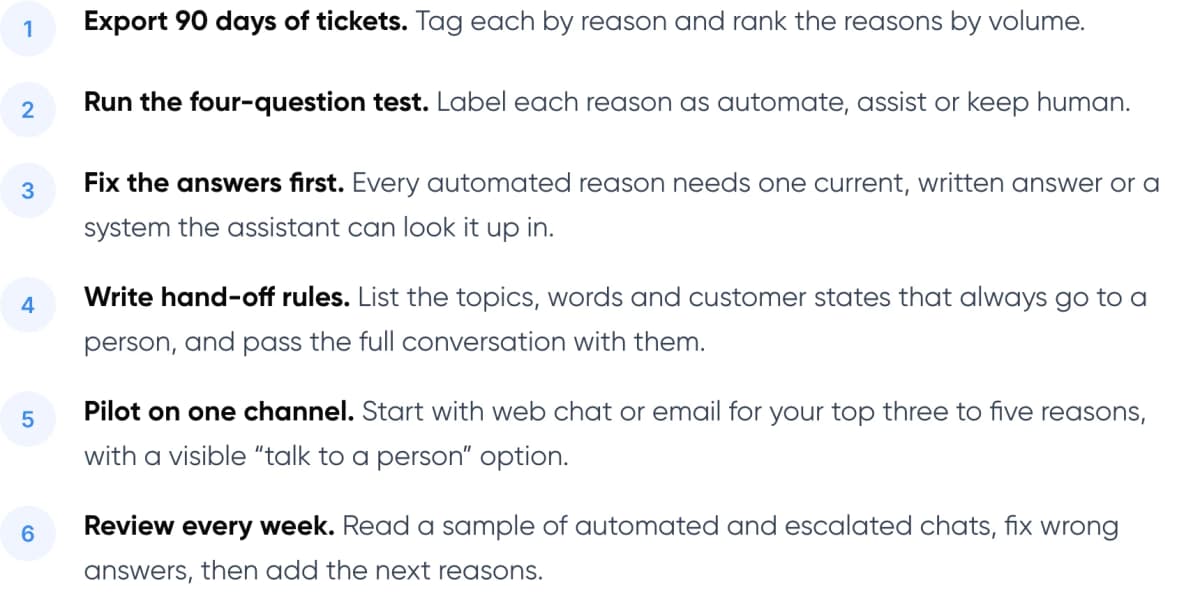
- Export 90 days of tickets. Tag each by reason and rank the reasons by volume.
- Run the four-question test. Label each reason as automate, assist or keep human.
- Fix the answers first. Every automated reason needs one current, written answer or a system the assistant can look it up in.
- Write hand-off rules. List the topics, words and customer states that always go to a person, and pass the full conversation with them.
- Pilot on one channel. Start with web chat or email for your top three to five reasons, with a visible “talk to a person” option.
- Review every week. Read a sample of automated and escalated chats, fix wrong answers, then add the next reasons.
For how an assistant looks up policies and account data reliably, see our guide to agentic RAG for customer service.
8. How Do You Know It’s Working?
Measure resolution, not deflection. Deflection counts conversations that never reached an agent. But a chat that ends without an agent is not always a solved problem. The customer may have given up, or called instead.
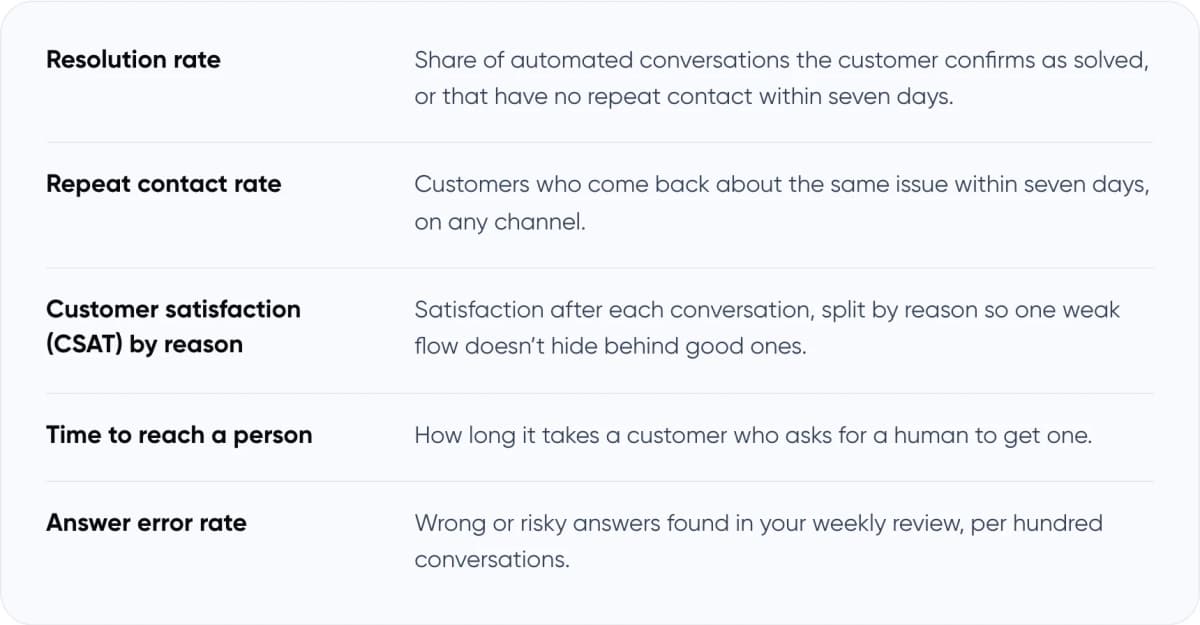
- Resolution rate: Share of automated conversations the customer confirms as solved, or that have no repeat contact within seven days.
- Repeat contact rate: Customers who come back about the same issue within seven days, on any channel.
- Customer satisfaction (CSAT) by reason: Satisfaction after each conversation, split by reason so one weak flow doesn’t hide behind good ones.
- Time to reach a person: How long it takes a customer who asks for a human to get one.
- Answer error rate: Wrong or risky answers found in your weekly review, per hundred conversations.
Track each metric per ticket reason, not just overall. If repeat contacts rise for a reason you automated, move it back to “AI drafts, person approves” until you have fixed the answer.
9. Frequently Asked Questions
What is customer support automation?
Customer support automation uses software, from simple rules to AI agents, to handle support work without an agent doing every step. It covers customer-facing tasks such as order-status answers and back-office tasks such as tagging, routing and summarising tickets. Good setups automate repeat, low-risk requests and pass the rest to people with full context.
What customer service tasks should not be automated?
Refunds outside policy, billing disputes, complaints, cancellation requests, fraud and account-security changes, regulated advice and conversations with vulnerable customers. AI can still collect the details and draft a reply for these, but a person should make the decision and respond.
What are the pros and cons of automated customer service?
The pros are instant answers at any hour, consistent replies, lower cost per ticket and agents freed for complex cases. The cons: wrong answers can bind you, as in the 2024 Air Canada ruling, and ~64% of customers in Gartner’s 2024 survey said they would prefer companies didn’t use AI for service.
How much of customer support can be automated?
It depends on your ticket mix. Gartner predicts that by 2029, agentic AI (AI that can take actions in your systems, not just reply) will resolve ~80% of common service issues without a person. That covers common issues only. Gartner’s 2024 survey found just ~14% of issues fully resolved in self-service. Start by counting your own repeat, low-risk volume.
Will automation replace customer support agents?
Current evidence says no. Gartner predicts that by 2027, ~50% of organisations that planned major service workforce cuts will abandon them. Klarna began recruiting human agents again in 2025 after leaning heavily on AI. Most teams use automation to absorb volume and give agents more time for complex cases.
10. Conclusion
Customer support automation pays off when you choose tickets, not channels. Automate requests that repeat, have one right answer in your systems and are cheap to get wrong. Let AI assist on the rest, and keep people on money, risk and emotion. Your next step: export last quarter’s tickets and run your top reasons through the four-question test.
For an example of our multichannel support work, see Paymate.
If you’d like help applying this to your own tickets, our AI customer support automation service covers planning, building and running it, from sorting your tickets to reviewing results after launch.
Author