Your Support Tickets Are the Best Product Roadmap You’re Ignoring: Mining 10,000 Tickets with LLMs
Every ticket records something a customer tried to do and couldn’t. Read together, they show which product problems cost you the most.
This guide shows how to turn 10,000 tickets into a ranked list of themes with a large language model, what it costs, and where it goes wrong.
1. The Short Answer
To mine support tickets with an LLM, export and clean them, have the model summarise each one into a short structured record, group similar records into themes, then count each theme and join it with revenue data. The result is a ranked list of product problems, based on what customers actually wrote.
This is the analysis side of AI ticketing. Answering tickets saves support time; reading all of them tells product teams what to fix. That matters because unfixed problems cost customers. Zendesk’s CX Trends 2025 report found 63% of consumers willing to switch to a competitor after one bad experience.
Key takeaways
- An LLM can summarise every ticket into the same few fields, so themes can be counted like a spreadsheet.
- Group similar summaries, have the model name each group, then have a person review the list.
- 10,000 tickets come to roughly 5 million input tokens. The model bill is small; reviewing the results takes more effort.
- Rank themes by revenue affected and trend, not ticket count alone.
- Remove personal data before tickets reach any model.
2. Why Are Support Tickets Good Product Data?
Surveys ask customers what you want to know. Tickets record what customers needed when something broke, in their own words and at the moment it happened. Nobody has to remember to fill them in.
The problem is reading them. Most teams rely on tags that agents pick under time pressure. Tags like “billing” or “bug” tell you the department, not the problem. “Billing” might hide three different issues: a confusing invoice, a failed card retry and a missing GST field.
- Tag: Billing — Card retries fail silently after expiry
- Tag: Billing — Invoices missing GST number field
- Tag: Bug — Excel export uses US date format
Note: Tickets over-represent customers who ask for help. Customers who quietly leave never write in. Use ticket themes alongside churn and usage data, not instead of them.
3. How Does the LLM Pipeline Work?
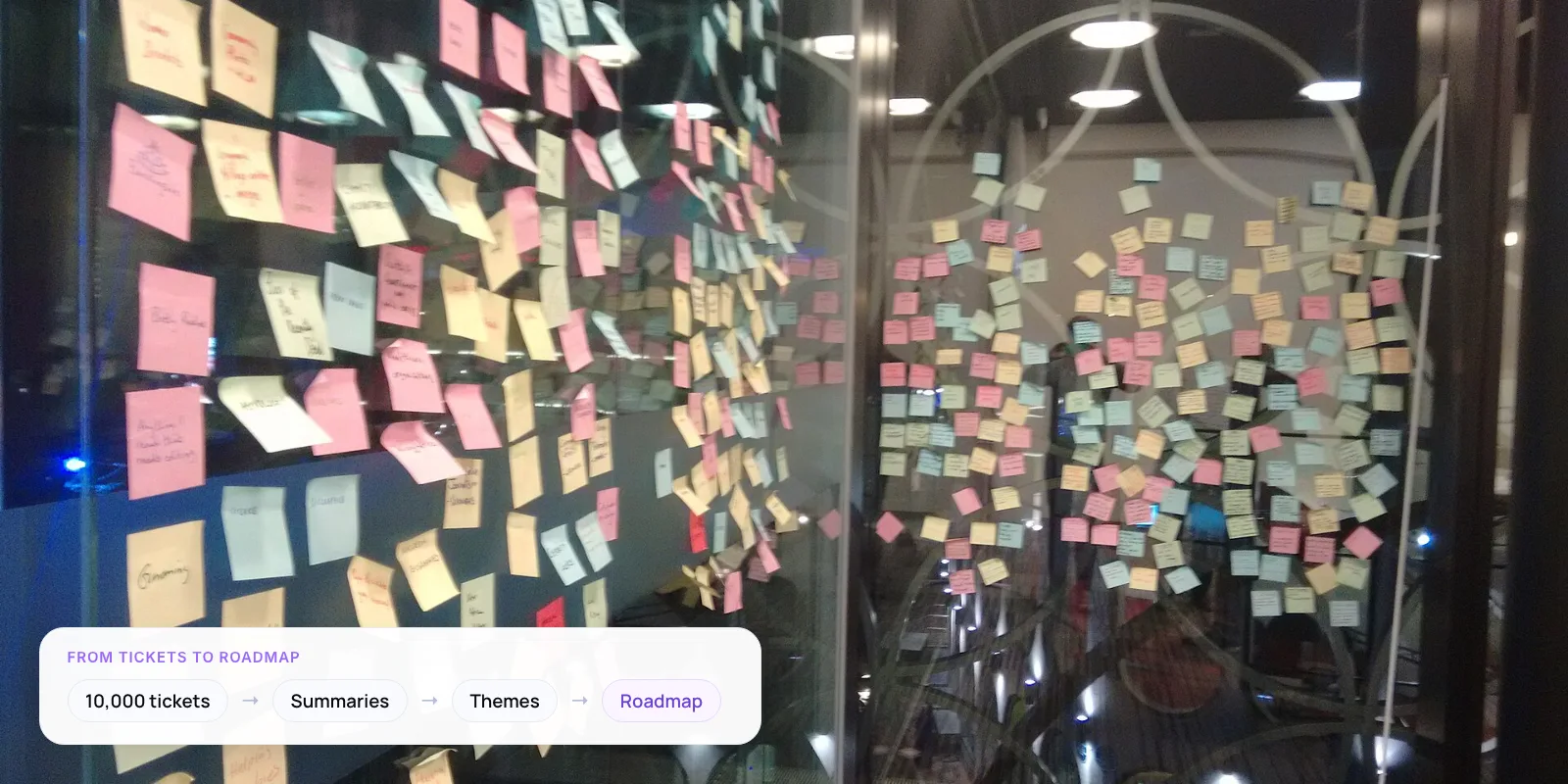
The pipeline has seven steps. The LLM does the reading; ordinary code does the counting, so the numbers stay exact.
- Export and clean. Pull tickets from your help desk. Remove signatures, auto-replies and personal data, and merge each thread into one document.
- Summarise into a fixed schema. Ask the model for the same fields every time: product area, problem, what the customer was trying to do, severity and a short quote.
- Embed and cluster. Turn each summary into an embedding, a list of numbers that captures meaning, and group similar ones. Leave odd tickets unassigned.
- Name the themes. Show the model a sample from each cluster and ask for a short theme name and description. This becomes your draft taxonomy.
- Review the taxonomy. A product manager merges duplicates, splits vague themes and removes anything the data doesn’t support.
- Classify every ticket. Run all tickets against the final taxonomy, then count themes in code, by month and by customer segment.
- Check a sample by hand. Label 100 random tickets yourself and compare. If agreement is low, fix the theme definitions and re-run.
Tip: Cluster the summaries, not the raw tickets. Raw tickets carry greetings, signatures and order numbers that pull unrelated tickets together.
4. What Does Each Ticket Become?
Step 2 is where most of the value sits. You ask the model to return the same small set of fields for every ticket, so the output can be counted and filtered like a spreadsheet.
Raw ticket
“Hi team, third time this month. I export the sales report to Excel and the dates come out in US format, so my accountant can’t reconcile it. We’re on the annual plan and honestly considering other tools. Thanks, R.”
Structured record
- Product area: Reports, export
- Problem: Exported dates use US format
- Customer goal: Reconcile sales with accountant
- Severity: Repeated (3rd time this month)
- Churn risk: Yes, mentions other tools
- Quote: “my accountant can’t reconcile it”
The example is illustrative. Keep the schema short; every extra field is another chance for the model to guess. In our view, “churn risk mentioned” is the most useful field for prioritising, because it ties a theme directly to revenue.
5. What Does It Cost to Process 10,000 Tickets?
Less than most teams expect. The cost depends on tokens (chunks of text the model reads and writes), so estimate the volume first and multiply by your model’s current price.
- ~5M input tokens to summarise 10,000 tickets at about 500 tokens each
- ~1M output tokens for a short structured record of about 100 tokens per ticket
- 50% lower token price with OpenAI’s Batch API, for jobs that can wait up to 24 hours
These figures assume an average cleaned ticket of about 500 tokens. Long email threads can be several times that, so measure a sample of your own. The job doesn’t need instant answers, so send it as a batch. OpenAI’s Batch API charges half the standard price for input and output tokens, and jobs finish within 24 hours.
Note: The bigger cost is people. Budget a few days for someone who knows the product to review the taxonomy and check a sample of labels by hand.
6. LLMs vs Manual Tagging vs Topic Models
LLMs are not the only way to analyse tickets. They are the best fit when you want readable themes without labelling data first.
- Setup effort — Agent tags: None, already in place · Keyword rules: Low: write rules · Topic models: Medium: tune parameters · LLM pipeline: Medium: prompts and review
- Finds new issues — Agent tags: No, only existing tags · Keyword rules: No, only known words · Topic models: Yes · LLM pipeline: Yes
- Readable output — Agent tags: Tag names only · Keyword rules: Tag names only · Topic models: Keyword lists · LLM pipeline: Plain-English themes and quotes
- Consistency — Agent tags: Varies by agent · Keyword rules: High but brittle · Topic models: High · LLM pipeline: High with a fixed schema
- Main risk — Agent tags: Vague, rushed tags · Keyword rules: Misses synonyms · Topic models: Themes hard to name · LLM pipeline: Invented categories if unchecked
Topic models here means methods such as LDA, NMF or BERTopic. Our assessment, not a benchmark.
The two approaches combine well. BERTopic, an open-source topic modelling library, clusters with HDBSCAN by default, which leaves unusual documents out as outliers instead of forcing them into a theme. An LLM can then name each cluster in plain English.
7. Who Is Already Doing This?
Two AI companies have described running this kind of pipeline on their own feedback at scale.
OpenAI · User feedback
In a conference talk summarised by ZenML, OpenAI’s team described pulling support tickets, ratings and social posts into one data layer. LLMs classify feedback into a shared taxonomy, and embedding-based clustering flags new issues as they appear.
Source: ZenML LLMOps Database →
Anthropic · Clio, Dec 2024
Anthropic’s Clio uses its Claude model to summarise conversations, filter out personal details and group them into a hierarchy of topics. Its first study covered one million Claude.ai conversations, without staff reading the raw chats.
Clio is a useful model for privacy. Summarise and strip personal data before anyone outside support looks at the output.
Sitting on a year of tickets? We can run a first analysis with your team.
8. How Do You Turn Themes into Roadmap Decisions?
Ticket count alone is misleading. Ten tickets from your largest customers can matter more than a hundred from free users. Score each theme on four things.
- Volume. How many tickets mention the theme this month.
- Revenue affected. Total contract value of the accounts raising it. Join on customer ID from your CRM.
- Trend. Is it growing month on month? A new theme that doubles is more urgent than a steady old one.
- Churn signal. Share of tickets in the theme where the customer mentions cancelling or switching.
Share the top five themes with product each month, with three real customer quotes per theme. Quotes persuade engineers in a way charts rarely do.
9. What Mistakes Should You Avoid?
- Letting the model count. LLMs are unreliable at exact counts over long lists. Have the model label each ticket, then count the labels in code.
- Accepting the first taxonomy. Draft themes often overlap or are too broad. A product person should review them before you classify everything.
- Ignoring the “other” bucket. Tickets that fit no theme are where new problems first appear. Read a sample every month.
- Running it once. One report goes stale fast. Re-run monthly with the same taxonomy so trends are comparable.
Warning: Tickets contain names, emails, phone numbers and sometimes card or health details. Remove them before sending data to any model, and check your data processing agreement with the model provider.
Once you know your top themes, many can be answered automatically. See what customer support automation is and how it works and how to deploy agentic RAG for customer service.
10. Frequently Asked Questions
How many tickets do you need for useful results?
A few hundred tickets can show the biggest themes, but clustering works better with a few thousand. With 10,000 tickets you can also split themes by month, plan or region and still have enough tickets in each group to trust the trend.
Which LLM should you use to analyse support tickets?
In our view, any current general-purpose model from OpenAI, Anthropic or Google is good enough to summarise tickets. Choose based on your data policy, languages and price. Test two models on the same 200 tickets and compare the summaries by hand before committing.
Is it safe to send customer tickets to an LLM?
Only after you remove personal data and confirm the provider’s terms. Strip names, emails, phone numbers and payment details first. Check whether your plan keeps or trains on your data, and record the processing in your privacy documentation.
How accurate is LLM ticket classification?
It depends on how clearly your themes are defined. Measure it yourself: label 100 random tickets by hand and compare them with the model’s labels. Where they disagree, rewrite the theme description, not just the prompt, and test again.
Can my help desk do this already?
Many help desks now include AI ticketing features that tag intent or sentiment. They are useful for routing. For roadmap work you usually need your own taxonomy, links to revenue data and monthly trend reports, which often means exporting the data.
11. Conclusion
Your help desk already holds a record of what customers struggle with. AI ticketing analysis turns it into a ranked list your product team can act on. This week, export the last 90 days of closed tickets and run steps 1 and 2 on a sample of 500. If the summaries read well, run the full set.
To build the pipeline with us, see our AI customer support automation services.
Author