What Is an Agentic Workflow in Customer Support? 8 Examples Small Businesses Can Copy
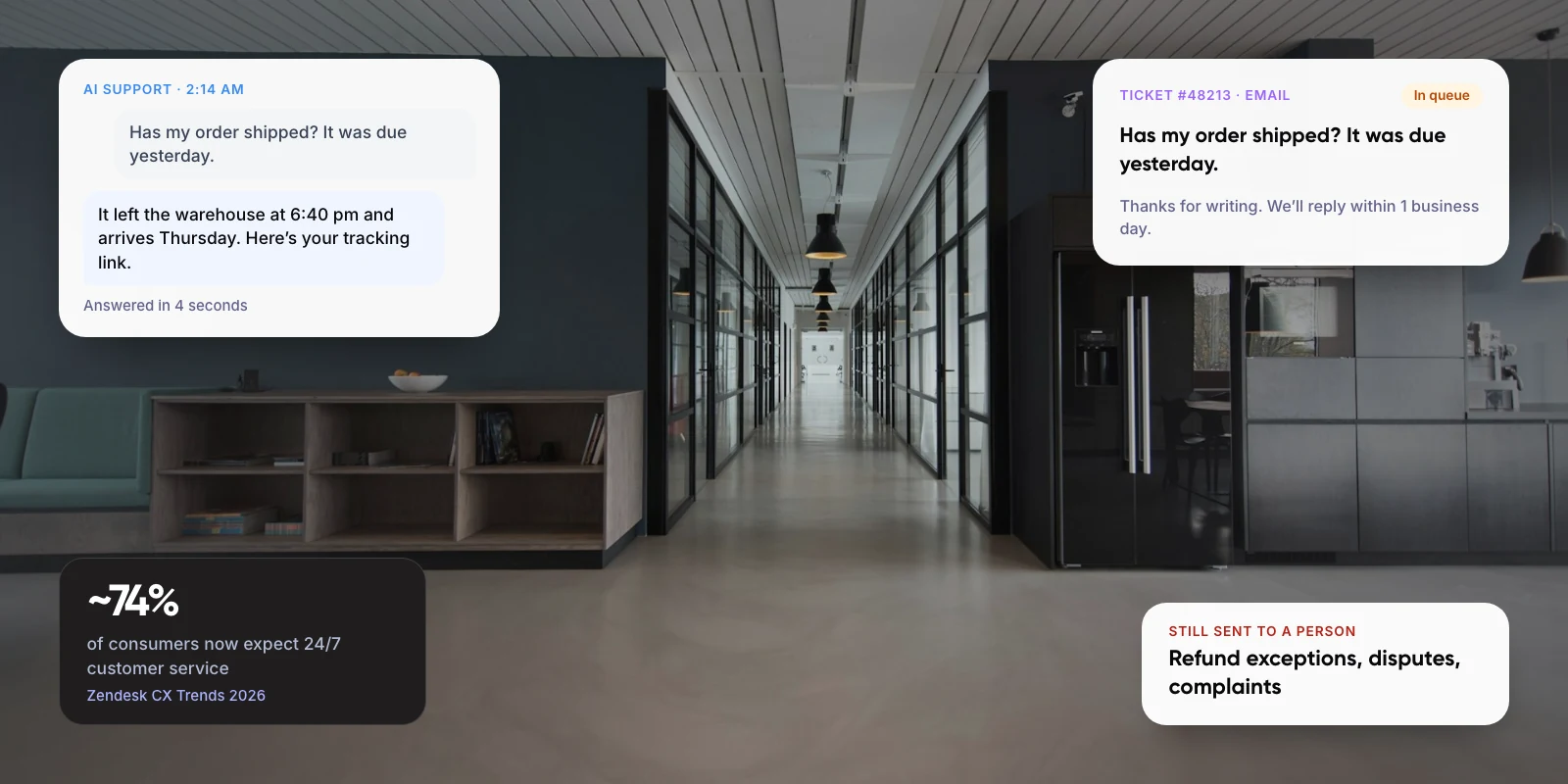
Photo: Mikhail Nilov on Pexels. Overlay cards are examples.
An agentic workflow in customer support is a process where an AI model reads a customer request, decides which steps to take, and uses your tools to complete them, such as checking an order or issuing a return label. A person steps in only where you set a checkpoint.
Gartner predicted in March 2025 that by 2029 agentic AI will resolve 80% of common customer service issues without human help. Below are eight workflows a small team can start with, and the guardrails each one needs.
1. What Is an Agentic Workflow in Customer Support?
Key takeaways
- An agentic workflow reads a request, decides the steps and uses your tools to complete them, with people at checkpoints you set.
- It suits frequent requests that need data from more than one system, such as orders, bookings, returns and billing.
- Start with low-risk workflows like order status and triage. Keep money-related actions behind limits or approval.
- Gartner predicts agentic AI will resolve 80% of common service issues by 2029, but also that over 40% of agentic projects will be cancelled by 2027.
- Run each workflow in draft mode first and compare its output with your team’s replies before it acts alone.
A standard chatbot answers questions. An agentic workflow also does the work behind the answer. It can look up an order in Shopify, check the carrier’s tracking, apply your delay policy, and send the customer a discount code, all in one conversation.
Anthropic’s engineering guide Building Effective Agents (December 2024) draws a useful line between two designs. In a workflow, the AI follows steps your team defined in advance. In an agent, the AI decides its own steps as it goes. Most support use cases sit between the two: fixed steps for anything involving money or policy, and AI judgment for reading the request and writing the reply.
Note: A “tool” here is any system the AI is allowed to call: your help desk, store, calendar, payment provider or CRM. The AI can only do what those connections allow, so the permissions you give it are your first guardrail.
2. How Is It Different From a Chatbot or Rule-Based Automation?
Small businesses usually have one of the first two already: help desk rules that tag and route tickets, or an FAQ chatbot. An agentic workflow is not a replacement for either. It handles the requests that need both understanding and action.
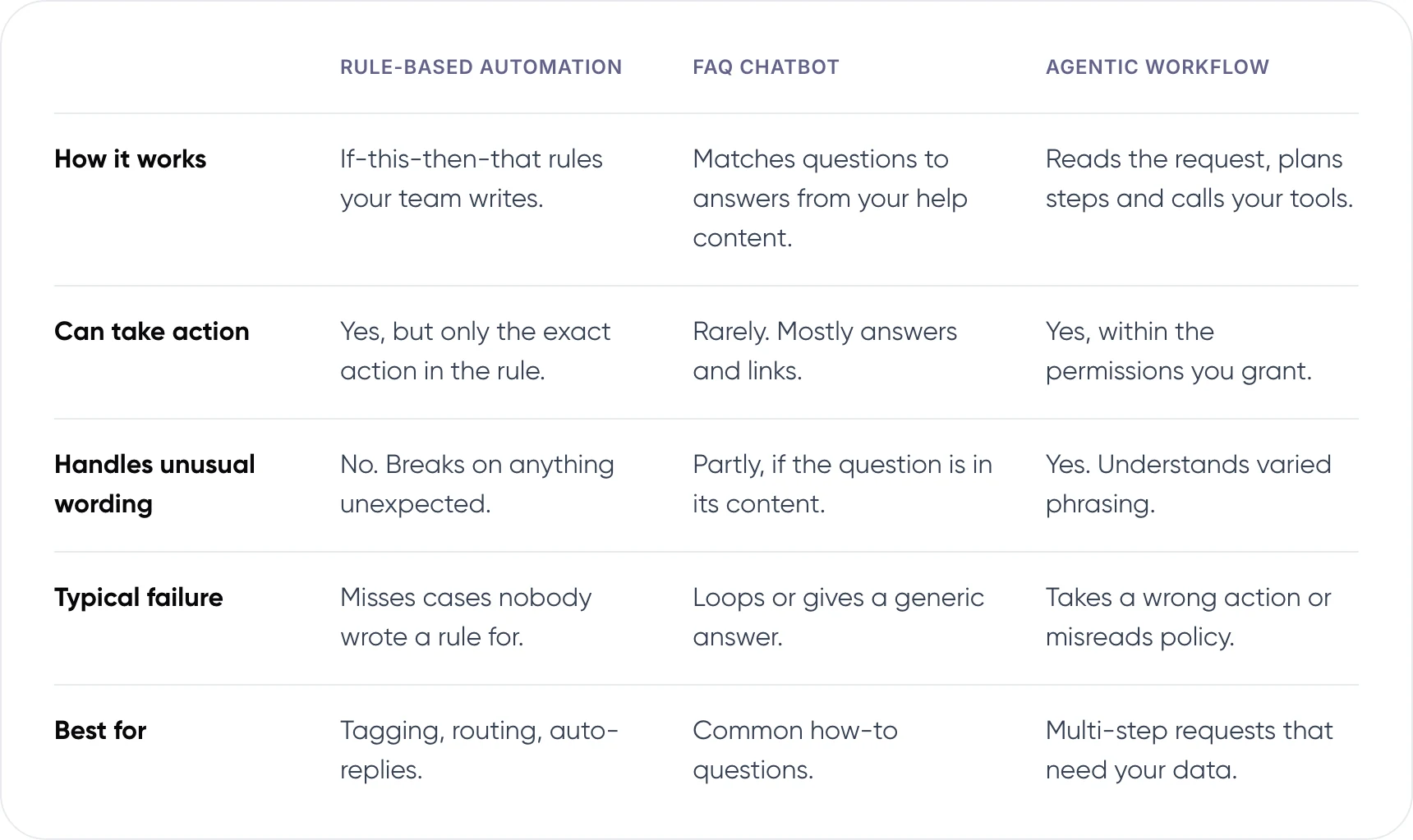
- How it works — Rule-based automation: If-this-then-that rules your team writes. FAQ chatbot: Matches questions to answers from your help content. Agentic workflow: Reads the request, plans steps and calls your tools.
- Can take action — Rule-based automation: Yes, but only the exact action in the rule. FAQ chatbot: Rarely. Mostly answers and links. Agentic workflow: Yes, within the permissions you grant.
- Handles unusual wording — Rule-based automation: No. Breaks on anything unexpected. FAQ chatbot: Partly, if the question is in its content. Agentic workflow: Yes. Understands varied phrasing.
- Typical failure — Rule-based automation: Misses cases nobody wrote a rule for. FAQ chatbot: Loops or gives a generic answer. Agentic workflow: Takes a wrong action or misreads policy.
- Best for — Rule-based automation: Tagging, routing, auto-replies. FAQ chatbot: Common how-to questions. Agentic workflow: Multi-step requests that need your data.
In our view, rules are still the right tool when the input is predictable, such as tagging every email that contains an order number. Agentic workflows earn their cost when customers phrase the same need in many different ways and the fix needs data from more than one system.
3. How Does an Agentic Workflow Handle a Request?
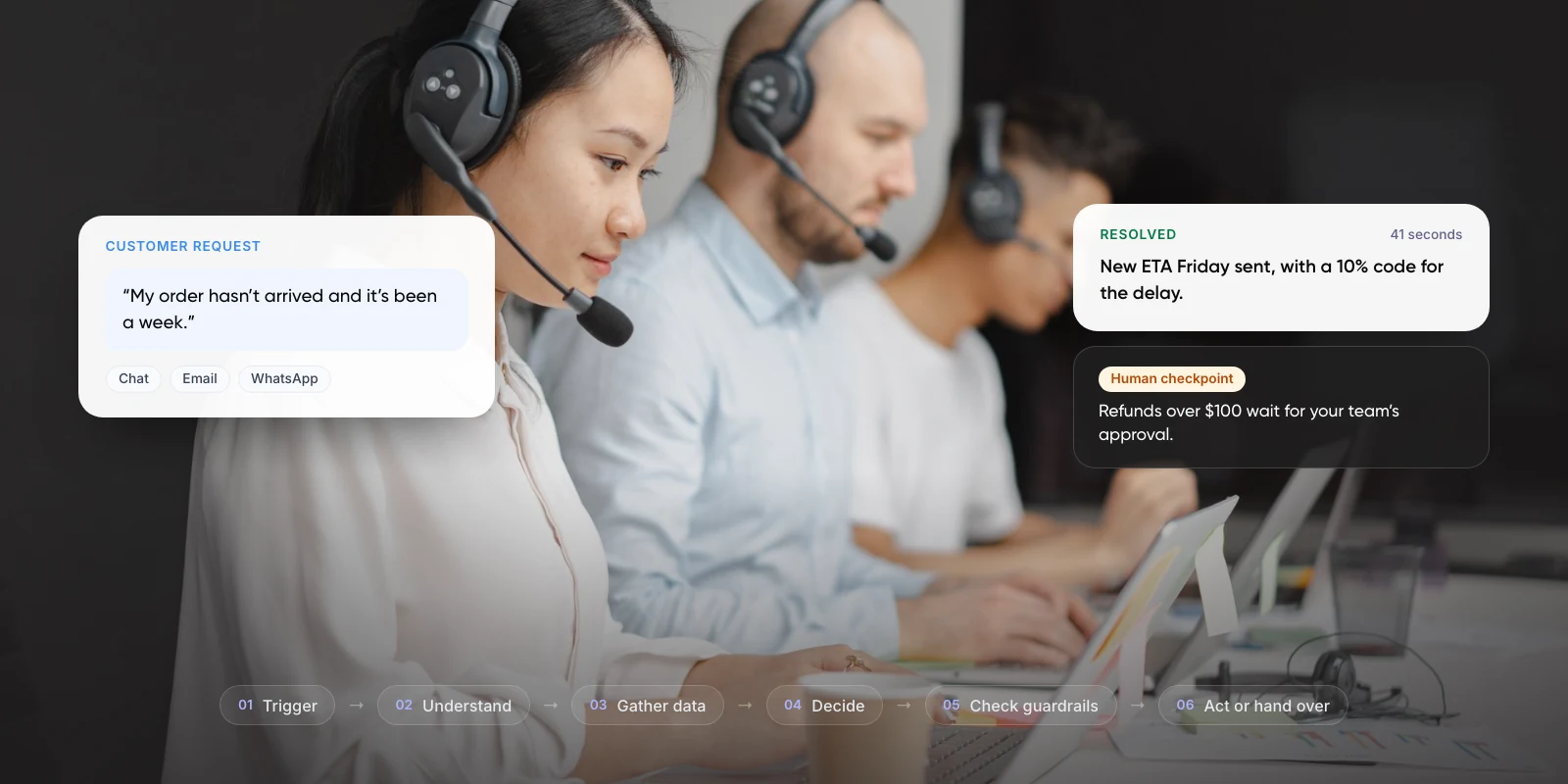
Most support workflows follow the same loop, whatever the topic. Taking the delayed-order request from the hero image as the example:
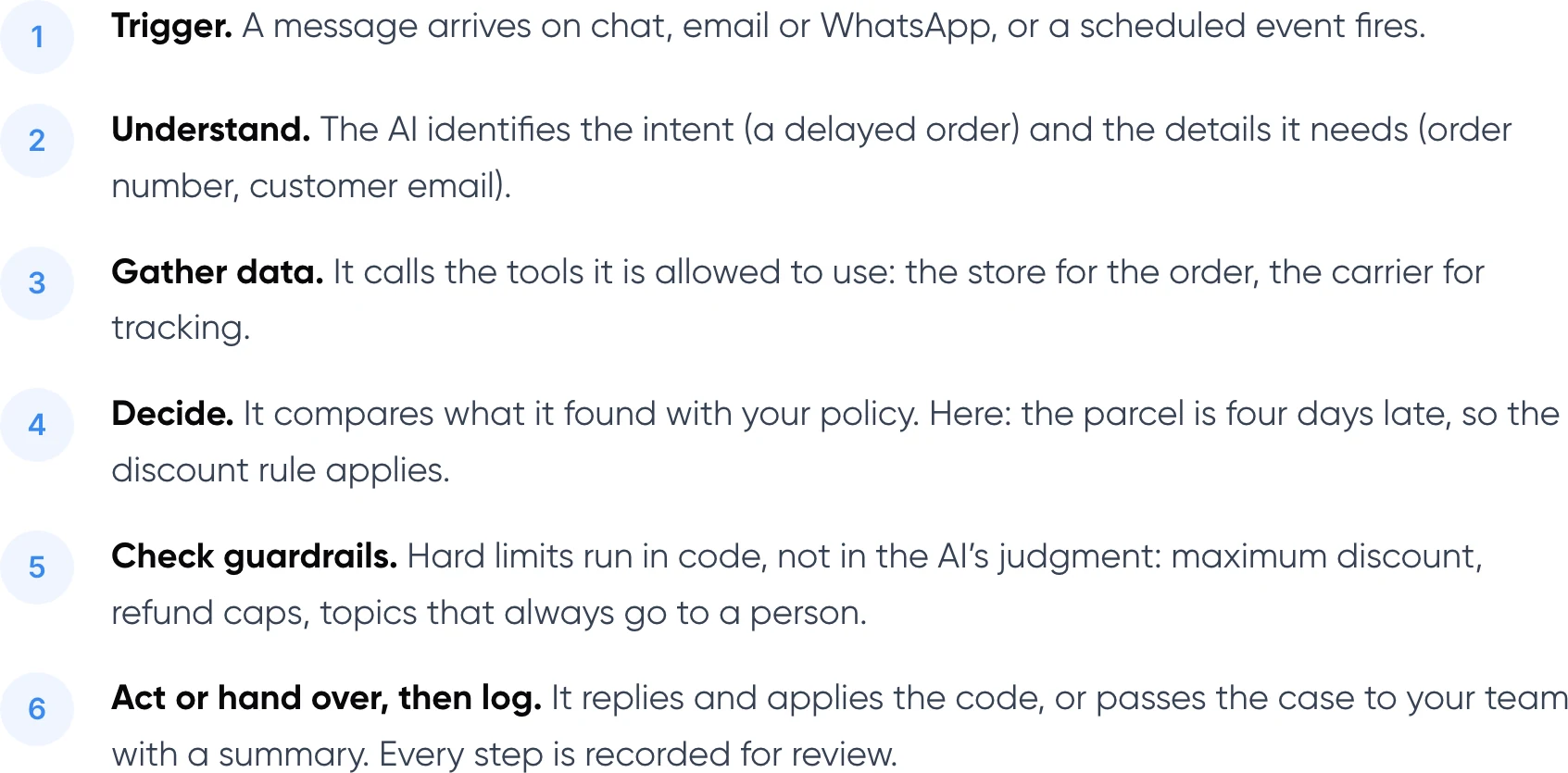
- Trigger. A message arrives on chat, email or WhatsApp, or a scheduled event fires.
- Understand. The AI identifies the intent (a delayed order) and the details it needs (order number, customer email).
- Gather data. It calls the tools it is allowed to use: the store for the order, the carrier for tracking.
- Decide. It compares what it found with your policy. Here: the parcel is four days late, so the discount rule applies.
- Check guardrails. Hard limits run in code, not in the AI’s judgment: maximum discount, refund caps, topics that always go to a person.
- Act or hand over, then log. It replies and applies the code, or passes the case to your team with a summary. Every step is recorded for review.
Tip: Write the guardrails in step 5 as plain business rules before anyone builds anything, for example “never refund more than the order value” or “always hand over if the customer mentions a chargeback.” They become the test cases for the whole workflow.
4. 8 Agentic Workflow Examples Small Businesses Can Copy
Each example lists what starts it, the tools it needs, what the AI does, and where a person stays in control. They are ordered roughly from lowest to highest risk. Filter by how much the AI does on its own:

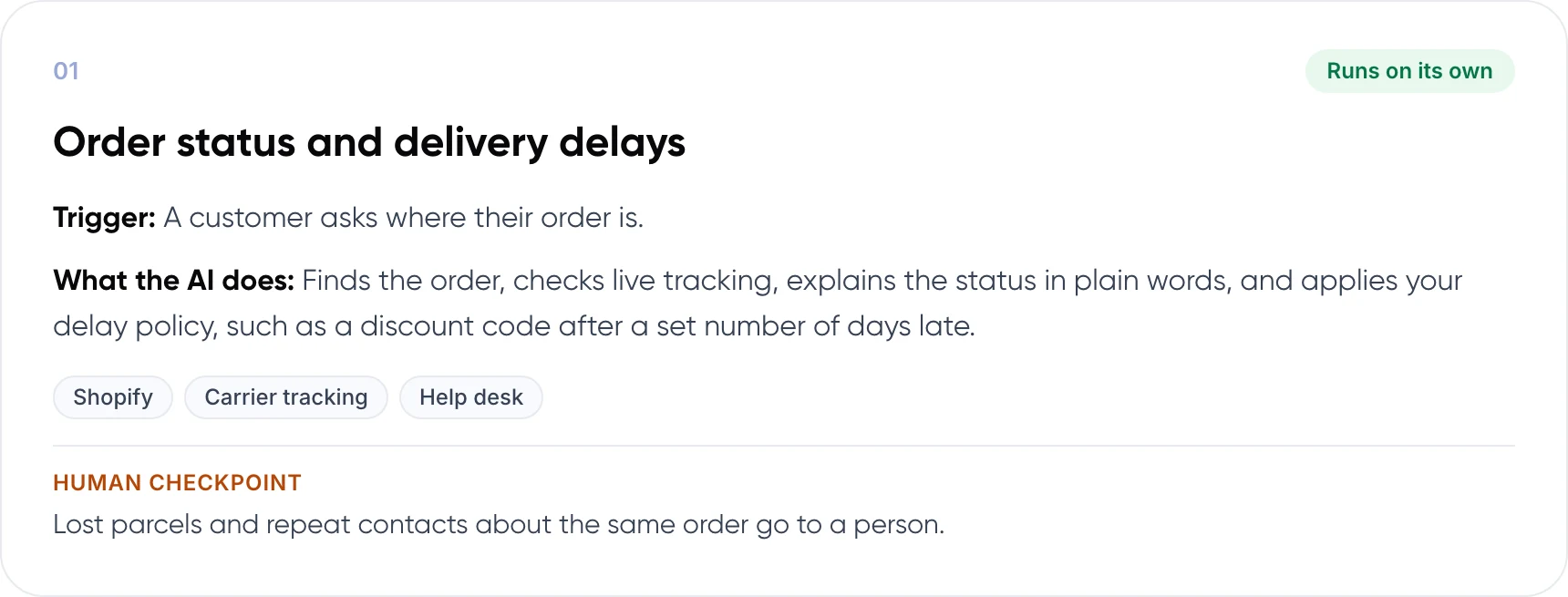
1. Order status and delivery delays
Runs on its own
Trigger: A customer asks where their order is.
What the AI does: Finds the order, checks live tracking, explains the status in plain words, and applies your delay policy, such as a discount code after a set number of days late.
Shopify · Carrier tracking · Help desk
Human checkpoint: Lost parcels and repeat contacts about the same order go to a person.
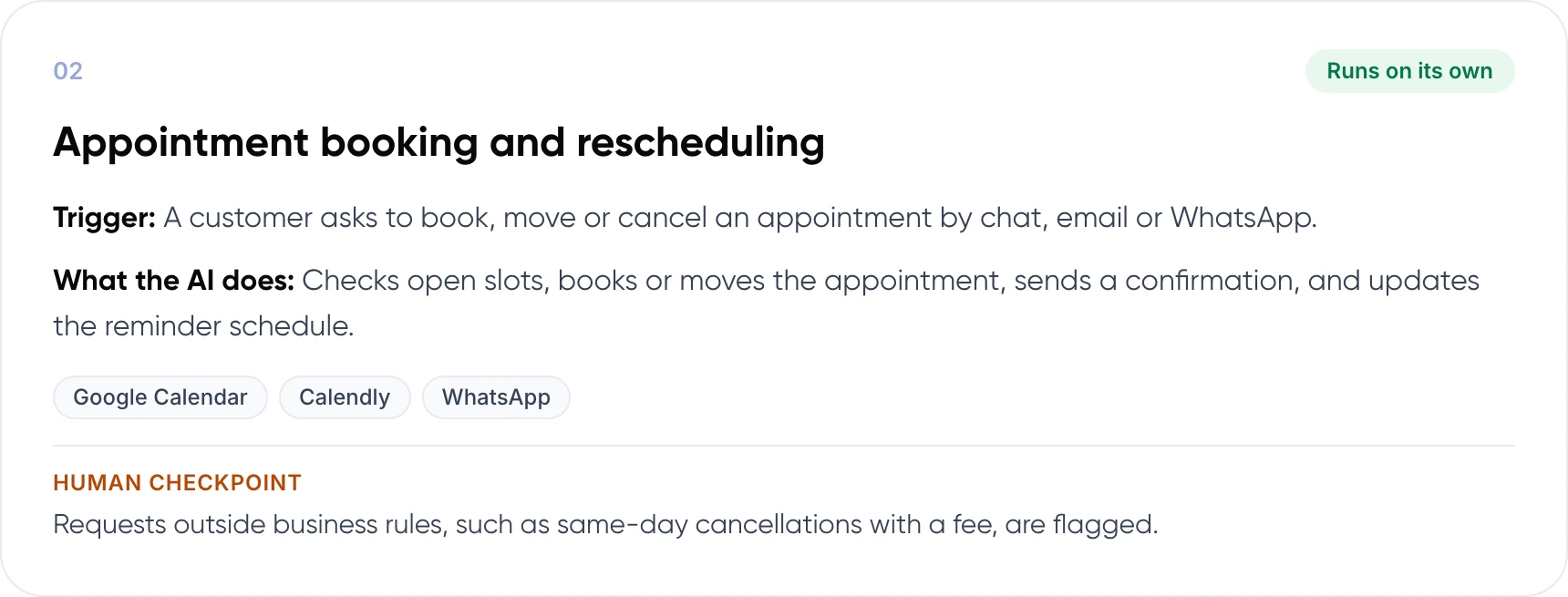
2. Appointment booking and rescheduling
Runs on its own
Trigger: A customer asks to book, move or cancel an appointment by chat, email or WhatsApp.
What the AI does: Checks open slots, books or moves the appointment, sends a confirmation, and updates the reminder schedule.
Google Calendar · Calendly · WhatsApp
Human checkpoint: Requests outside business rules, such as same-day cancellations with a fee, are flagged.
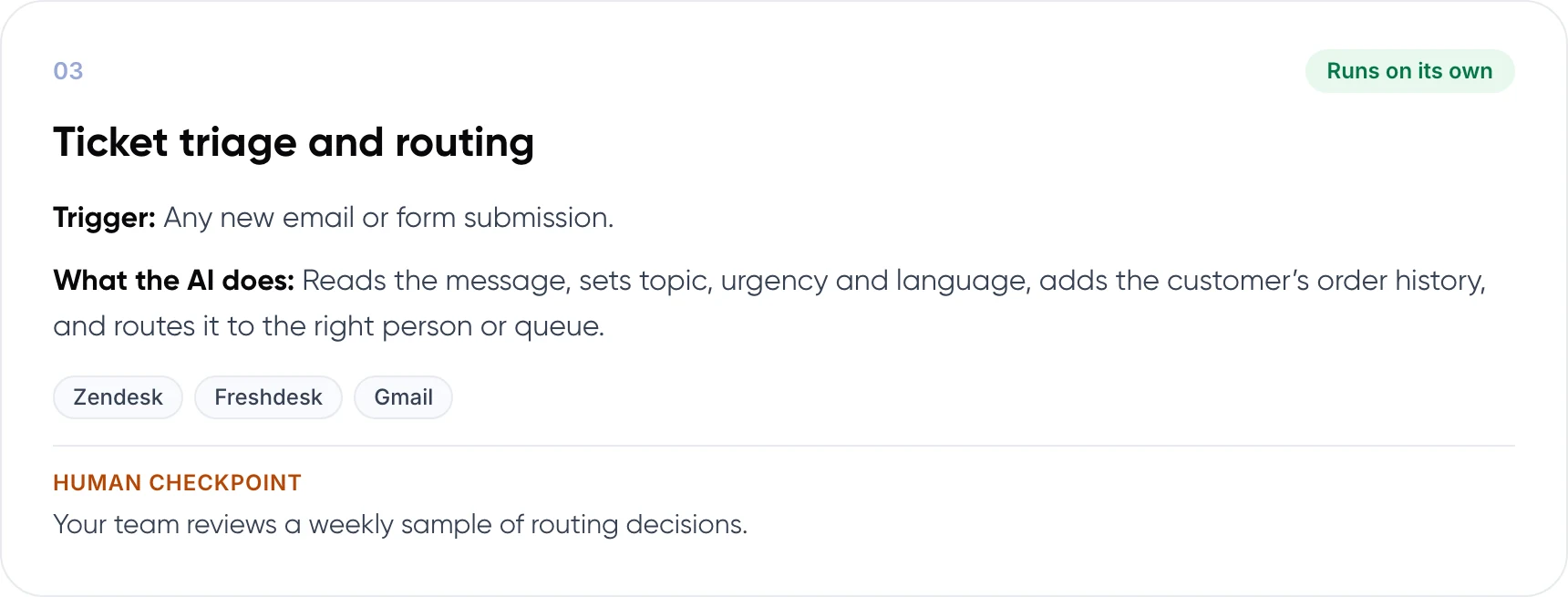
3. Ticket triage and routing
Runs on its own
Trigger: Any new email or form submission.
What the AI does: Reads the message, sets topic, urgency and language, adds the customer’s order history, and routes it to the right person or queue.
Zendesk · Freshdesk · Gmail
Human checkpoint: Your team reviews a weekly sample of routing decisions.
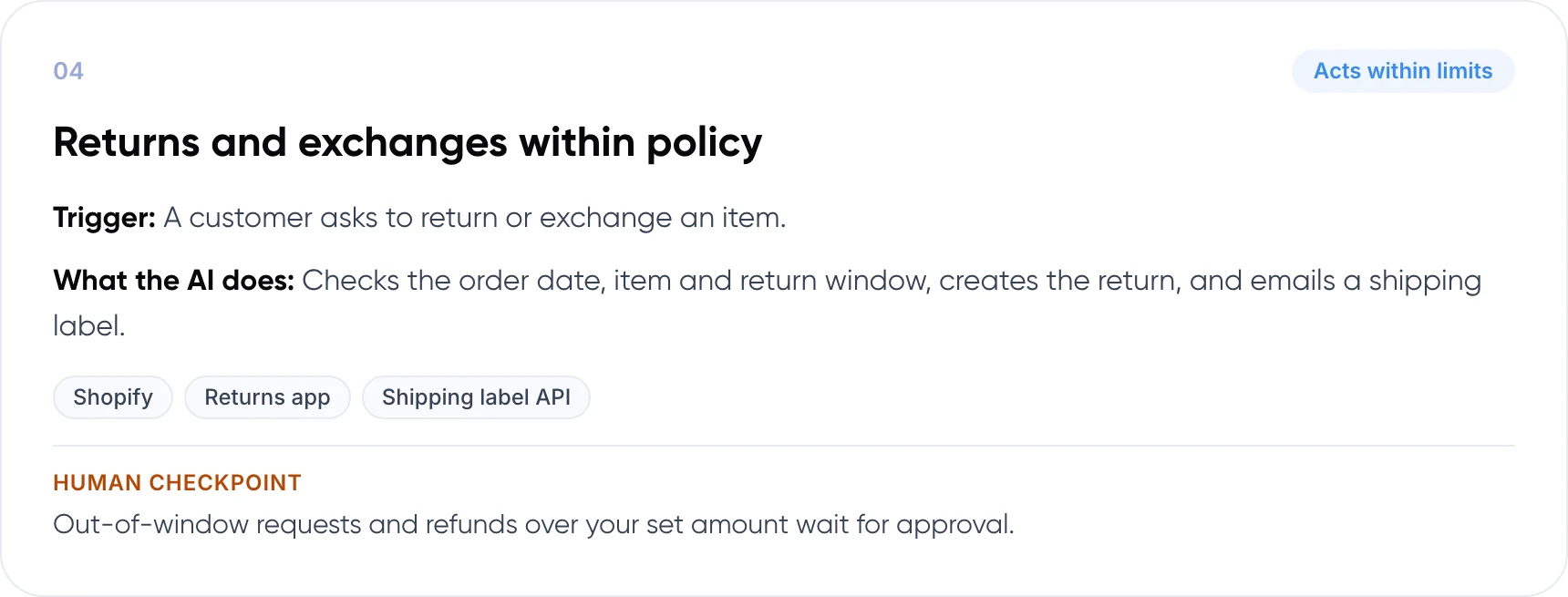
4. Returns and exchanges within policy
Acts within limits
Trigger: A customer asks to return or exchange an item.
What the AI does: Checks the order date, item and return window, creates the return, and emails a shipping label.
Shopify · Returns app · Shipping label API
Human checkpoint: Out-of-window requests and refunds over your set amount wait for approval.
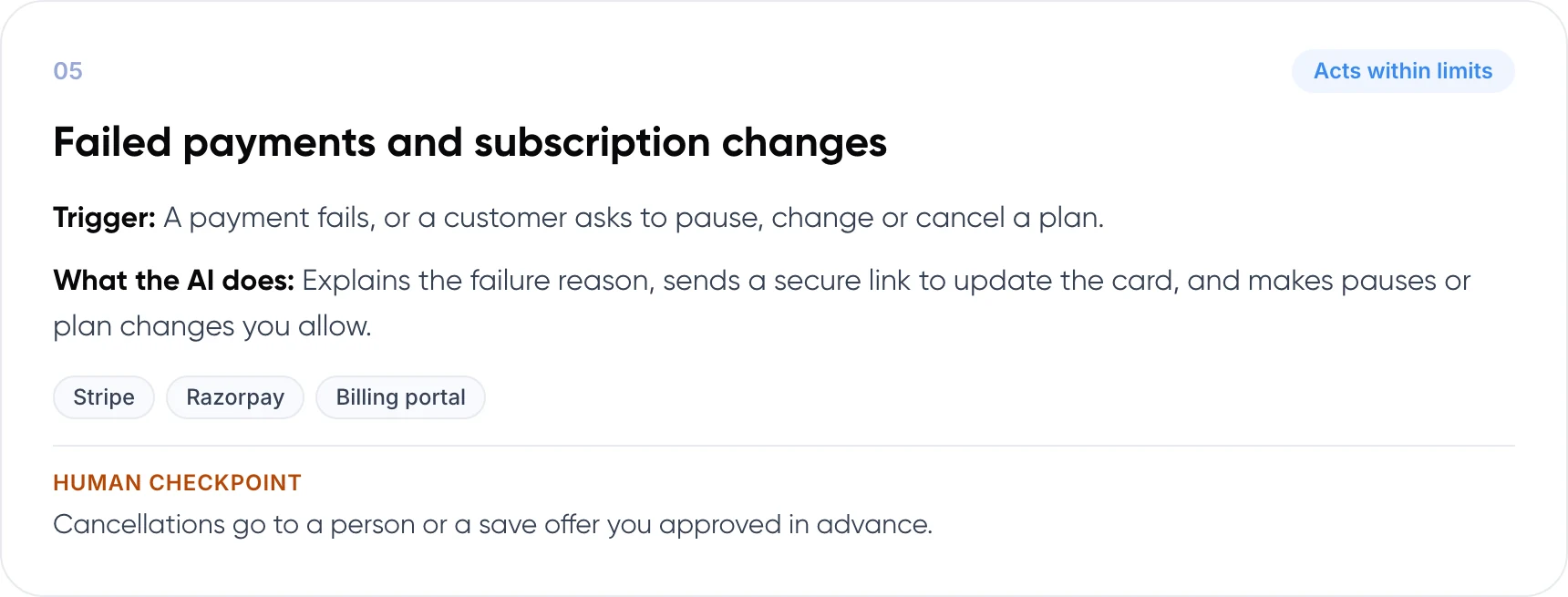
5. Failed payments and subscription changes
Acts within limits
Trigger: A payment fails, or a customer asks to pause, change or cancel a plan.
What the AI does: Explains the failure reason, sends a secure link to update the card, and makes pauses or plan changes you allow.
Stripe · Razorpay · Billing portal
Human checkpoint: Cancellations go to a person or a save offer you approved in advance.
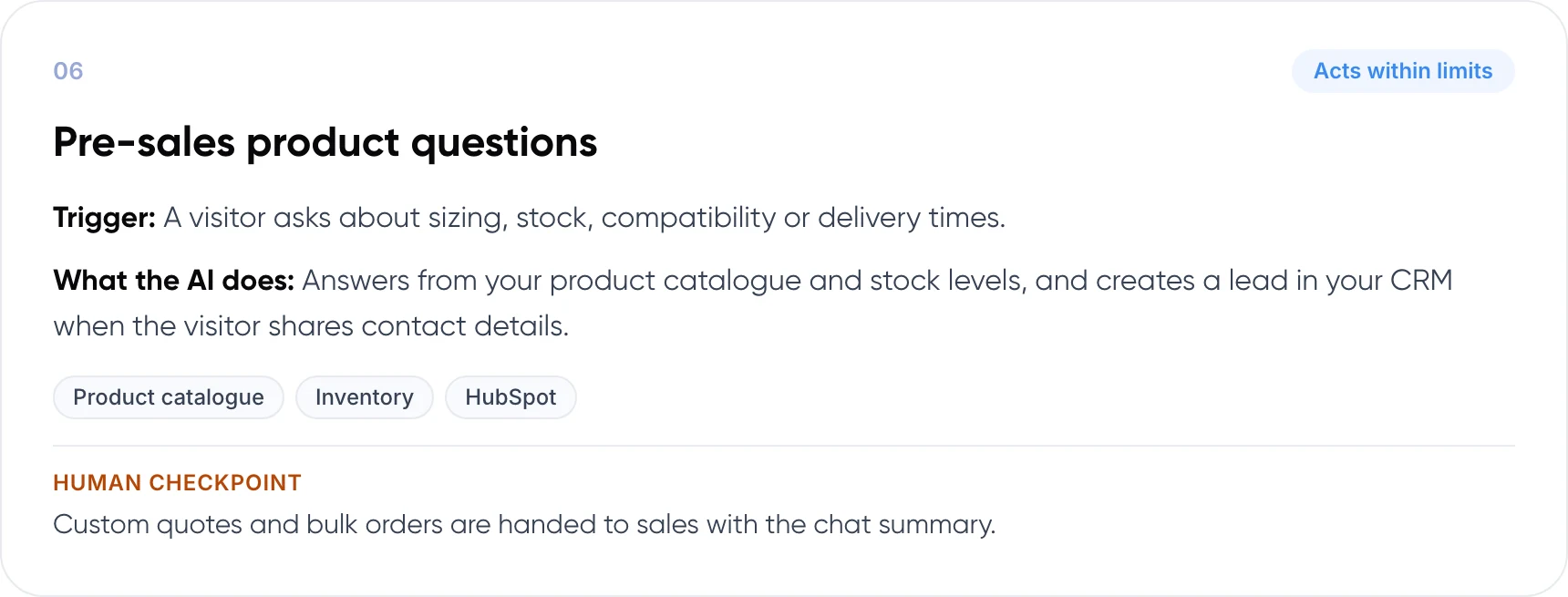
6. Pre-sales product questions
Acts within limits
Trigger: A visitor asks about sizing, stock, compatibility or delivery times.
What the AI does: Answers from your product catalogue and stock levels, and creates a lead in your CRM when the visitor shares contact details.
Product catalogue · Inventory · HubSpot
Human checkpoint: Custom quotes and bulk orders are handed to sales with the chat summary.
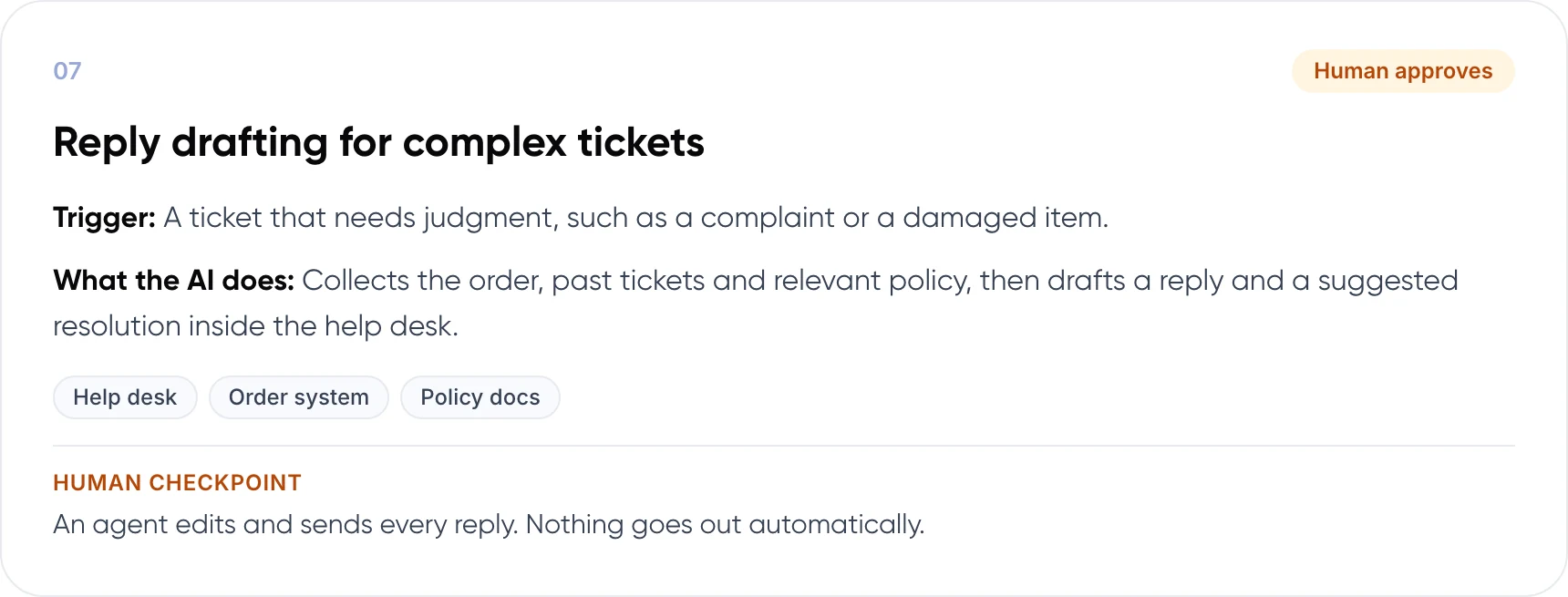
7. Reply drafting for complex tickets
Human approves
Trigger: A ticket that needs judgment, such as a complaint or a damaged item.
What the AI does: Collects the order, past tickets and relevant policy, then drafts a reply and a suggested resolution inside the help desk.
Help desk · Order system · Policy docs
Human checkpoint: An agent edits and sends every reply. Nothing goes out automatically.
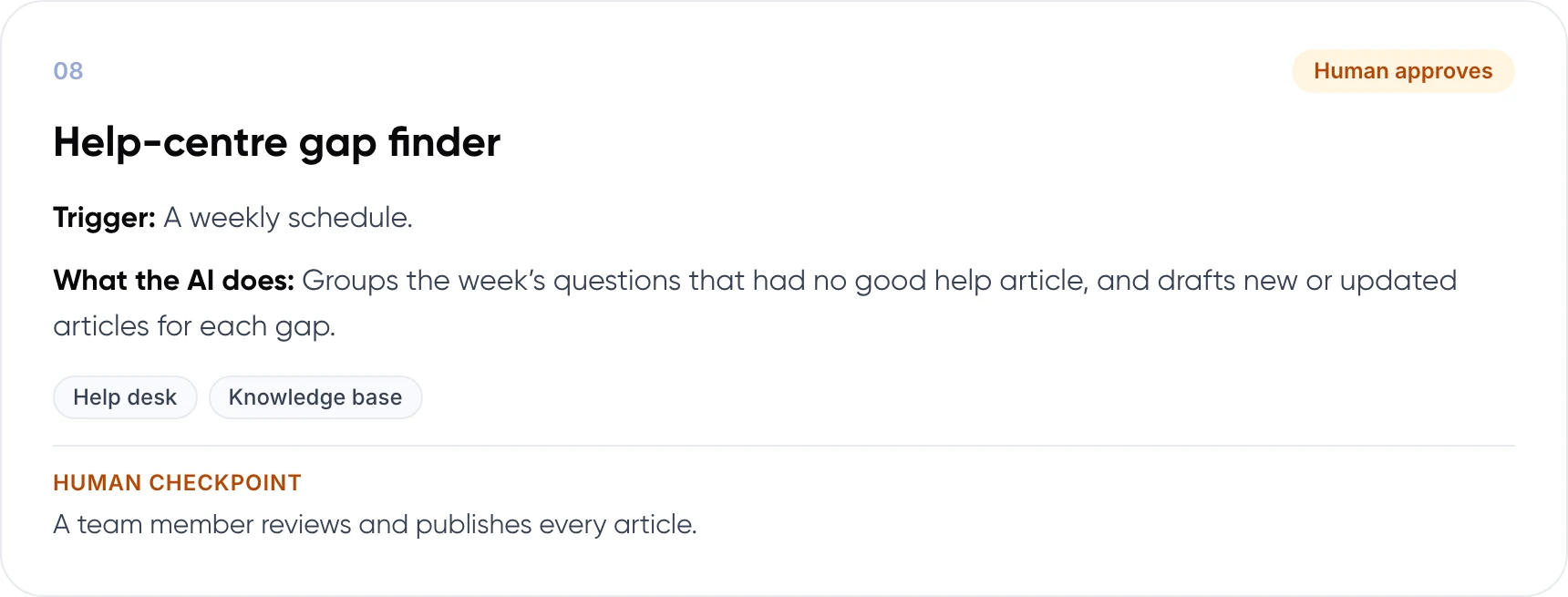
8. Help-centre gap finder
Human approves
Trigger: A weekly schedule.
What the AI does: Groups the week’s questions that had no good help article, and drafts new or updated articles for each gap.
Help desk · Knowledge base
Human checkpoint: A team member reviews and publishes every article.
Tool names are common examples, not endorsements. Each workflow can be built on most major help desks and stores.
Not sure which workflow to start with? We can map it against your ticket data with you.
5. What Results Have Companies Reported?
The most cited public example is Klarna. In its February 2024 announcement, the company said its AI assistant handled 2.3 million conversations in its first month, two-thirds of all its service chats. Klarna said the assistant could handle tasks such as refunds and returns, with customer satisfaction on par with human agents. Customers could still choose to speak to a person.

- 2.3M — conversations in the first month
- < 2 min — to resolve a request, down from 11 minutes
- 25% — fewer repeat inquiries
Source: Klarna press release, 27 February 2024. Figures are company-reported.
Klarna is a large company with its own engineering team, so treat these numbers as a ceiling, not a forecast for a five-person support desk. The pattern still applies at small scale: the gains came from high-volume, repetitive requests where the AI could complete the task, and customers could still ask for a person.
6. When Should a Small Business Not Use One?
Plenty of agentic projects fail. Gartner predicted in June 2025 that over 40% of agentic AI projects will be cancelled by the end of 2027, citing rising costs, unclear business value and weak risk controls. The same release warned about “agent washing”: vendors relabelling ordinary chatbots and automation as agents. Gartner estimated that only about 130 of the thousands of vendors claiming agentic AI offer real agentic features, so ask any vendor to show the AI completing a task in your own systems.
Returns are also slow to show up. A Gartner survey published in November 2026 found just 4% of service leaders had achieved the ROI they expected from AI. In our view, an agentic workflow is the wrong choice when:
- You get fewer than a few hundred tickets a month on the topic. A saved reply or simple rule costs less.
- Your policies live in people’s heads, not in documents. The AI can only follow rules that are written down.
- The systems involved have no API (a way for software to connect), so the AI cannot read or act on them.
- A wrong action is expensive or hard to undo, such as large refunds or account closures, and you cannot add an approval step.
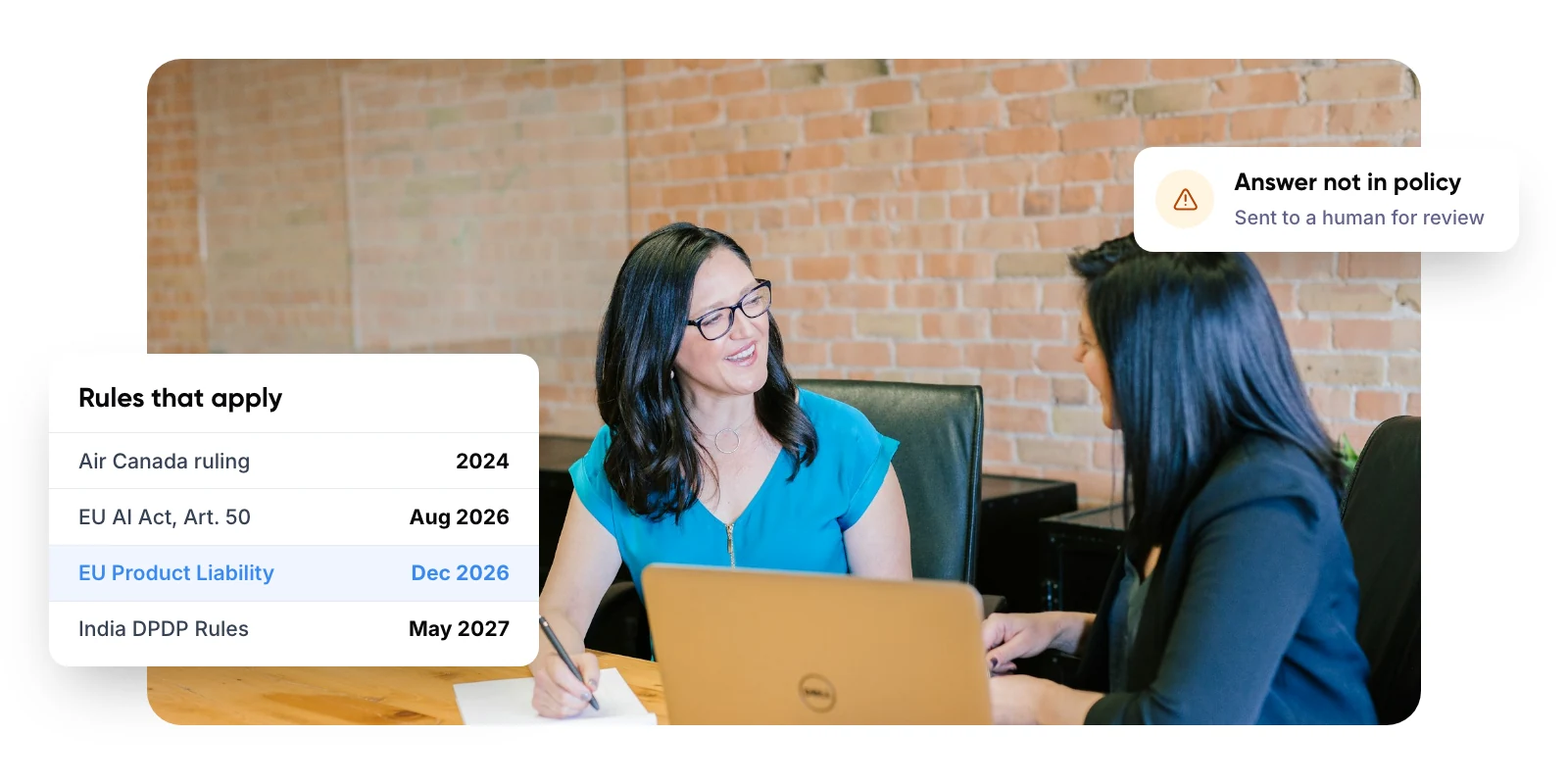
Warning: Your business is responsible for what the AI tells customers and does on their accounts. In Moffatt v. Air Canada (2024), a Canadian tribunal held the airline liable for its chatbot’s wrong answer about a refund policy. Give the AI read-only access first, and add actions one at a time.
7. How Do You Build Your First Agentic Workflow? 6 Steps
- Pick one high-volume request. Export last month’s tickets and find the topic with the most volume and the clearest rules. For most stores, that is order status.
- Write the policy as rules. List what the AI may do, the limits, and the cases that always go to a person.
- Connect tools with the least access. Start read-only. Add write actions, such as creating a return, one at a time.
- Run in draft mode. For two weeks, the AI drafts replies and agents send them. Track how often agents change the draft.
- Switch on actions gradually. Let the AI act alone on the cases where drafts needed no edits, and keep approval for the rest.
- Measure and review weekly. Track resolution rate next to repeat contacts within seven days and CSAT. Review a sample of runs every week.
For the basics of what to automate first, see how customer support automation works. For the handoff step, our guide to chatbot handoff and context transfer shows what the agent should pass to your team.
8. Frequently Asked Questions
What is an agentic workflow in customer support?
It is a support process where an AI model understands a customer request, decides which steps to take, and uses connected tools such as your store, calendar or help desk to complete them. People stay in control through limits and approval checkpoints your team defines.
What is the difference between an AI agent and a chatbot?
A chatbot mainly answers questions from content you provide. An AI agent can also take actions in your systems, such as checking an order, rebooking an appointment or creating a return, and decides the steps needed. Agents need stricter guardrails because their mistakes affect real accounts.
Are agentic workflows affordable for small businesses?
Often, if you start with one workflow. Many help desks now include AI agent features priced per resolution or through usage credits. Custom builds cost more but fit unusual systems. Check pricing at your real ticket volume, since usage-based costs grow with demand.
Which customer support tasks should not be automated?
Keep people on tasks where a wrong action is costly or sensitive: large refunds, account closures, legal or medical questions, complaints that may escalate, and anything you cannot undo. In our view, the AI can still prepare these cases, while a person makes the decision.
How do you measure if an agentic workflow is working?
Track the share of requests it resolves alongside repeat contacts within seven days, CSAT and escalation rate. A rising resolution rate with rising repeat contacts means customers are not really being helped. Review a sample of runs each week as well.
9. Conclusion
An agentic workflow in customer support is worth building when a request is frequent, needs data from your systems, and follows rules you can write down. Pick one of the eight examples that matches your highest-volume ticket type. Run it in draft mode for two weeks, compare its drafts with what your team sent, and only then let it act on its own.
Our service
Want help building your first agentic workflow? Our AI customer support automation service connects AI to your help desk, store and CRM. Your team sets the limits and the handoff rules.
Author