Best Social Media Customer Service Tools for Small Business
Most small businesses can start with Meta Business Suite and the WhatsApp Business app, which are free. Move to a paid inbox like Agorapulse or a helpdesk like Gorgias when more than one person answers messages.
This guide compares six tools on price, channels and automation, and shows where AI helps and where it doesn’t.

- Collect DMs and comments in one inbox
- Assign Each message gets one owner
- Reply Saved replies or AI for repeats
- Escalate Complaints go to a person

1. The Short Answer
The best social media customer service tools for small business depend on how many people reply and where your customers write. A solo owner on Instagram and WhatsApp can run well on free Meta tools. A team of two to five usually needs a shared inbox, so each direct message (DM) and comment has one owner and nothing is answered twice or missed.
Customers now expect fast, AI-assisted help. Zendesk’s 2025 CX Trends Report, based on surveys of about 10,500 consumers and service leaders in 22 countries, found 81% of consumers believe AI has become essential to modern customer service.
Key takeaways
- Start free: Meta Business Suite and the WhatsApp Business app cover a solo owner.
- Add a shared inbox (Agorapulse, Hootsuite, Sprout Social) once two or more people reply.
- Online stores often get more value from a helpdesk like Gorgias, which shows orders next to each message.
- Use AI for repeat questions such as order status. Keep complaints and public replies with a person.
2. What Should You Look For in a Social Media Customer Service Tool?
Social media management tools were built for posting. Customer service needs something different: every DM and comment in one queue, an owner for each conversation, and a record of what was said. Check these four things before you compare prices.
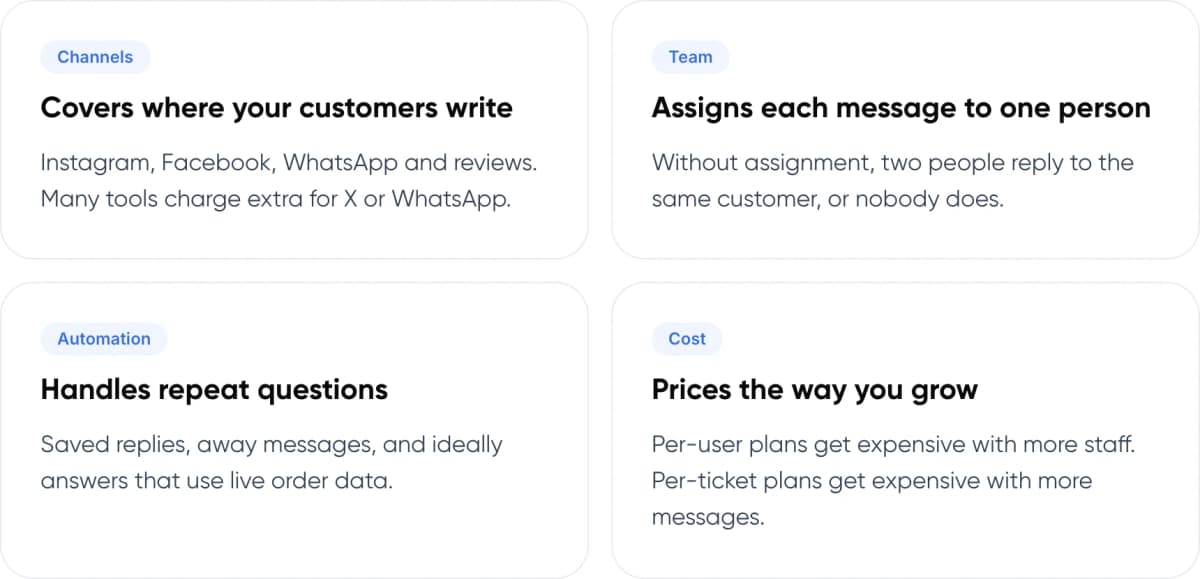
- Covers where your customers write (Channels). Instagram, Facebook, WhatsApp and reviews. Many tools charge extra for X or WhatsApp.
- Assigns each message to one person (Team). Without assignment, two people reply to the same customer, or nobody does.
- Handles repeat questions (Automation). Saved replies, away messages, and ideally answers that use live order data.
- Prices the way you grow (Cost). Per-user plans get expensive with more staff. Per-ticket plans get expensive with more messages.
Note: A unified inbox pulls messages and comments from several platforms into one list. A helpdesk goes further and turns each conversation into a ticket with a status, an owner and a history.
3. Which Social Media Customer Service Tools Are Best for Small Business?
We picked six tools that cover the common small-business setups, from free to helpdesk-grade. Features and prices are taken from each vendor’s own pages and help centre.

Meta Business Suite
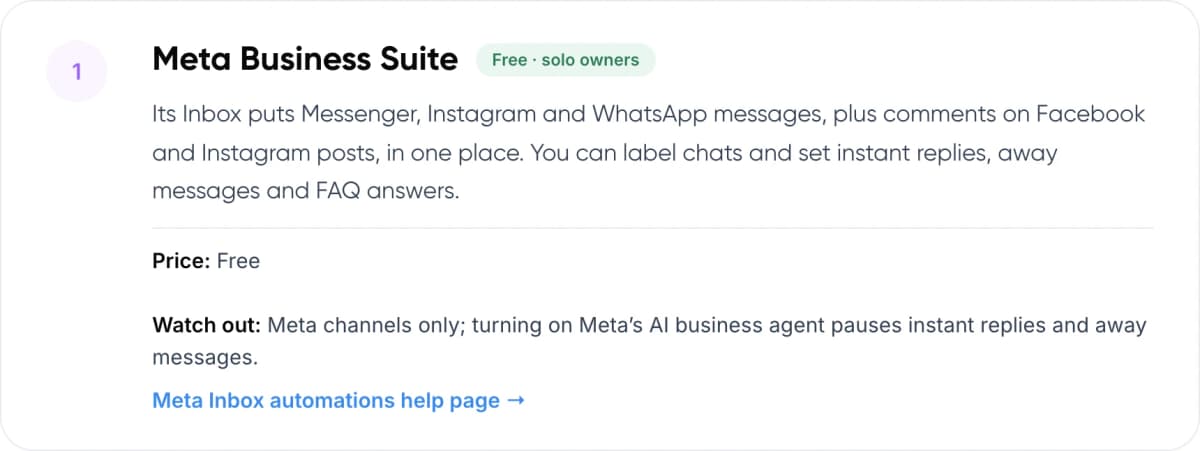
Free · solo owners
Its Inbox puts Messenger, Instagram and WhatsApp messages, plus comments on Facebook and Instagram posts, in one place. You can label chats and set instant replies, away messages and FAQ answers.
Price: Free Watch out: Meta channels only; turning on Meta’s AI business agent pauses instant replies and away messages.
Meta Inbox automations help page →
WhatsApp Business app
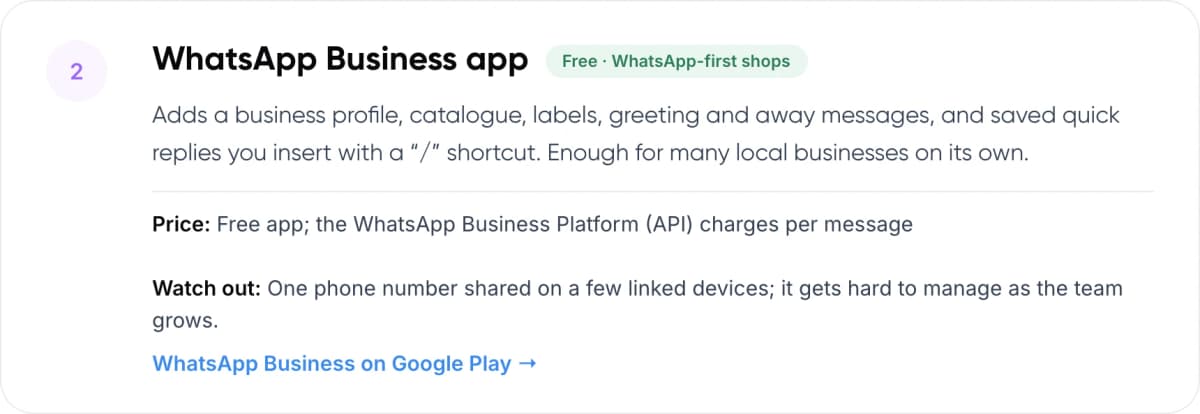
Free · WhatsApp-first shops
Adds a business profile, catalogue, labels, greeting and away messages, and saved quick replies you insert with a “/” shortcut. Enough for many local businesses on its own.
Price: Free app; the WhatsApp Business Platform (API) charges per message Watch out: One phone number shared on a few linked devices; it gets hard to manage as the team grows.
WhatsApp Business on Google Play →
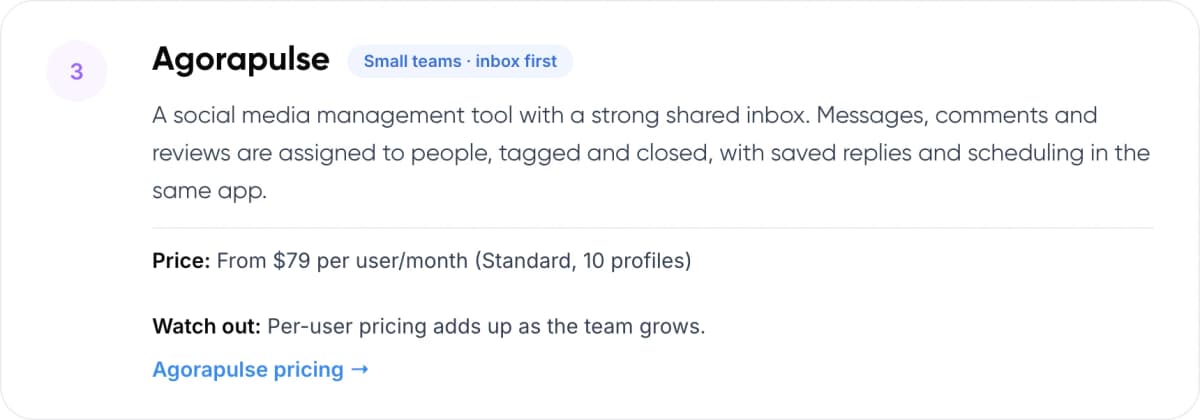
Agorapulse
Small teams · inbox first
A social media management tool with a strong shared inbox. Messages, comments and reviews are assigned to people, tagged and closed, with saved replies and scheduling in the same app.
Price: From $79 per user/month (Standard, 10 profiles) Watch out: Per-user pricing adds up as the team grows.
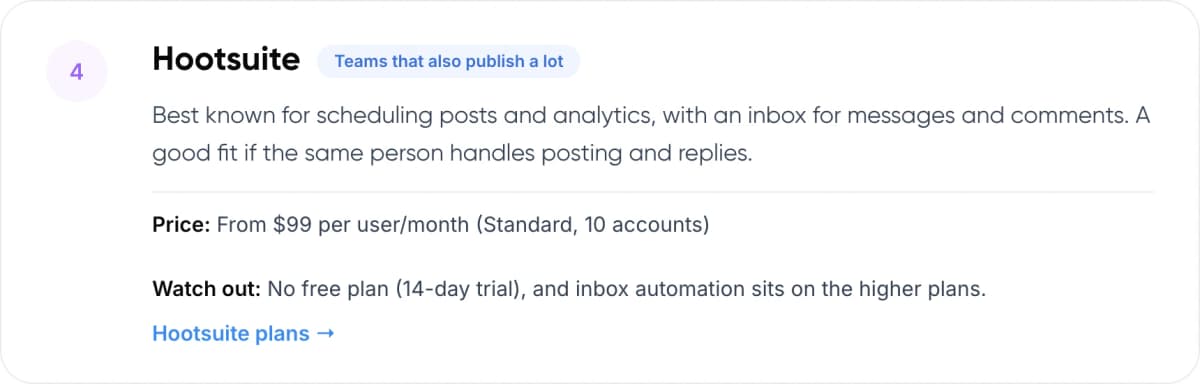
Hootsuite
Teams that also publish a lot
Best known for scheduling posts and analytics, with an inbox for messages and comments. A good fit if the same person handles posting and replies.
Price: From $99 per user/month (Standard, 10 accounts) Watch out: No free plan (14-day trial), and inbox automation sits on the higher plans.
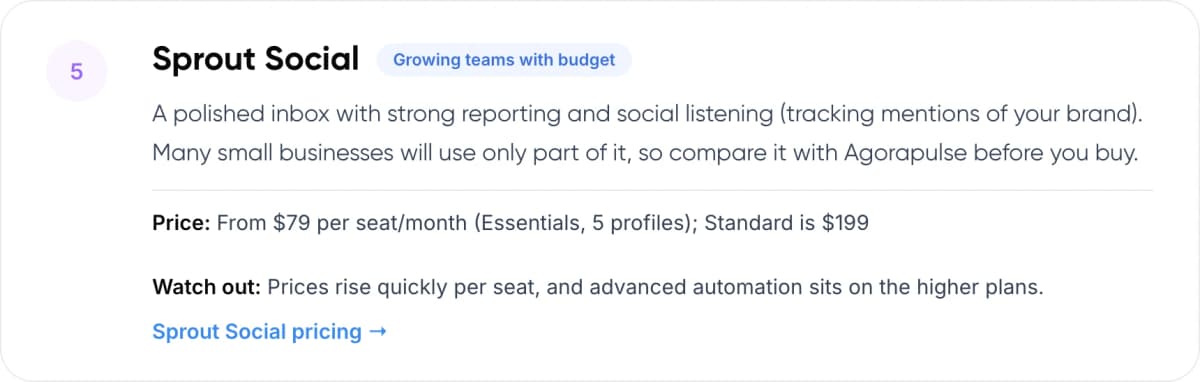
Sprout Social
Growing teams with budget
A polished inbox with strong reporting and social listening (tracking mentions of your brand). Many small businesses will use only part of it, so compare it with Agorapulse before you buy.
Price: From $79 per seat/month (Essentials, 5 profiles); Standard is $199 Watch out: Prices rise quickly per seat, and advanced automation sits on the higher plans.
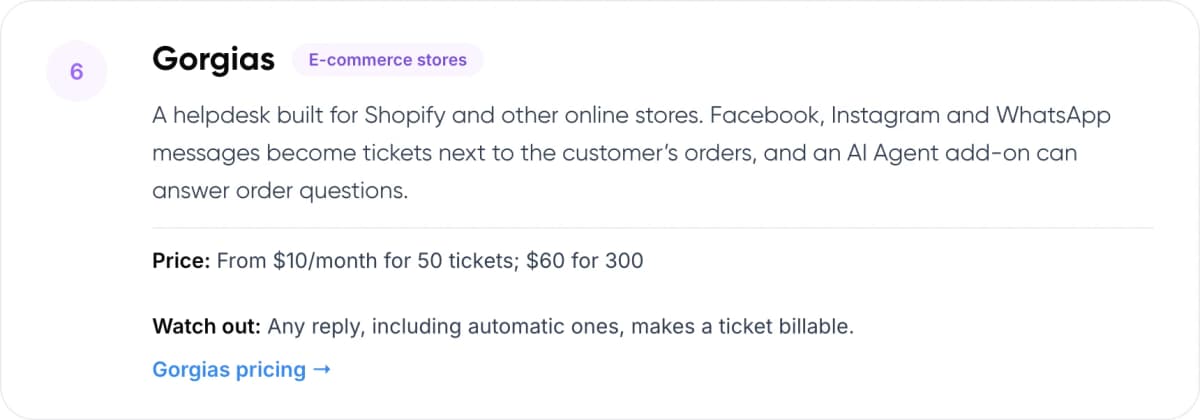
Gorgias
E-commerce stores
A helpdesk built for Shopify and other online stores. Facebook, Instagram and WhatsApp messages become tickets next to the customer’s orders, and an AI Agent add-on can answer order questions.
Price: From $10/month for 50 tickets; $60 for 300 Watch out: Any reply, including automatic ones, makes a ticket billable.
4. How Do These Tools Compare?
The biggest cost difference is how each tool charges. Agorapulse, Hootsuite and Sprout Social charge per user. Gorgias charges per ticket, so a team of five pays the same as a team of one at the same volume.
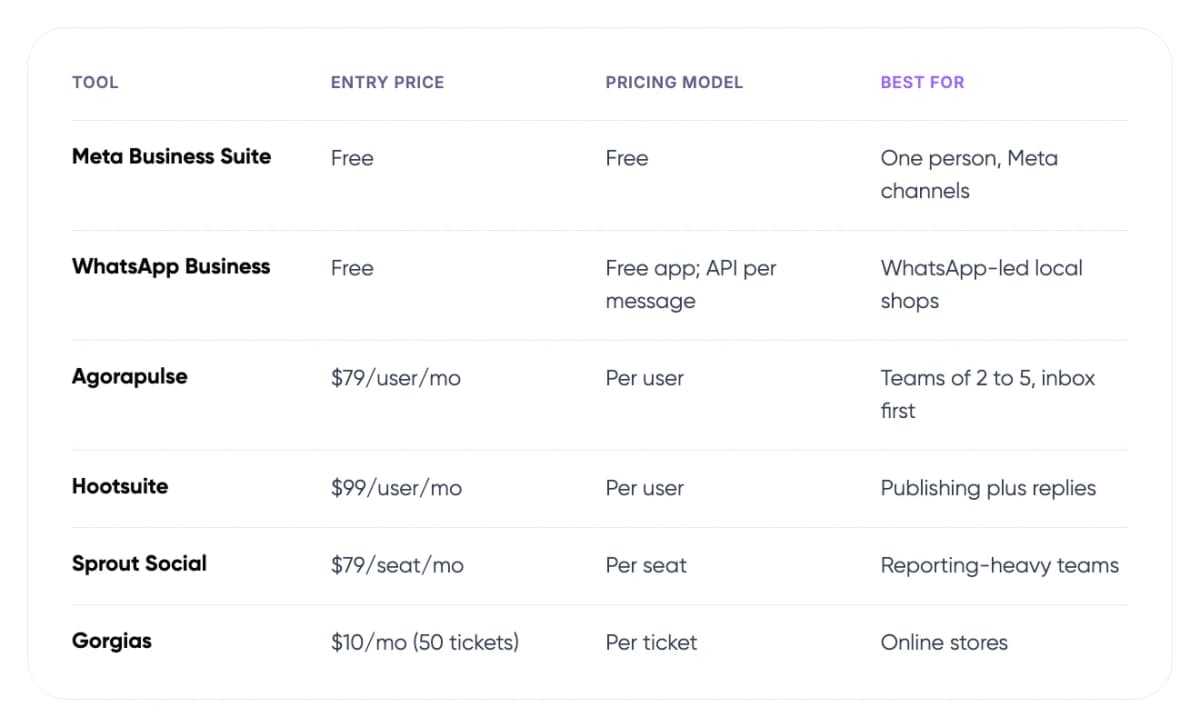
- Meta Business Suite — Entry price: Free. Pricing model: Free. Best for: One person, Meta channels.
- WhatsApp Business — Entry price: Free. Pricing model: Free app; API per message. Best for: WhatsApp-led local shops.
- Agorapulse — Entry price: $79/user/mo. Pricing model: Per user. Best for: Teams of 2 to 5, inbox first.
- Hootsuite — Entry price: $99/user/mo. Pricing model: Per user. Best for: Publishing plus replies.
- Sprout Social — Entry price: $79/seat/mo. Pricing model: Per seat. Best for: Reporting-heavy teams.
- Gorgias — Entry price: $10/mo (50 tickets). Pricing model: Per ticket. Best for: Online stores.
Prices in USD from vendor pricing pages, checked November 2026, annual billing unless stated. Vendors change plans often, so confirm before you buy.
Tip: Count your messages for two normal weeks before you choose. Per-ticket pricing suits a busy store with a small team. Per-user pricing suits a team that handles fewer messages but also schedules posts and reports.
5. Where Does AI Fit Into Social Media Customer Service?
Basic automation is already free. Meta Business Suite can send an instant reply, an away message and set answers to a short list of common questions. These are fixed replies. They don’t read your order data or understand a question asked in a new way.
An AI agent connected to your store and FAQs can answer “where is my order?” with the real status. In our view, that is worth it once repeat questions take more than an hour or two of someone’s day.
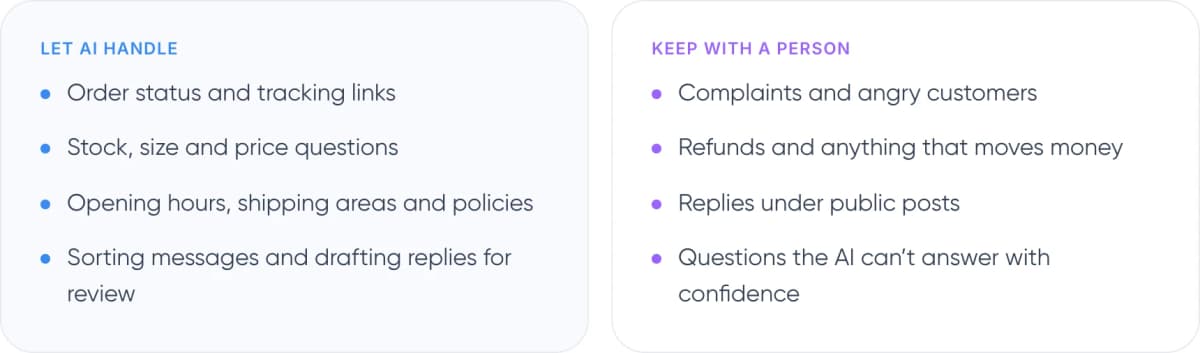
Let AI handle
- Order status and tracking links
- Stock, size and price questions
- Opening hours, shipping areas and policies
- Sorting messages and drafting replies for review
Keep with a person
- Complaints and angry customers
- Refunds and anything that moves money
- Replies under public posts
- Questions the AI can’t answer with confidence
Warning: Public comments are not private chats. Don’t let a bot post order details or apologies under a public post. Reply briefly in public and move the customer to a DM, where a person or a verified AI flow takes over.
Not sure which of your DMs AI could answer? We can review a sample with you.
6. What Results Have Small Teams Reported?
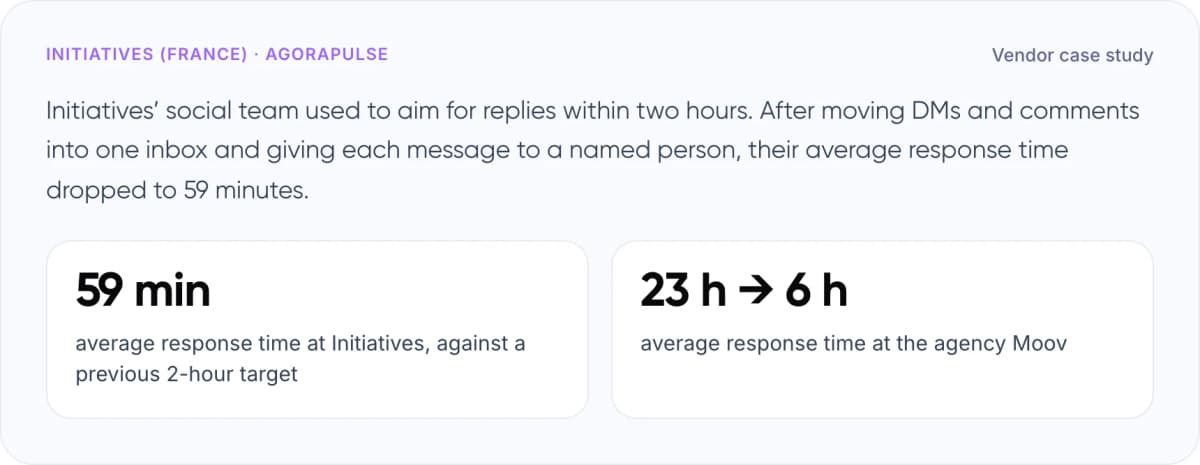
Initiatives (France) · Agorapulse · Vendor case study
Initiatives’ social team used to aim for replies within two hours. After moving DMs and comments into one inbox and giving each message to a named person, their average response time dropped to 59 minutes.
- 59 min average response time at Initiatives, against a previous 2-hour target
- 23 h → 6 h average response time at the agency Moov
A second Agorapulse customer, the agency Moov, reports cutting average response time from 23 hours to 6 using saved replies and a shared inbox. Both are vendor-published figures. In our view, the lesson applies to any tool: most of the gain came from one shared queue and a clear owner for each message, not from the software alone.
7. How to Set Up Social Media Customer Service in 6 Steps
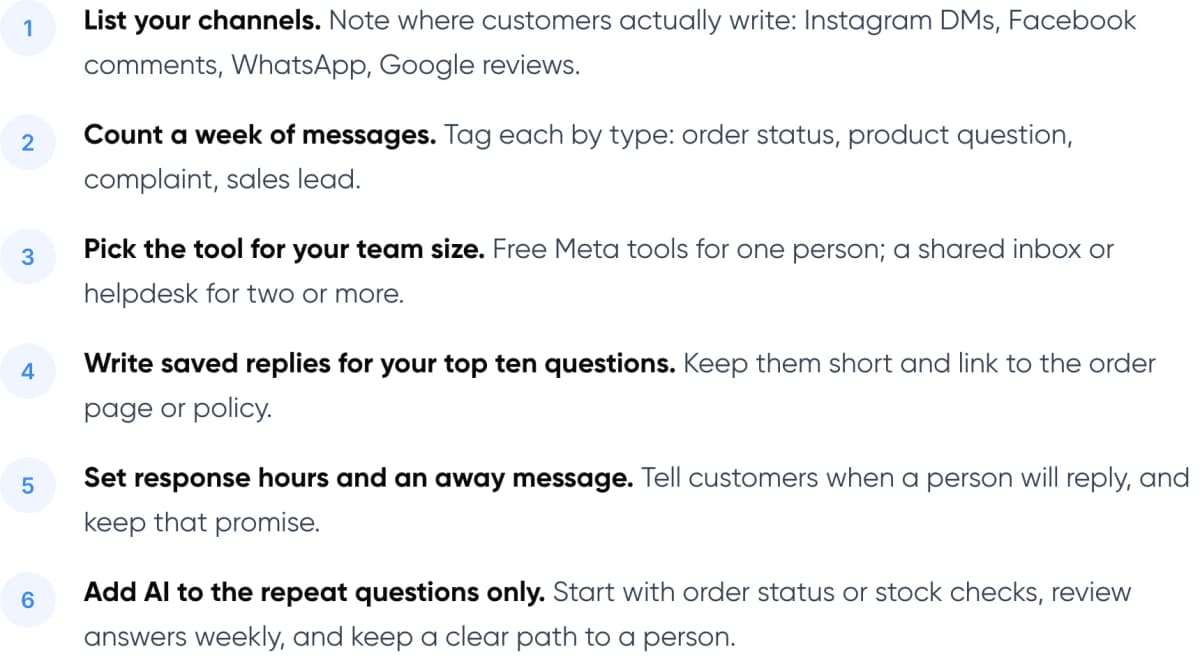
- List your channels. Note where customers actually write: Instagram DMs, Facebook comments, WhatsApp, Google reviews.
- Count a week of messages. Tag each by type: order status, product question, complaint, sales lead.
- Pick the tool for your team size. Free Meta tools for one person; a shared inbox or helpdesk for two or more.
- Write saved replies for your top ten questions. Keep them short and link to the order page or policy.
- Set response hours and an away message. Tell customers when a person will reply, and keep that promise.
- Add AI to the repeat questions only. Start with order status or stock checks, review answers weekly, and keep a clear path to a person.
Planning to add a bot? Read how to pass the full conversation to a person in our guide to chatbot handoff and context transfer.
8. Frequently Asked Questions
What is the best free social media customer service tool?
For most small businesses on Facebook, Instagram and WhatsApp, Meta Business Suite is the best free option. Its Inbox combines messages and post comments and supports instant replies, away messages and FAQ answers. Pair it with the free WhatsApp Business app if WhatsApp is your main channel.
Do I need a helpdesk or a social media management tool?
Choose a social media management tool like Agorapulse if your team also schedules posts and reports on them. Choose a helpdesk like Gorgias if most messages are about orders. A helpdesk shows order history next to each message and tracks every conversation as a ticket.
How much do social media customer service tools cost?
Meta Business Suite and the WhatsApp Business app are free. Paid inboxes start at about $79 per user per month for Agorapulse and Sprout Social Essentials, and $99 for Hootsuite. Gorgias starts at $10 a month for 50 tickets. These are list prices from vendor websites in November 2026 and can change.
Can AI reply to Instagram and Facebook messages?
Yes. Meta’s own automations send fixed replies, and AI agents in tools like Gorgias, or custom-built agents, can answer using your order and product data. We recommend starting with one question type, such as order status, and reviewing answers each week before expanding.
Is the WhatsApp Business app enough for customer service?
For one or two people, often yes. It offers quick replies, greeting and away messages, labels and a catalogue for free. When several staff need the same number, or you want a chatbot, you’ll need the WhatsApp Business Platform through a provider, which charges per message.
9. Conclusion
The best social media customer service tools for small business are the ones your team will check every day. Start free with Meta Business Suite and WhatsApp Business. Move to a shared inbox or helpdesk when two or more people reply. This week, count your DMs and comments for seven days and tag each one by type. That list tells you which tool you need and which questions AI could take.
When you’re ready to add AI, our AI customer support automation service can help. We build AI agents that answer order and product questions on Instagram, Facebook, WhatsApp and web chat, connect to your store and inbox, and pass complaints to your team with the full conversation.
- Our service: AI Customer Support Automation — AI agents that answer DMs and chats using your real order and product data, with a clear handoff to your team. See the service →
- Free savings report: AI ROI Calculator — Enter your monthly messages and time per reply to estimate what automation could save. Get your savings estimate →
See how we have built AI for clients in our AI Voice Assistant and Paymate case studies.
Author