Best Live Chat Software with AI Automation
The best live chat software with AI pairs a fast chat widget with an AI agent that resolves routine questions and hands the rest to a person with the full conversation attached. For most teams the shortlist is Intercom, Zendesk, HubSpot, Freshdesk, Tidio and LiveChat. The biggest difference between them is how the AI is billed.
1. What Should Live Chat Software with AI Actually Do?
Live chat used to mean a widget on your site and a queue of agents behind it. Most vendors now put an AI agent in front of that queue. It reads your help articles and policies, answers in the chat, and can take simple actions such as looking up an order. When it can’t help, it passes the chat to a person.
When you compare tools, check four things: where the AI gets its answers, what it can do in your other systems, how it hands over to a human, and how it is billed. Billing changes your monthly cost the most, and it is usually the hardest part of a pricing page to read.
Key takeaways
- Intercom, Zendesk and HubSpot charge for the AI per resolution: about $0.99, $1.50–$2.00 and $0.50 each as of November 2026.
- Freshdesk and Tidio charge per AI conversation or session, whether or not it resolves the issue.
- Every tool except Tidio also charges per agent seat, so your total is seats plus AI usage.
- Resolution rates published by vendors are best cases. Base your budget on your own pilot.
- Keep an easy route to a person: ~87% of customers in Gartner’s 2026 survey said it is essential.
2. Which Is the Best Live Chat Software with AI in 2026?
There is no single winner. Each tool below fits a different kind of team. Prices are US list prices from each vendor’s pricing page, checked in November 2026, on annual billing. Monthly billing costs more.
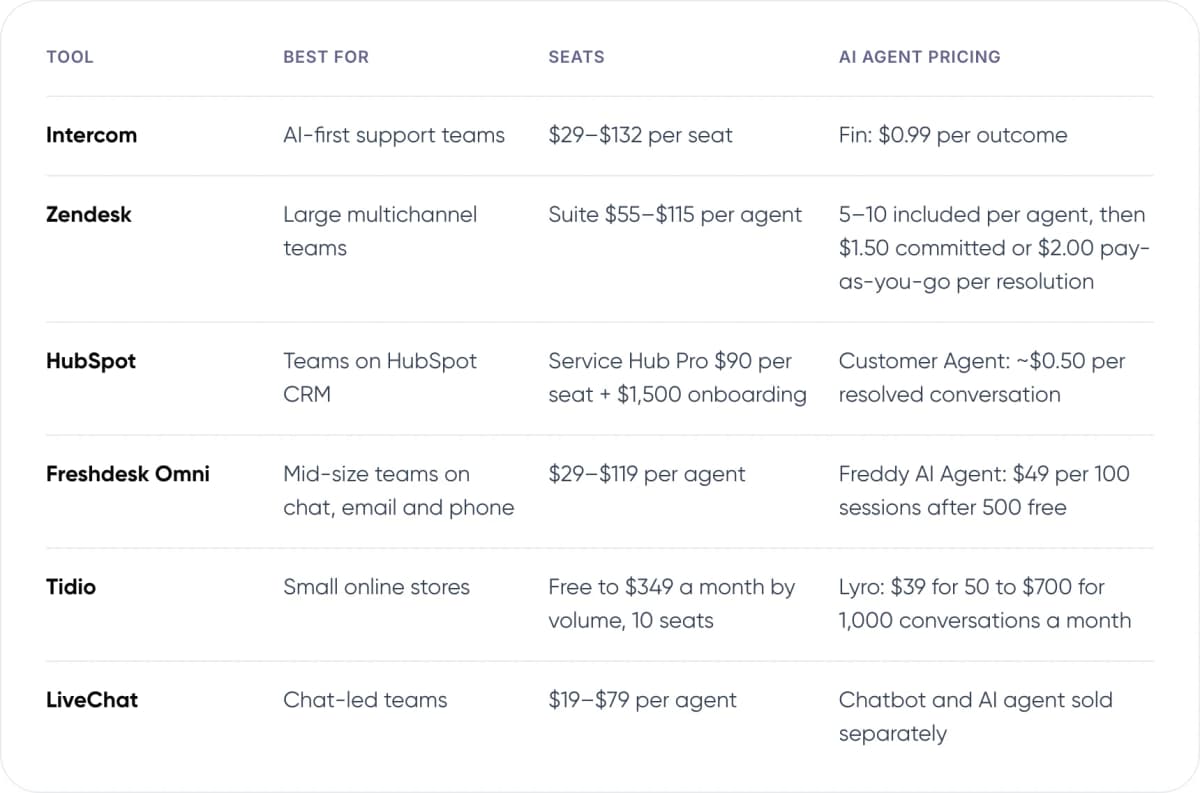
- Intercom — Best for: AI-first support teams. Seats: $29–$132 per seat. AI agent pricing: Fin: $0.99 per outcome.
- Zendesk — Best for: Large multichannel teams. Seats: Suite $55–$115 per agent. AI agent pricing: 5–10 included per agent, then $1.50 committed or $2.00 pay-as-you-go per resolution.
- HubSpot — Best for: Teams on HubSpot CRM. Seats: Service Hub Pro $90 per seat + $1,500 onboarding. AI agent pricing: Customer Agent: ~$0.50 per resolved conversation.
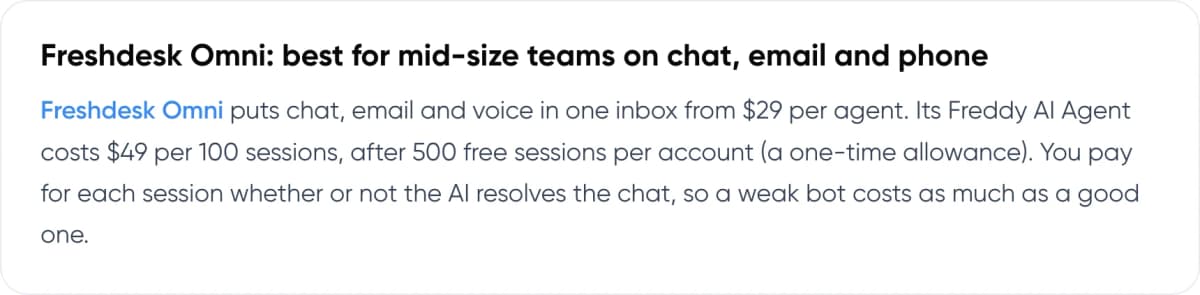
- Freshdesk Omni — Best for: Mid-size teams on chat, email and phone. Seats: $29–$119 per agent. AI agent pricing: Freddy AI Agent: $49 per 100 sessions after 500 free.
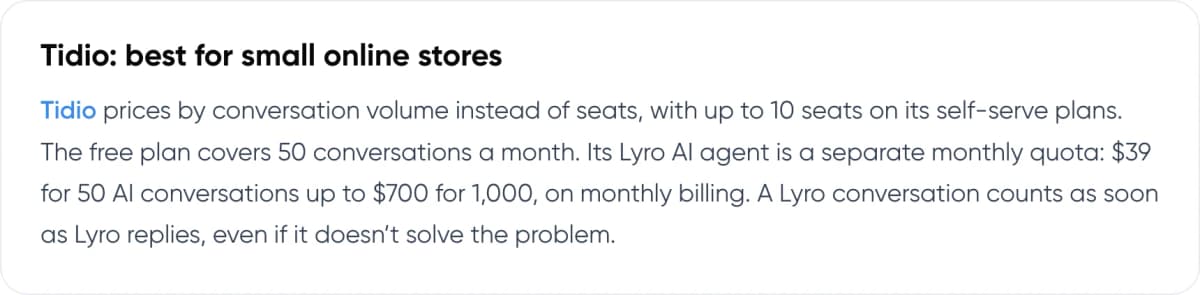
- Tidio — Best for: Small online stores. Seats: Free to $349 a month by volume, 10 seats. AI agent pricing: Lyro: $39 for 50 to $700 for 1,000 conversations a month.
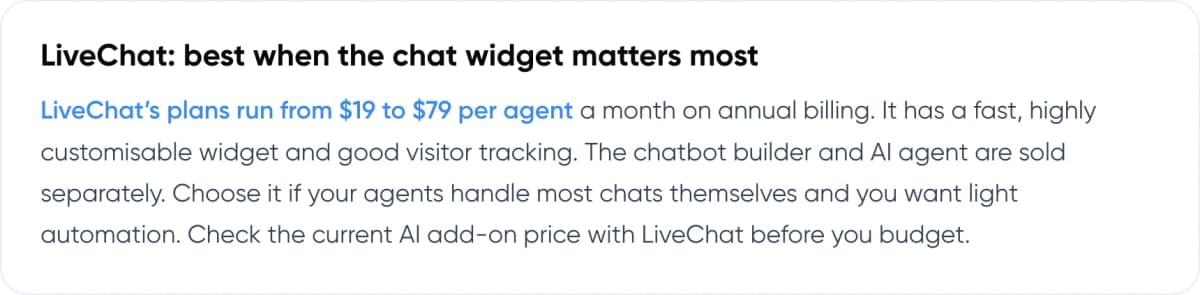
- LiveChat — Best for: Chat-led teams. Seats: $19–$79 per agent. AI agent pricing: Chatbot and AI agent sold separately.
Note: A “resolution” means something different on each tool. Zendesk only bills one if the customer doesn’t come back within 72 hours. Freshdesk and Tidio charge for every AI conversation, whether it resolves the issue or not.
3. How Do the Top AI Live Chat Tools Compare?
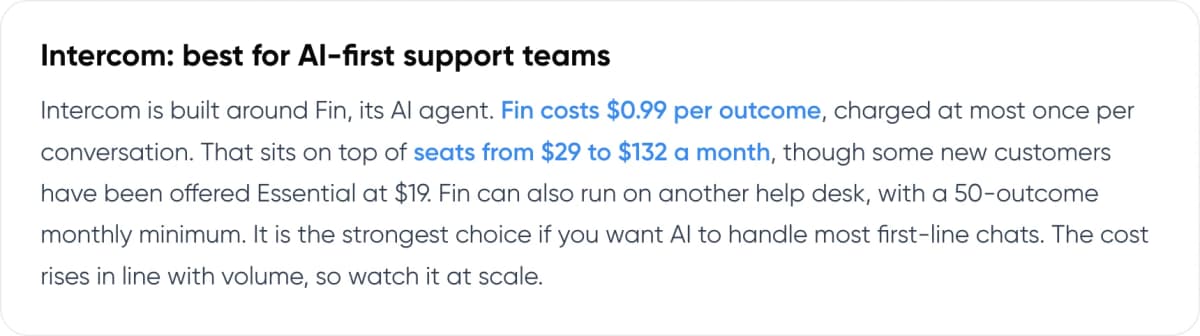
Intercom: best for AI-first support teams
Intercom is built around Fin, its AI agent. Fin costs $0.99 per outcome, charged at most once per conversation. That sits on top of seats from $29 to $132 a month, though some new customers have been offered Essential at $19. Fin can also run on another help desk, with a 50-outcome monthly minimum. It is the strongest choice if you want AI to handle most first-line chats. The cost rises in line with volume, so watch it at scale.
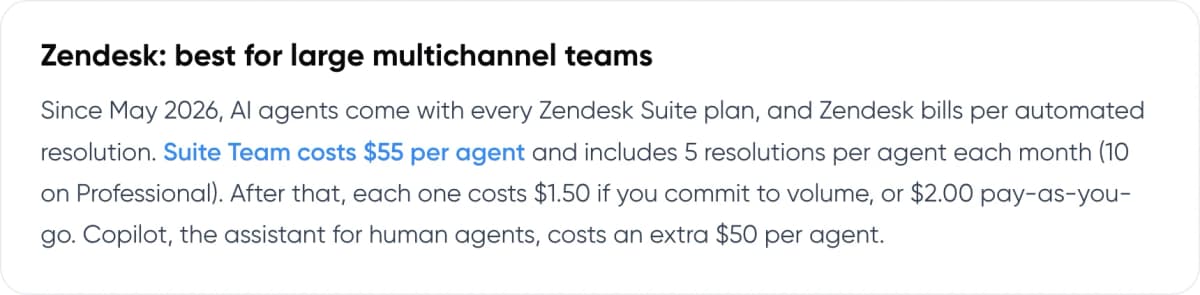
Zendesk: best for large multichannel teams
Since May 2026, AI agents come with every Zendesk Suite plan, and Zendesk bills per automated resolution. Suite Team costs $55 per agent and includes 5 resolutions per agent each month (10 on Professional). After that, each one costs $1.50 if you commit to volume, or $2.00 pay-as-you-go. Copilot, the assistant for human agents, costs an extra $50 per agent.
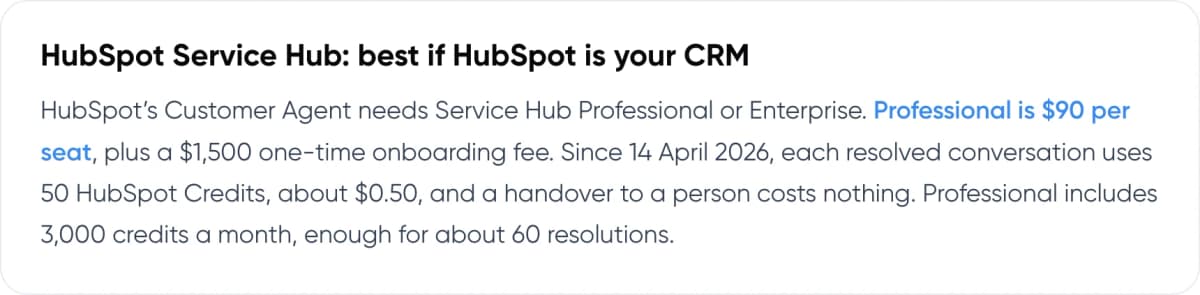
HubSpot Service Hub: best if HubSpot is your CRM
HubSpot’s Customer Agent needs Service Hub Professional or Enterprise. Professional is $90 per seat, plus a $1,500 one-time onboarding fee. Since 14 April 2026, each resolved conversation uses 50 HubSpot Credits, about $0.50, and a handover to a person costs nothing. Professional includes 3,000 credits a month, enough for about 60 resolutions.
Freshdesk Omni: best for mid-size teams on chat, email and phone
Freshdesk Omni puts chat, email and voice in one inbox from $29 per agent. Its Freddy AI Agent costs $49 per 100 sessions, after 500 free sessions per account (a one-time allowance). You pay for each session whether or not the AI resolves the chat, so a weak bot costs as much as a good one.
Tidio: best for small online stores
Tidio prices by conversation volume instead of seats, with up to 10 seats on its self-serve plans. The free plan covers 50 conversations a month. Its Lyro AI agent is a separate monthly quota: $39 for 50 AI conversations up to $700 for 1,000, on monthly billing. A Lyro conversation counts as soon as Lyro replies, even if it doesn’t solve the problem.
LiveChat: best when the chat widget matters most
LiveChat’s plans run from $19 to $79 per agent a month on annual billing. It has a fast, highly customisable widget and good visitor tracking. The chatbot builder and AI agent are sold separately. Choose it if your agents handle most chats themselves and you want light automation. Check the current AI add-on price with LiveChat before you budget.
4. How Much Does AI Live Chat Cost for a Real Team?
Take a team of 5 agents handling 2,000 chats a month, where the AI resolves 1,000. Here is our estimate of the monthly bill at list price on annual billing. Taxes, add-ons and phone costs are not included.
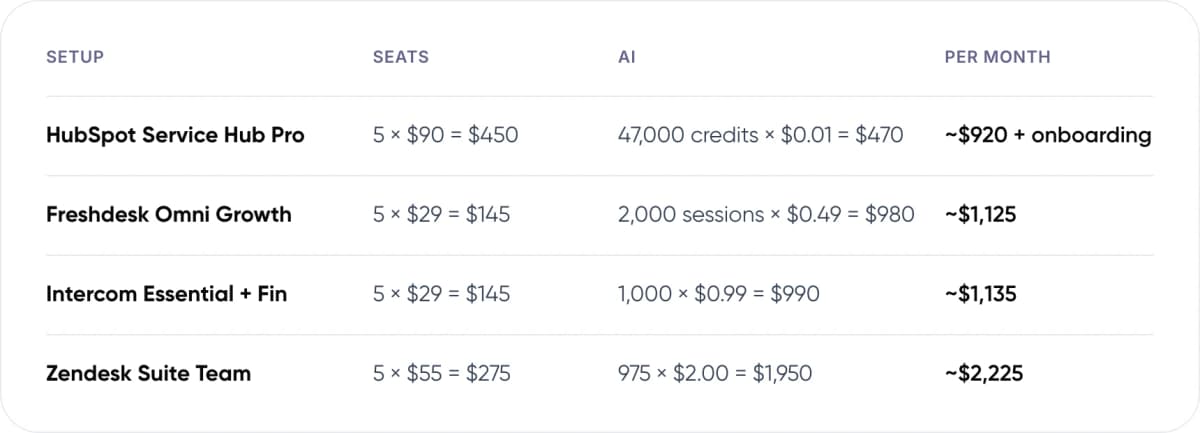
- HubSpot Service Hub Pro — Seats: 5 × $90 = $450. AI: 47,000 credits × $0.01 = $470. Per month: ~$920 + onboarding.
- Freshdesk Omni Growth — Seats: 5 × $29 = $145. AI: 2,000 sessions × $0.49 = $980. Per month: ~$1,125.
- Intercom Essential + Fin — Seats: 5 × $29 = $145. AI: 1,000 × $0.99 = $990. Per month: ~$1,135.
- Zendesk Suite Team — Seats: 5 × $55 = $275. AI: 975 × $2.00 = $1,950. Per month: ~$2,225.
HubSpot has the cheapest AI line, but only makes sense if you already run HubSpot. Freshdesk assumes Freddy replies to all 2,000 chats, and its bill stays the same whether the AI resolves 30% or 60% of them. Zendesk on pay-as-you-go costs the most. Committing to volume brings its AI line down to ~$1,463. Tidio isn’t in the table because its self-serve Lyro plans stop at 1,000 AI conversations a month.
At very high volume, a custom AI agent on your own model account can cost less per chat, because you pay the model provider directly. It takes engineering work up front. Our guide to agentic RAG for customer service explains how that works.
Want these numbers run on your own chat volume? We’ll model it with you.
5. What Does AI Live Chat Look Like in Practice?
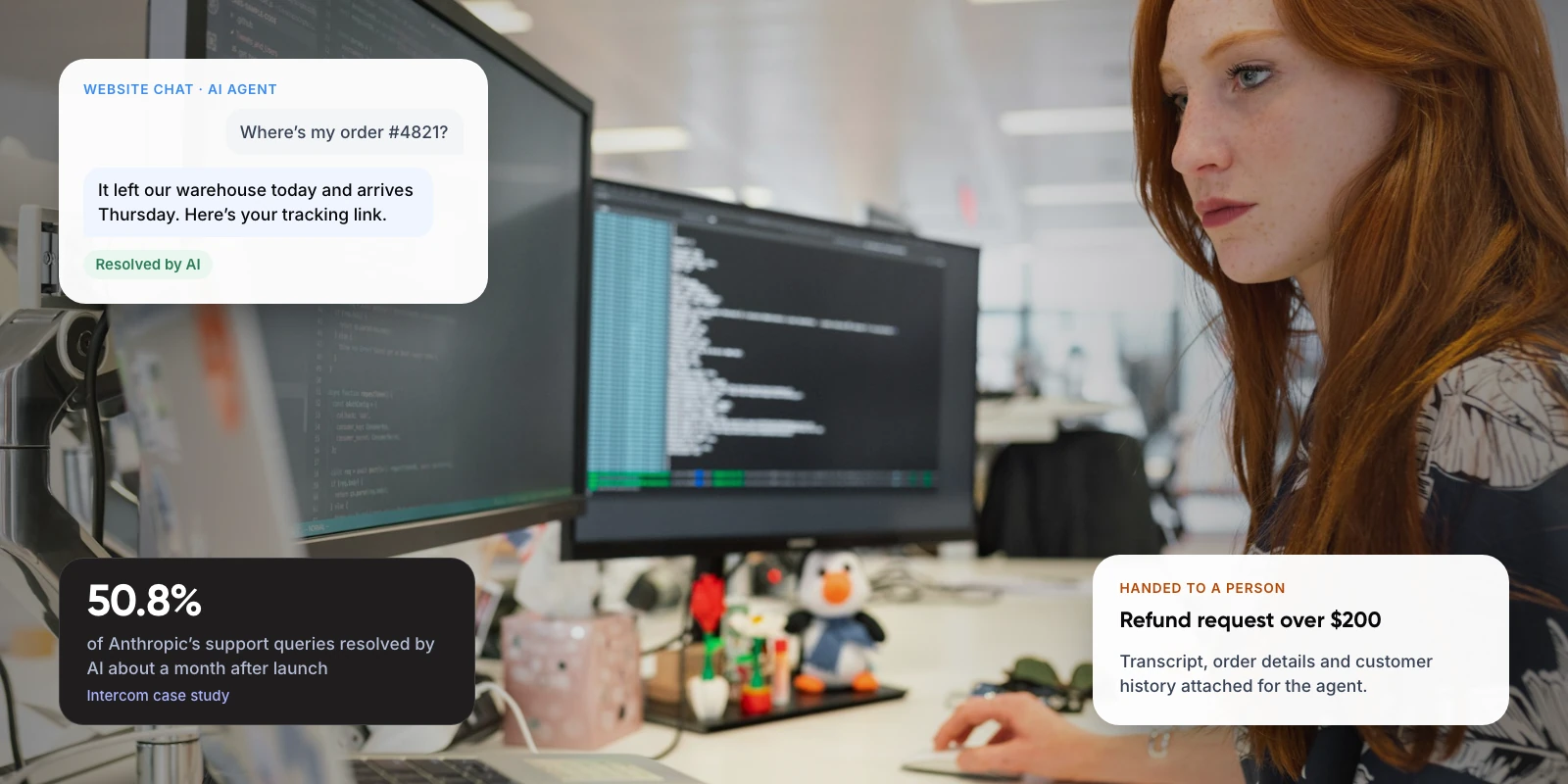
Anthropic, the AI research company, could have built its own support agent but chose Intercom’s Fin instead. According to Intercom’s published case study, Fin was involved in 96% of conversations. It resolved 36% of queries at launch and 50.8% just over a month later.
The improvement came mostly from better content. The team doubled the number of answer snippets Fin could use, and the resolution rate rose 5.5% in one week.
Two lessons apply to any tool. Expect a lower resolution rate at launch, then improve it by filling gaps in your help content. And remember these figures come from the vendor, which decides what counts as a resolution.
6. When Should a Human Take Over the Chat?
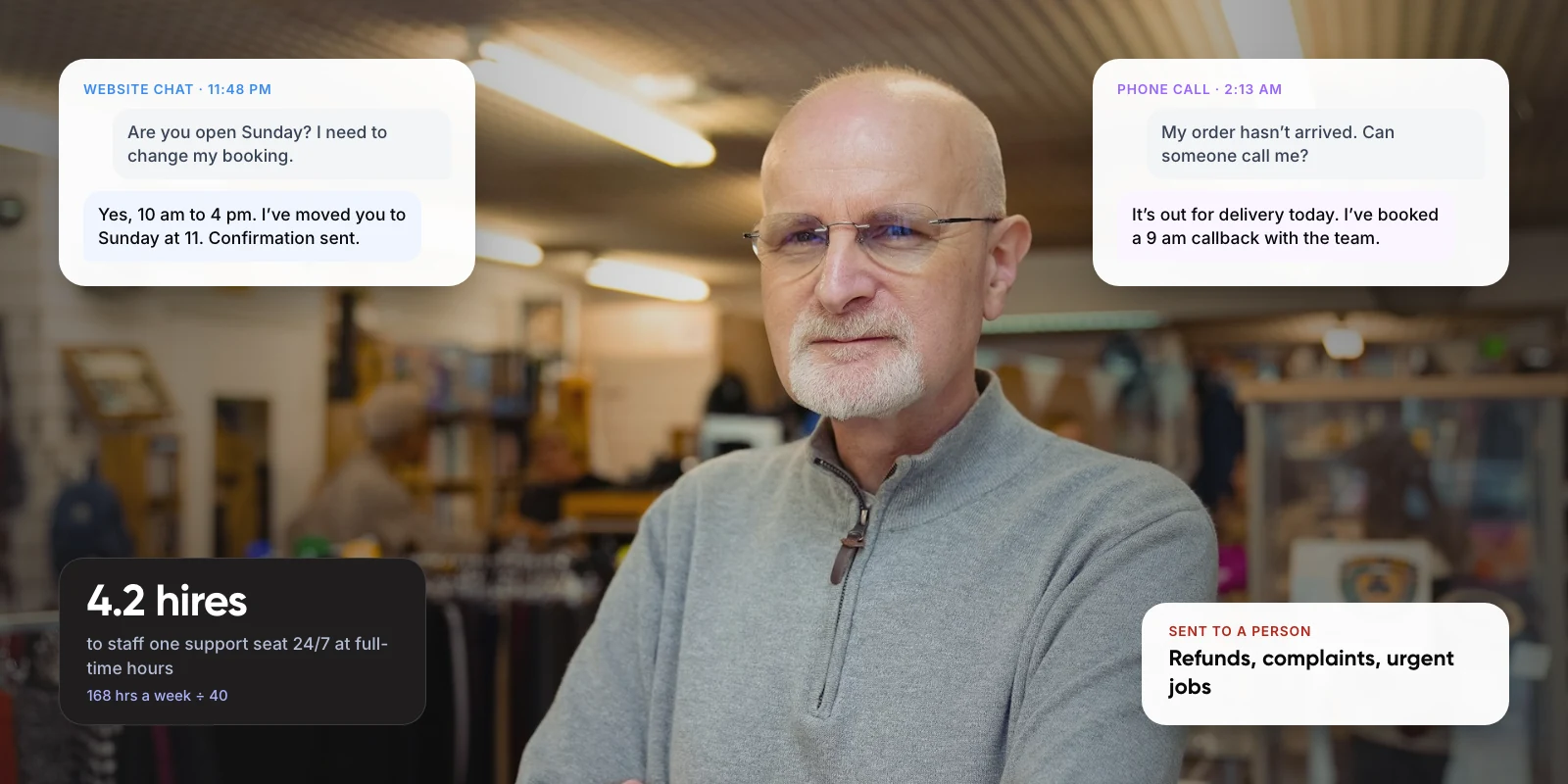
AI agents do well on questions with a clear answer in your policies or systems. They struggle with judgement calls and emotion. Decide the split before you launch.
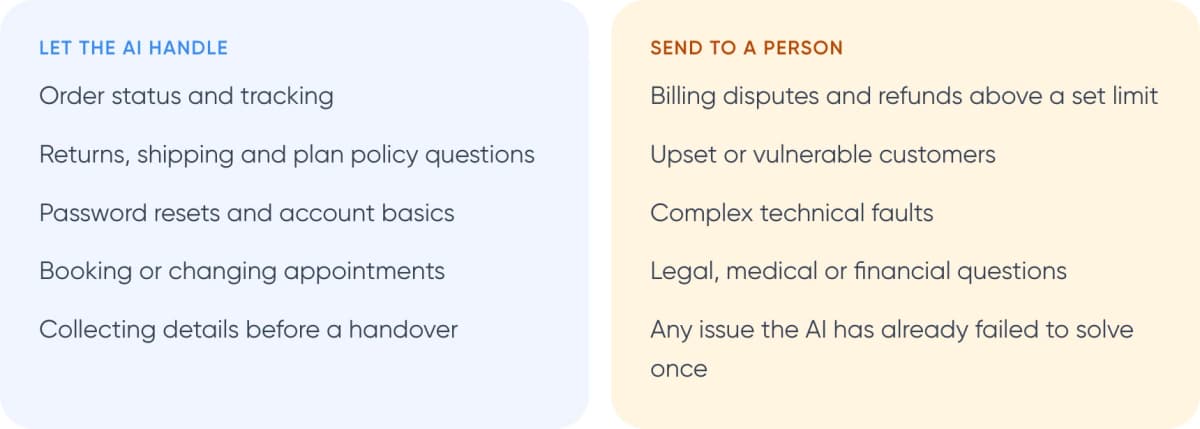
Let the AI handle
- Order status and tracking
- Returns, shipping and plan policy questions
- Password resets and account basics
- Booking or changing appointments
- Collecting details before a handover
Send to a person
- Billing disputes and refunds above a set limit
- Upset or vulnerable customers
- Complex technical faults
- Legal, medical or financial questions
- Any issue the AI has already failed to solve once
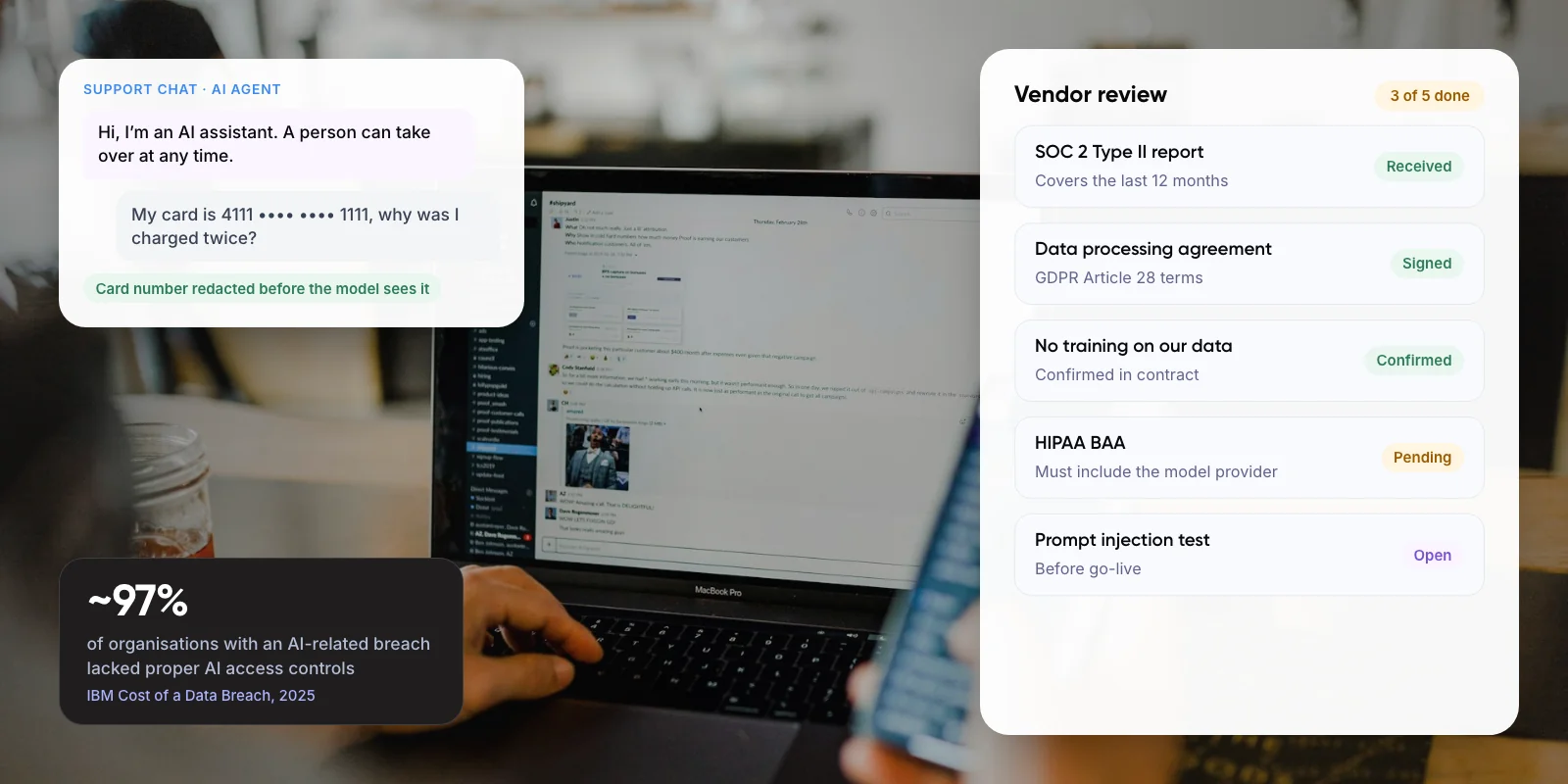
Customers expect this choice. Gartner surveyed 3,566 customers in early 2026. Half said service is easier when companies use generative AI, yet ~87% said a way to reach a human agent is essential. Our guide to chatbot handoff and context transfer covers how to pass the conversation over without losing details.
Warning: A bad first experience is hard to undo. In the same Gartner research, only ~27% of customers said they would try a chatbot again after a negative experience. Keep a “talk to a person” option visible in the chat, and send the transcript with the handover so the customer doesn’t have to repeat anything.
7. How Do You Choose the Best Live Chat Software with AI? 5 Steps
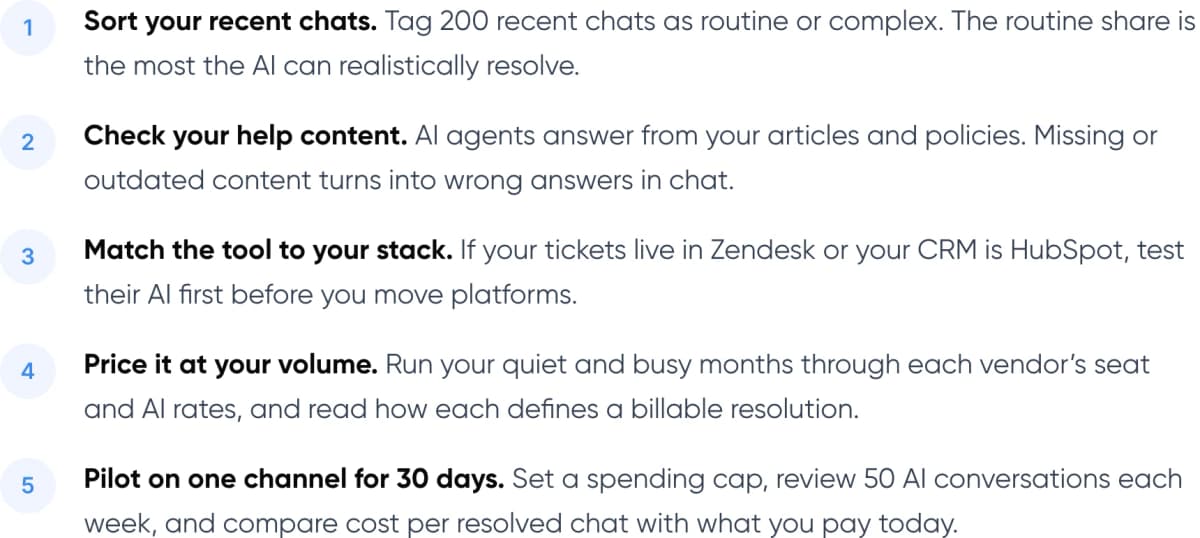
- Sort your recent chats. Tag 200 recent chats as routine or complex. The routine share is the most the AI can realistically resolve.
- Check your help content. AI agents answer from your articles and policies. Missing or outdated content turns into wrong answers in chat.
- Match the tool to your stack. If your tickets live in Zendesk or your CRM is HubSpot, test their AI first before you move platforms.
- Price it at your volume. Run your quiet and busy months through each vendor’s seat and AI rates, and read how each defines a billable resolution.
- Pilot on one channel for 30 days. Set a spending cap, review 50 AI conversations each week, and compare cost per resolved chat with what you pay today.
Tip: Test each AI on your own help content before you sign. HubSpot gives 14 days of Customer Agent use without spending credits. Tidio includes 50 free Lyro conversations, and Freshdesk includes 500 Freddy sessions, both once per account.
8. Frequently Asked Questions
What is the best live chat software with AI for small businesses?
Tidio and Intercom Essential are the easiest places to start. Tidio has a free plan for 50 conversations a month and sells its Lyro AI as a monthly quota. Intercom Essential is $29 per seat on annual billing, with Fin at $0.99 per outcome. Tidio suits paying by volume; Intercom suits paying per seat.
Can AI fully replace live chat agents?
No, and most customers don’t want it to. In Gartner’s 2026 survey of 3,566 customers, ~87% said a way to reach a human agent is essential when companies use generative AI for service. AI works best on routine questions. People should handle disputes, complex faults and upset customers.
How is AI live chat priced?
There are two main models. Intercom, HubSpot and Zendesk charge per resolution, at about $0.99, $0.50 and $1.50–$2.00. Freshdesk and Tidio charge per AI session or conversation. Per-resolution pricing ties cost to results. Per-session pricing is easier to predict, but you also pay when the AI fails.
What resolution rate should I expect from an AI chat agent?
Use your own pilot numbers, not vendor averages. In Intercom’s case study, Anthropic’s Fin rollout resolved 36% of queries at launch and 50.8% about a month later. Your rate depends mostly on how complete your help content is and how many of your chats are routine.
Do I need to switch help desks to add AI to live chat?
Not always. Intercom sells Fin for other help desks such as Zendesk, Salesforce and HubSpot at $0.99 per outcome, with a 50-outcome monthly minimum. Zendesk, HubSpot and Freshdesk include AI agents in their own plans. A custom AI agent can also connect to the tools you already use.
9. Conclusion
For most teams, the best live chat software with AI is the one that fits the help desk and CRM you already use, priced at your real chat volume. Intercom leads on AI depth. HubSpot is cheapest per resolution if you’re already on HubSpot, and Tidio is the simplest start for a small store. Before you commit, run a 30-day pilot on one channel and compare cost per resolved chat.
Need something built for your stack?
If off-the-shelf tools don’t fit your systems, Neura Dynamics builds AI agents that connect to your own help desk, CRM and order data, for chat, email and voice. See our AI customer support automation service, or how we built multichannel support for Paymate.
Author