15 Questions to Ask an AI Customer Support Vendor Before Signing
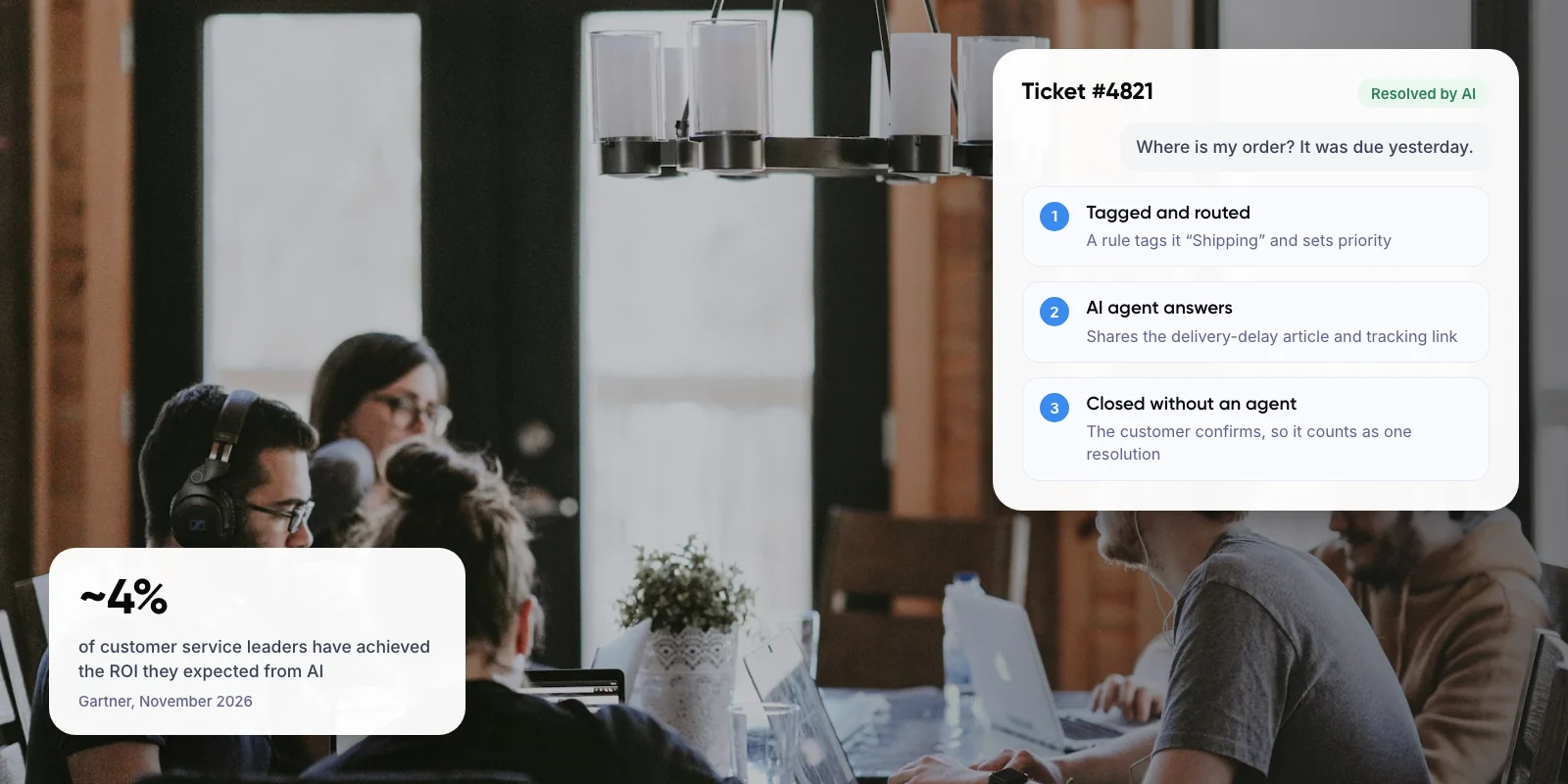
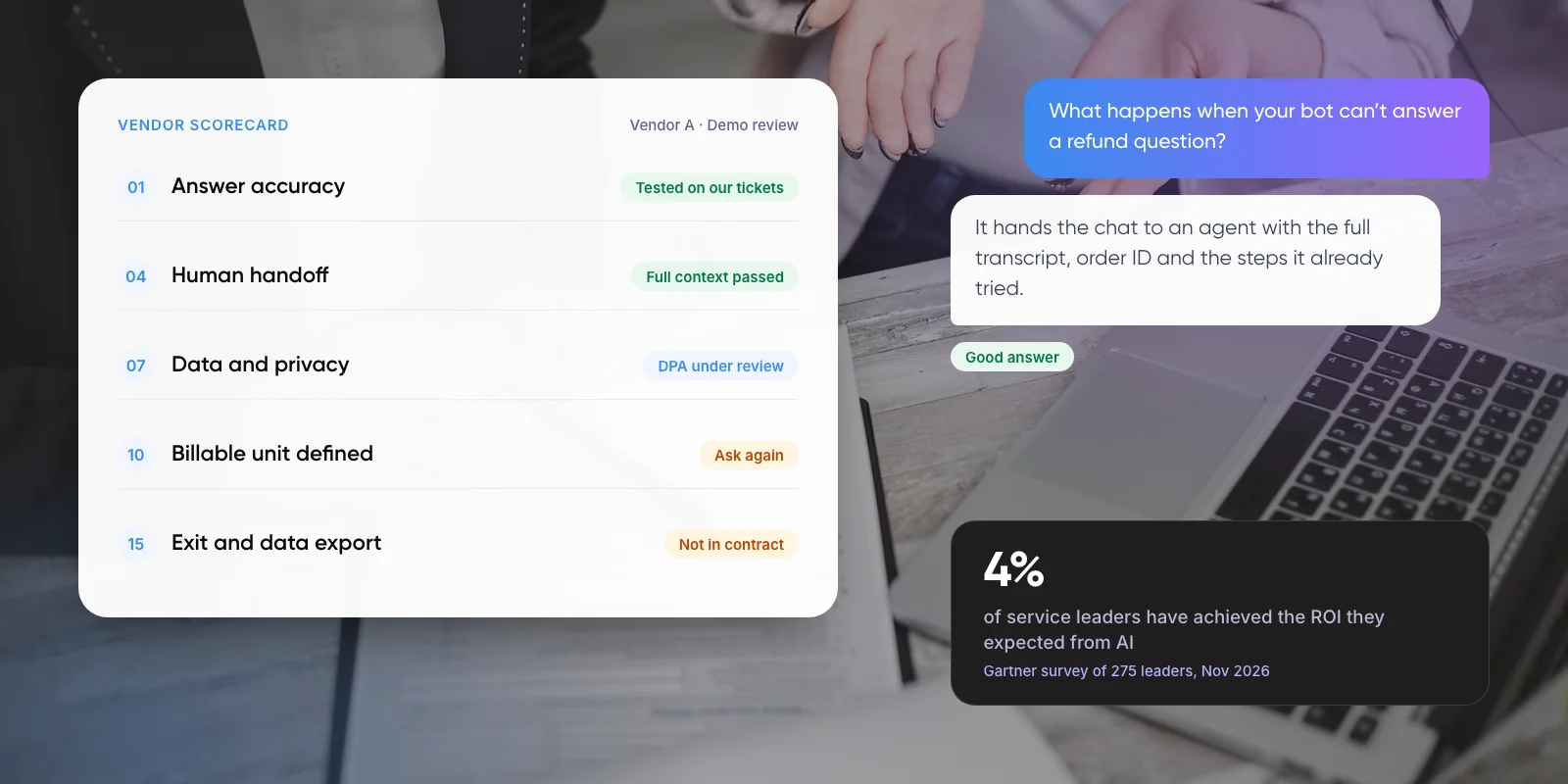
The questions to ask an AI customer support vendor fall into five groups: answer accuracy, handoff to people, data handling, pricing, and how you measure results and leave. Most demos only show the first. A Gartner survey published in November 2026 found just 4% of service leaders have achieved the ROI they expected from AI.
Below are the 15 questions, why each one matters, what a good answer sounds like, and the answers that should make you pause.
1. Why Ask These Questions Before You Sign?
Key takeaways
- Ask questions in five areas: accuracy, human handoff, data handling, pricing, and measurement and exit.
- Your company is responsible for what its chatbot says. A Canadian tribunal held Air Canada liable for its chatbot’s wrong answer in 2024.
- Test accuracy on your own past tickets, not on the vendor’s demo questions.
- Get the billable unit, year-two pricing and data export rights in writing before you sign.
- Only 4% of service leaders have achieved the ROI they expected from AI, according to Gartner (November 2026).
Most teams buying AI support are under pressure to move fast. Gartner’s survey of 321 service leaders, published in February 2026, found 91% were under pressure to implement AI this year. Budgets are moving too. A later Gartner survey of 199 leaders found AI spending up 38% while overall service budgets grew 2%.
Speed and new money are a risky mix in a vendor decision. A demo shows the AI at its best, on questions the vendor picked. The contract decides what happens on your worst day: a wrong answer about a refund, an angry customer who can’t reach a person, or a price rise at renewal. These 15 questions are designed to surface those issues before you sign.
2. Will the AI Give Your Customers Correct Answers?
Accuracy is the first thing to test, because your company is responsible for what the AI says. In Moffatt v. Air Canada (2024), the airline’s website chatbot told a customer he could claim a bereavement discount after travelling. The airline’s own policy said otherwise. British Columbia’s Civil Resolution Tribunal held Air Canada liable and rejected its argument that the chatbot was responsible for its own statements.
Note: “Grounding” means the AI writes answers only from sources you approve, such as your help centre, policy documents and order system, instead of the model’s general training data. It reduces wrong answers but does not remove them, so you still need testing.
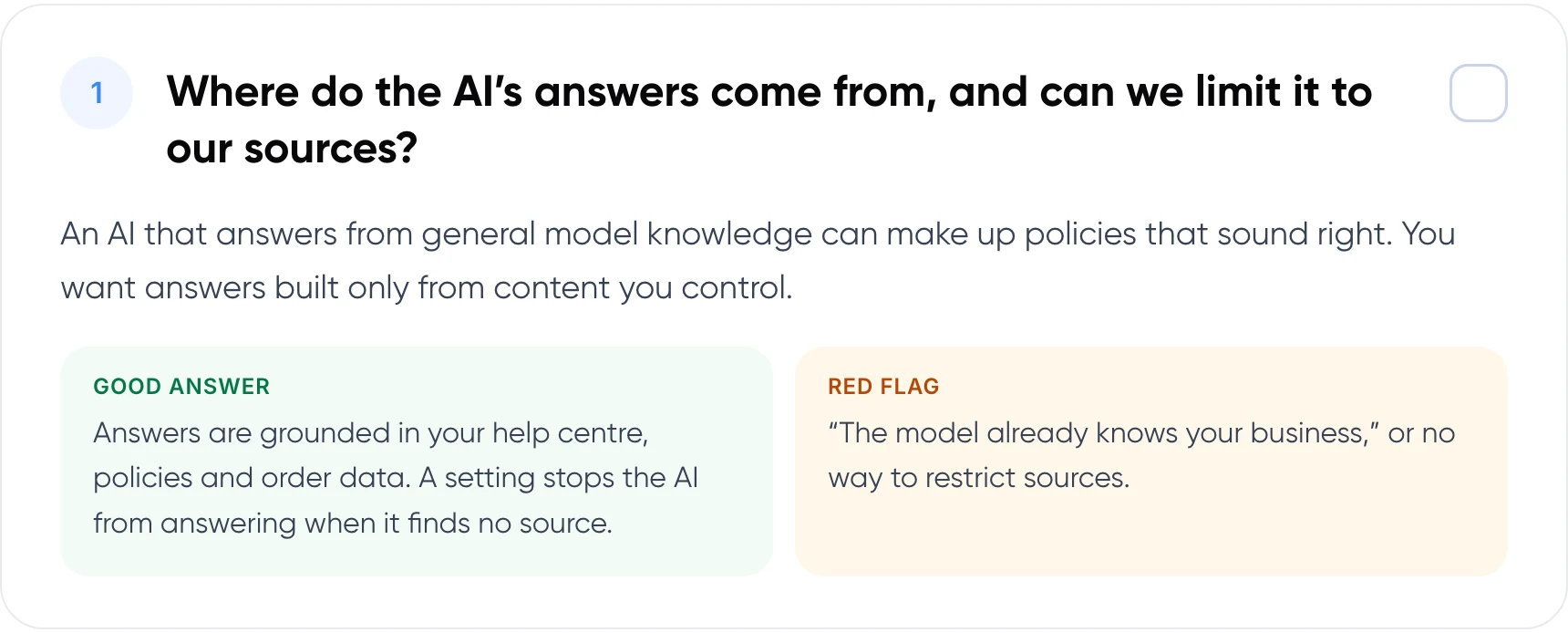
1. Where do the AI’s answers come from, and can we limit it to our sources?
An AI that answers from general model knowledge can make up policies that sound right. You want answers built only from content you control.
Good answer: Answers are grounded in your help centre, policies and order data. A setting stops the AI from answering when it finds no source.
Red flag: “The model already knows your business,” or no way to restrict sources.
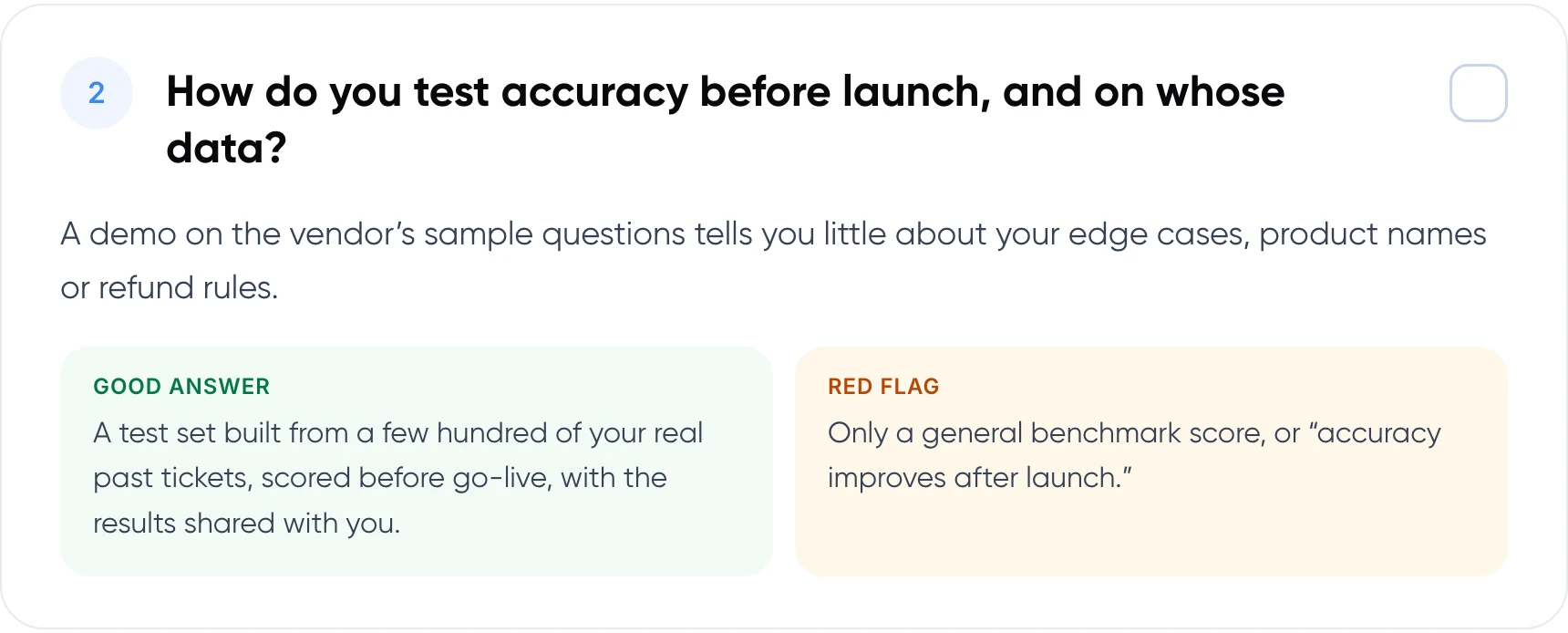
2. How do you test accuracy before launch, and on whose data?
A demo on the vendor’s sample questions tells you little about your edge cases, product names or refund rules.
Good answer: A test set built from a few hundred of your real past tickets, scored before go-live, with the results shared with you.
Red flag: Only a general benchmark score, or “accuracy improves after launch.”
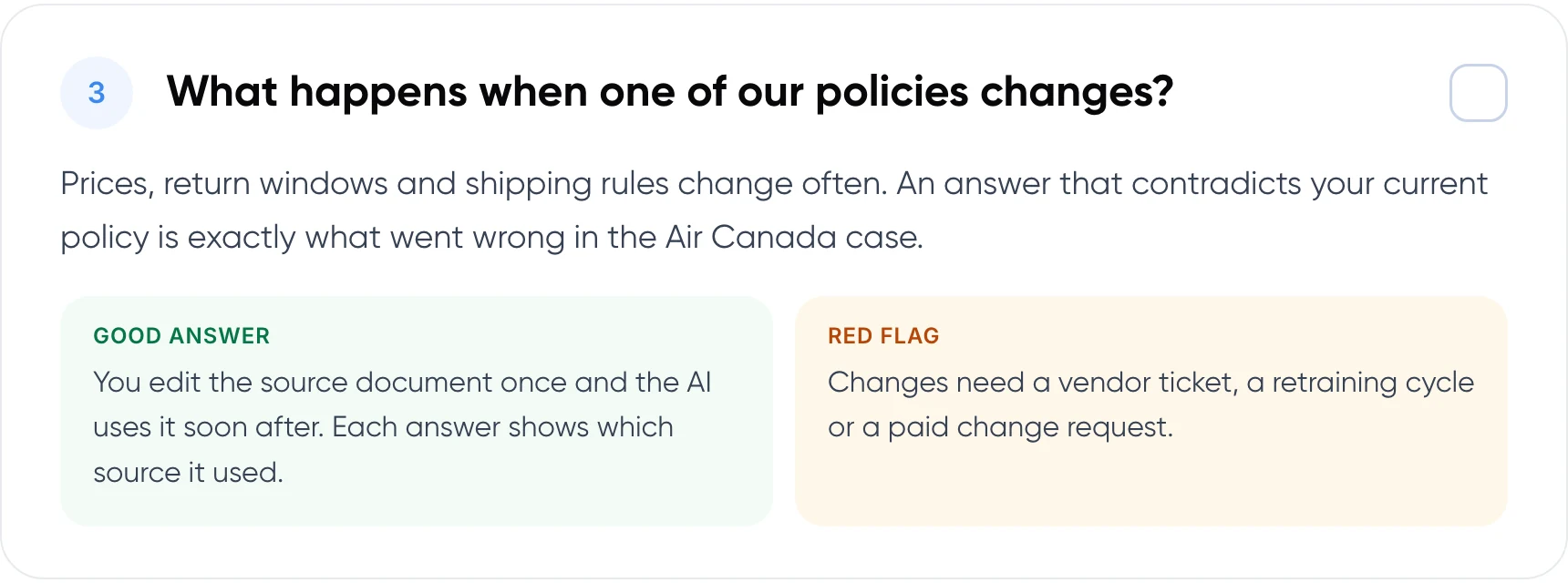
3. What happens when one of our policies changes?
Prices, return windows and shipping rules change often. An answer that contradicts your current policy is exactly what went wrong in the Air Canada case.
Good answer: You edit the source document once and the AI uses it soon after. Each answer shows which source it used.
Red flag: Changes need a vendor ticket, a retraining cycle or a paid change request.
3. What Happens When the AI Can’t Help?
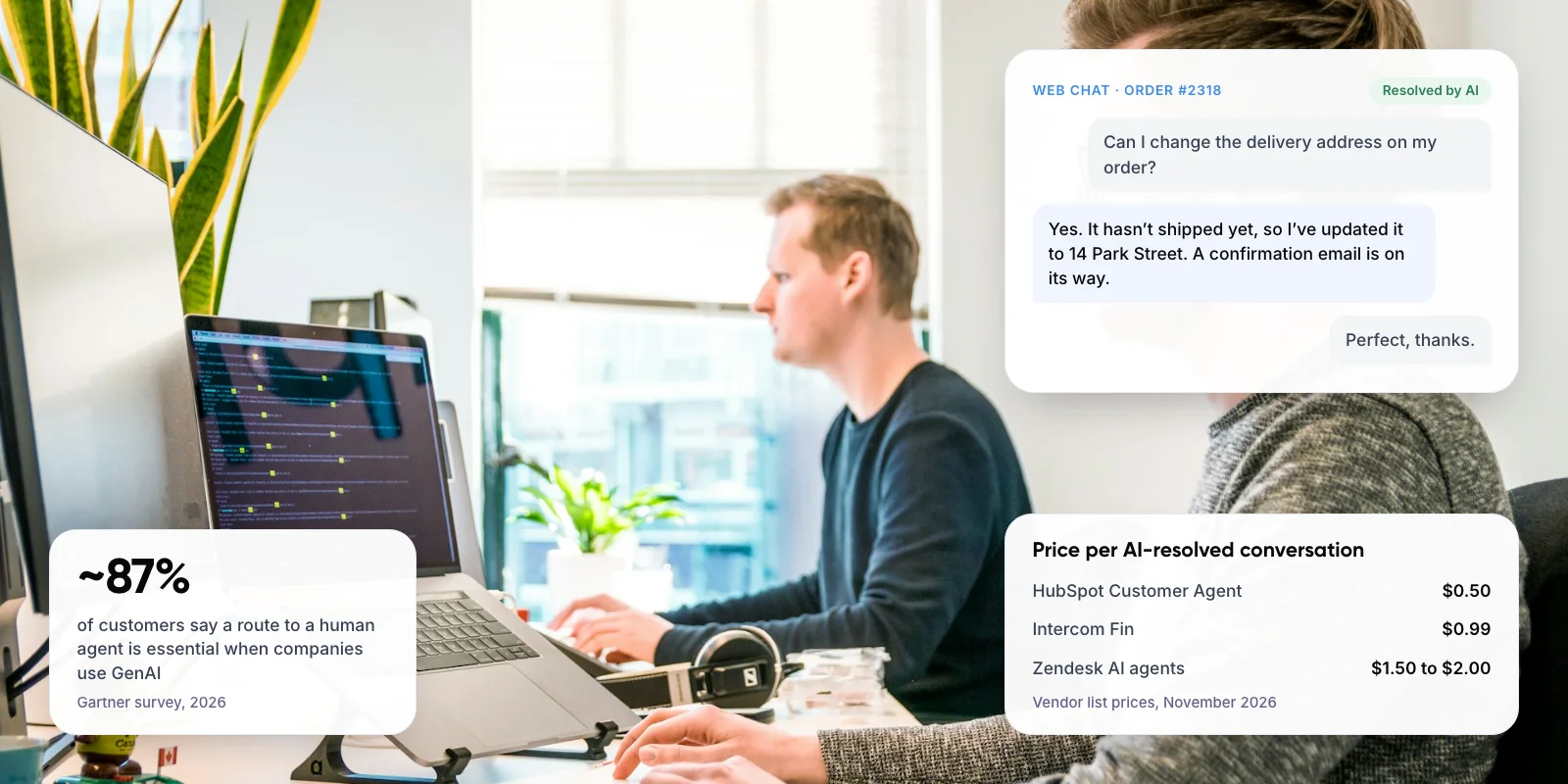
Customers expect a way to reach a person. A Gartner customer survey published in 2026 found 87% say companies using generative AI for service must provide access to a human agent. Gartner also predicts that half of companies that cut service staff because of AI will rehire by 2027.
Klarna is the best-known public example. In its February 2024 announcement, the company said its AI assistant handled 2.3 million conversations in its first month, two-thirds of its service chats, with 25% fewer repeat inquiries. The same release said customers could still choose a live agent. In our view, that is the right model: automation handles the volume, and a person is always one step away. Plan the handoff as carefully as the automation.
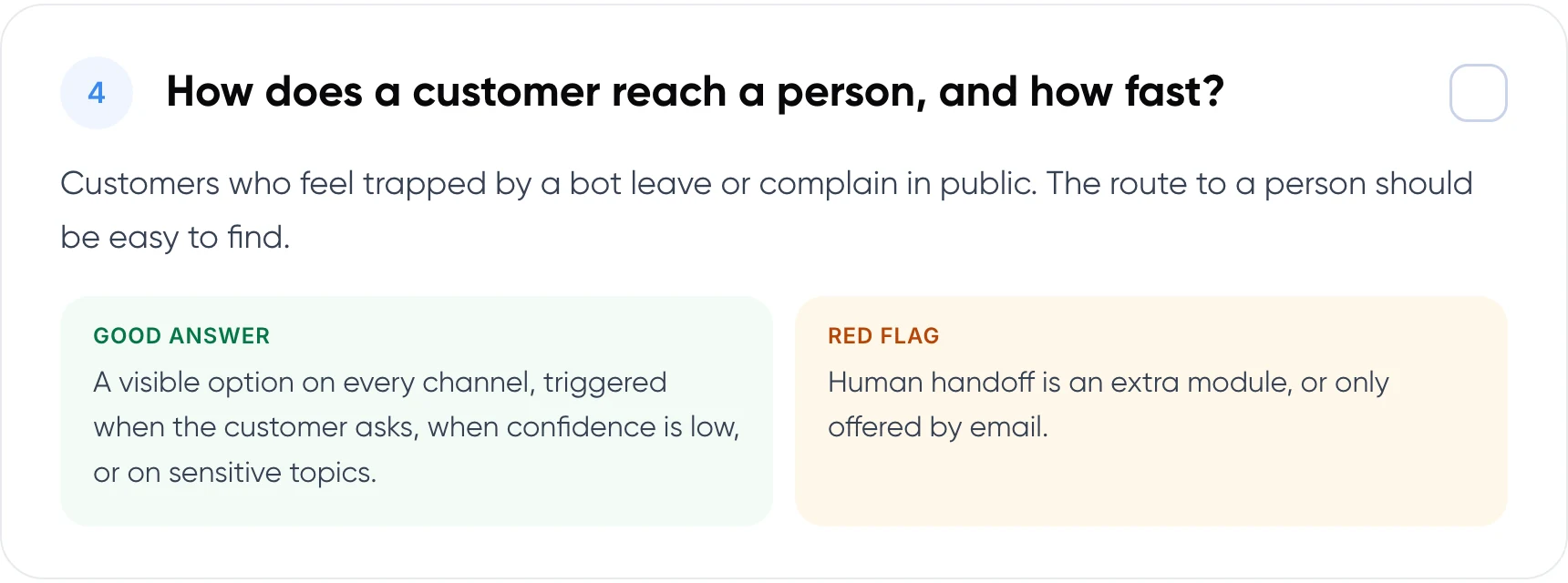
4. How does a customer reach a person, and how fast?
Customers who feel trapped by a bot leave or complain in public. The route to a person should be easy to find.
Good answer: A visible option on every channel, triggered when the customer asks, when confidence is low, or on sensitive topics.
Red flag: Human handoff is an extra module, or only offered by email.
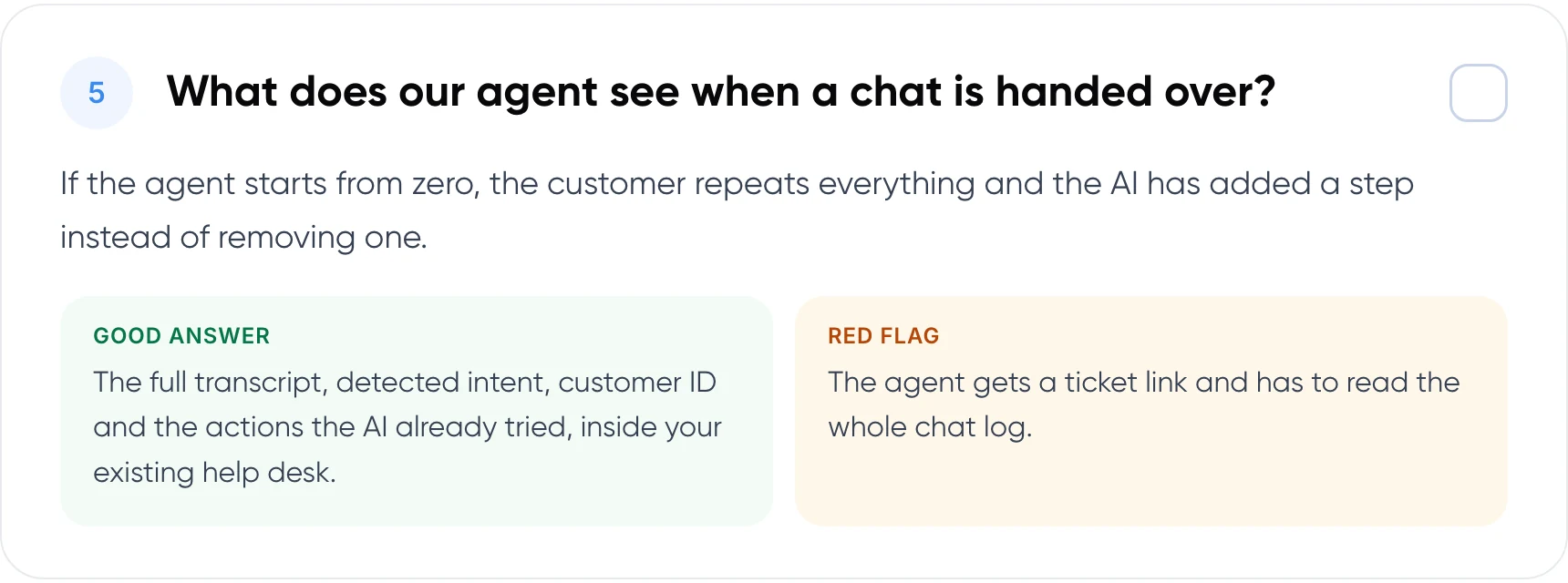
5. What does our agent see when a chat is handed over?
If the agent starts from zero, the customer repeats everything and the AI has added a step instead of removing one.
Good answer: The full transcript, detected intent, customer ID and the actions the AI already tried, inside your existing help desk.
Red flag: The agent gets a ticket link and has to read the whole chat log.
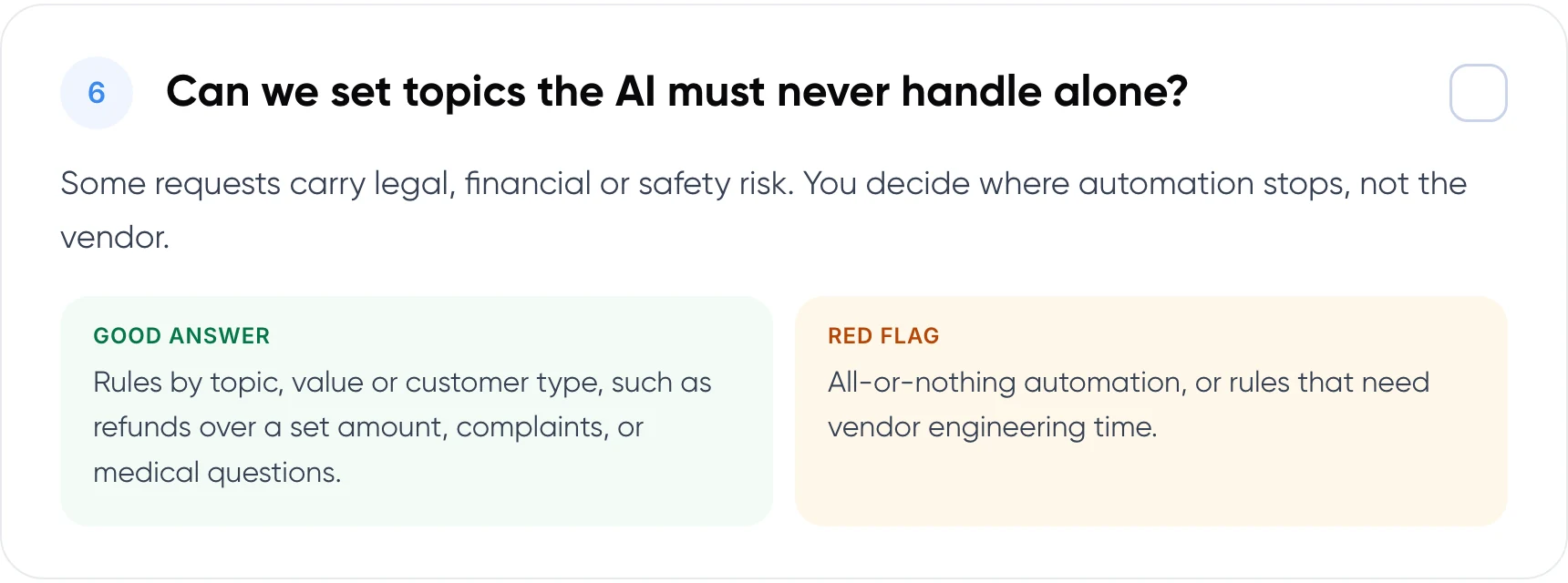
6. Can we set topics the AI must never handle alone?
Some requests carry legal, financial or safety risk. You decide where automation stops, not the vendor.
Good answer: Rules by topic, value or customer type, such as refunds over a set amount, complaints, or medical questions.
Red flag: All-or-nothing automation, or rules that need vendor engineering time.
Our guide to chatbot handoff and context transfer shows what a good handoff passes to the agent.
4. How Will the Vendor Handle Your Customer Data?
An AI support tool reads names, order details and sometimes payment or health information. The rules depend on where your customers are. Two examples that affect many of our readers:
- EU customers: Article 50 of the EU AI Act has applied since 2 August 2026. Chatbots must tell people they are talking to an AI unless that is obvious. It also covers companies outside the EU whose chatbots serve EU users.
- Indian customers: the Digital Personal Data Protection Rules, 2025 were notified in November 2025. Most duties for companies, including consent notices, security safeguards and breach reporting, apply from May 2027.
Warning: Under India’s DPDP framework and the EU’s GDPR, your company stays accountable for personal data that a vendor processes for you. A vendor’s security badge does not move that responsibility. Ask your legal team to review the data processing agreement, not only the main contract.
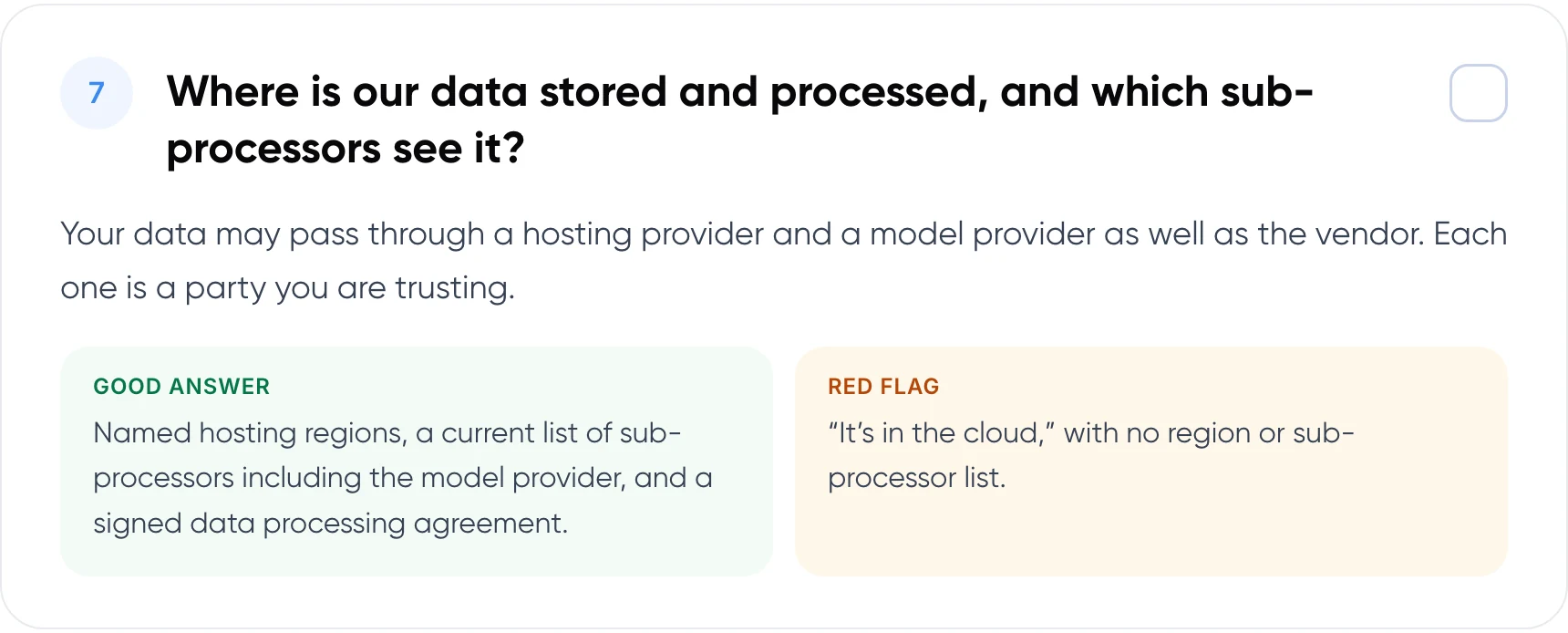
7. Where is our data stored and processed, and which sub-processors see it?
Your data may pass through a hosting provider and a model provider as well as the vendor. Each one is a party you are trusting.
Good answer: Named hosting regions, a current list of sub-processors including the model provider, and a signed data processing agreement.
Red flag: “It’s in the cloud,” with no region or sub-processor list.
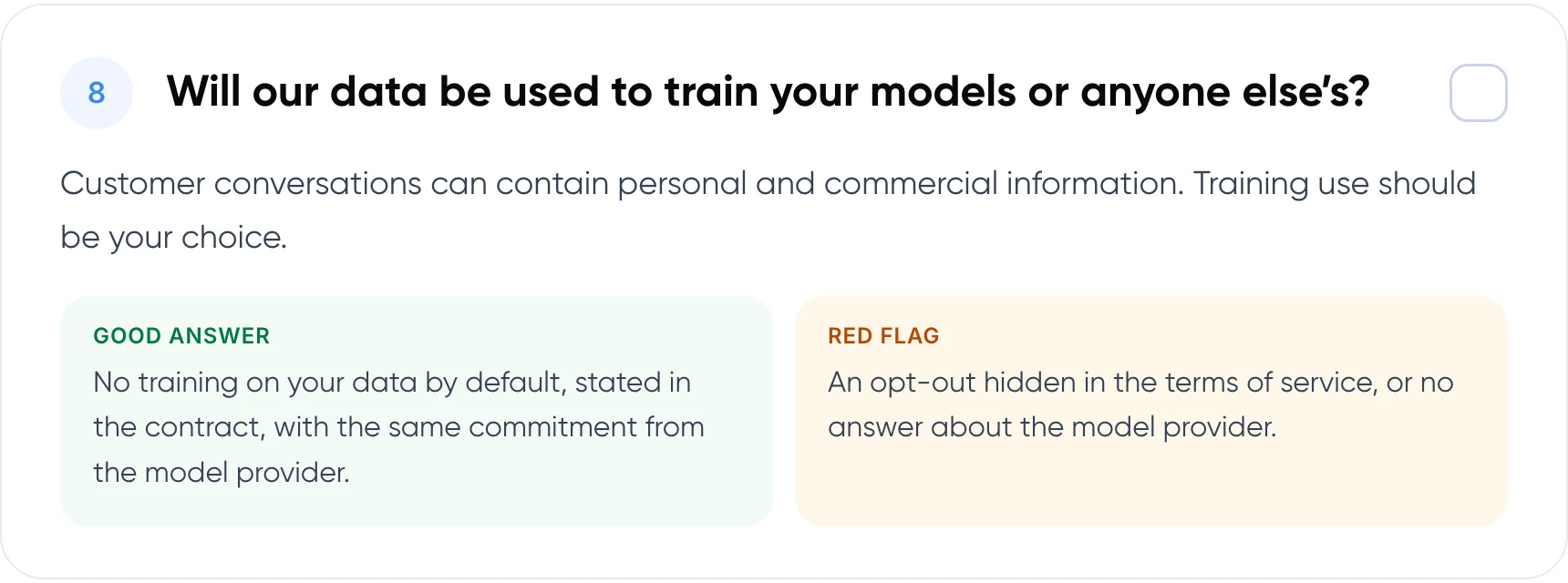
8. Will our data be used to train your models or anyone else’s?
Customer conversations can contain personal and commercial information. Training use should be your choice.
Good answer: No training on your data by default, stated in the contract, with the same commitment from the model provider.
Red flag: An opt-out hidden in the terms of service, or no answer about the model provider.
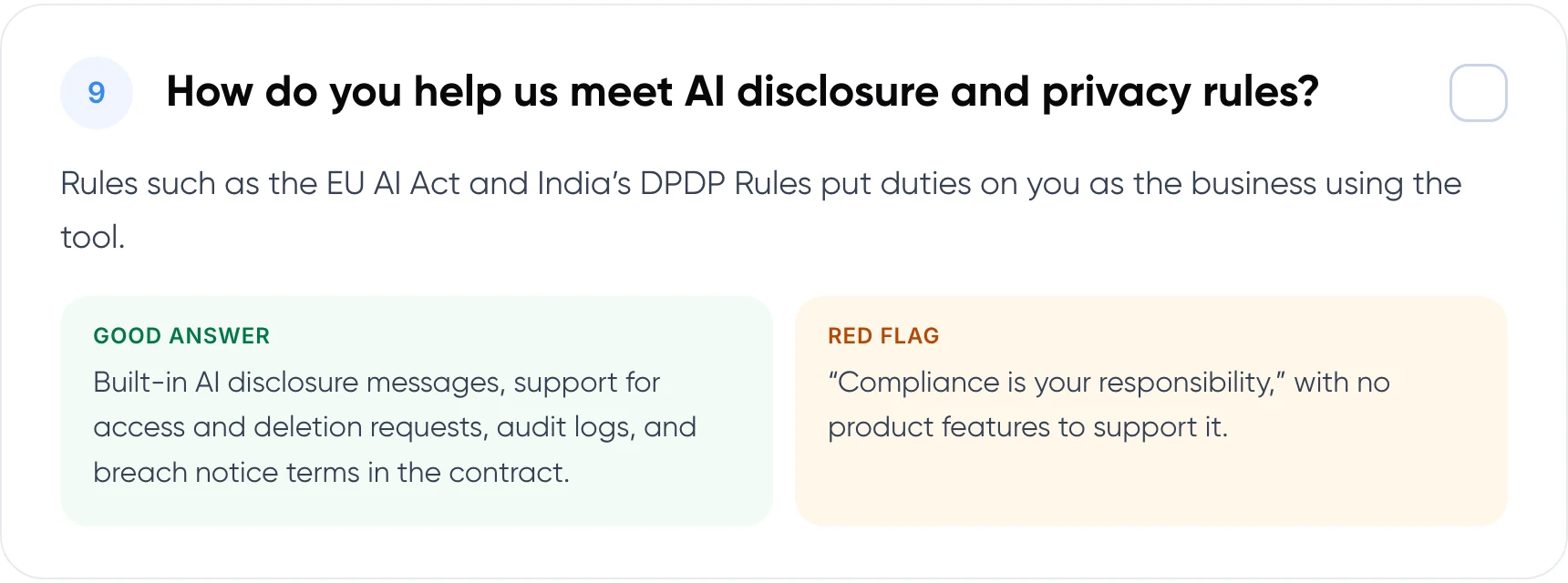
9. How do you help us meet AI disclosure and privacy rules?
Rules such as the EU AI Act and India’s DPDP Rules put duties on you as the business using the tool.
Good answer: Built-in AI disclosure messages, support for access and deletion requests, audit logs, and breach notice terms in the contract.
Red flag: “Compliance is your responsibility,” with no product features to support it.
5. What Will It Really Cost?
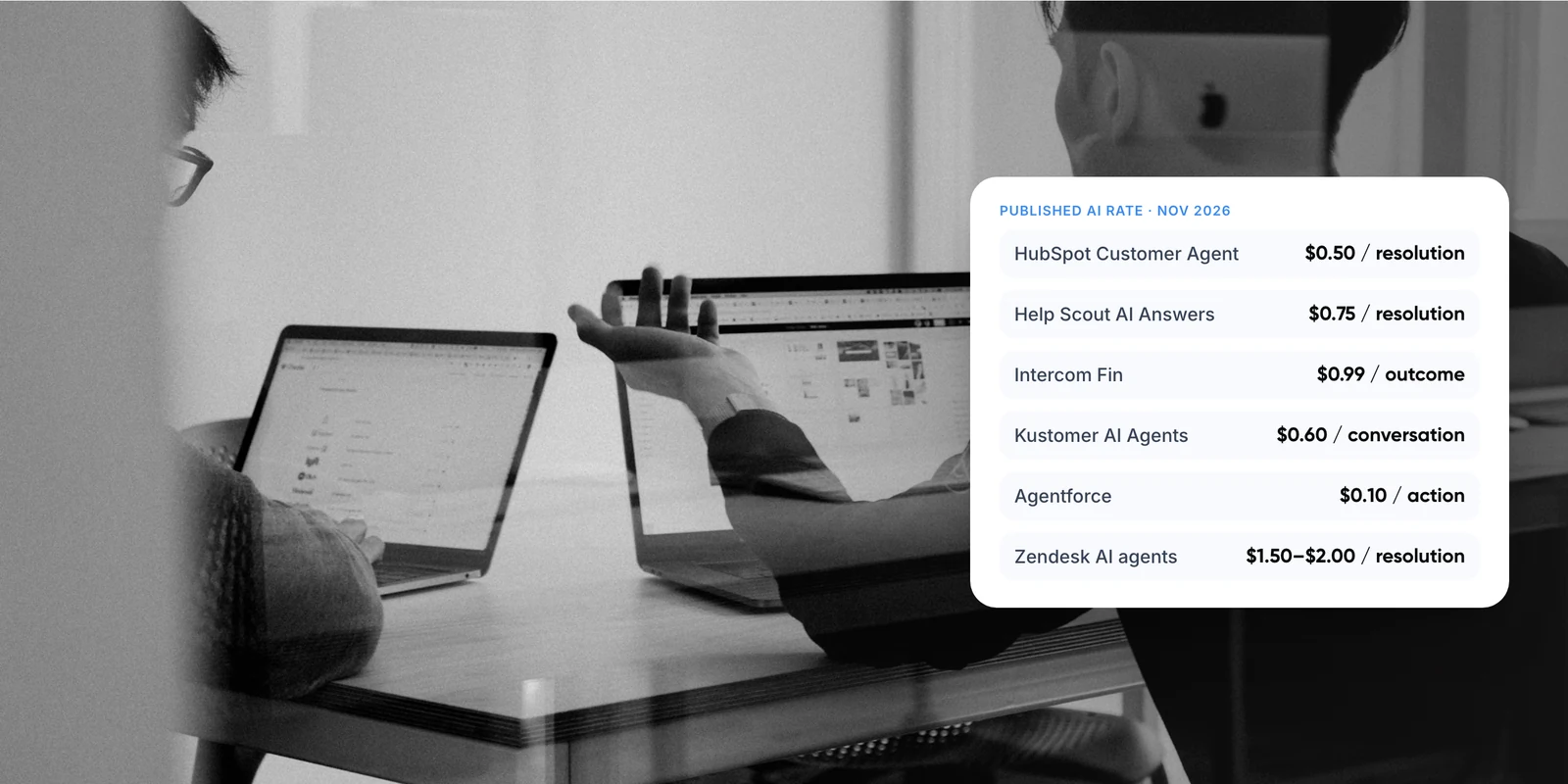
AI support vendors use four main pricing models. Each one shifts risk differently between you and the vendor, so compare them at your real volume rather than the example on the pricing page.
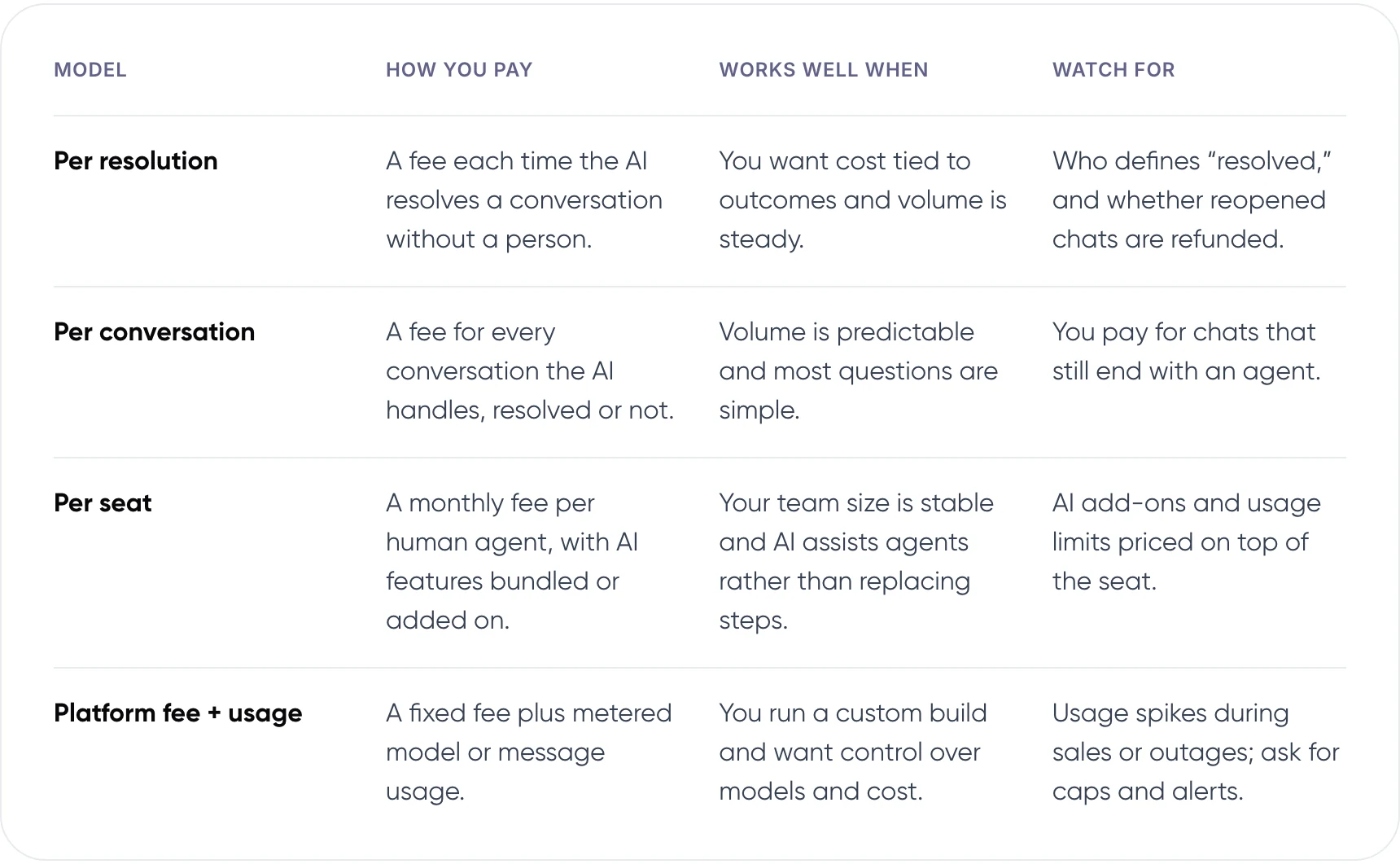
- Per resolution — How you pay: A fee each time the AI resolves a conversation without a person. Works well when: You want cost tied to outcomes and volume is steady. Watch for: Who defines “resolved,” and whether reopened chats are refunded.
- Per conversation — How you pay: A fee for every conversation the AI handles, resolved or not. Works well when: Volume is predictable and most questions are simple. Watch for: You pay for chats that still end with an agent.
- Per seat — How you pay: A monthly fee per human agent, with AI features bundled or added on. Works well when: Your team size is stable and AI assists agents rather than replacing steps. Watch for: AI add-ons and usage limits priced on top of the seat.
- Platform fee + usage — How you pay: A fixed fee plus metered model or message usage. Works well when: You run a custom build and want control over models and cost. Watch for: Usage spikes during sales or outages; ask for caps and alerts.
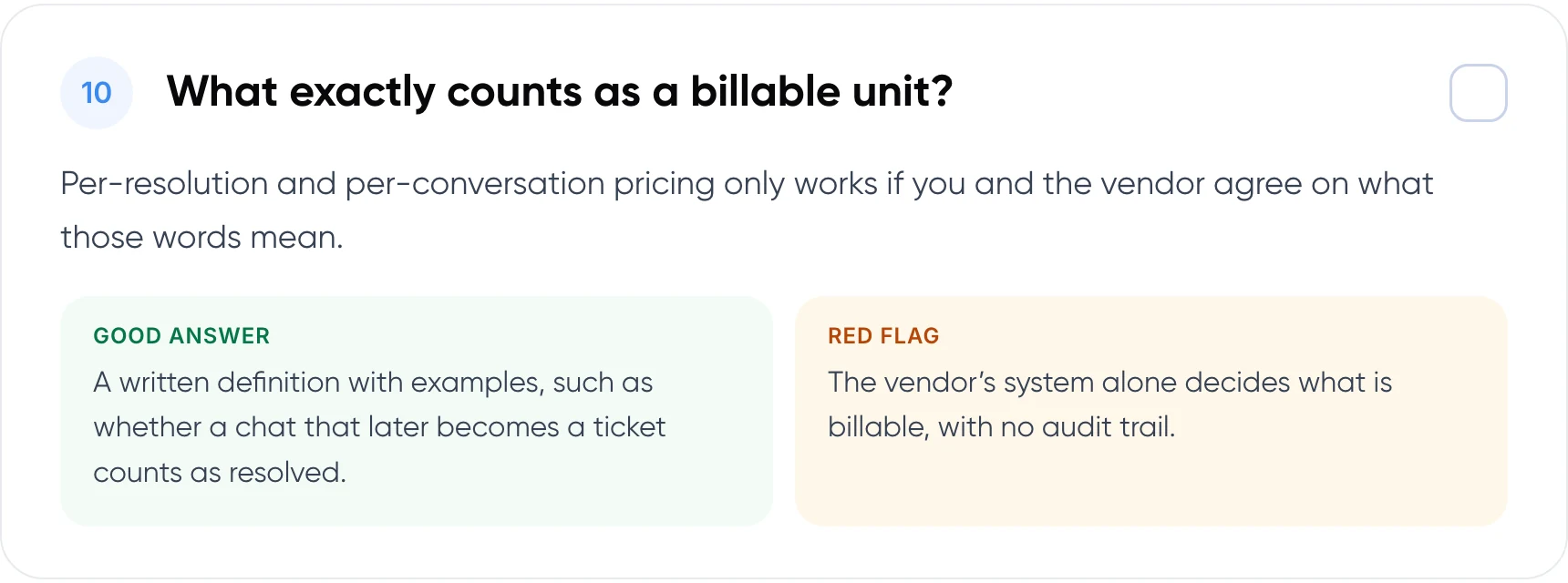
10. What exactly counts as a billable unit?
Per-resolution and per-conversation pricing only works if you and the vendor agree on what those words mean.
Good answer: A written definition with examples, such as whether a chat that later becomes a ticket counts as resolved.
Red flag: The vendor’s system alone decides what is billable, with no audit trail.
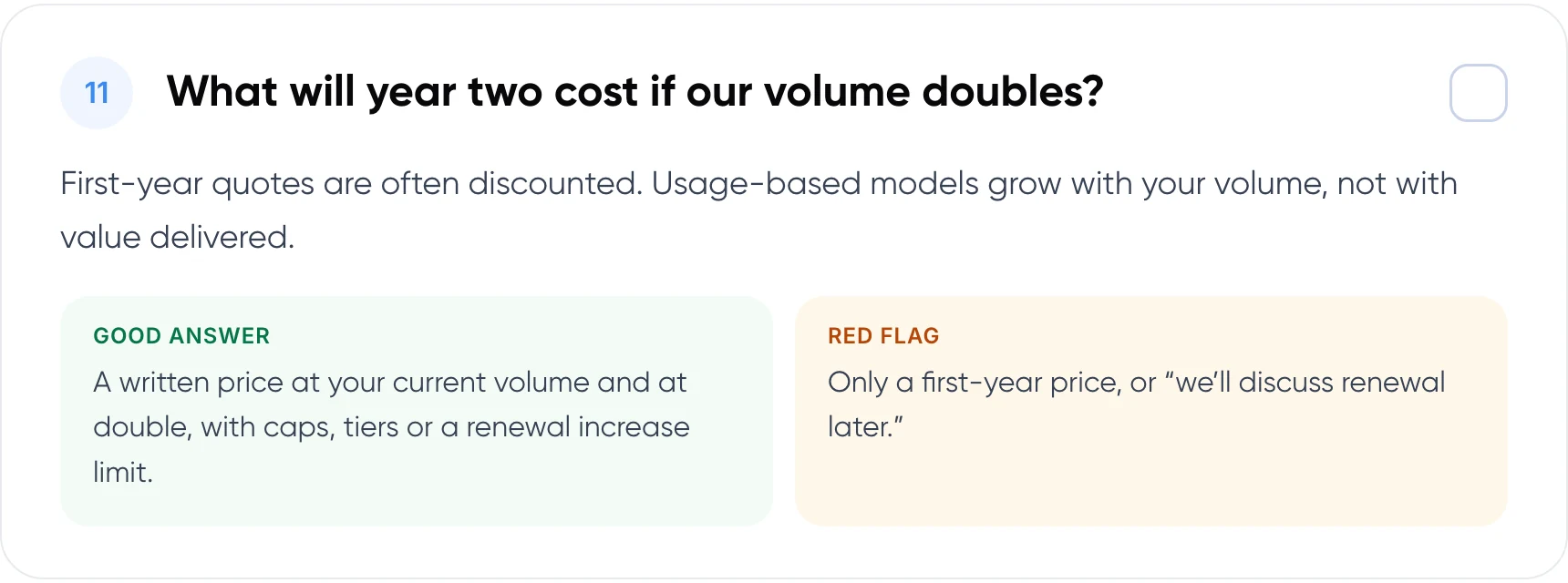
11. What will year two cost if our volume doubles?
First-year quotes are often discounted. Usage-based models grow with your volume, not with value delivered.
Good answer: A written price at your current volume and at double, with caps, tiers or a renewal increase limit.
Red flag: Only a first-year price, or “we’ll discuss renewal later.”
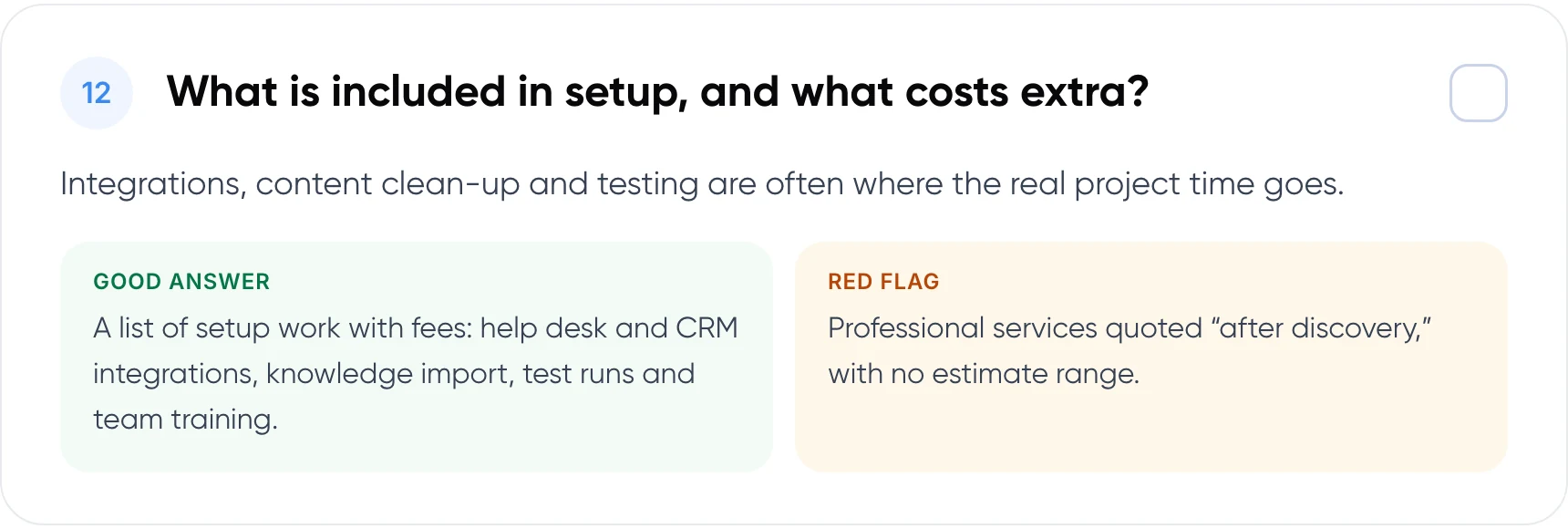
12. What is included in setup, and what costs extra?
Integrations, content clean-up and testing are often where the real project time goes.
Good answer: A list of setup work with fees: help desk and CRM integrations, knowledge import, test runs and team training.
Red flag: Professional services quoted “after discovery,” with no estimate range.
Tip: Ask each vendor to price the same scenario: your current monthly ticket volume, then double it. Two vendors with the same first-year quote can be far apart in year two.
Comparing proposals right now? We can review them with you.
6. How Will You Know It Works, and Can You Leave?
The last group of questions protects you after launch. You need numbers you can check yourself, and a way out if the results don’t arrive. Both should be written into the contract, not promised on a call.
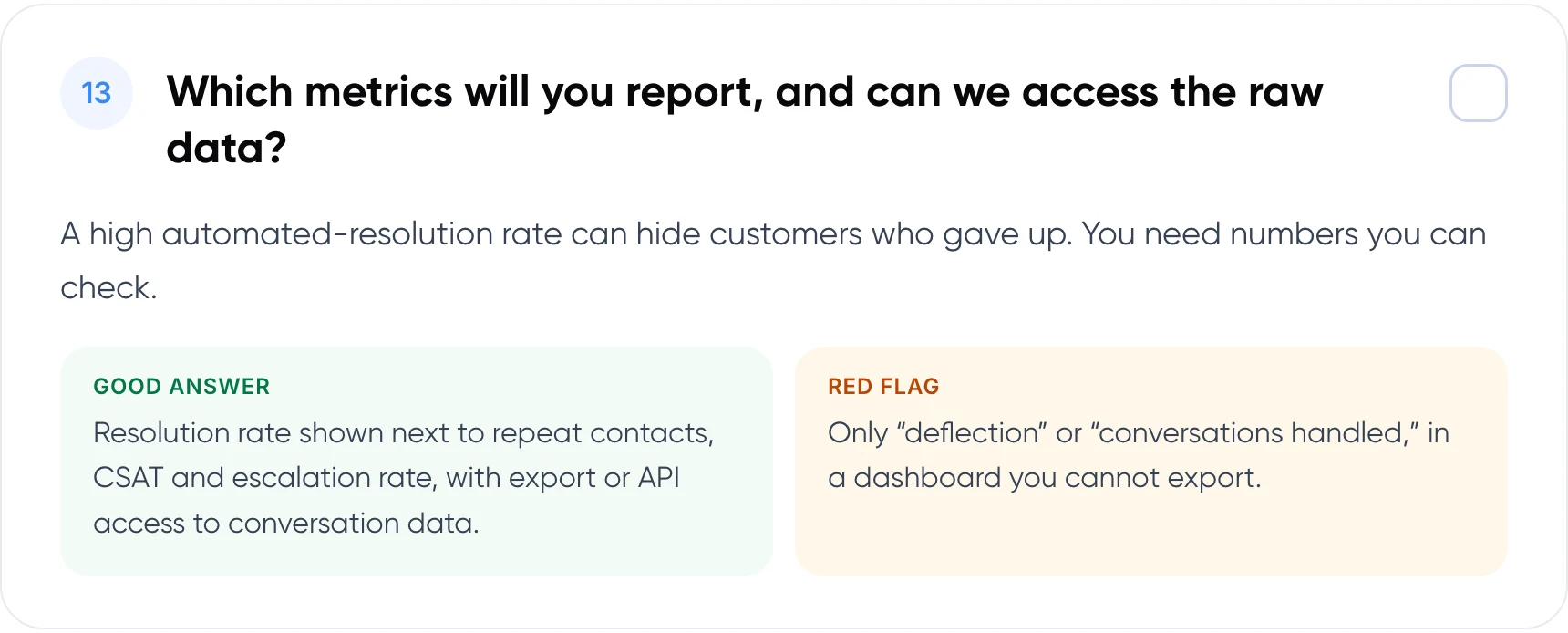
13. Which metrics will you report, and can we access the raw data?
A high automated-resolution rate can hide customers who gave up. You need numbers you can check.
Good answer: Resolution rate shown next to repeat contacts, CSAT and escalation rate, with export or API access to conversation data.
Red flag: Only “deflection” or “conversations handled,” in a dashboard you cannot export.
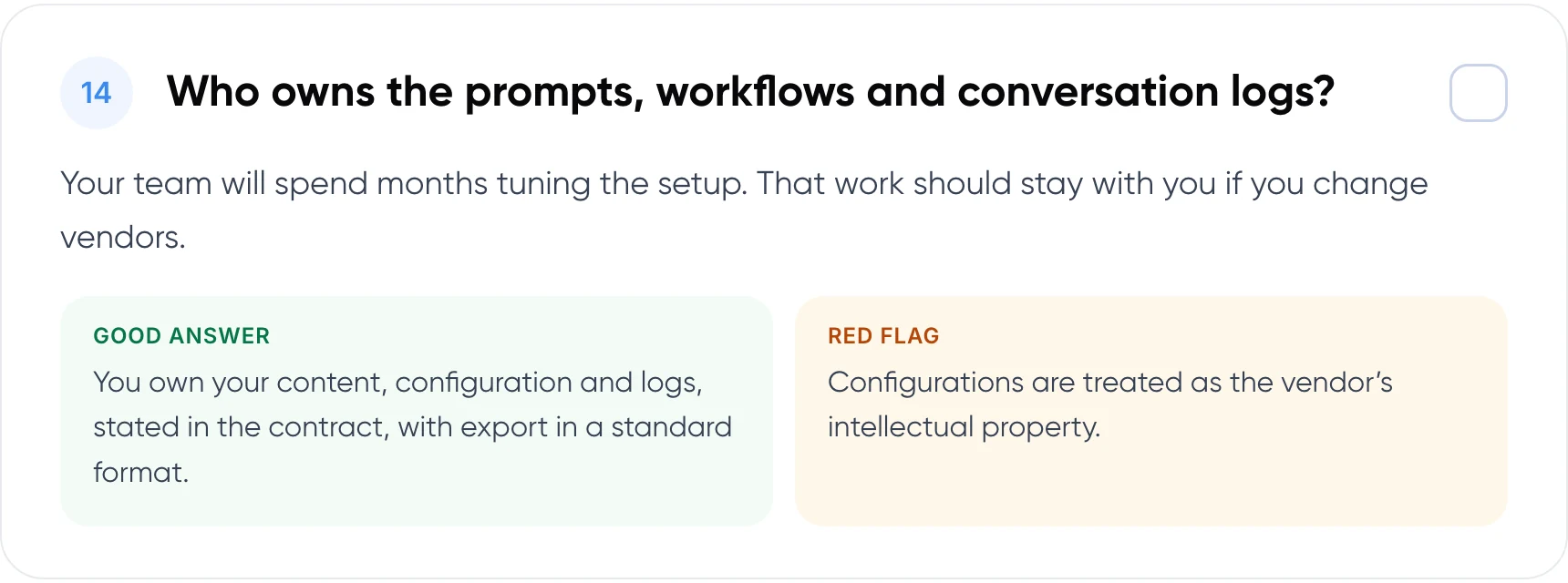
14. Who owns the prompts, workflows and conversation logs?
Your team will spend months tuning the setup. That work should stay with you if you change vendors.
Good answer: You own your content, configuration and logs, stated in the contract, with export in a standard format.
Red flag: Configurations are treated as the vendor’s intellectual property.
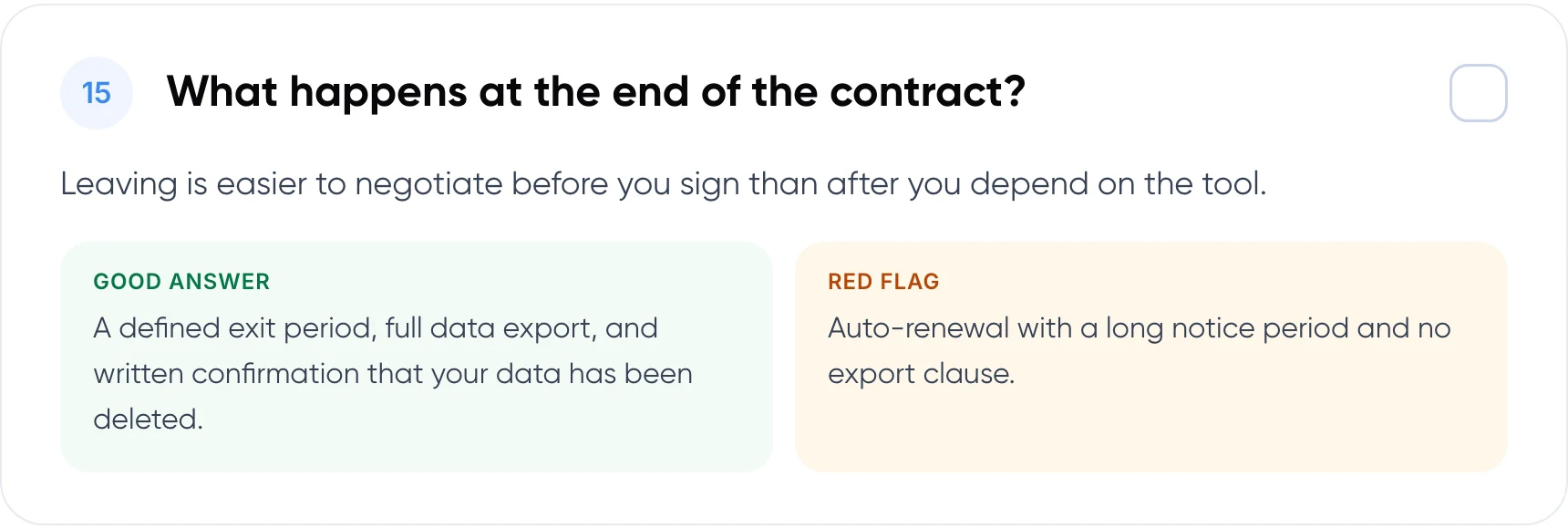
15. What happens at the end of the contract?
Leaving is easier to negotiate before you sign than after you depend on the tool.
Good answer: A defined exit period, full data export, and written confirmation that your data has been deleted.
Red flag: Auto-renewal with a long notice period and no export clause.
7. How Should You Run the Evaluation?
Asking good questions only helps if every vendor answers the same ones, on the same data. This is the process we suggest for a shortlist of two or three vendors.
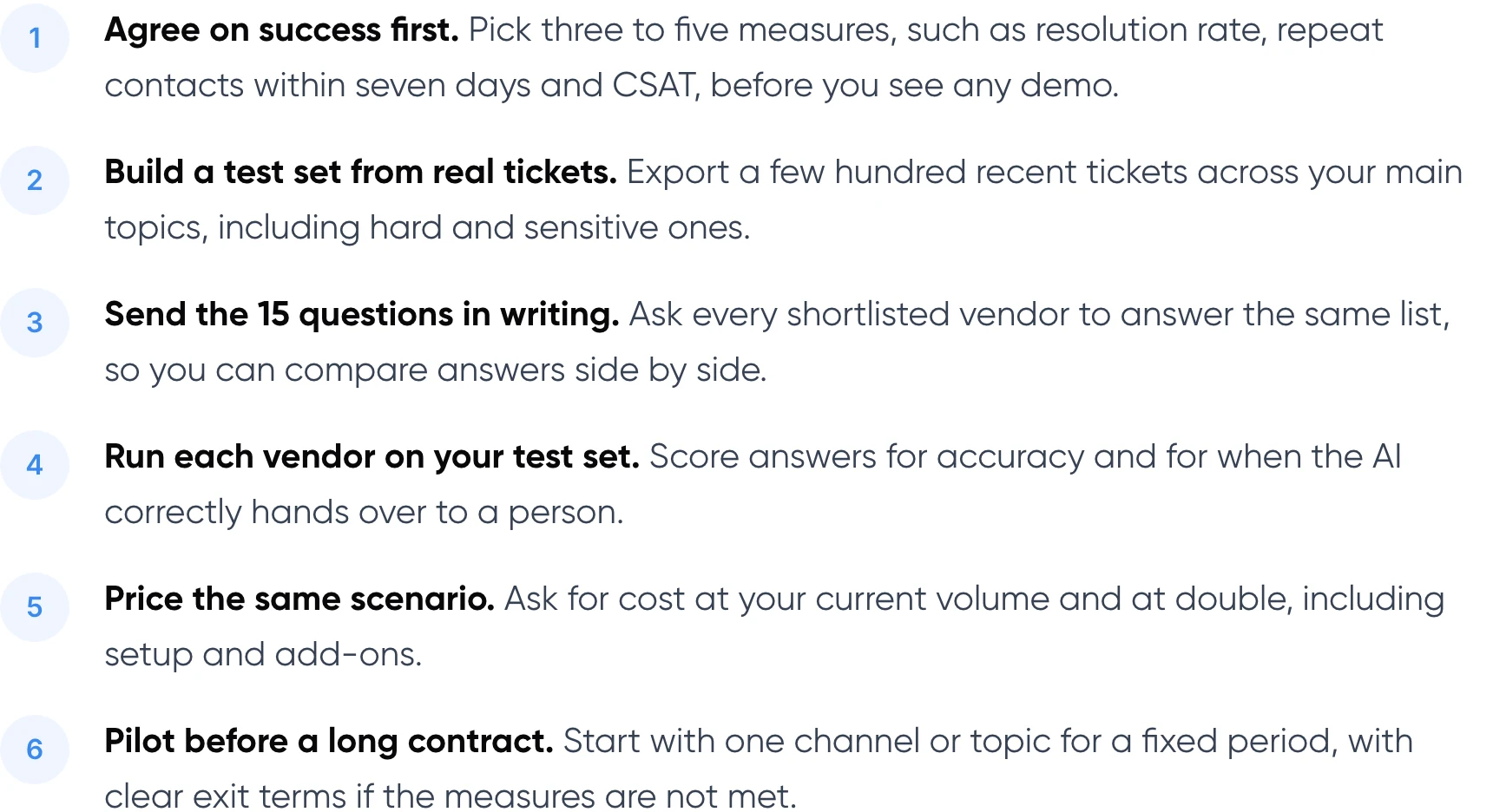
- Agree on success first. Pick three to five measures, such as resolution rate, repeat contacts within seven days and CSAT, before you see any demo.
- Build a test set from real tickets. Export a few hundred recent tickets across your main topics, including hard and sensitive ones.
- Send the 15 questions in writing. Ask every shortlisted vendor to answer the same list, so you can compare answers side by side.
- Run each vendor on your test set. Score answers for accuracy and for when the AI correctly hands over to a person.
- Price the same scenario. Ask for cost at your current volume and at double, including setup and add-ons.
- Pilot before a long contract. Start with one channel or topic for a fixed period, with clear exit terms if the measures are not met.
If you are still deciding what to automate in the first place, start with how customer support automation works.
8. Frequently Asked Questions
What should I ask an AI customer support vendor first?
Start with accuracy: where answers come from and how the vendor tests them on your data. If the AI gives wrong answers, your company is still responsible. In Moffatt v. Air Canada (2024), a tribunal held the airline liable for its chatbot’s incorrect advice.
How long should an AI customer support pilot run?
Long enough to cover your normal ticket mix, which for most teams means at least a few weeks on one channel or topic. Agree on the success measures before the pilot starts, and make sure the contract lets you stop if those measures are not met.
Do AI chatbots have to say they are AI?
In the EU, yes in most cases. Article 50 of the EU AI Act has applied since 2 August 2026 and requires chatbots to tell people they are interacting with AI unless it is obvious. It also applies to non-EU companies whose chatbots serve EU users.
What is a good AI resolution rate?
There is no single benchmark, because it depends on your ticket mix. Look at resolution rate together with repeat contacts within seven days, CSAT and escalation rate. A high resolution rate with rising repeat contacts usually means customers are giving up, not getting help.
Should we build our own AI support or buy a platform?
Buy when your needs match a platform’s standard features and your volume is moderate. Build, or use a partner, when you need deep integration with internal systems, strict data control or custom workflows. In our view, the 15 questions apply to both routes.
9. Conclusion
The questions to ask an AI customer support vendor are mostly about what happens after the demo: wrong answers, handoffs, data, renewal prices and exit. Send all 15 to every vendor on your shortlist in writing, and compare the answers side by side. A vendor that answers clearly in writing is easier to hold to account once the contract is signed.
Our service
If you want a partner that can answer all 15 questions in writing, look at our AI customer support automation service. We build AI support that answers from your own data and hands customers to your team when it should.
Author