Best Customer Feedback and CSAT Survey Tools for Small Businesses
The best CSAT survey tool for a small business depends on where your customer conversations happen. If you already use a helpdesk, start with its built-in survey or a plug-in such as Nicereply or Simplesat. If you don’t, a free form builder like Tally or Google Forms is enough to begin.
This guide compares seven customer feedback tools on price, free-plan limits and fit, using each vendor’s published plans.
1. What Is a CSAT Survey Tool?
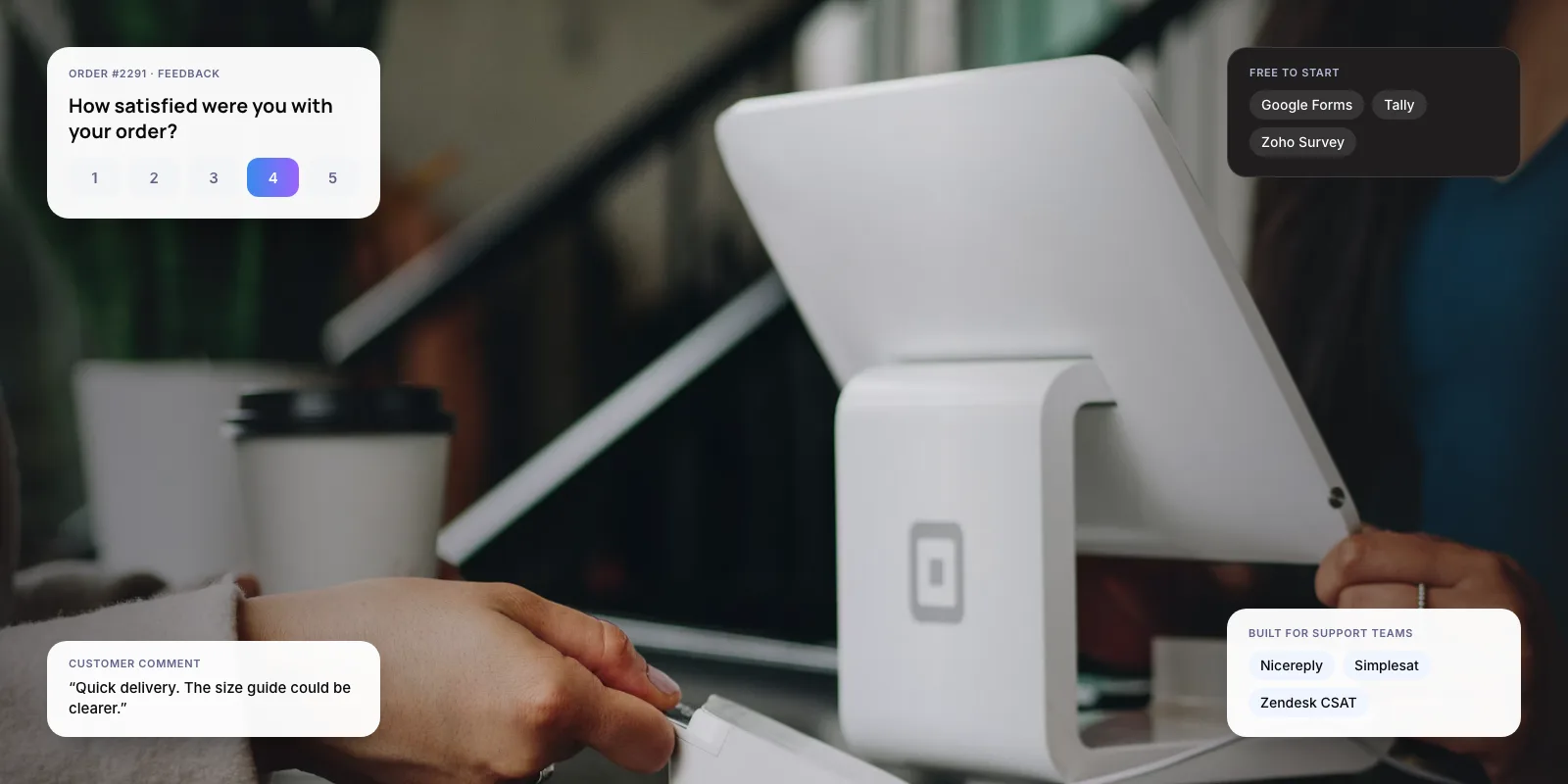
CSAT (customer satisfaction score) is a one-question survey, usually “How satisfied were you?” on a 1–5 scale. Your score is the share of people who pick the top ratings. Zendesk, for example, counts only 4 and 5 as “Good” on its 1–5 scale.
A CSAT tool sends that question at the right moment, such as when a ticket is closed or an order is delivered, and keeps the results in one place. Most tools also handle NPS (Net Promoter Score, “How likely are you to recommend us?”) and CES (Customer Effort Score, “How easy was it?”).
Key takeaways
- Tally and Google Forms are free with unlimited responses. They suit businesses with no helpdesk yet.
- Zendesk’s built-in CSAT needs Suite Growth or Support Professional and above; it isn’t on Suite Team.
- Nicereply and Simplesat connect to your helpdesk, send surveys automatically and price by response volume.
- Delighted shut down on June 30, 2026, so remove it from any shortlist.
2. Which CSAT Survey Tools Should a Small Business Compare?
The seven tools below fall into two groups. Form builders are cheap or free but need manual setup. Support-focused tools connect to your helpdesk and send surveys automatically, but cost more each month.
- Google Forms — Paid plans from: Free · Free plan: Unlimited forms and responses; no automatic sending · Best for: Getting started at no cost
- Tally — Paid plans from: $29/mo (Pro) · Free plan: Unlimited forms and responses; Tally badge shown · Best for: Free surveys with logic
- Zoho Survey — Paid plans from: $35/mo (Plus); INR plans · Free plan: 10 questions, 100 responses per survey · Best for: Zoho users, India billing
- SurveyMonkey — Paid plans from: $39/mo billed annually · Free plan: 10 questions per survey; few viewable responses · Best for: Longer research surveys
- Zendesk CSAT — Paid plans from: Included on Suite Growth+ · Free plan: Not on Suite Team or Support Team · Best for: Teams already on Zendesk
- Nicereply — Paid plans from: $59/mo billed annually · Free plan: Free trial only · Best for: Per-agent CSAT in email
- Simplesat — Paid plans from: $109/mo billed annually · Free plan: Free trial only · Best for: Helpdesk CSAT, NPS, CES
Prices in USD as published in late 2026. Annual billing is usually cheaper. Confirm on each vendor’s pricing page before you buy.
Note: Delighted, a popular NPS and CSAT tool for small teams, is no longer available. Qualtrics ended access on June 30, 2026 and deletes customer data after that date. Older “best tools” lists may still recommend it.
3. What Are the Best Free Customer Feedback Tools?
Google Forms is free with unlimited forms and responses. Results go straight into Google Sheets. It has no automatic sending, so you paste the link into emails or WhatsApp yourself.
Tally also offers unlimited forms and responses on its free plan, plus conditional logic (showing a follow-up question only after a low score). Pro costs $29 a month and removes the Tally badge.
Zoho Survey has a free plan capped at 10 questions and 100 responses per survey. It publishes prices in rupees, which helps Indian businesses on GST invoices, and fits well if you already use Zoho CRM or Desk.
SurveyMonkey is the best-known name, but its free Basic plan is the most limited here. Free users can add up to 10 questions per survey, and only a small number of responses can be viewed. In our view, it’s worth paying for only if you also run longer research surveys.
Tip: Keep a CSAT survey to one rating plus one optional comment box. Every extra question gives customers another reason to close the page.
4. Which CSAT Tools Work Best for Support Teams?
If you answer customers in a helpdesk, a connected tool saves the manual work. It sends the survey when a ticket closes and links each rating to the agent who handled it.
Zendesk’s built-in CSAT costs nothing extra, but it isn’t on every plan. Zendesk’s developer docs say surveys need Suite Growth or Support Professional and above. Teams on Suite Team need a paid plug-in or an upgrade.
Nicereply adds one-click ratings to agent email signatures and after tickets close. It connects to Zendesk, Freshdesk, Front and Help Scout. The Starter plan is $59 a month billed annually, with 100 responses and three users.
Simplesat covers CSAT, NPS and CES with unlimited surveys. According to its billing docs, agents who receive feedback inside the helpdesk don’t need a login and cost nothing, so the price follows response volume. The Standard plan is listed at $119 a month, or $109 billed annually, for 1,000 responses.
Want a low score to trigger a reply or a call-back automatically? See our AI customer support automation service.
5. How Do You Choose the Right Tool?
Answer three questions before you look at features: where do your customers talk to you, how many responses will you get each month, and who needs to see the results?
- List your channels. Email, WhatsApp, chat or a helpdesk. The survey should arrive in the same place the conversation happened.
- Estimate monthly responses. Paid support tools price by response volume, so check the plan limit against your busiest month.
- Check your helpdesk first. If it includes CSAT on your plan, try that before buying another tool.
- Decide who sees the results. Per-agent scores need a connected tool. A single business score works fine in a spreadsheet.
- Test with real customers for two weeks. Use the free plan or trial and send it to recent customers.
- Confirm you can export. Download a CSV during the trial so you know your data can leave with you.
6. What Does a Simple Setup Look Like?
Take an online clothing store with two support staff and about 300 orders a month. It has no helpdesk yet; customers write in by email and WhatsApp.

A free Tally form with one rating and a comment box is enough. The store adds the link to its delivery-confirmation email and sends new responses to a shared Google Sheet. Once a week, the owner reads every score of 3 or below and replies to each one.
When the team moves to a helpdesk, the next step is that helpdesk’s own CSAT or a plug-in like Nicereply, so ratings attach to each agent. This scenario is illustrative.
If you’re deciding whether to automate replies to that feedback, start with our guide on how customer support automation works.
7. What Mistakes Should You Avoid?
Collecting scores nobody reads. A CSAT number on its own changes nothing. Decide who reads low scores, and how fast they reply, before you send the first survey.
Paying for limits you’ll outgrow. Nicereply and Simplesat price by response volume, and Nicereply also by users. Estimate your monthly responses first so a busy month doesn’t push you into a higher tier.
Leaving data where you can’t export it. The Delighted shutdown showed the risk: customers had to download their history before access ended. Pick a tool that exports to CSV, and export once a quarter.
If feedback shows customers waiting too long for answers, get our free Support Savings Report. It estimates the savings, hours freed and payback period of automating your support, and arrives within 48 hours.
8. Frequently Asked Questions
What is a good CSAT score?
It depends on your industry and scale, so compare your score with your own past months rather than a general benchmark. Watch the trend and the comments. A small business with few responses will see big swings from one or two ratings, so read each low score rather than only the average.
Is there a free CSAT survey tool?
Yes. Google Forms and Tally both offer unlimited forms and responses at no cost. Zoho Survey’s free plan allows 10 questions and 100 responses per survey. Free tools don’t send surveys automatically after a ticket closes, so you’ll add the link to your emails or messages yourself.
Does Zendesk include CSAT surveys?
Yes, but not on every plan. Zendesk’s developer documentation says surveys are available on Support Professional and above, and Suite Growth and above. Teams on Suite Team or Support Team need a third-party app such as Nicereply or Simplesat, or a plan upgrade.
What replaced Delighted?
Qualtrics ended access to Delighted on June 30, 2026 and steered customers towards its own XM platform. For a small team, a support-focused tool like Nicereply or Simplesat, or a free form builder like Tally, covers the same CSAT and NPS surveys at a lower cost.
How many questions should a CSAT survey have?
One rating question plus an optional comment box is enough for most small businesses. Short surveys are quicker to answer and easier to act on. Add a follow-up question only for low scores, using conditional logic, which Tally includes on its free plan.
9. Conclusion
For most small businesses, the best CSAT survey tool is the one that fits where customers already talk to you. Start free with Tally, Google Forms or Zoho Survey. Move to your helpdesk’s built-in CSAT, Nicereply or Simplesat once you need surveys sent automatically and scores tracked per agent. This week, send a one-question survey to your last 50 customers and read every low score.
For examples of our support work, see Paymate, one AI support system across voice, email and chat, and Zenva, which drafts replies to Shopify customer emails for agents to review.
Author