Best Budget AI Email Response Tools for Customer Support
Six tools that draft or send support email replies for under $85 per agent a month, with real 2026 prices and the costs that don’t show on the pricing page.

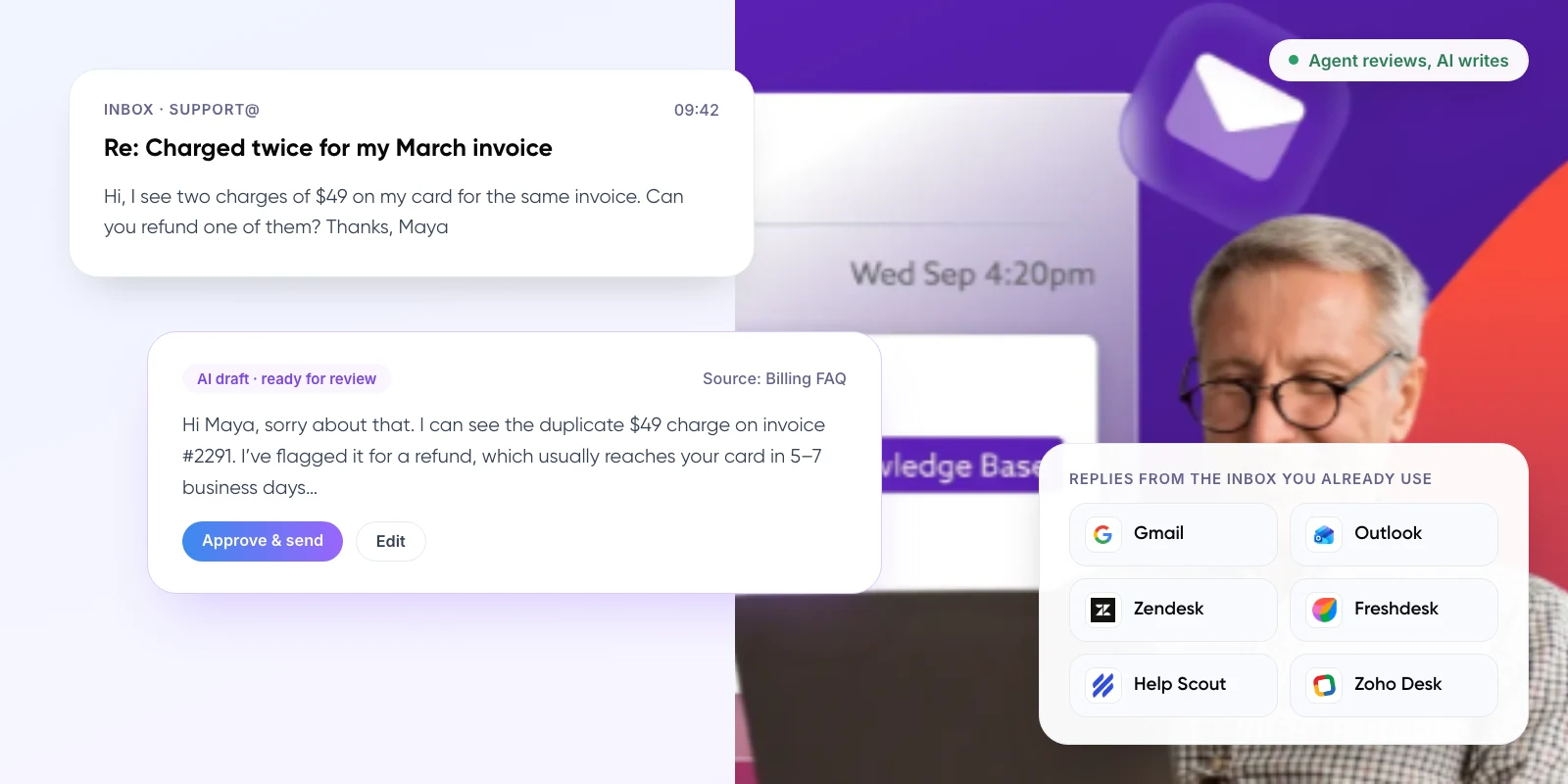
- Email arrives From Gmail, Outlook or your help desk
- AI drafts Using your help articles and past tickets
- Agent reviews Edits, approves or rewrites
- Reply sent Or AI sends low-risk answers itself
1. The Short Answer
The best budget AI email response tools for customer support in 2026 are Zoho Desk, Hiver and Help Scout for small teams, Gemini in Gmail if you only need drafting, and Intercom Fin if you want AI to send replies on its own. Entry prices with AI run from $7 to $84 per agent a month.
Budget matters here because most teams are being asked to add AI without a big new line item. In a 2025 Gartner survey of 265 service leaders, 77% said they feel pressure from senior executives to deploy AI.
Key takeaways
- Help desks with AI drafting built in, such as Zoho Desk ($23) and Hiver ($25), give small teams the most for the money.
- Gemini in Gmail, from $7 per user a month, drafts replies but has no ticketing, routing or support reports.
- Check which plan includes the AI. Help Scout drafts start at $45 and Freshdesk Copilot at $84 per agent.
- Per-resolution AI such as Intercom Fin ($0.99 per outcome) can cost more than seats once email volume grows.
- AI drafts are only as good as your help content. Update the articles behind your top questions first.
2. What Is an AI Email Response Tool?
An AI email response tool reads an incoming support email and writes a reply using your help articles, past tickets or policy documents. It comes in two forms, and the price model usually follows the form.
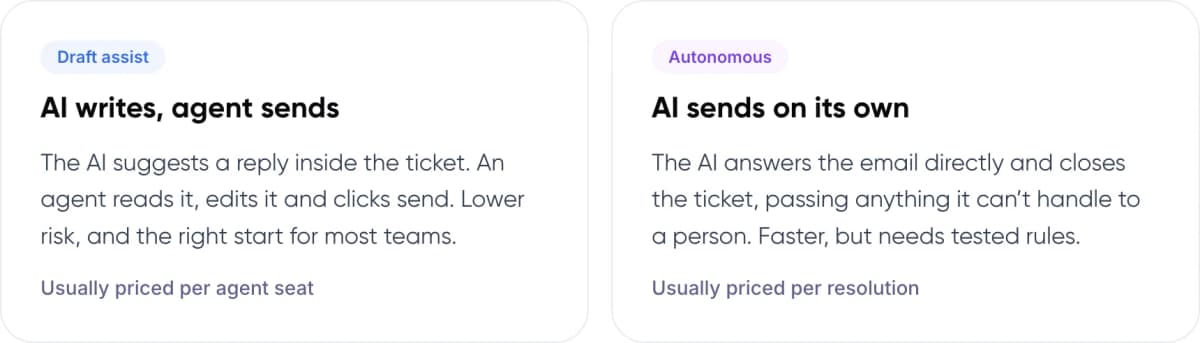
- Draft assist: AI writes, agent sends. The AI suggests a reply inside the ticket. An agent reads it, edits it and clicks send. Lower risk, and the right start for most teams. Usually priced per agent seat.
- Autonomous: AI sends on its own. The AI answers the email directly and closes the ticket, passing anything it can’t handle to a person. Faster, but needs tested rules. Usually priced per resolution.
Note: A “canned response” or macro is not AI. It is a saved template that an agent picks by hand. AI tools write a new reply for each email, which is why the quality of your help content matters so much.
3. Why Are Support Teams Adding AI to Email?
Email is where most small support teams spend their day, and much of it is the same ten questions. Gartner lists agent-assist AI, which includes reply suggestions and summaries, among the highest-value AI use cases for customer service.
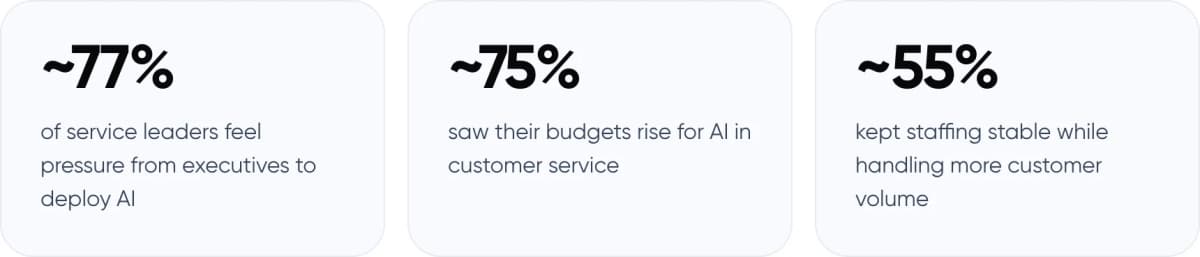
- ~77% of service leaders feel pressure from executives to deploy AI
- ~75% saw their budgets rise for AI in customer service
- ~55% kept staffing stable while handling more customer volume
Sources: Gartner survey of 265 service leaders, April–May 2025, published October 2025 (~77%, ~75%); Gartner survey of 321 service leaders, October 2025 (~55%).
The same October 2025 Gartner survey found only ~20% of leaders had reduced agent staffing because of AI. For a small team, that is the realistic goal: the same people answering more email, faster.
4. How We Chose and Compared the Tools
We only included tools with public prices and an AI feature that works on email, not only chat. Prices were checked against each vendor’s pricing page and help docs in November 2026. Each tool had to pass four tests.
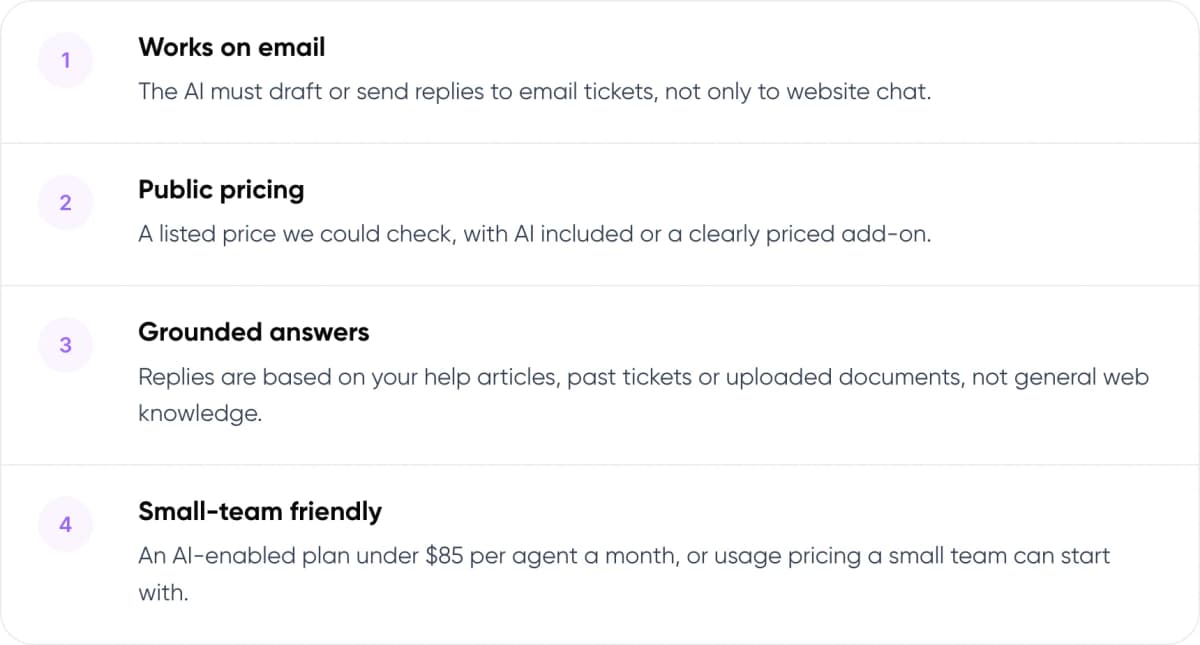
- Works on email: The AI must draft or send replies to email tickets, not only to website chat.
- Public pricing: A listed price we could check, with AI included or a clearly priced add-on.
- Grounded answers: Replies are based on your help articles, past tickets or uploaded documents, not general web knowledge.
- Small-team friendly: An AI-enabled plan under $85 per agent a month, or usage pricing a small team can start with.
5. The 6 Best Budget AI Email Reply Tools
Listed from lowest to highest entry price with AI included. All prices are per agent per month on annual billing unless stated.
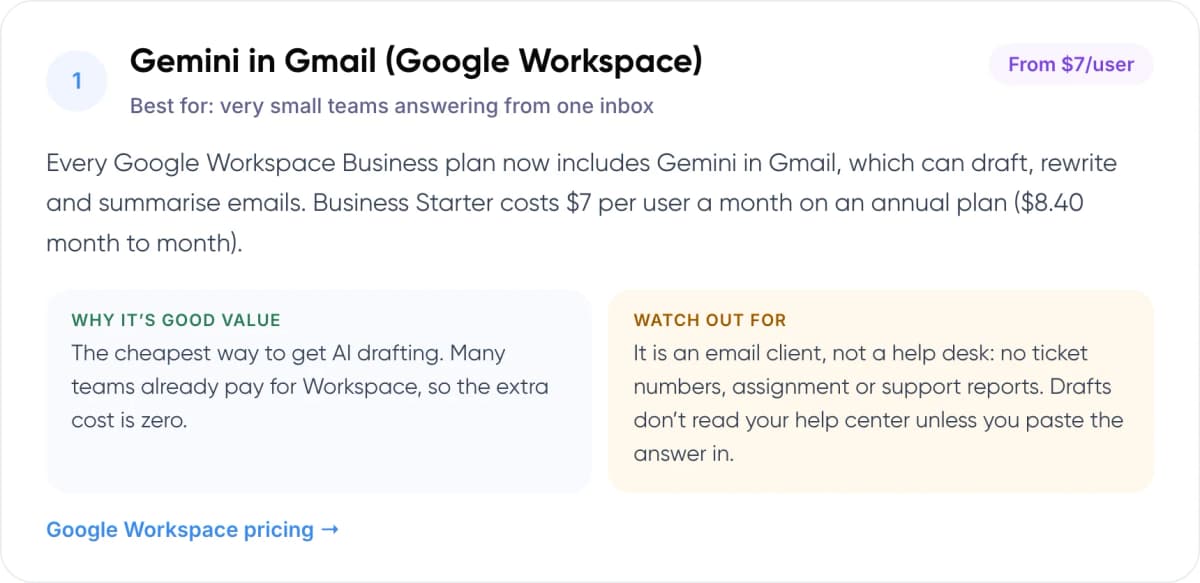
1. Gemini in Gmail (Google Workspace)
Best for: very small teams answering from one inbox · From $7/user
Every Google Workspace Business plan now includes Gemini in Gmail, which can draft, rewrite and summarise emails. Business Starter costs $7 per user a month on an annual plan ($8.40 month to month).
- Why it’s good value: The cheapest way to get AI drafting. Many teams already pay for Workspace, so the extra cost is zero.
- Watch out for: It is an email client, not a help desk: no ticket numbers, assignment or support reports. Drafts don’t read your help center unless you paste the answer in.
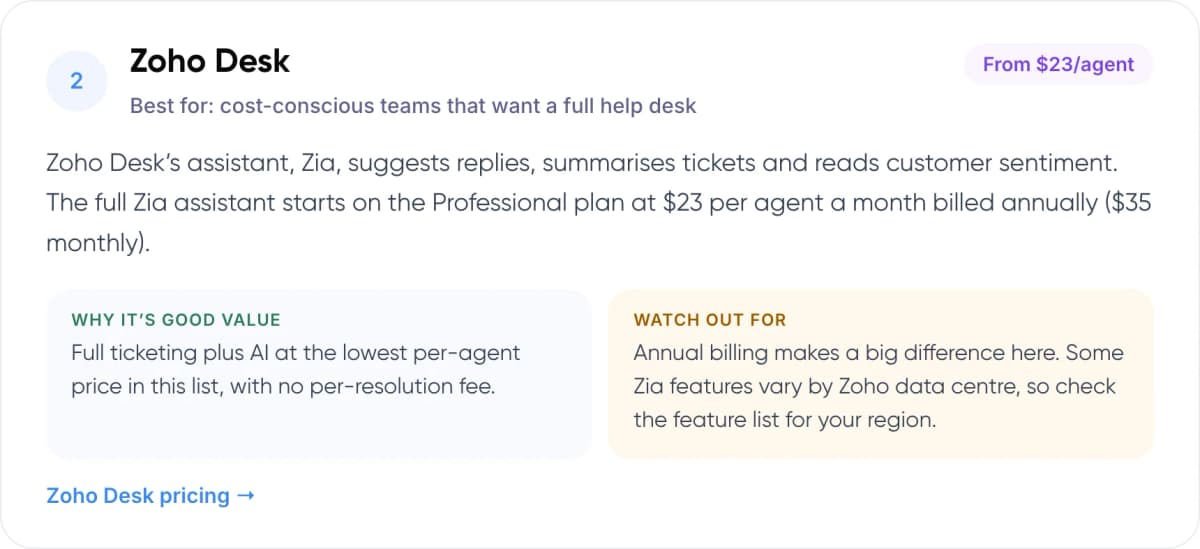
2. Zoho Desk
Best for: cost-conscious teams that want a full help desk · From $23/agent
Zoho Desk’s assistant, Zia, suggests replies, summarises tickets and reads customer sentiment. The full Zia assistant starts on the Professional plan at $23 per agent a month billed annually ($35 monthly).
- Why it’s good value: Full ticketing plus AI at the lowest per-agent price in this list, with no per-resolution fee.
- Watch out for: Annual billing makes a big difference here. Some Zia features vary by Zoho data centre, so check the feature list for your region.
3. Hiver
Best for: teams that want to stay inside Gmail or Outlook · From $25/user
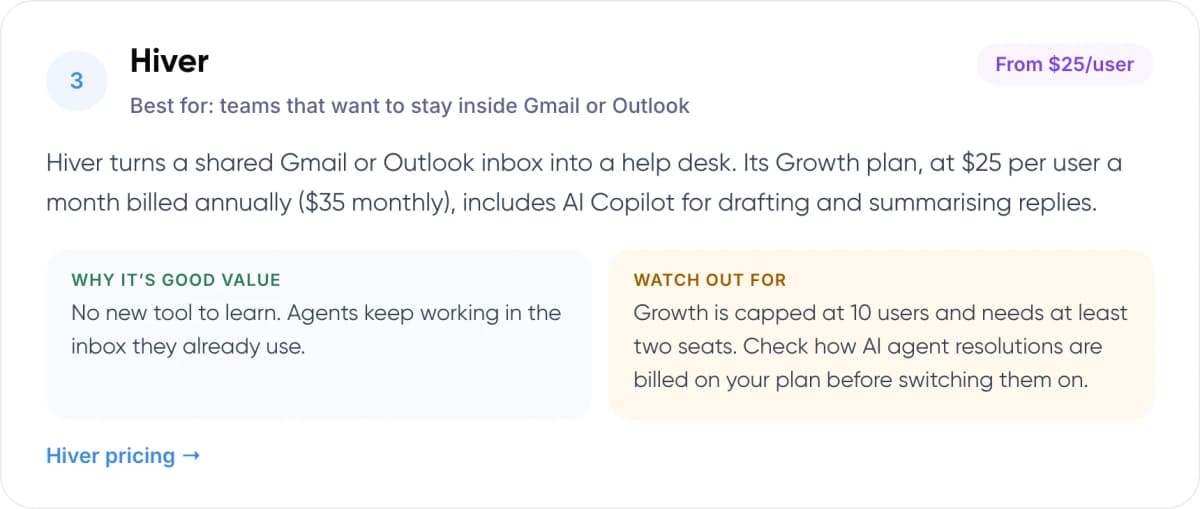
Hiver turns a shared Gmail or Outlook inbox into a help desk. Its Growth plan, at $25 per user a month billed annually ($35 monthly), includes AI Copilot for drafting and summarising replies.
- Why it’s good value: No new tool to learn. Agents keep working in the inbox they already use.
- Watch out for: Growth is capped at 10 users and needs at least two seats. Check how AI agent resolutions are billed on your plan before switching them on.
4. Help Scout
Best for: email-first B2C and SaaS teams · From $45/user
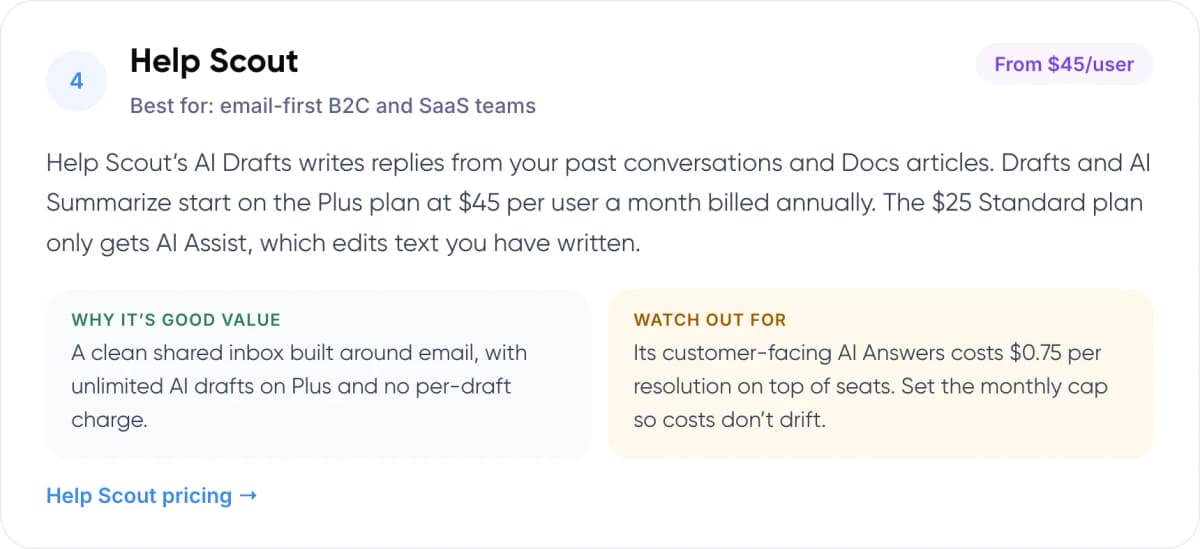
Help Scout’s AI Drafts writes replies from your past conversations and Docs articles. Drafts and AI Summarize start on the Plus plan at $45 per user a month billed annually. The $25 Standard plan only gets AI Assist, which edits text you have written.
- Why it’s good value: A clean shared inbox built around email, with unlimited AI drafts on Plus and no per-draft charge.
- Watch out for: Its customer-facing AI Answers costs $0.75 per resolution on top of seats. Set the monthly cap so costs don’t drift.
5. Freshdesk (Freddy AI)
Best for: growing teams that want room to scale · From $84/agent
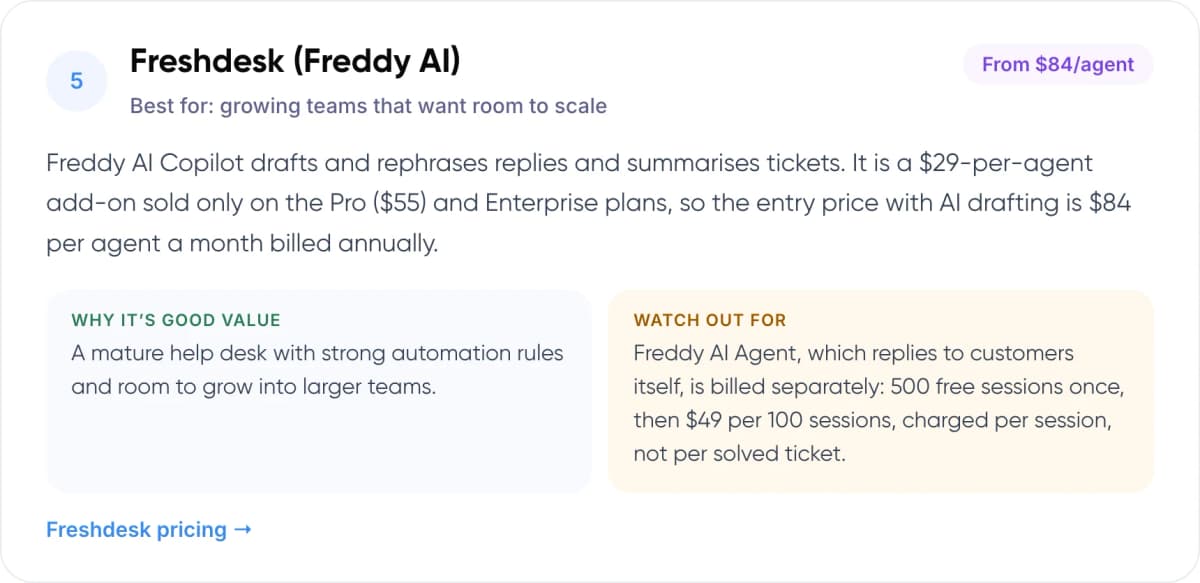
Freddy AI Copilot drafts and rephrases replies and summarises tickets. It is a $29-per-agent add-on sold only on the Pro ($55) and Enterprise plans, so the entry price with AI drafting is $84 per agent a month billed annually.
- Why it’s good value: A mature help desk with strong automation rules and room to grow into larger teams.
- Watch out for: Freddy AI Agent, which replies to customers itself, is billed separately: 500 free sessions once, then $49 per 100 sessions, charged per session, not per solved ticket.
6. Intercom Fin
Best for: teams that want AI to send replies itself · $29/seat + $0.99
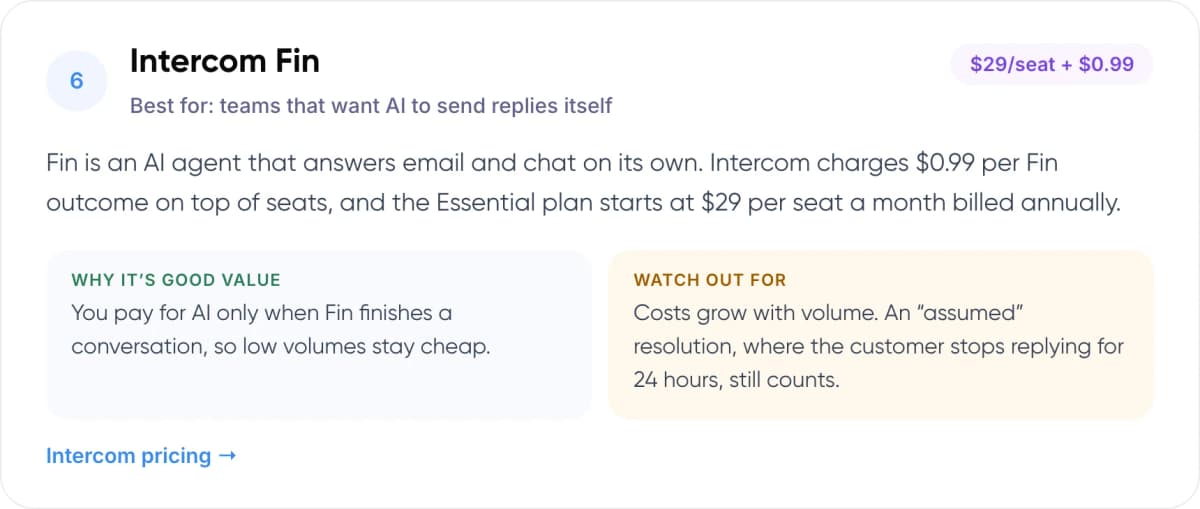
Fin is an AI agent that answers email and chat on its own. Intercom charges $0.99 per Fin outcome on top of seats, and the Essential plan starts at $29 per seat a month billed annually.
- Why it’s good value: You pay for AI only when Fin finishes a conversation, so low volumes stay cheap.
- Watch out for: Costs grow with volume. An “assumed” resolution, where the customer stops replying for 24 hours, still counts.
6. How Do the Prices Compare for a 5-Agent Team?
Per-agent prices are hard to compare when AI sits on different plans. This table shows what a five-person support team would pay each month for the cheapest plan that includes AI email drafting.
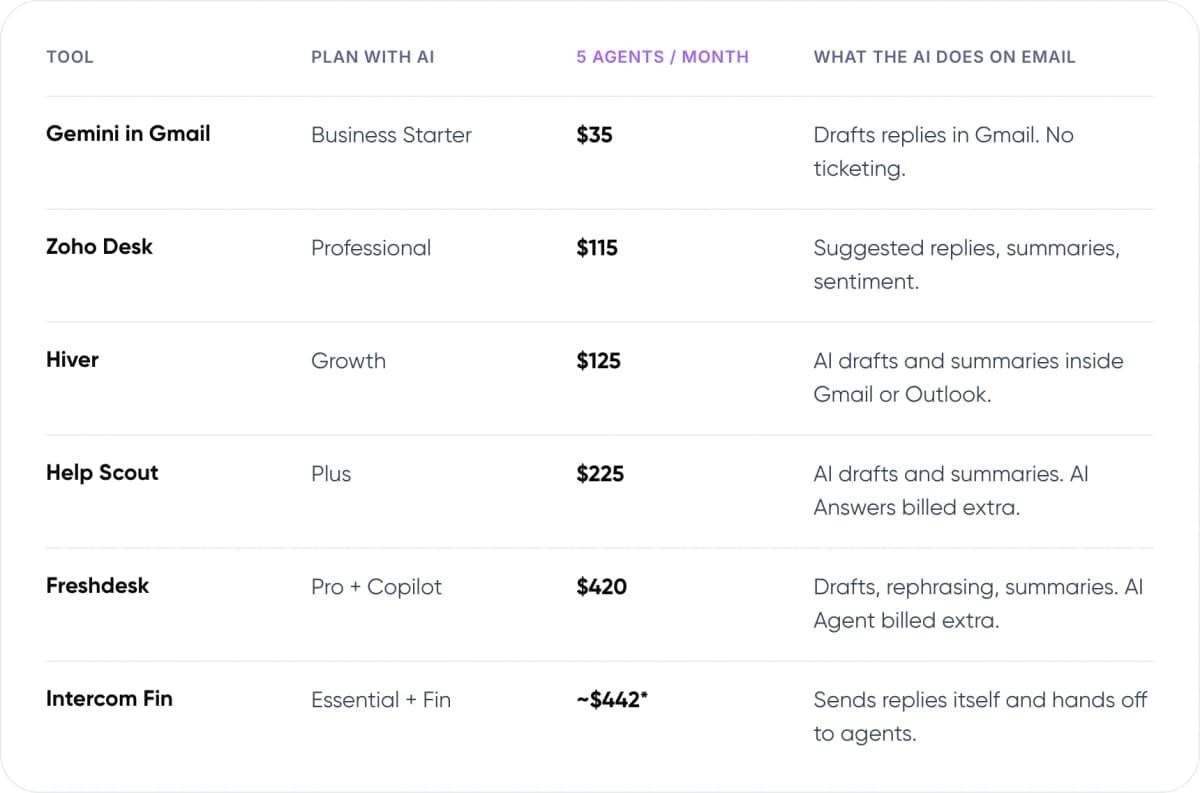
- Gemini in Gmail — Plan with AI: Business Starter. 5 agents / month: $35. What the AI does on email: Drafts replies in Gmail. No ticketing.
- Zoho Desk — Plan with AI: Professional. 5 agents / month: $115. What the AI does on email: Suggested replies, summaries, sentiment.
- Hiver — Plan with AI: Growth. 5 agents / month: $125. What the AI does on email: AI drafts and summaries inside Gmail or Outlook.
- Help Scout — Plan with AI: Plus. 5 agents / month: $225. What the AI does on email: AI drafts and summaries. AI Answers billed extra.
- Freshdesk — Plan with AI: Pro + Copilot. 5 agents / month: $420. What the AI does on email: Drafts, rephrasing, summaries. AI Agent billed extra.
- Intercom Fin — Plan with AI: Essential + Fin. 5 agents / month: ~$442*. What the AI does on email: Sends replies itself and hands off to agents.
US list prices from each vendor’s pricing page, November 2026, annual billing, before tax. *Fin estimate assumes 300 AI resolutions a month.
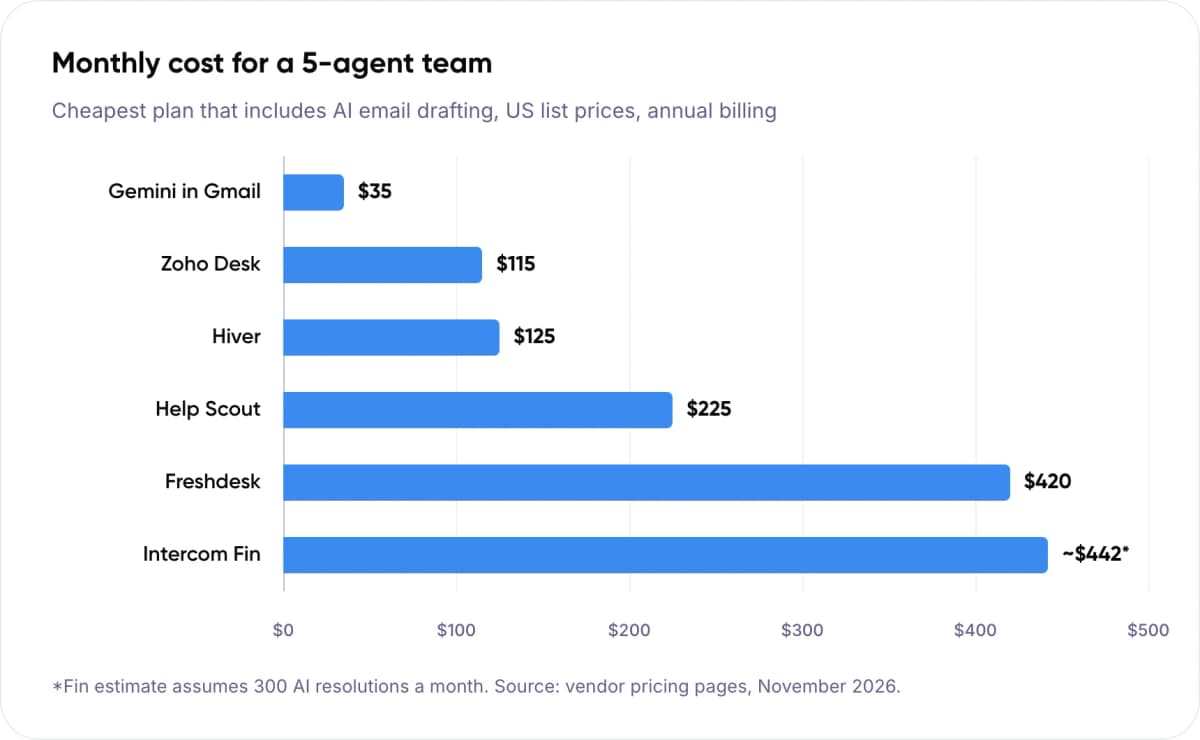
7. Per-Seat or Per-Resolution: Which Is Cheaper?
Per-seat pricing grows with headcount. Per-resolution pricing grows with how much the AI closes. The right choice depends on your email volume per agent.
Take a three-agent team receiving 1,000 support emails a month. If an AI agent resolves 40% of them, that is 400 resolutions. At Fin’s $0.99 rate, the AI line alone is $396 a month. The same team on Hiver Growth pays $75 a month in seats, with AI drafting included, but agents still send every reply.
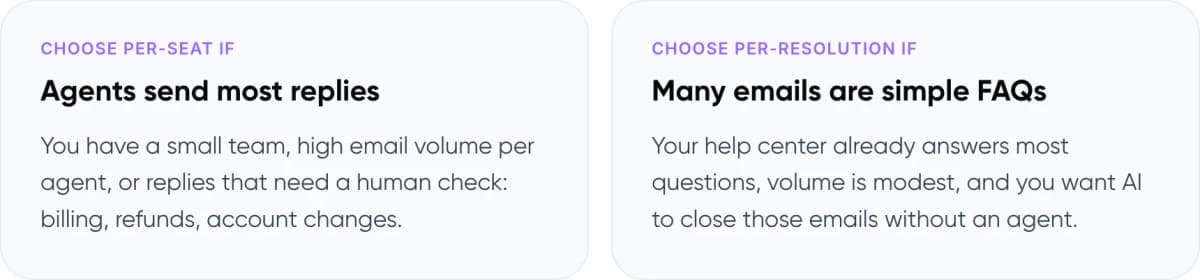
- Choose per-seat if: Agents send most replies. You have a small team, high email volume per agent, or replies that need a human check: billing, refunds, account changes.
- Choose per-resolution if: Many emails are simple FAQs. Your help center already answers most questions, volume is modest, and you want AI to close those emails without an agent.
Warning: Read how each vendor defines a billable resolution. Fin counts an “assumed resolution” when the customer doesn’t reply for 24 hours after its last answer. A customer who gives up and leaves can still be billed.
8. What Results Can You Expect?

Stanford & MIT study · NBER, 2023 (Peer-reviewed, QJE 2025)
Researchers Erik Brynjolfsson, Danielle Li and Lindsey Raymond studied 5,179 support agents at a software company who were given an AI assistant that suggested replies. The setting was chat, but the workflow is the same as AI email drafting: the AI suggests, the agent decides.
- ~14% more issues resolved per hour, on average
- ~34% gain for novice and low-skilled agents
- 5,179 customer support agents in the study
The gains were largest for newer agents. Experienced agents saw little change. In our view, this is the best argument for a budget drafting tool: it helps a new hire answer like your best agent in their first month.
9. Where Do Budget AI Email Tools Fall Short?
Cheap tools are good at answering from your help articles. They are weaker when the answer depends on data that lives somewhere else, such as an order system, a billing tool or a contract.
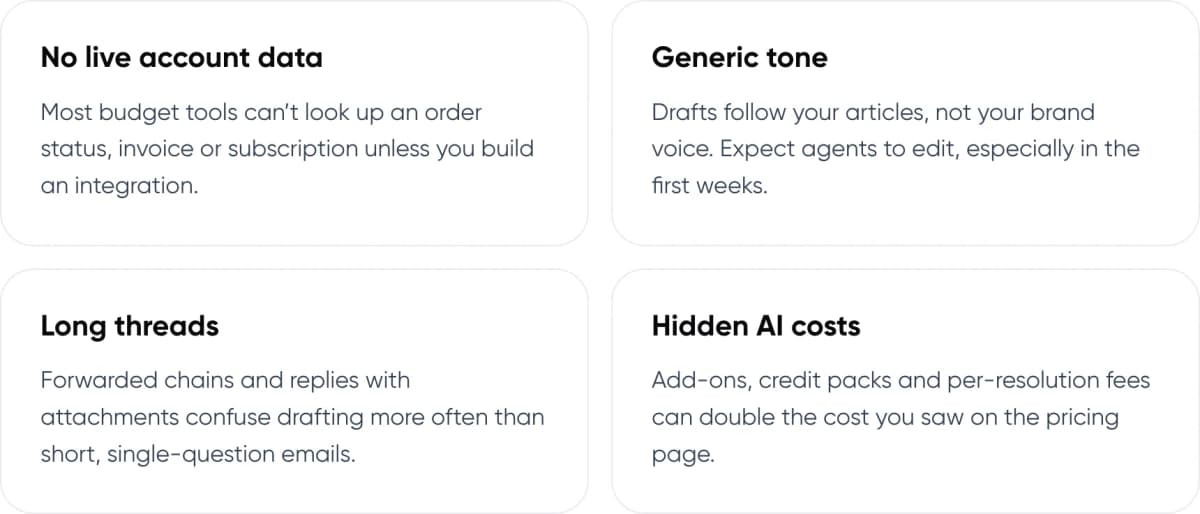
- No live account data: Most budget tools can’t look up an order status, invoice or subscription unless you build an integration.
- Generic tone: Drafts follow your articles, not your brand voice. Expect agents to edit, especially in the first weeks.
- Long threads: Forwarded chains and replies with attachments confuse drafting more often than short, single-question emails.
- Hidden AI costs: Add-ons, credit packs and per-resolution fees can double the cost you saw on the pricing page.
Knowledge content is the usual bottleneck. A 2024 Gartner survey found ~61% of service leaders have a backlog of knowledge articles to update. If your help center is out of date, every AI draft will be too.
Not sure if an off-the-shelf tool can handle your support email? We can review a sample of your tickets with you.
10. How to Choose and Roll Out a Tool in 6 Steps
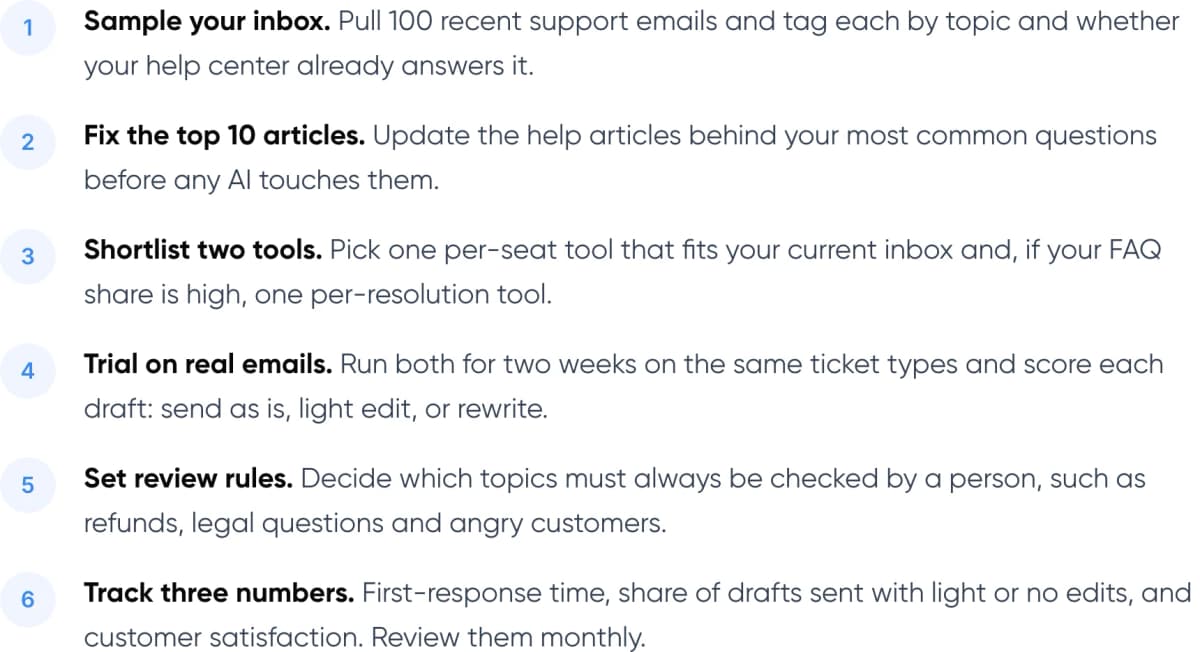
- Sample your inbox. Pull 100 recent support emails and tag each by topic and whether your help center already answers it.
- Fix the top 10 articles. Update the help articles behind your most common questions before any AI touches them.
- Shortlist two tools. Pick one per-seat tool that fits your current inbox and, if your FAQ share is high, one per-resolution tool.
- Trial on real emails. Run both for two weeks on the same ticket types and score each draft: send as is, light edit, or rewrite.
- Set review rules. Decide which topics must always be checked by a person, such as refunds, legal questions and angry customers.
- Track three numbers. First-response time, share of drafts sent with light or no edits, and customer satisfaction. Review them monthly.
Tip: Run your trial on the plan that actually includes the AI. Several tools in this list gate drafting to a mid or upper tier, so a trial on the entry plan tells you nothing.
When AI hands a thread to a person, make sure the agent sees the full history. Our guide to chatbot handoff and context transfer covers how to set that up.
11. Frequently Asked Questions
What is the cheapest AI email response tool for customer support?
Gemini in Gmail is the cheapest at $7 per user a month on Google Workspace Business Starter, billed annually. It drafts replies but has no ticketing. The cheapest full help desk with AI drafting in this list is Zoho Desk Professional at $23 per agent a month, billed annually.
Can AI reply to customer emails automatically?
Yes. Tools such as Intercom Fin, Help Scout AI Answers and Freddy AI Agent can send replies without an agent and pass harder cases to a person. Most teams start with AI drafts that an agent approves, then let AI send only simple answers once they have checked its accuracy.
Is there a free AI email response tool for support?
Not in a help desk. Zoho Desk, Hiver and Help Scout all have free plans, but AI drafting sits on paid tiers. If you already pay for Google Workspace, Gemini in Gmail is included at no extra cost, which is the closest thing to free.
How accurate are AI-drafted support replies?
Accuracy depends mostly on your help content. If an article is out of date, the draft will be too. In a Stanford and MIT study of 5,179 support agents, AI-suggested replies raised issues resolved per hour by ~14% on average, with agents still checking each suggestion.
Is per-resolution pricing cheaper than per-seat?
It depends on volume. At $0.99 each, 400 AI resolutions cost $396 a month, more than three times the $125 for five Hiver Growth seats. Per-resolution pricing wins when volume is low or most emails are simple questions the AI can close on its own.
When should a team build a custom AI email agent?
Consider a custom agent when replies need live data from several systems, such as orders, billing and a CRM, or when you need rules the help desk AI can’t follow. A custom agent can still post its drafts into the help desk your team already uses.
12. Conclusion
For most small teams, the best budget AI email response tool is AI drafting inside a help desk, at $23 to $45 per agent a month. Move to per-resolution AI only once your help content is current and you know which emails are safe to send without review. This week, export 100 recent support emails and mark which ones your help center already answers. That share is the ceiling for any tool on this list.
If your answers depend on order, billing or account data, our AI customer support automation service builds email agents that connect to those systems and work inside your current help desk.
- AI Customer Support Automation (Our service): AI email agents grounded in your help content and connected to your order, billing and CRM data. See the service →
- AI ROI Calculator (Free savings report): Enter your monthly email volume and cost per ticket to estimate what AI drafting or automation could save. Get your savings estimate →
See how we have built AI for clients in our Paymate and Zenva case studies.
Author